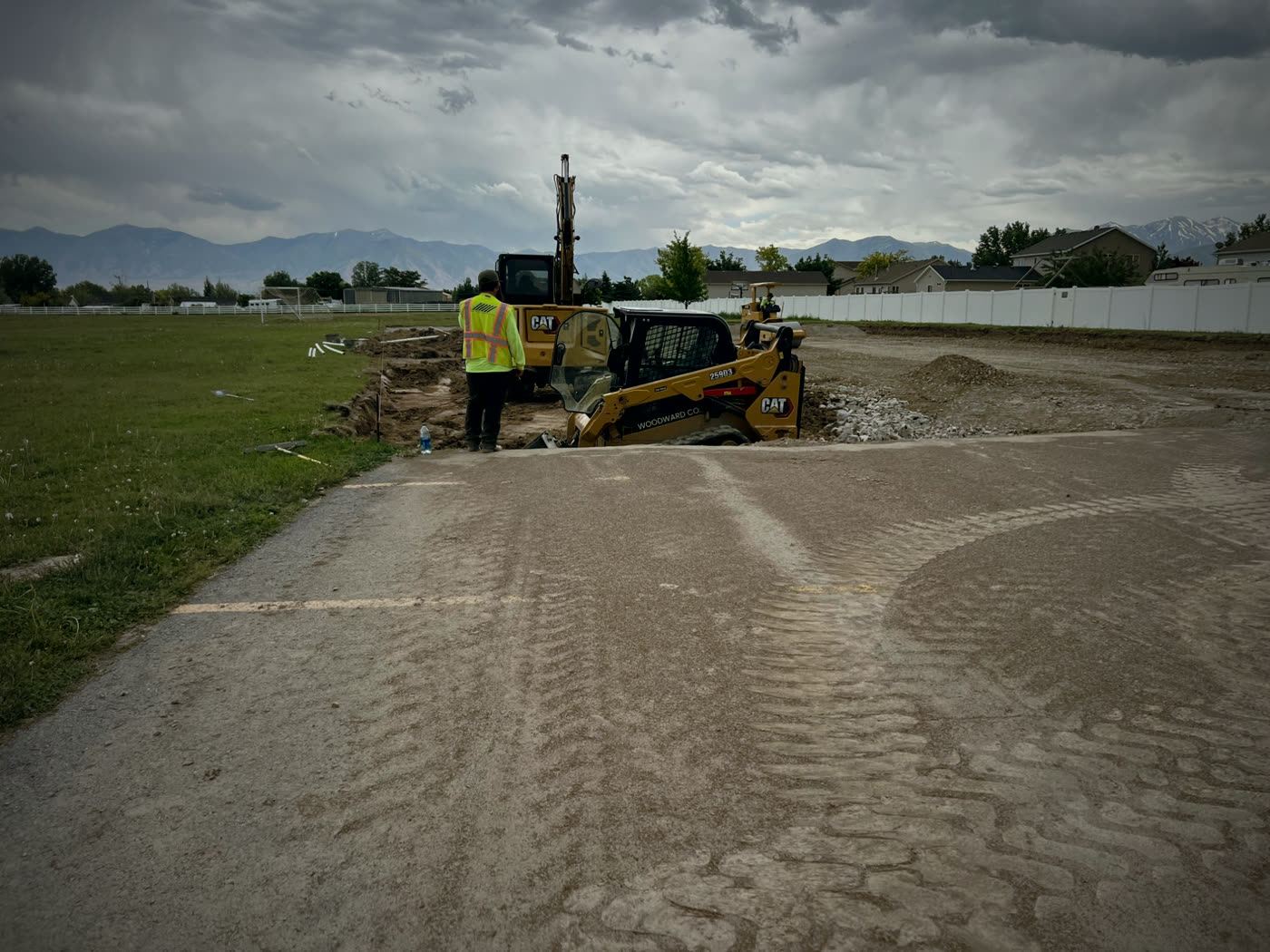
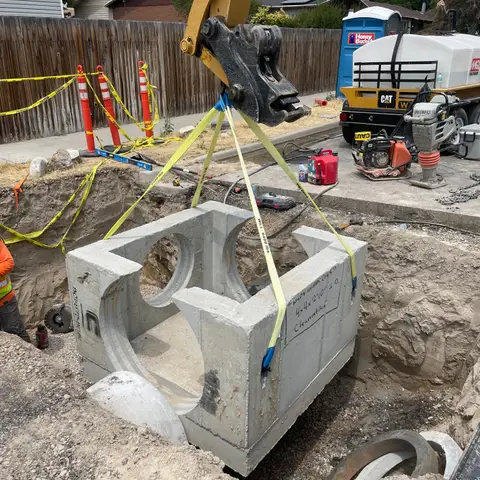
 Here it is
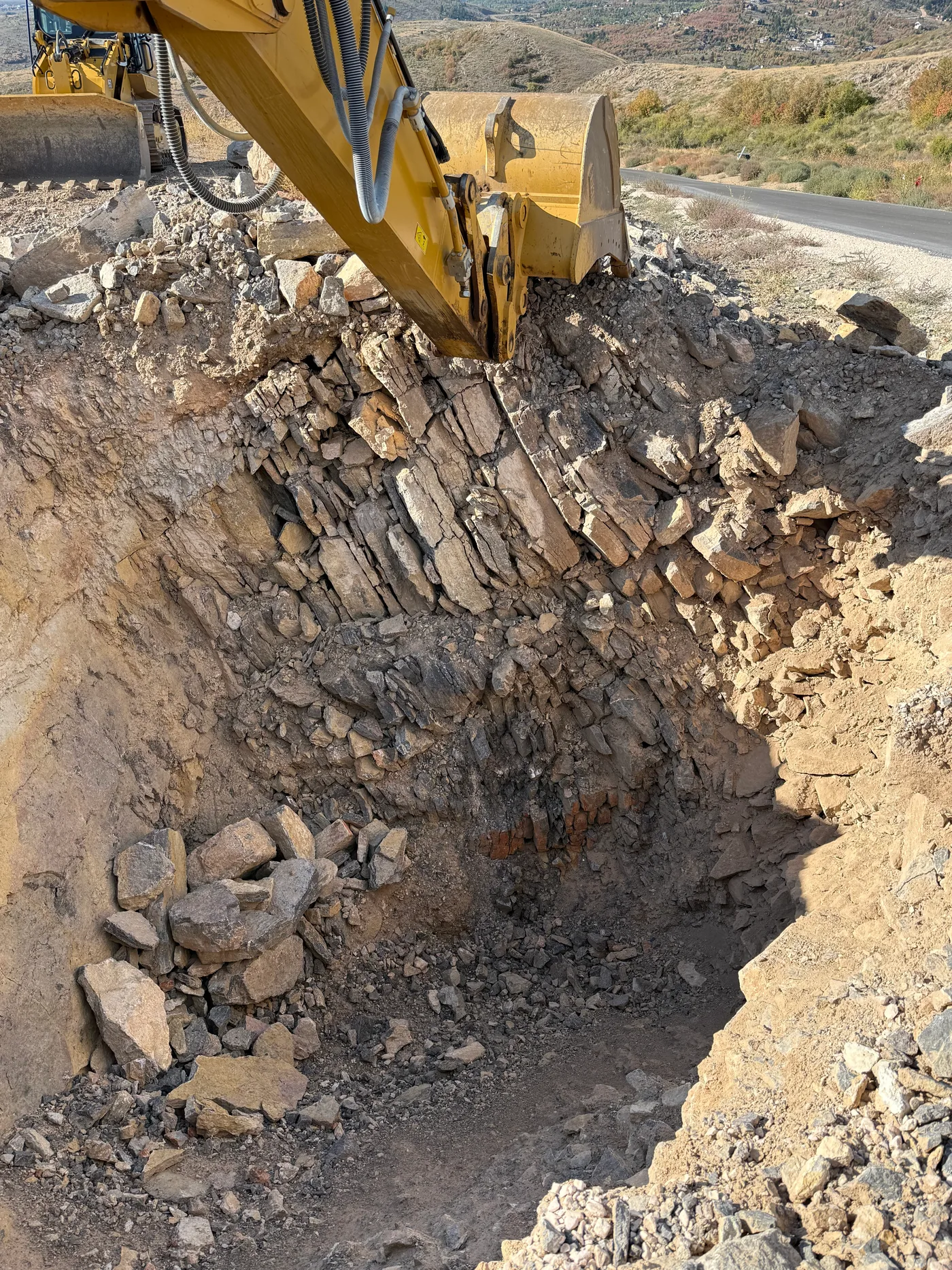
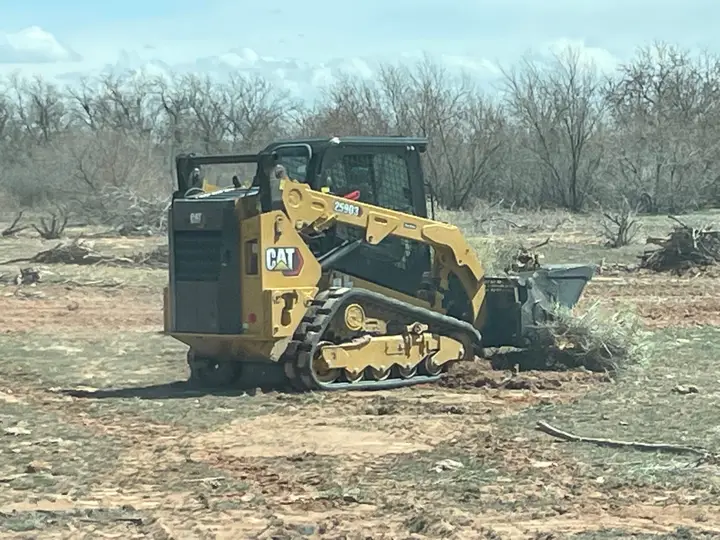
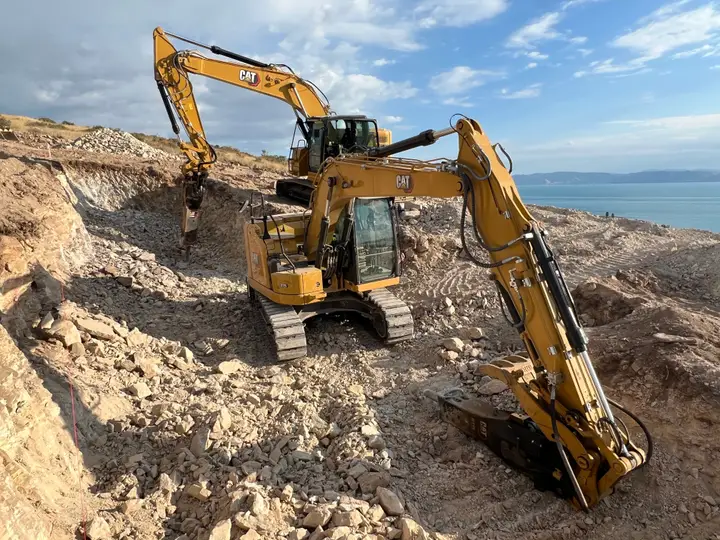
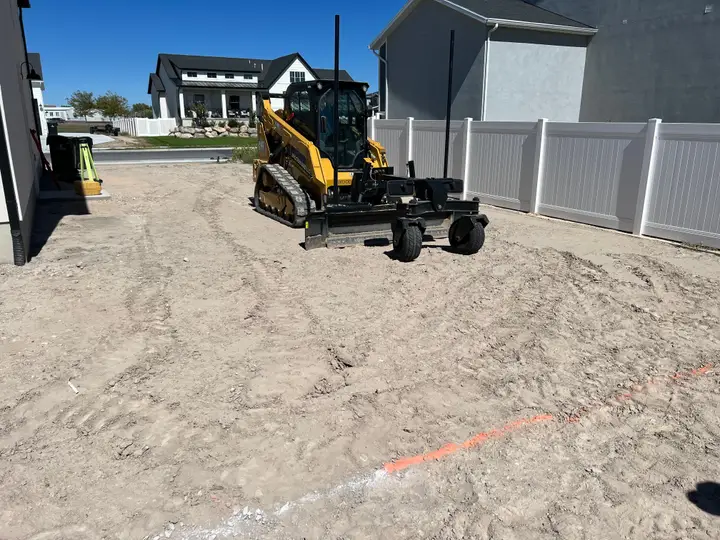
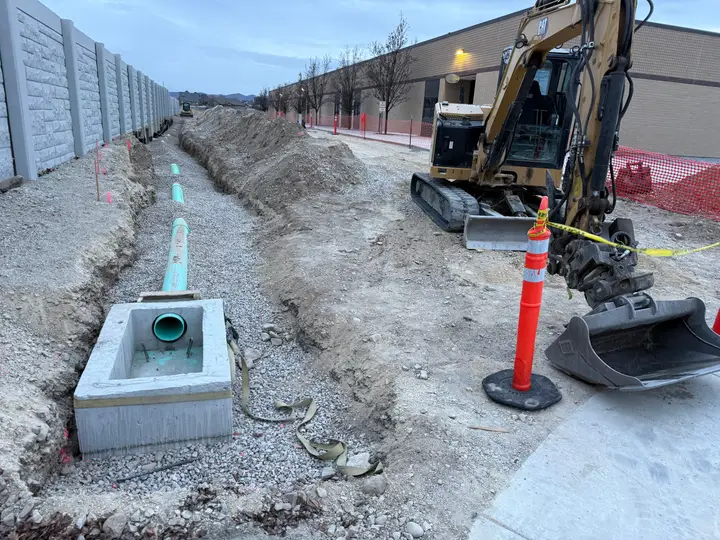
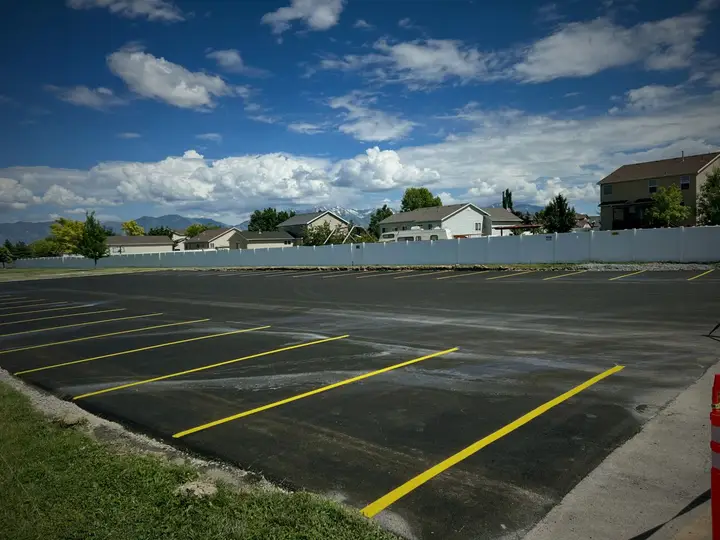
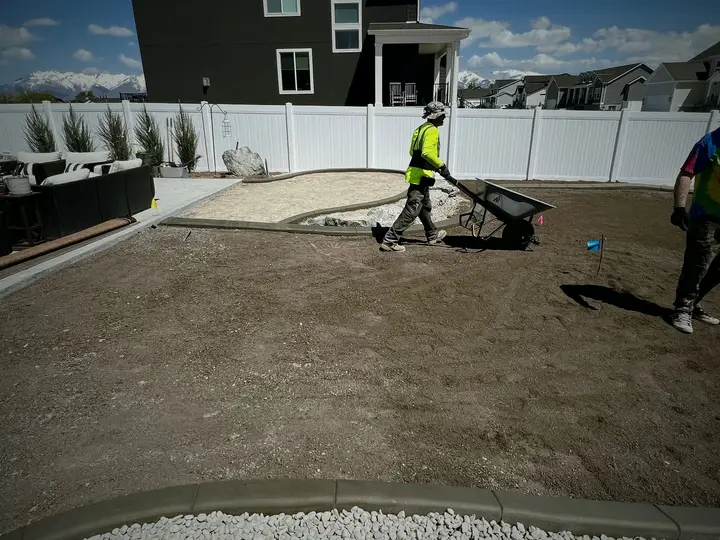
Heavy equipment maintenance software.
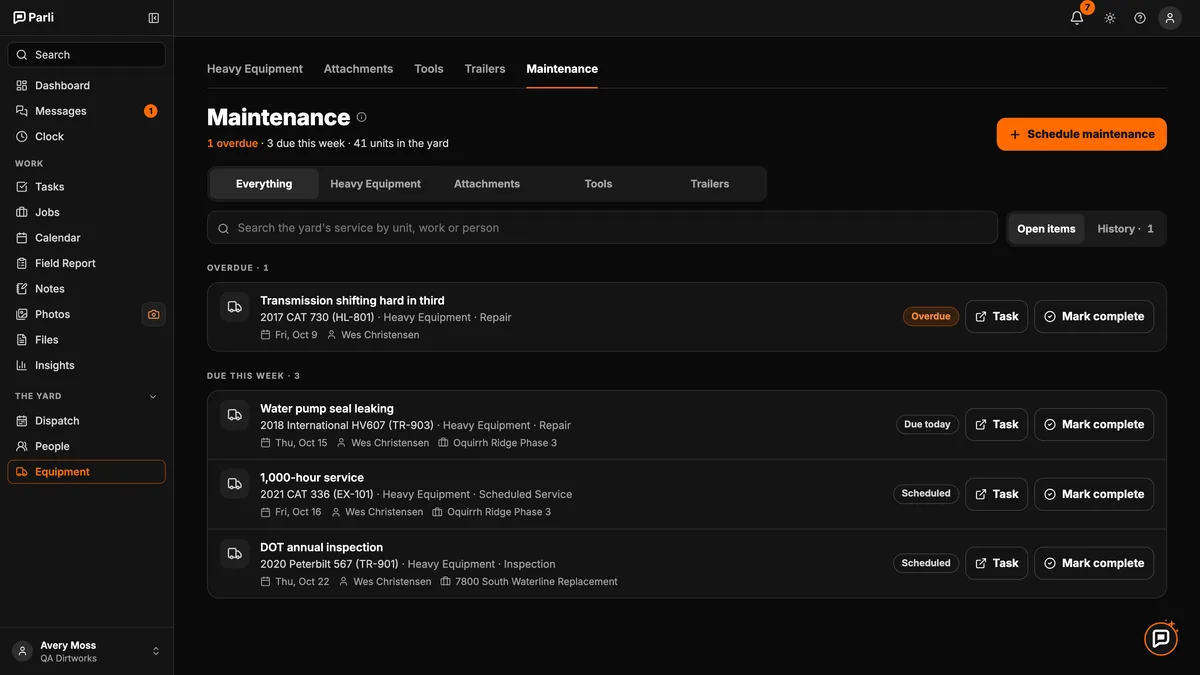
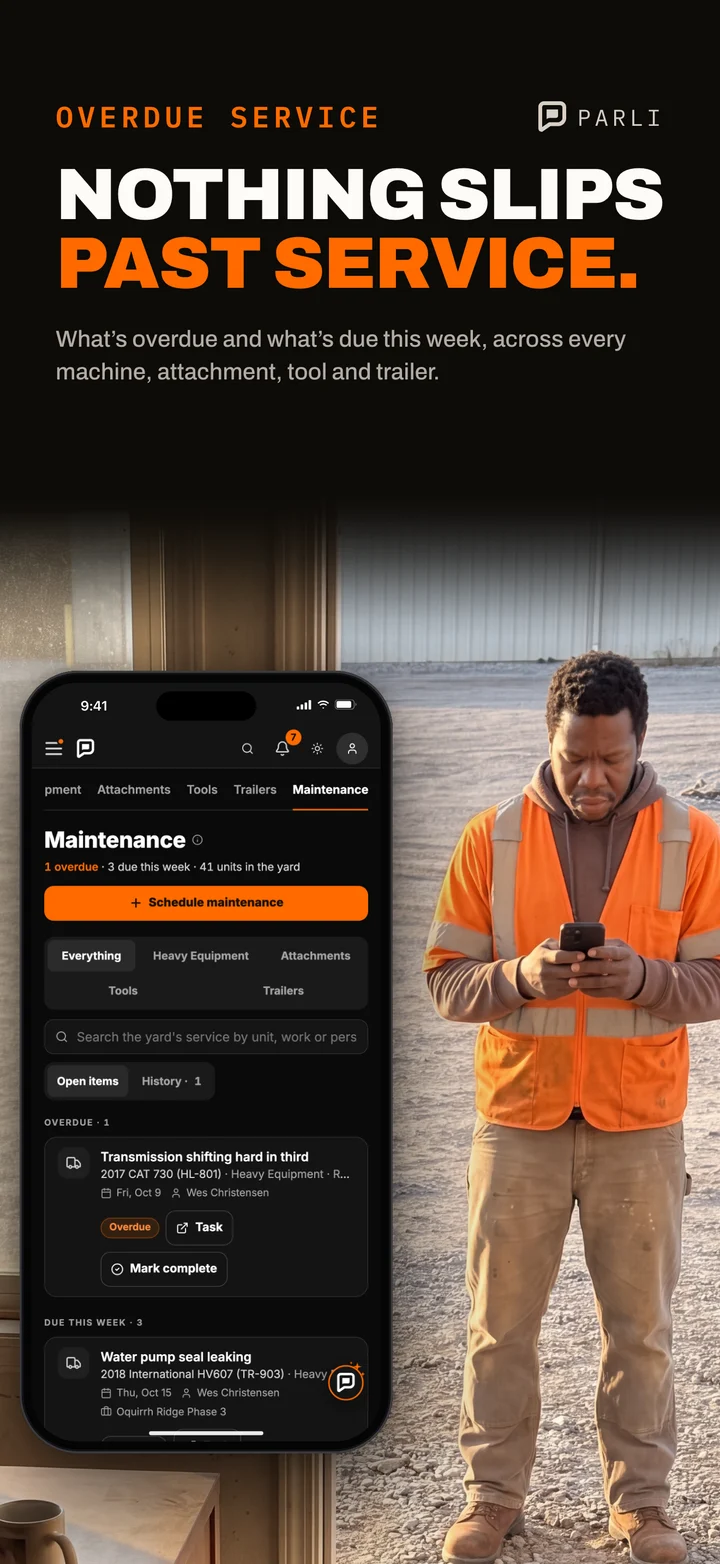
See what’s overdue. Put every service on the mechanic’s list.
The life of one service.
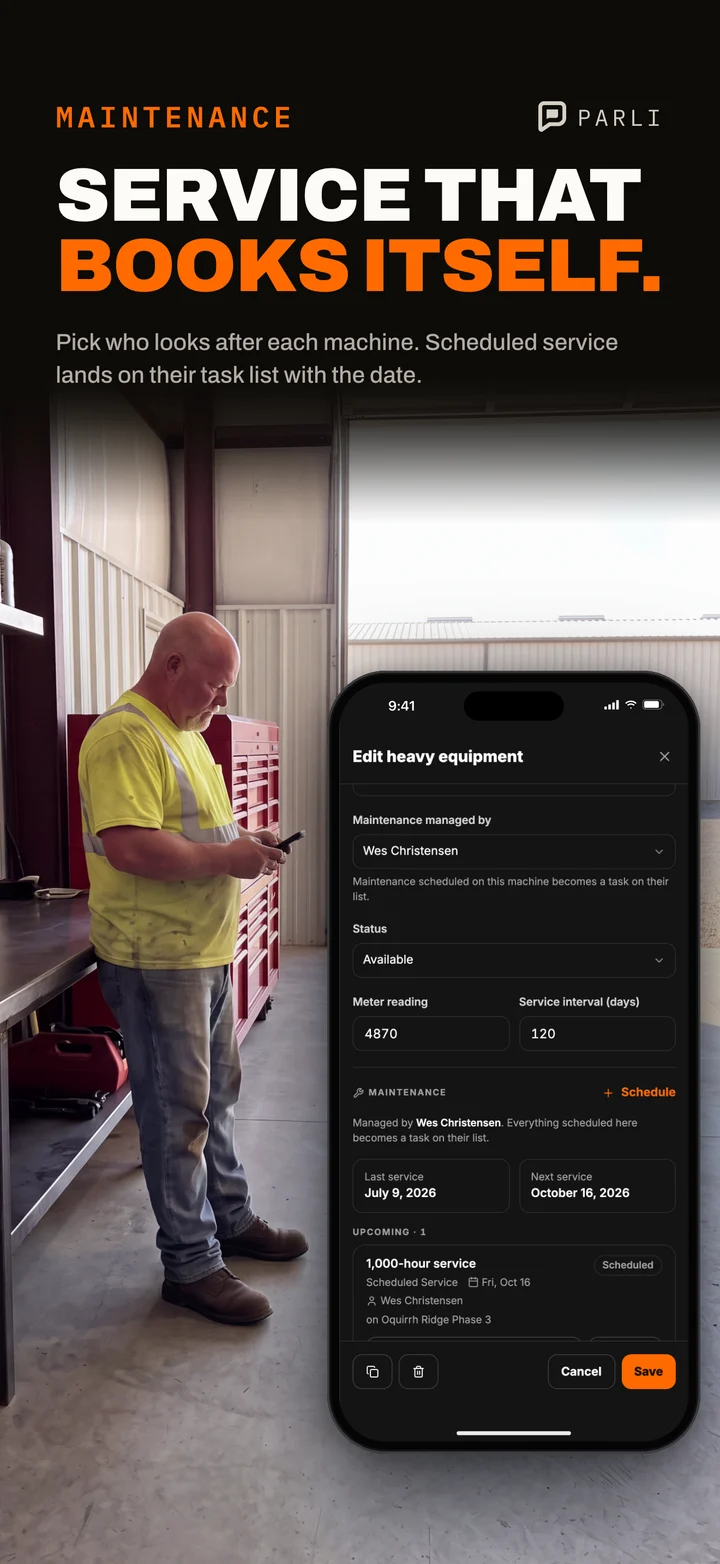
Set the interval
Say how many days between services and who maintains the machine.
Schedule the service
Pick the date. Parli makes the task.
It lands on their list
The mechanic gets it, on whatever job the machine is at that day.
Mark it done
Parli dates the next service from the interval.
So service doesn’t get missed.
- Overdue says so.
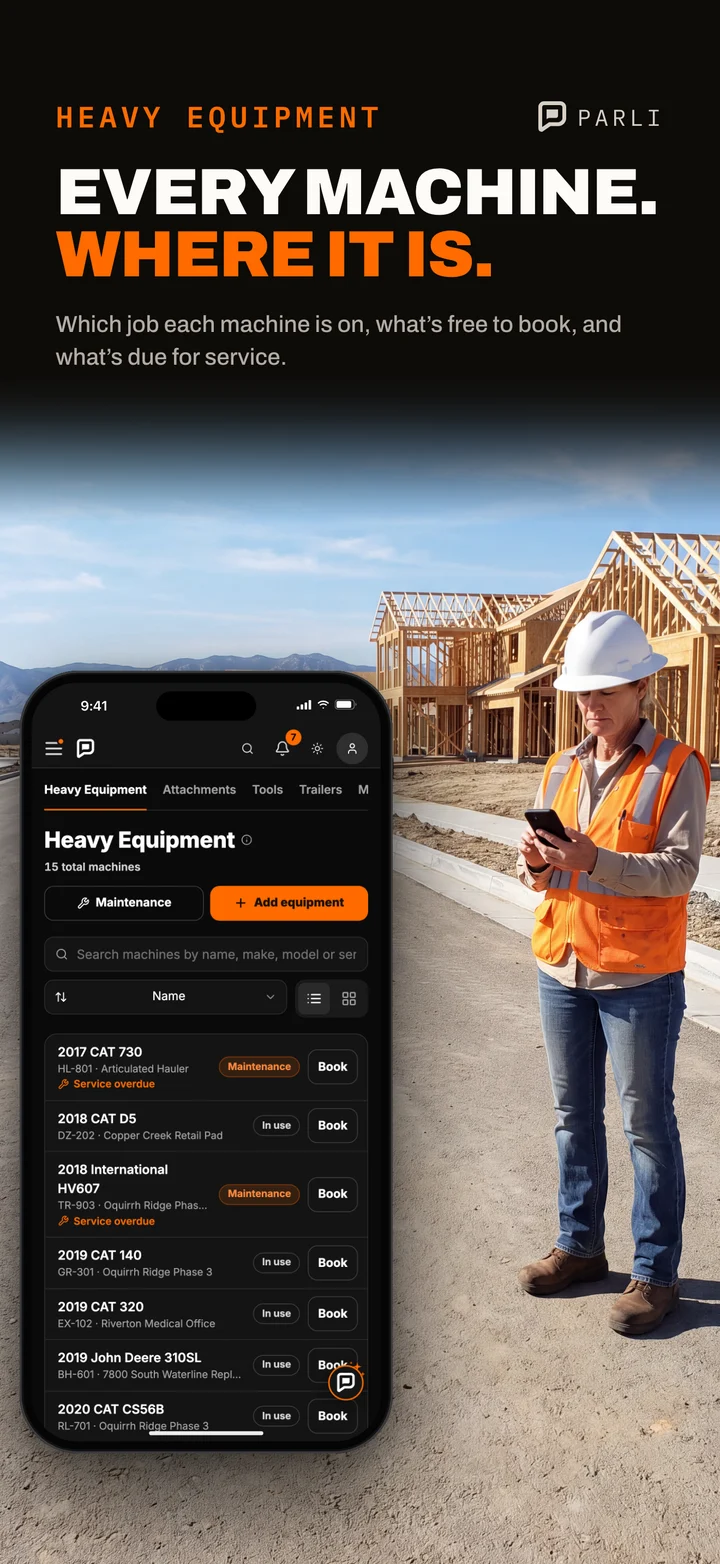
- Past its date, a machine reads Service overdue right in the equipment list.
- One board for the shop.
- Everything late or coming due, for the whole fleet, on one screen.
- Down means down.
- Once a machine is in the shop, the yard won’t let it go out to a job.
- History stays with it.
- Every finished service is saved on that machine.
More than the big iron.
- MachinesExcavators, dozers, graders, loaders, trucks
- AttachmentsBuckets and breakers
- ToolsTrench boxes, lasers, pumps, light towers
- TrailersEvery trailer you haul with
In the shop or on the job.
Maintenance questions.
Can I set service by engine hours?
No. Service is set in days. You can type the gauge reading on a machine, but Parli doesn’t connect to the machine itself.
Who gets the service task?
The person you pick. If you don’t pick anyone, it goes to whoever maintains that machine.
Can a machine in the shop get put on a job?
Not from the yard. If it’s marked down or has service on those days, Parli stops the booking.
Does it cover attachments, tools and trailers?
Yes. Each piece gets its own service dates, and they all show together.
What if I mark a service done by mistake?
Reopen it from History. The machine’s old service dates come back.
Can I try it free?
Yes. The Free plan holds one of each piece of iron. Paid plans hold as many as you own.
Start with one machine.
Free for one machine. Paid plans from $49 a month, with no limit on machines.