Here it is










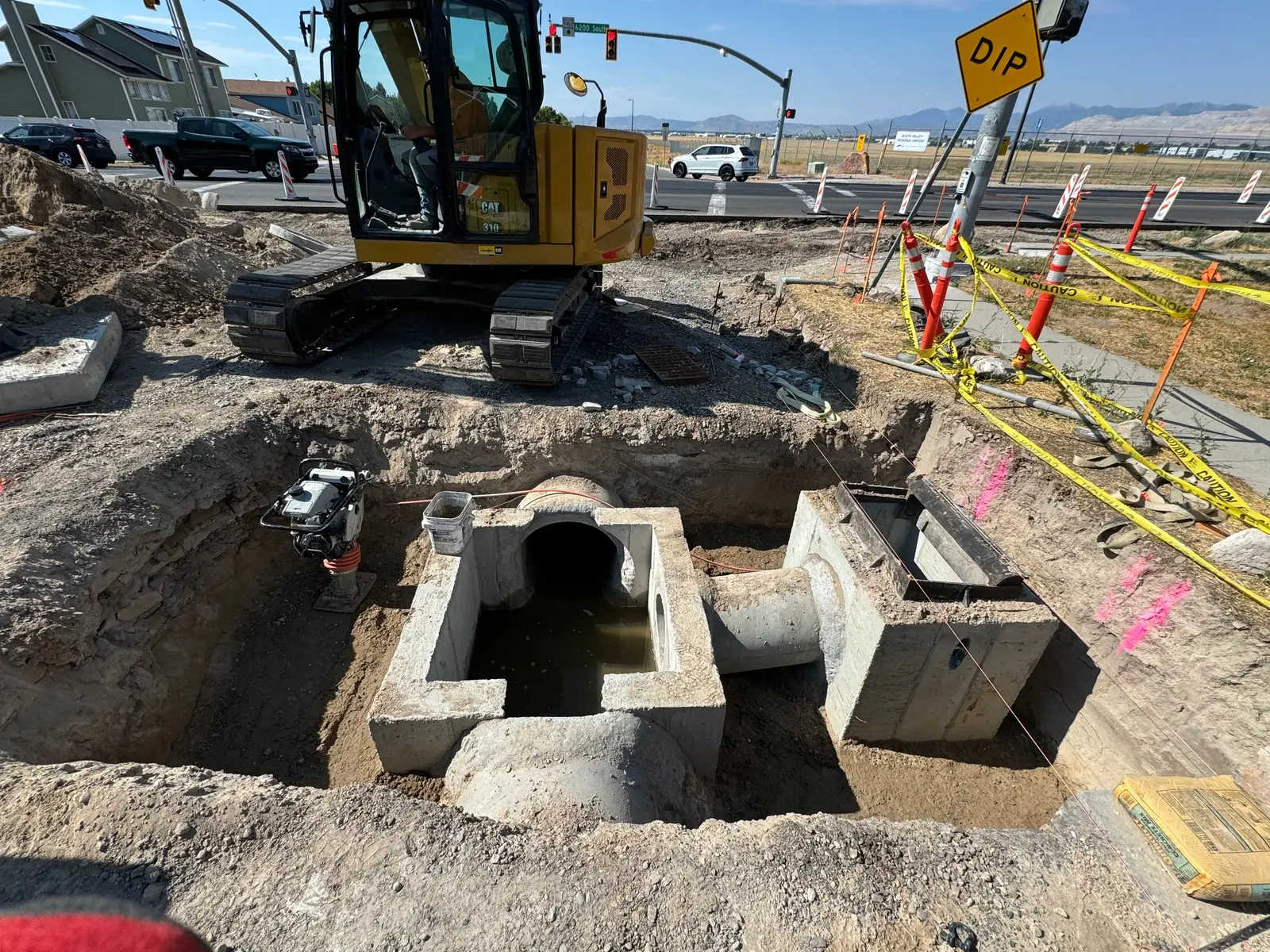
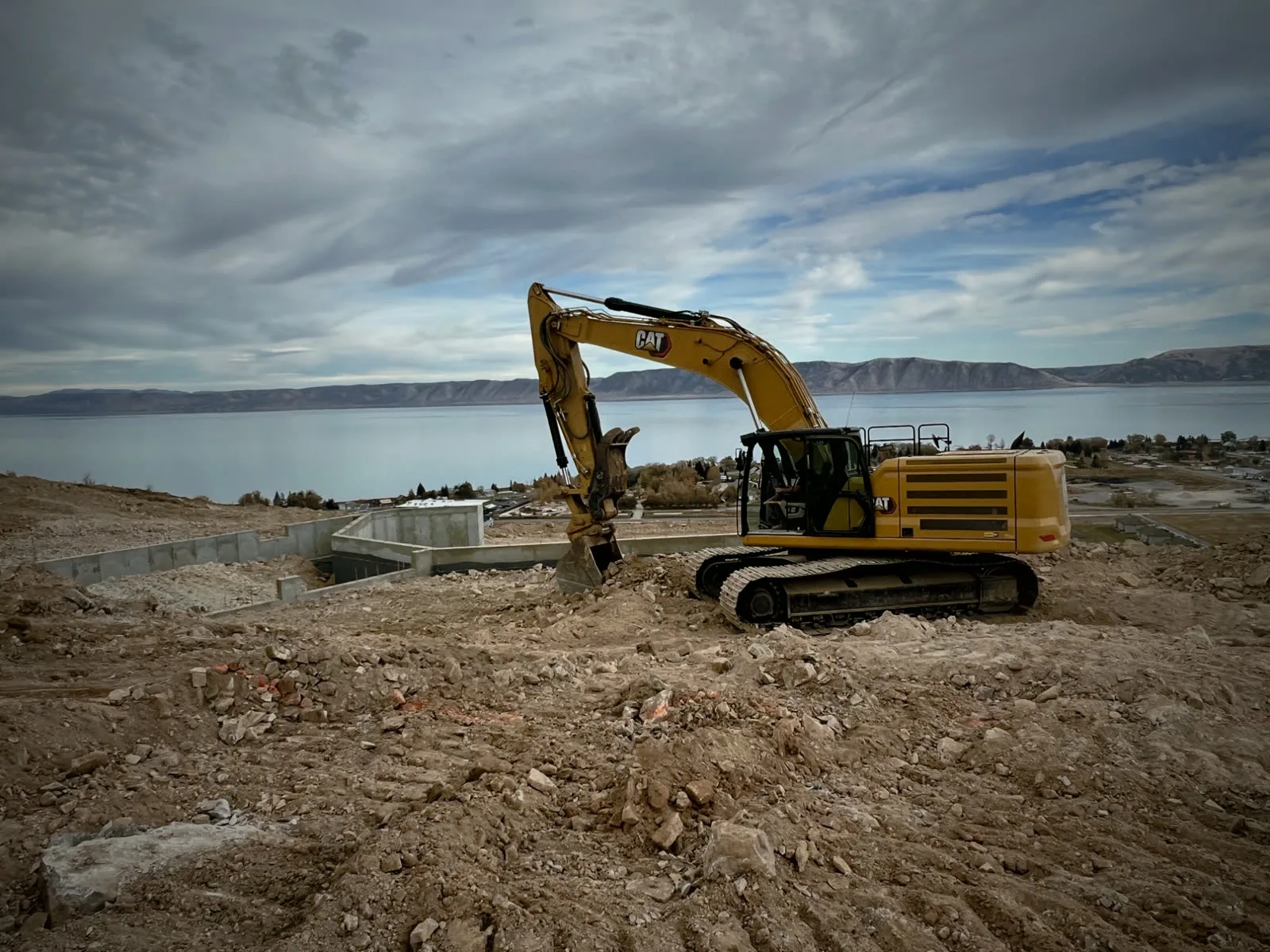
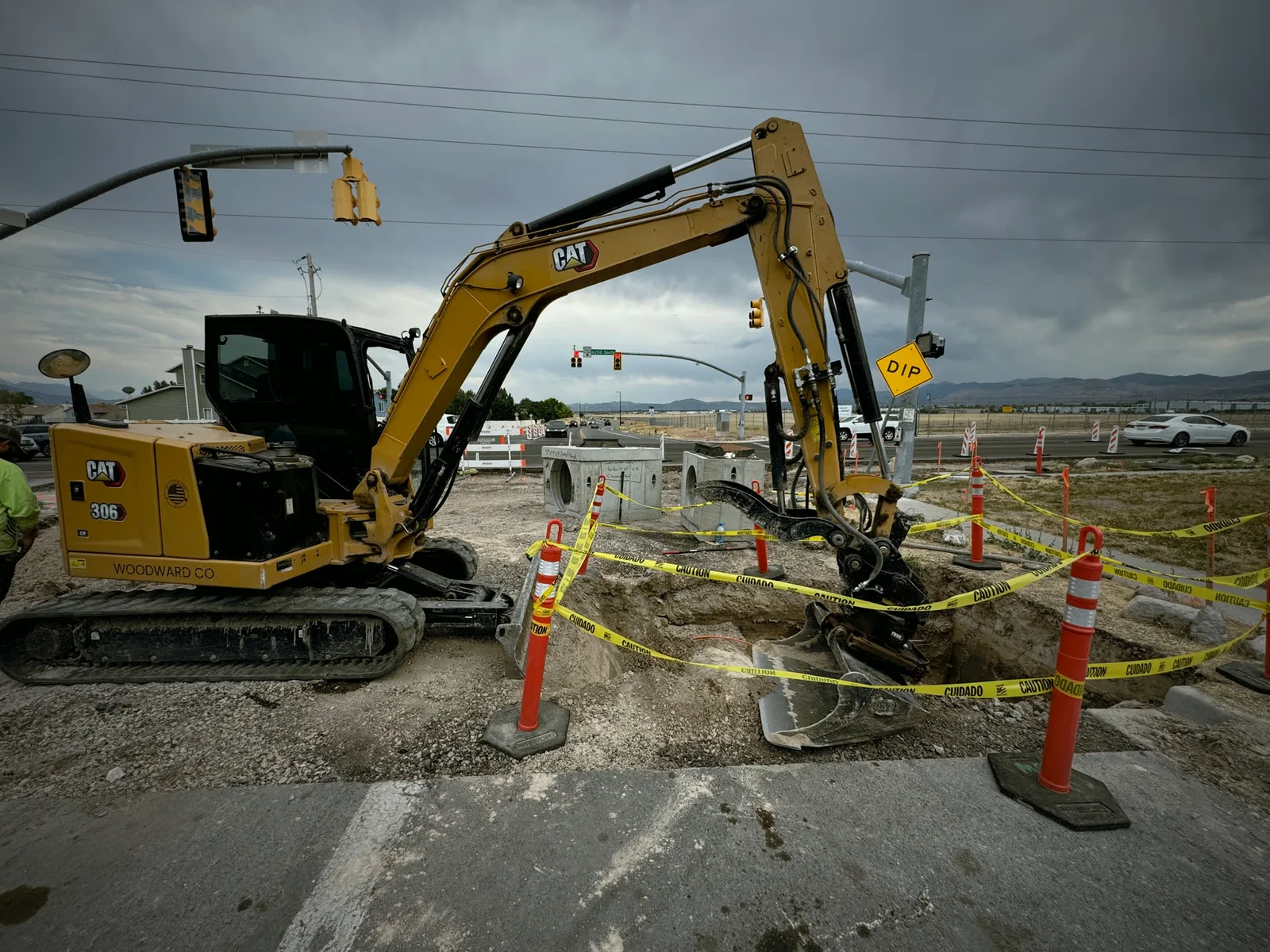
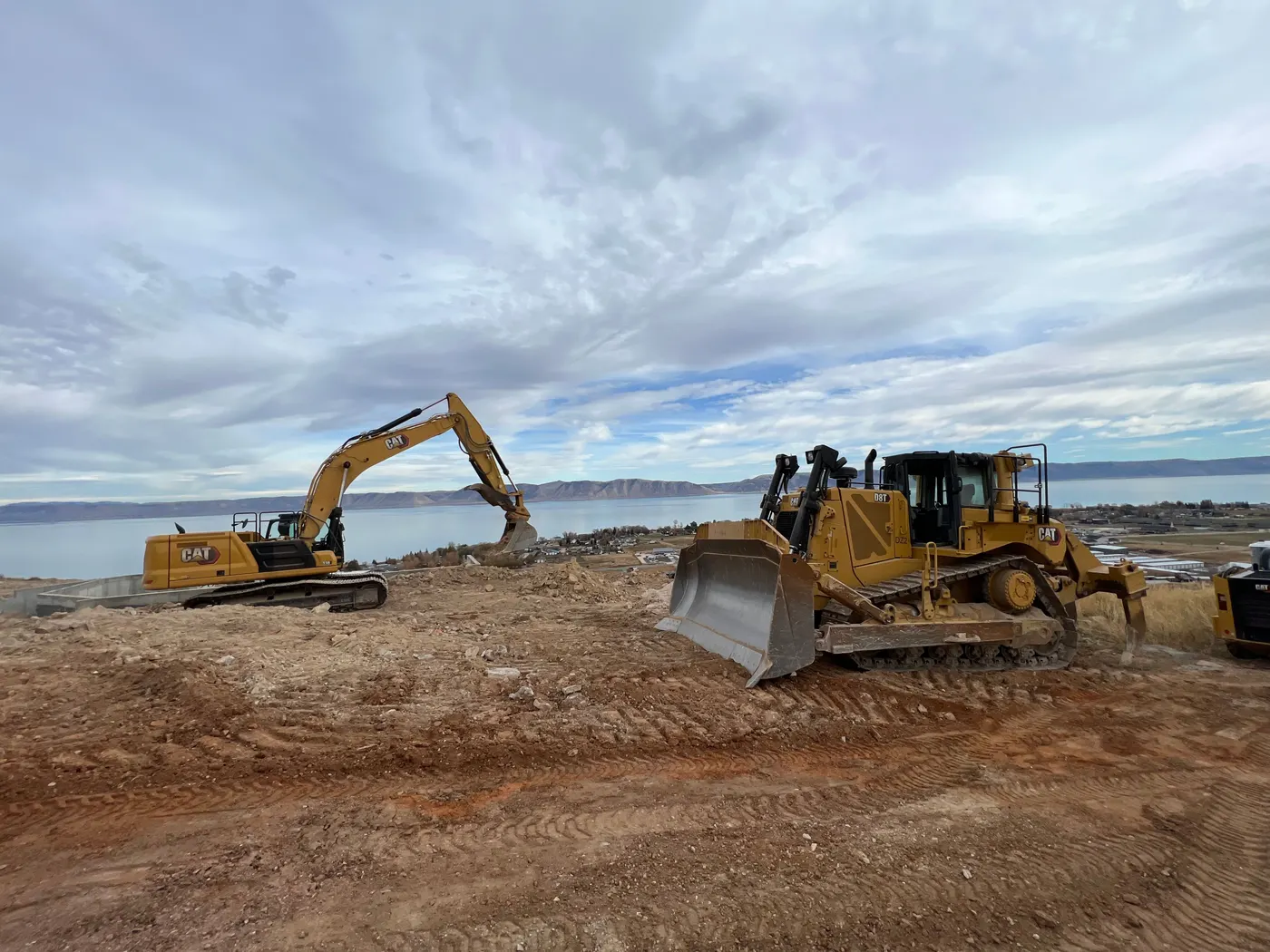

Crew and equipment scheduling for dirt work
Plan the work.
Track the day.
Everything the crew needs, on their phone.
The office schedules crews and machines on one board. The crew clocks in, checks off the work, sends photos and texts the office, right from the job.
One day on Parli
From the night before until the end of the next day, with Parli.
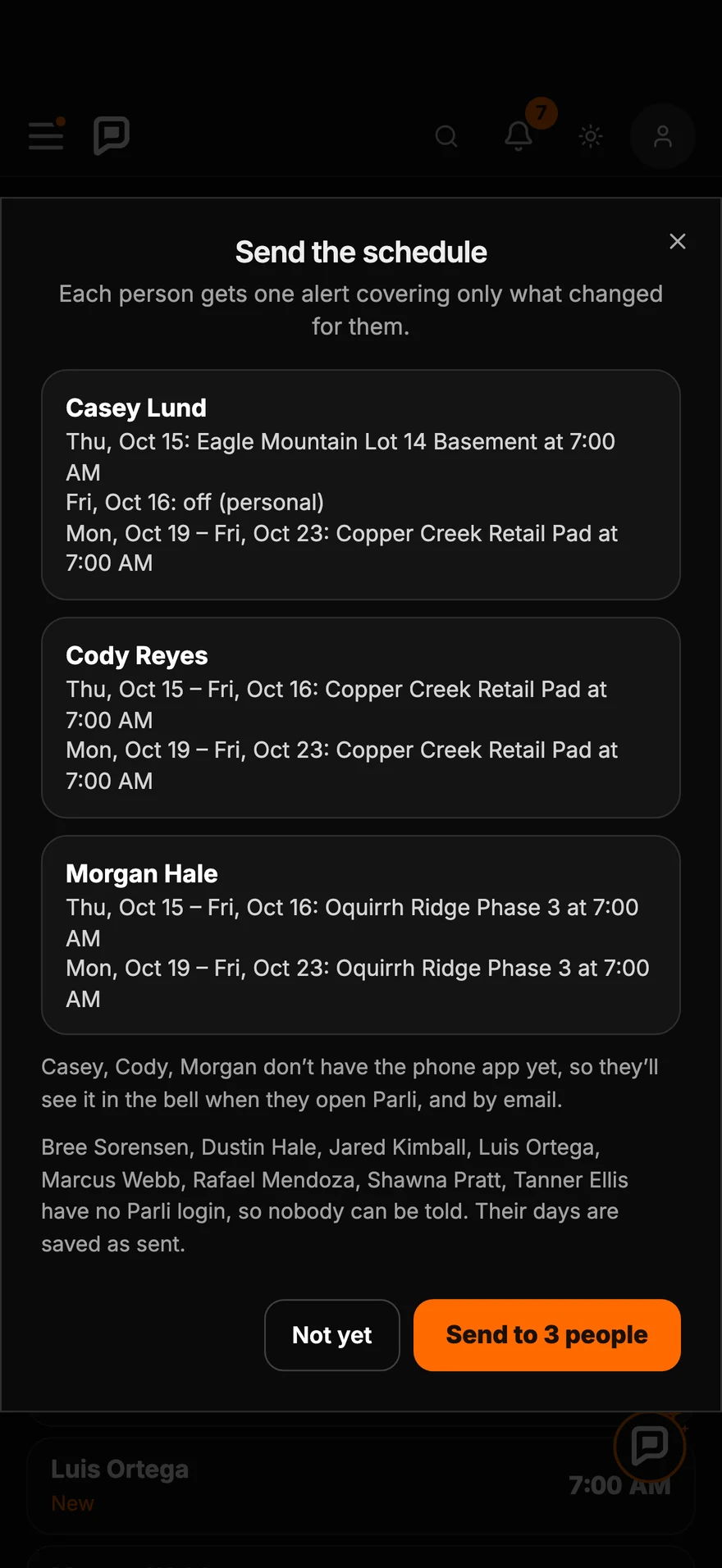
- 8:10 PM · The night before · The office
Tomorrow,
sent.Hit Send on the schedule. Each person gets one alert with only what changed for them.
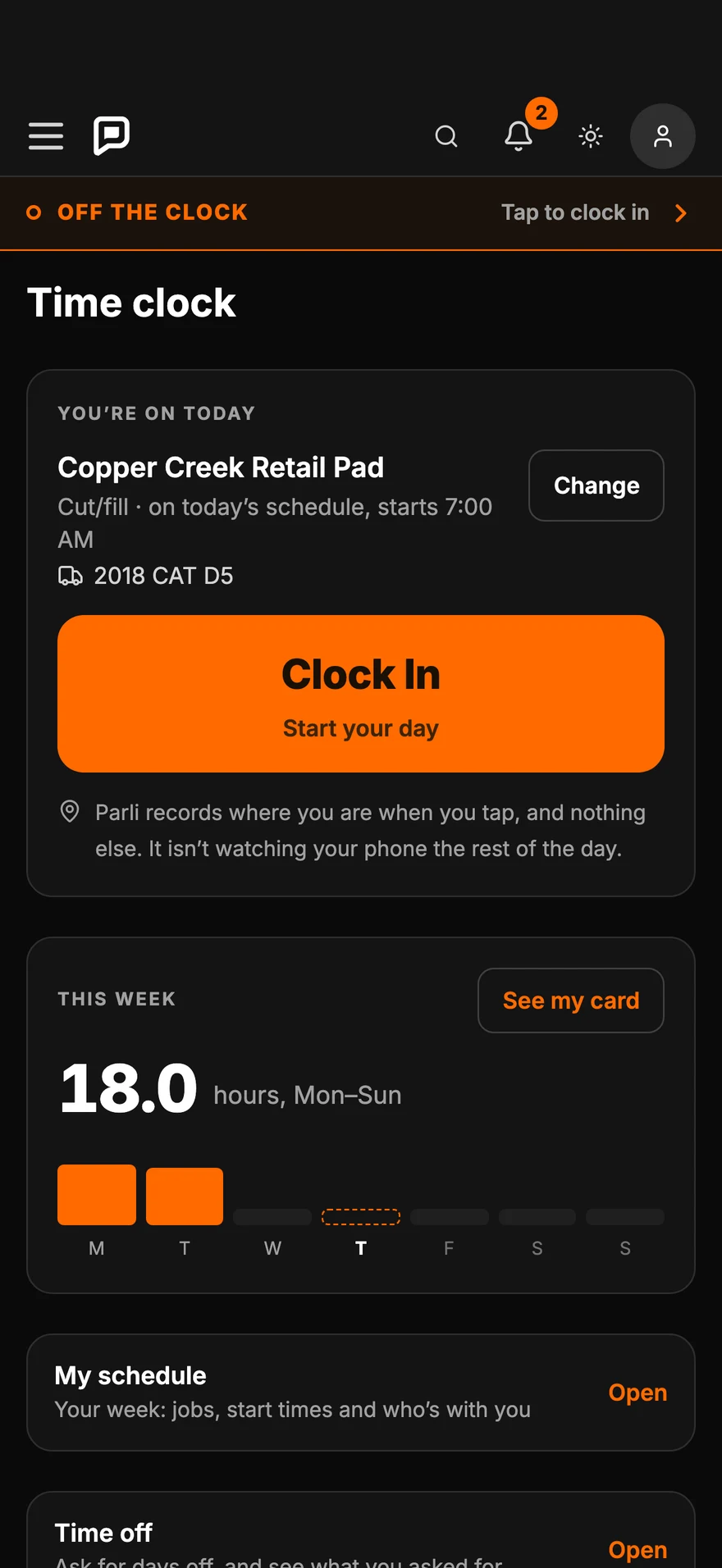
See Dispatch - 6:56 AM · At the job · The crew
Clock in.
One tap.Today's job is already picked from the schedule. No signal? It saves and sends itself later.
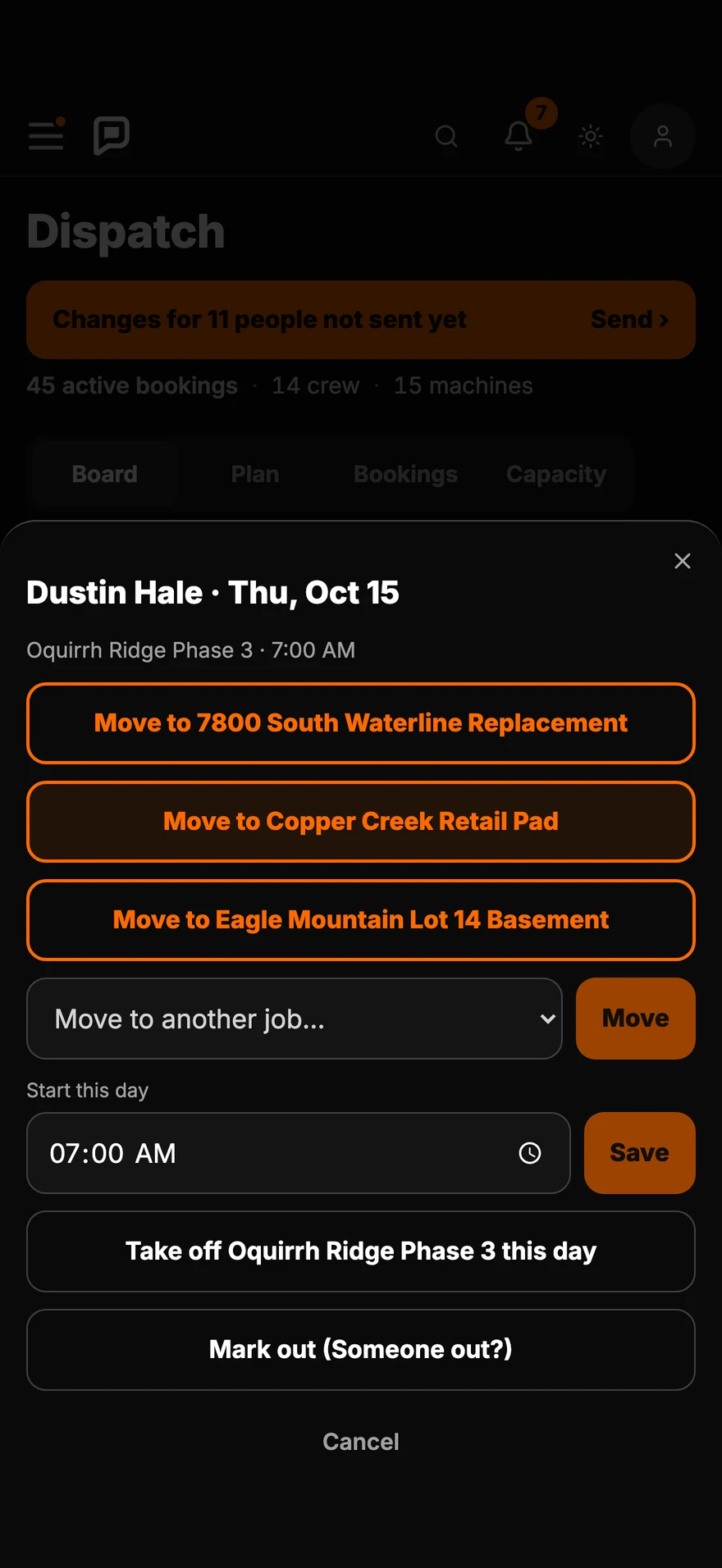
See Time Clock - 7:05 AM · Someone calls in sick · The office
Someone out?
Move someone.Mark them out, and every schedule shows it. Two taps puts Dustin on the job that needs him.
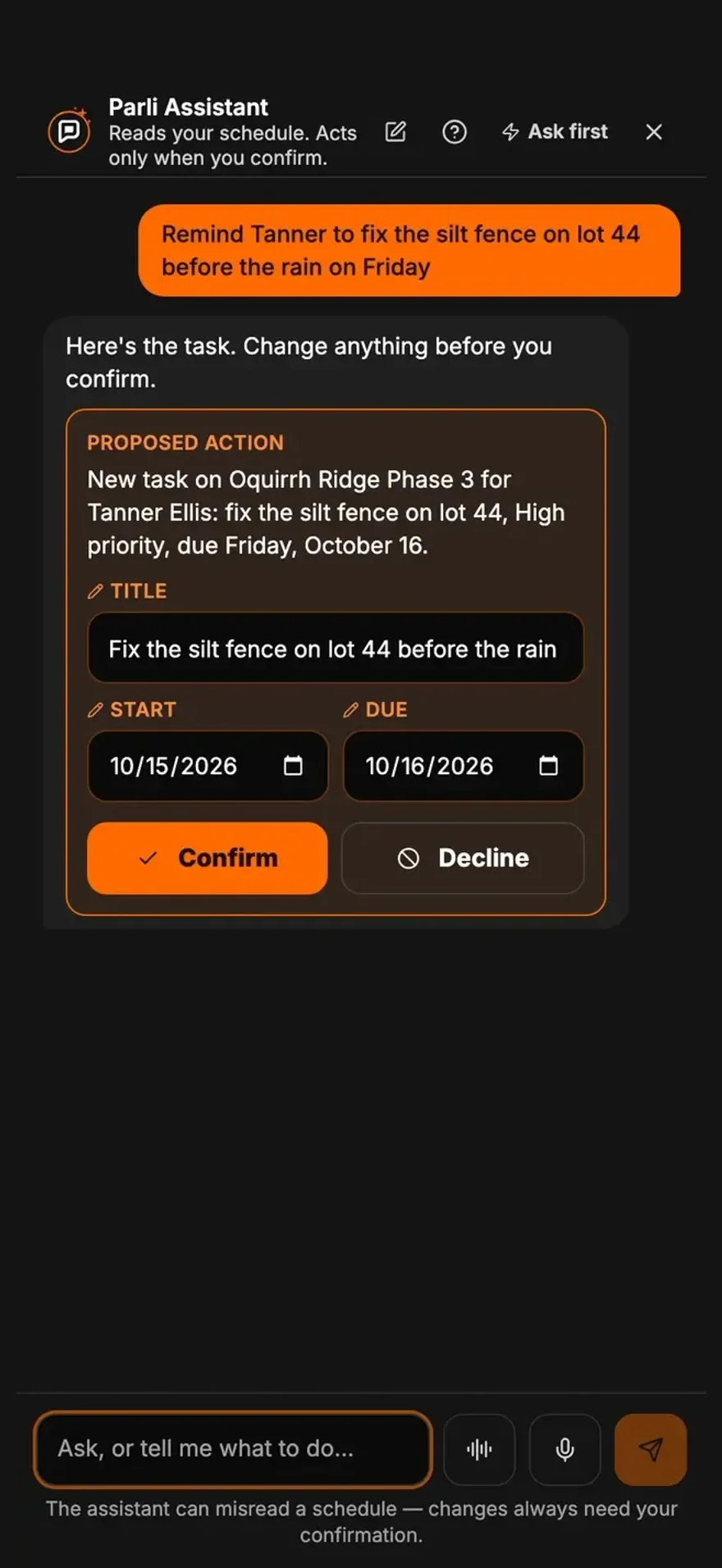
See Dispatch - 7:30 AM · On the job · The foreman
Say it.
Parli writes the task.Tell the assistant what needs doing and who does it. It writes the task, and nothing changes until you tap Confirm.
See the AI Assistant - 9:20 AM · From the office · Messages
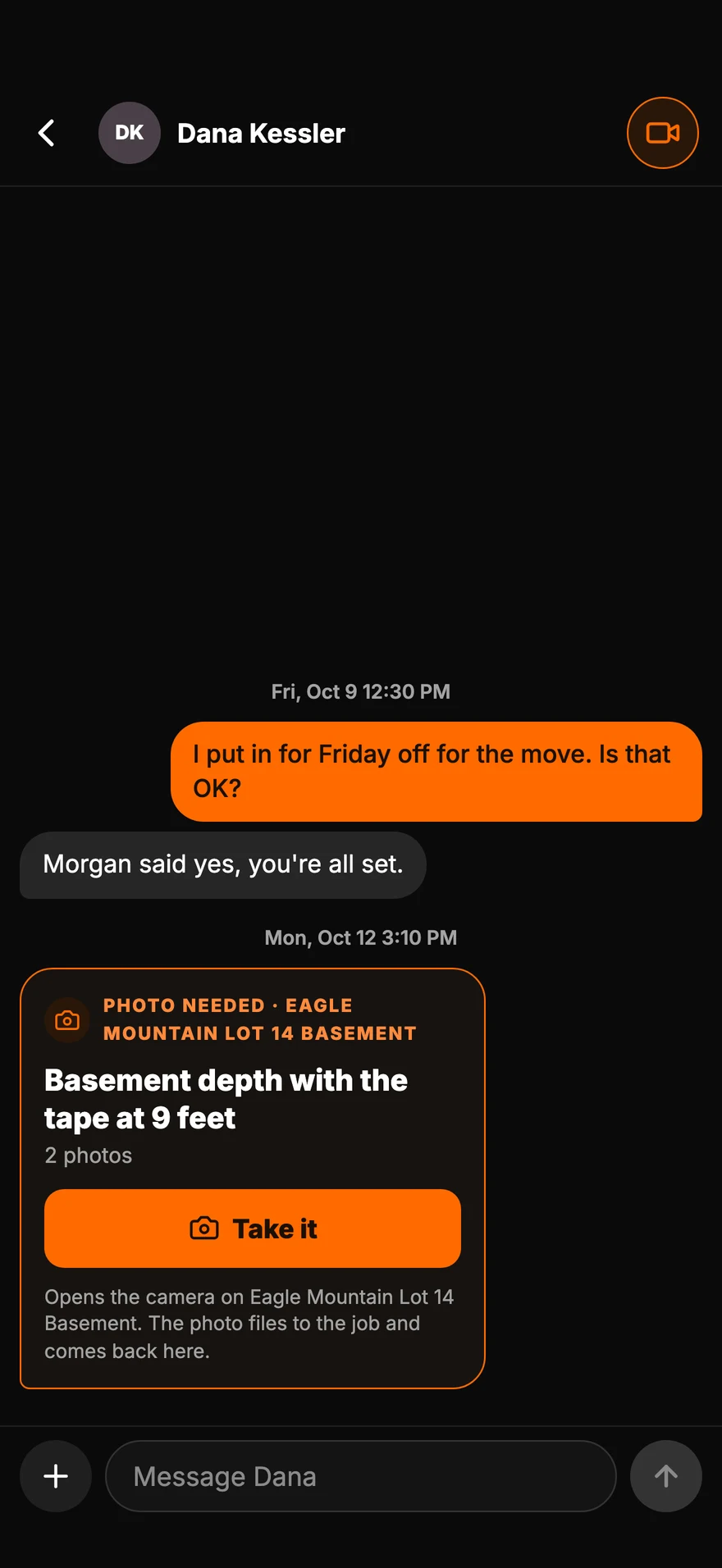
Text anyone.
Ask for a photo.One-on-one with anyone in the company. Ask for the shot you need, and it comes back filed to the job.
See Messages - 11:30 AM · In the hole · The foreman
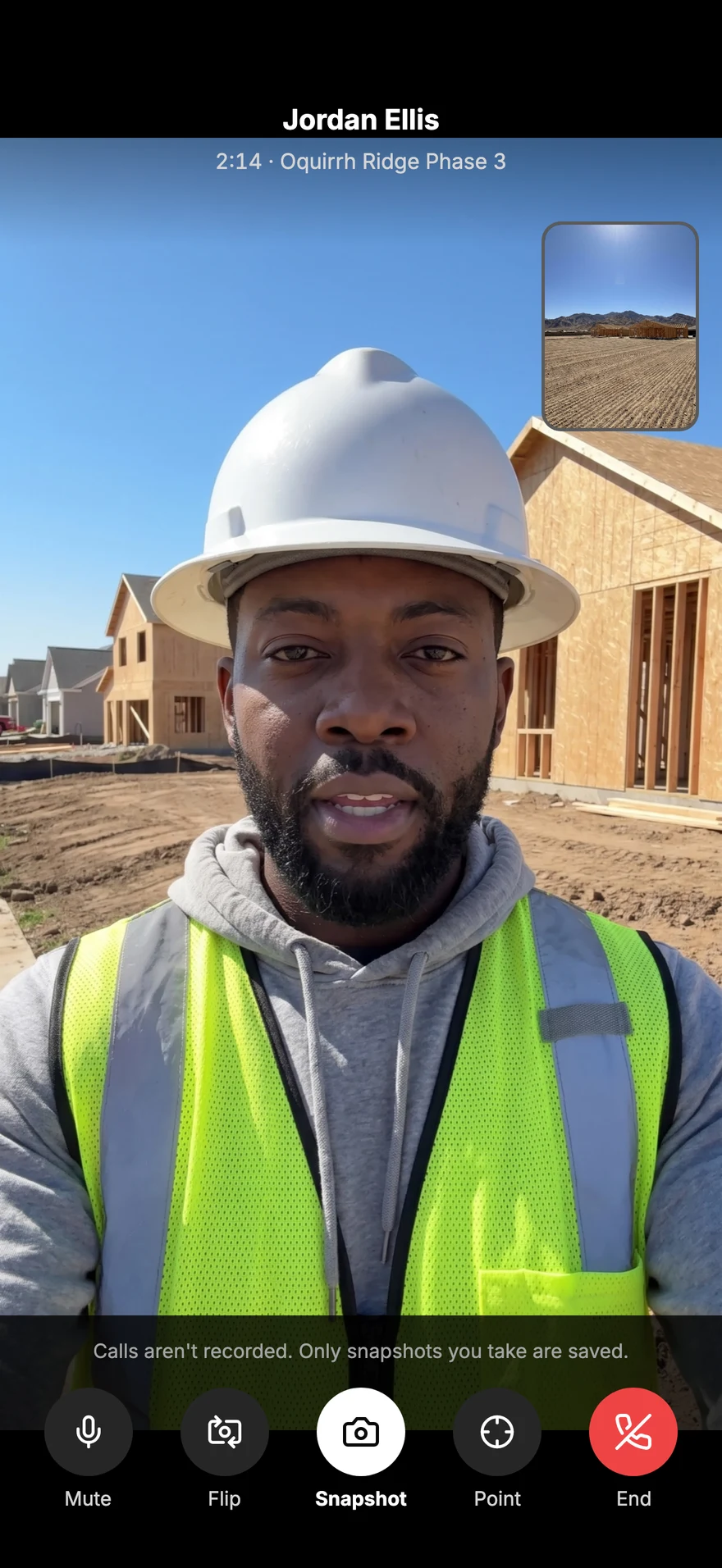
Show it.
Don't describe it.Video call the office with the back camera ready, and tap the screen to point at the spot.
See Video Calls - 2:30 PM · On the job · The crew
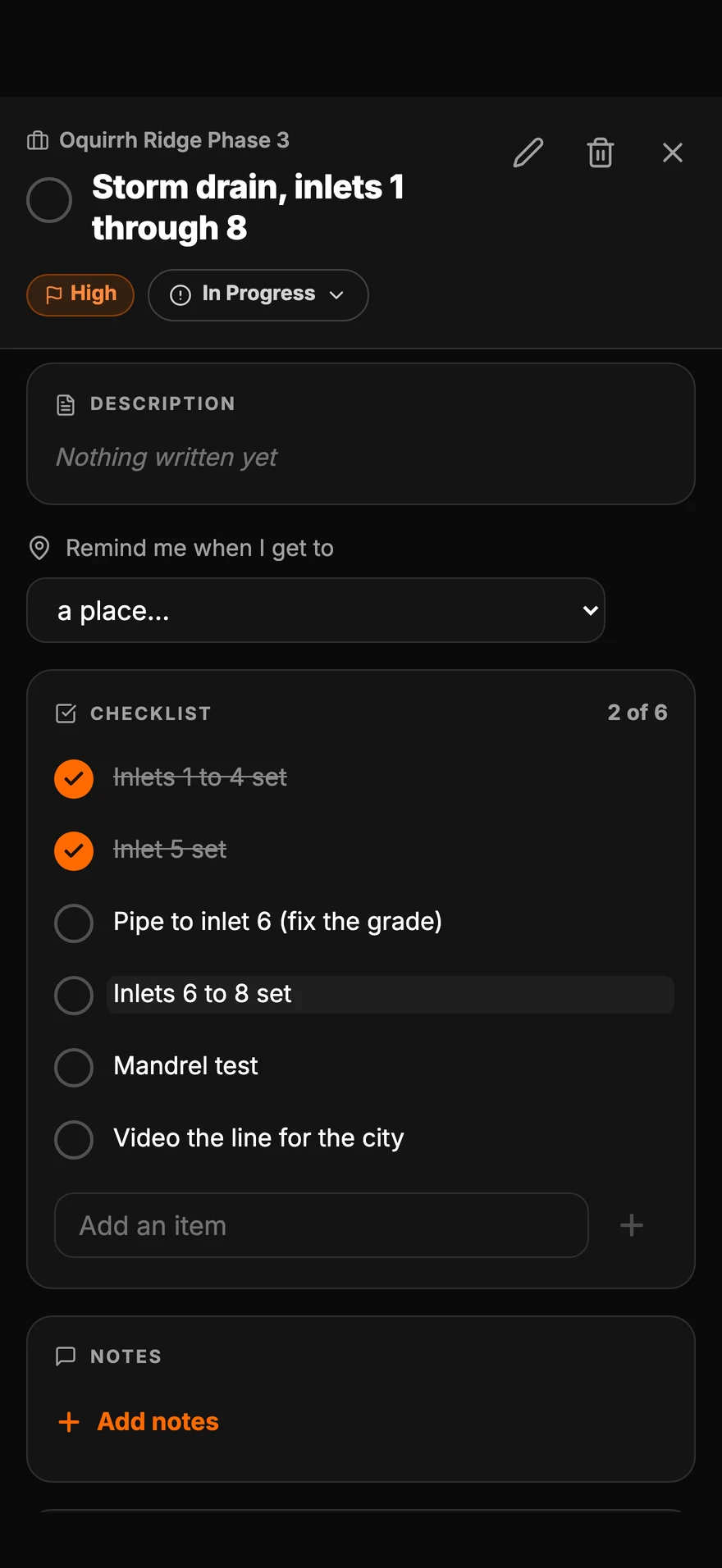
The list,
checked off.The checklist is on their phone, with a reminder when they get to the job.
See Tasks - 4:02 PM · Rain on the way · The office
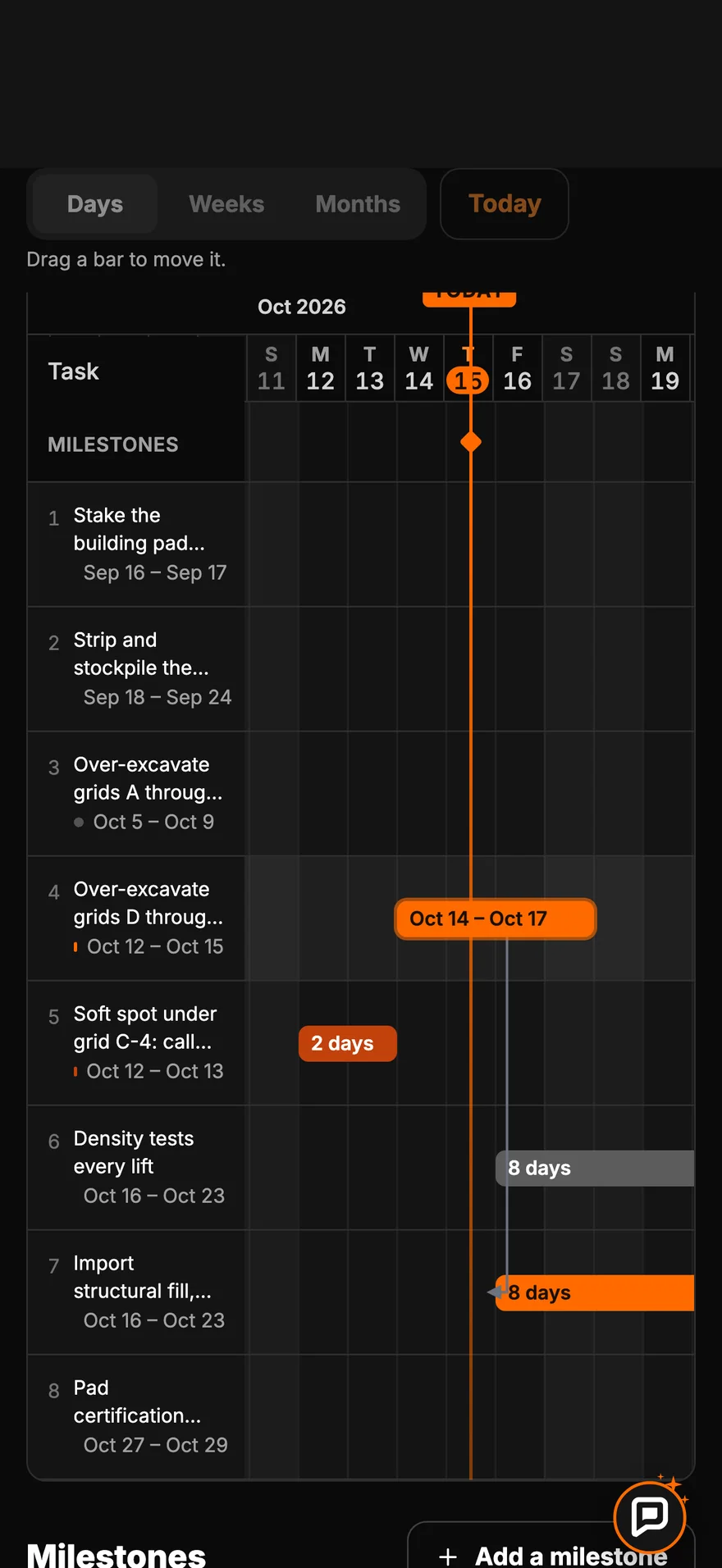
Rain tomorrow?
Move the schedule.Drag the task two days on the Gantt chart, and every task linked to it slides with it. The rest of the job follows.
See the Gantt Chart - 5:10 PM · End of the day · The crew
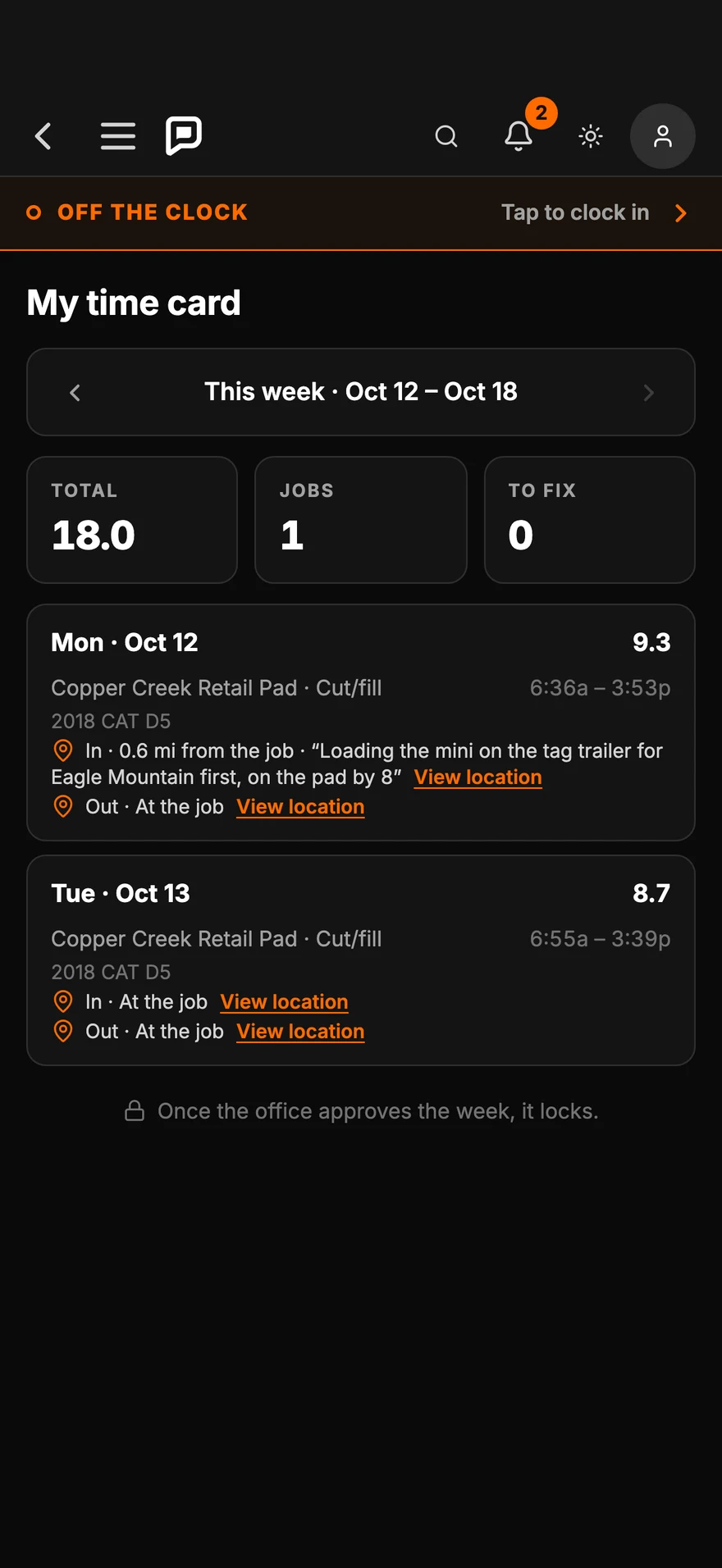
Clock out.
The hours are in.Every punch lands on the time card with the job and the machine, ready for the office to approve.
See Time Clock
This is Parli
One app for the entire company.
The owner, the office, the foreman and the crew each open Parli to the part of the job that's theirs. Same jobs, same schedule, everyone in step.
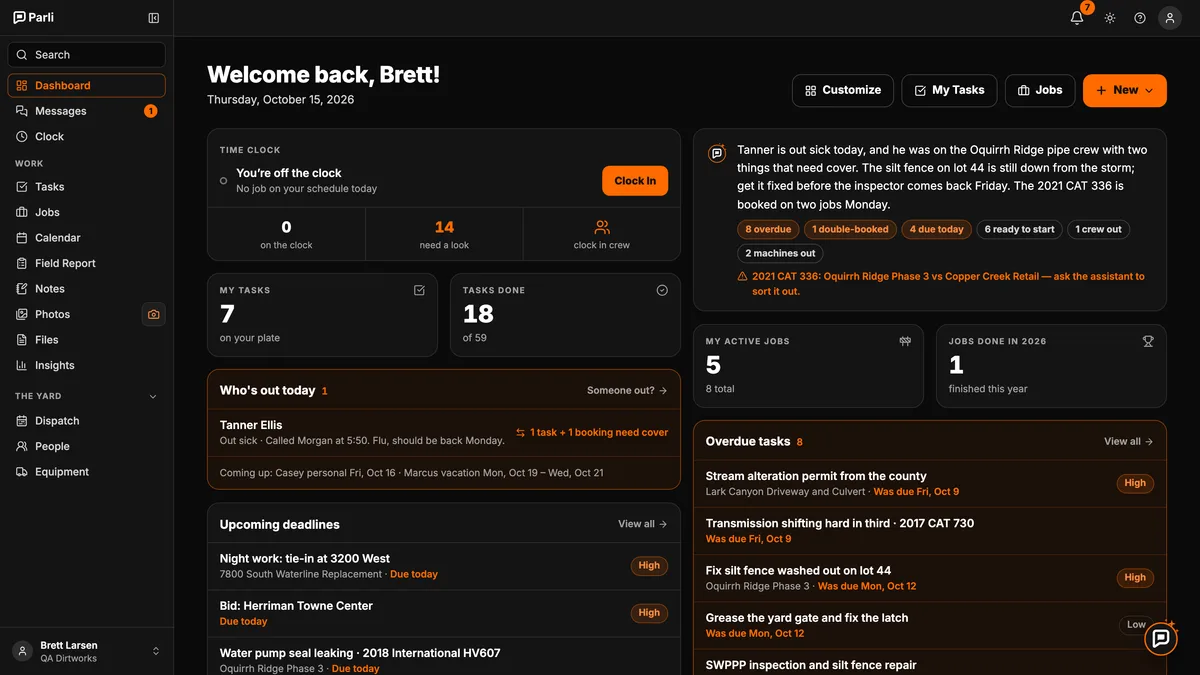
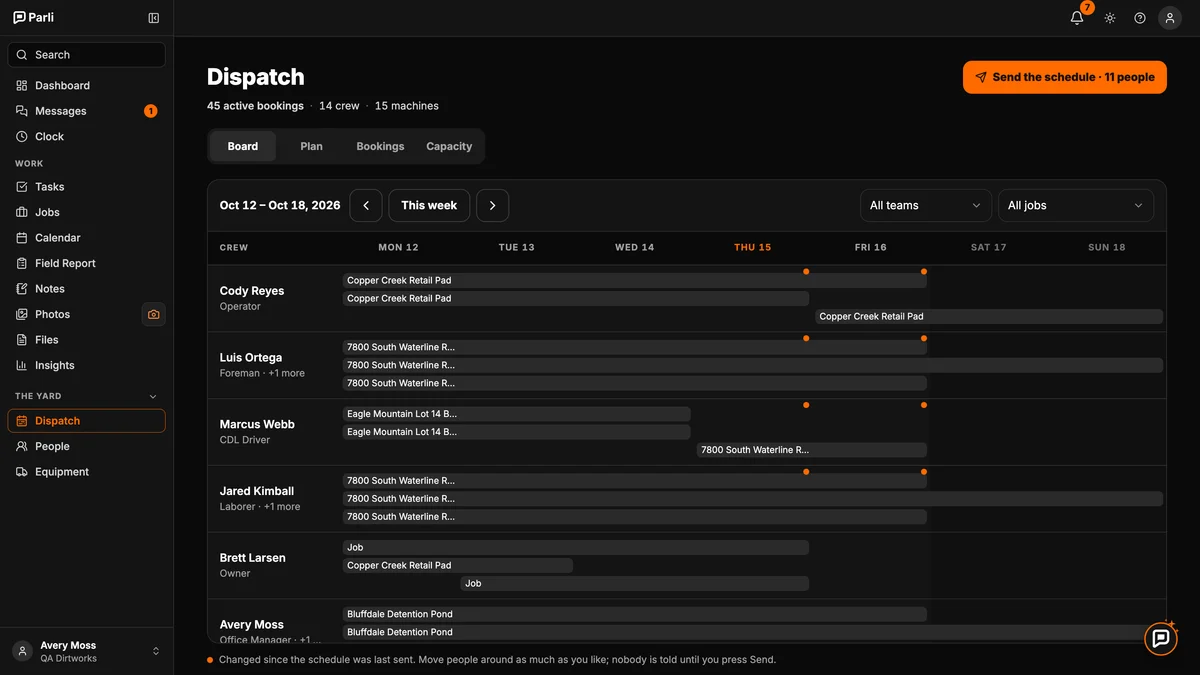
The office
Tomorrow, planned in minutes.
- Every person and machine for the week on one board.
- Send it, and each person gets only what changed for them.
- Subs confirm from an email. No app, no login.
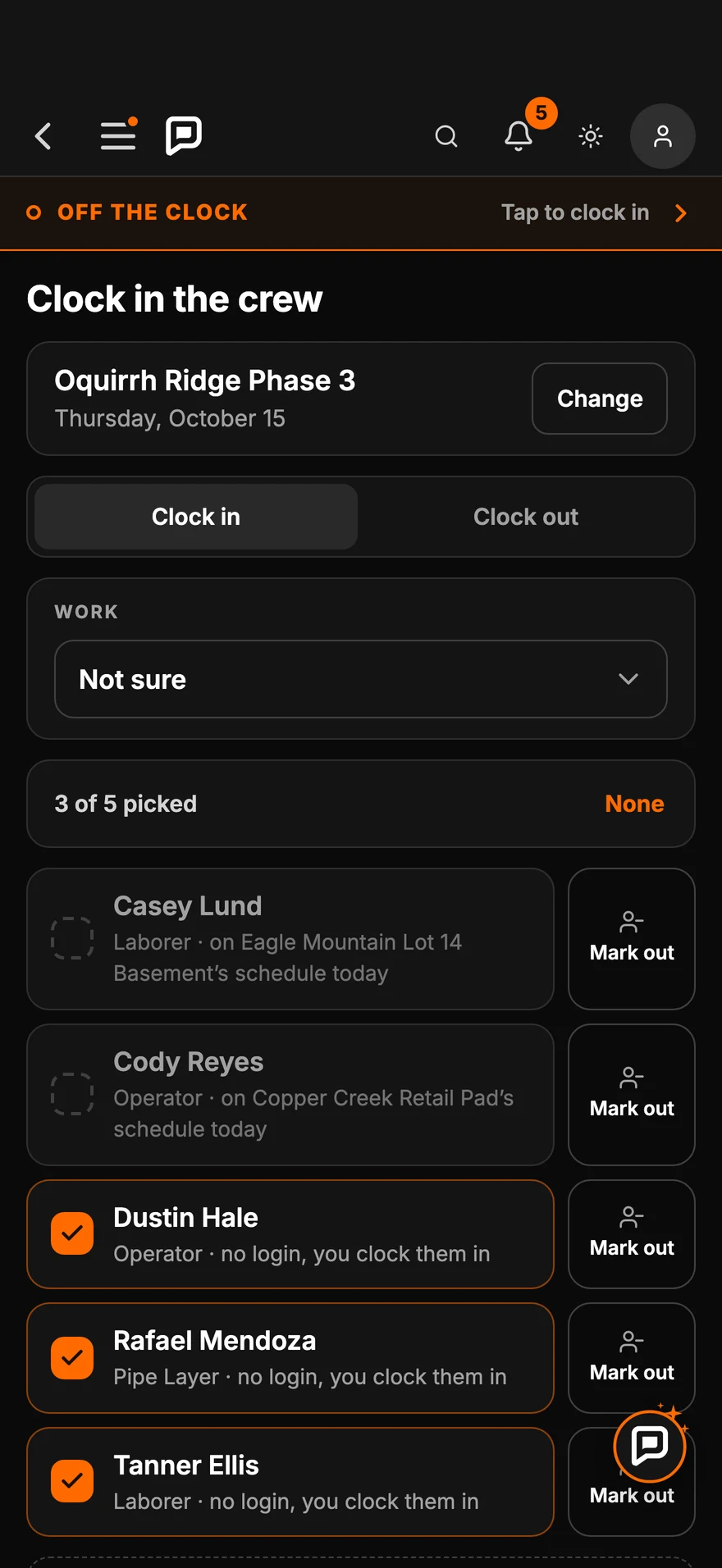
The foreman
Clock in the crew. File the day.
- Check off who showed up and clock everyone in at once.
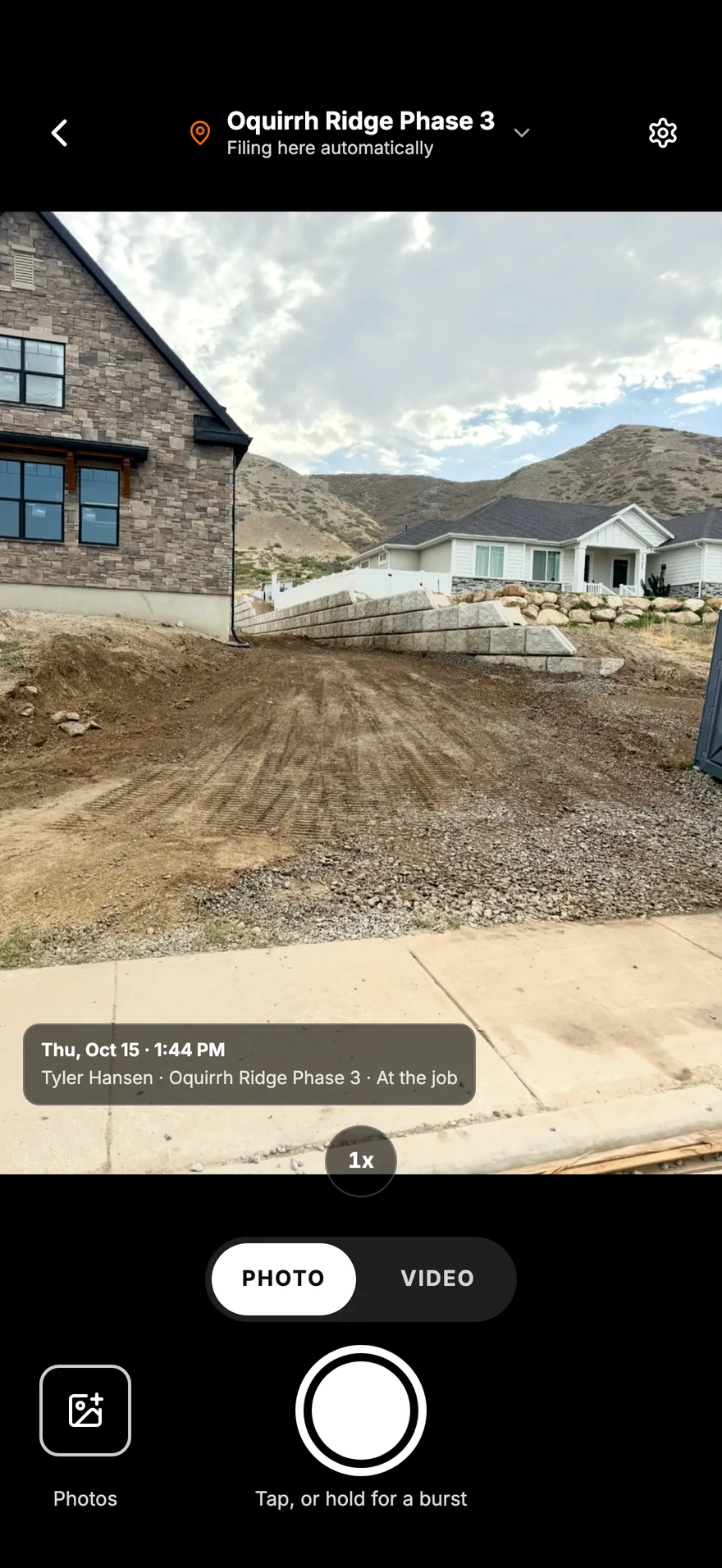
- Photos land on the job with who took them and when.
- File the field report from the phone before you leave.
The crew
Their day, on their phone.
- One tap to clock in, even with no signal.
- Today's tasks and checklists, with a reminder at the job.
- Text the office or video call from the job.
Crew logins are free on every paid plan.
AI Voice and Chat Assistant
Ask it like you'd ask your foreman.
Say it or type it. It looks up your jobs, writes the task and waits for you to tap Confirm. In English or Spanish by voice.
- What's behind, who's out and what's free, in plain words.
- Tasks, bookings and today's field report, written for you to check.
- Nothing changes until you confirm.
Put Miguel on the Johnson fine grade Thursday.
✓ On Thursday's schedule. Miguel gets a notification.
Declined. Nothing changed.
Out with the old way
One app instead of six.
-
The whiteboardDispatch Tomorrow's crews and machines, sent to each phone. -
The group textMessages One-on-one with anyone, photo requests and a call button. -
Paper timecardsTime Clock One tap at the job. Approve the week in one tap. -
The camera rollPhotos Every shot filed to its job, with who and when. -
Phone tag with subsSubcontractors Subs confirm from an email. No app, no login. -
The binder in the truckJobs and Files Plans, permits, costs and photos, by job.
Everything in the app
18 tools. One app.
- Dashboard
- Time Clock
- Photos
- Messages
- Video Calls
- Jobs
- Tasks
- Gantt Chart
- Field Report
- AI Voice & Chat Assistant
- Dispatch
- Equipment Scheduling
- Subcontractors
- Calendar
- Shop Tablet
- Insights & Reporting
- Notes
- Files
Built into all of it
- Works with no signal
- One search box
- A photo album for the client
- The right alert, on every device
Pricing
$49 a month.
The whole crew, free.
You pay for the people in the office. Everyone in the field signs in free, with no limit, on every paid plan.
- Free$0 1 active job1 office seat, 1 crew login What's included
- Small Business+$49/mo 5 active jobs2 office seats, unlimited crew loginsAI Voice and Chat Assistant What's included
- Corporation+$199/mo Unlimited jobs4 office seats, unlimited crew loginsMore assistant and a custom dashboard What's included
Getting set up
Set up in about two minutes.
Sign up, answer a few quick screens about your company, and land on your dashboard with your first job. No card, no demo call.
Tomorrow's schedule,
sent tonight.
Start on the Free plan and add your crew. Upgrade when you're ready.