

 Here it is










Oquirrh punch list
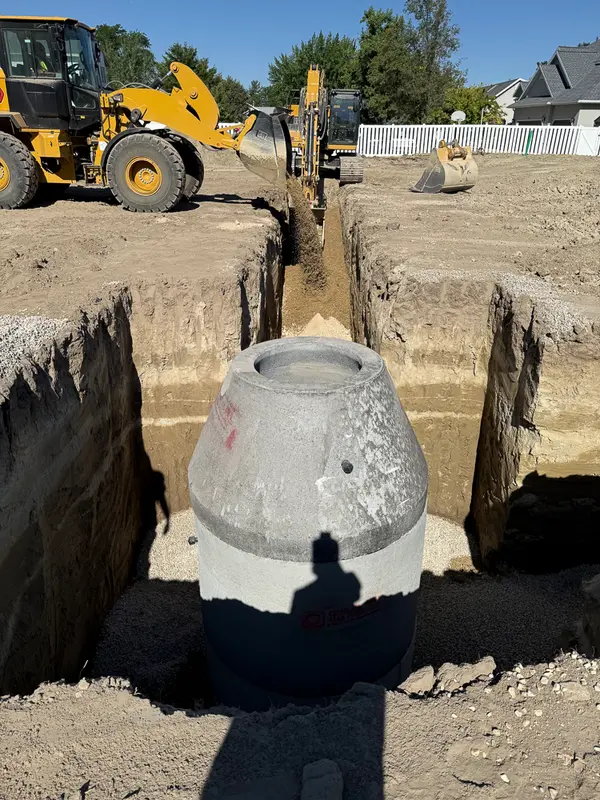
Before the city walk.
Saved
In the order the work happens on a site
Punch lists that check off, photos you can draw on, and questions for the engineer, all in your pocket. Private until you share it.
Before the city walk.
Saved
Markup
Draw right on the photo in the note: circle the spot, add an arrow. There's an eraser and undo. Go ahead and try it on this one.
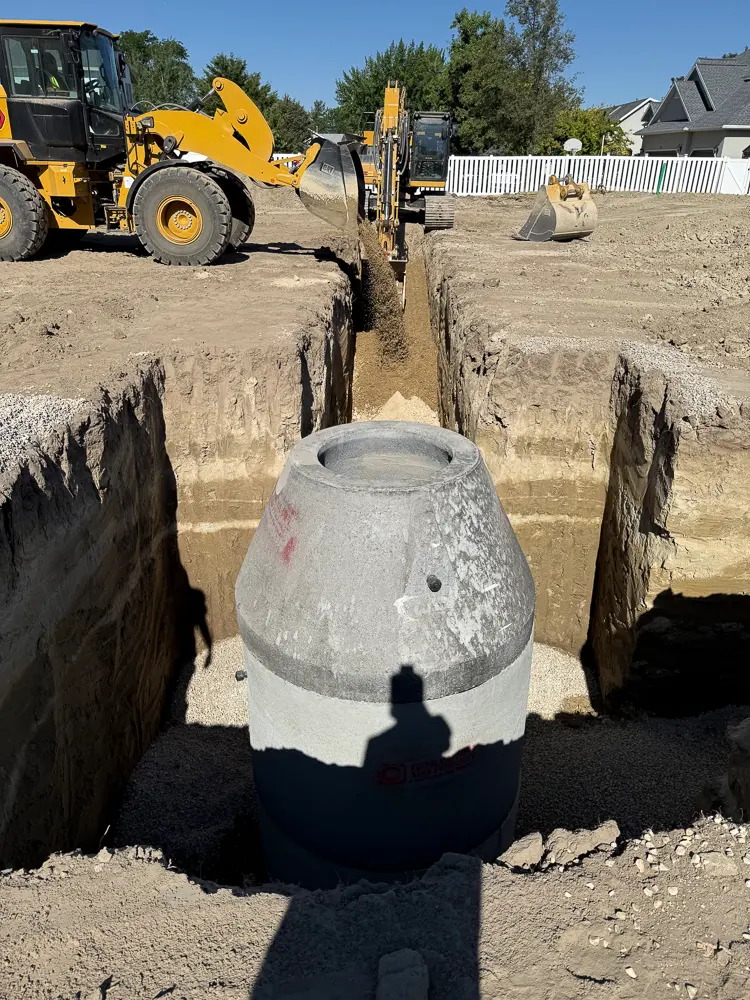
Drag on the photo to draw
On the phone
Swipe, scroll or drag. Tap one to see it full size.
Your notes, on every jobA punch list, the lot 44 silt fence, questions for the engineer and parts to pick up.
Punch lists that check offThe air test checked off on the punch list.
Snap it. Point out the problem.A red arrow at the downed silt fence on lot 44.
Share it. Work it together.One person can read, another can edit.
Sharing
Give a colleague Can read or Can edit. Two people in the same note see each other's changes as they're made, so the punch list on the foreman's phone matches the one in the office.
Everything included
Titles, headings, bold, lists and tables, saved as you type.
Punch lists you tick off on the job.
Add photos right where they belong in the note.
Draw on a photo with a pen, with an eraser and undo.
A note is yours until you share it.
Pick Can read or Can edit for each person.
Shared notes update live while two people work on them.
Notes others shared with you get their own list.
Pin a note to keep it at the top.
Find a note by its title or anything written in it.
Share a note by email from your mail app.
Notes come with every plan, Free included.
Questions
Only you, until you share one. Share a note with a colleague and pick Can read or Can edit.
Yes. Give someone Can edit and you both see the changes as they're made.
Yes. Add a photo to a note, then draw on it to point out the problem. There is an eraser and undo.
Yes, a moment after you stop typing. Notes you've opened before can be read with no signal, but changes need a connection to save.
Notes are not attached to jobs. Name the note after the job, pin it, and search finds it.
Every plan, including Free.
On the computer
A punch list, a note with a photo, and markup. Tap one to open it.
A punch listBefore the city walk, with the air test checked off.
A note with a photoLot 44 silt fence, with the photo from after the storm.
Markup on a photoA red arrow at the silt fence that came down.
Free to start. Notes come with every plan.
Jobsite and machine photos on this page are from real jobs in Utah. Screens are from the Parli app.