

 Here it is










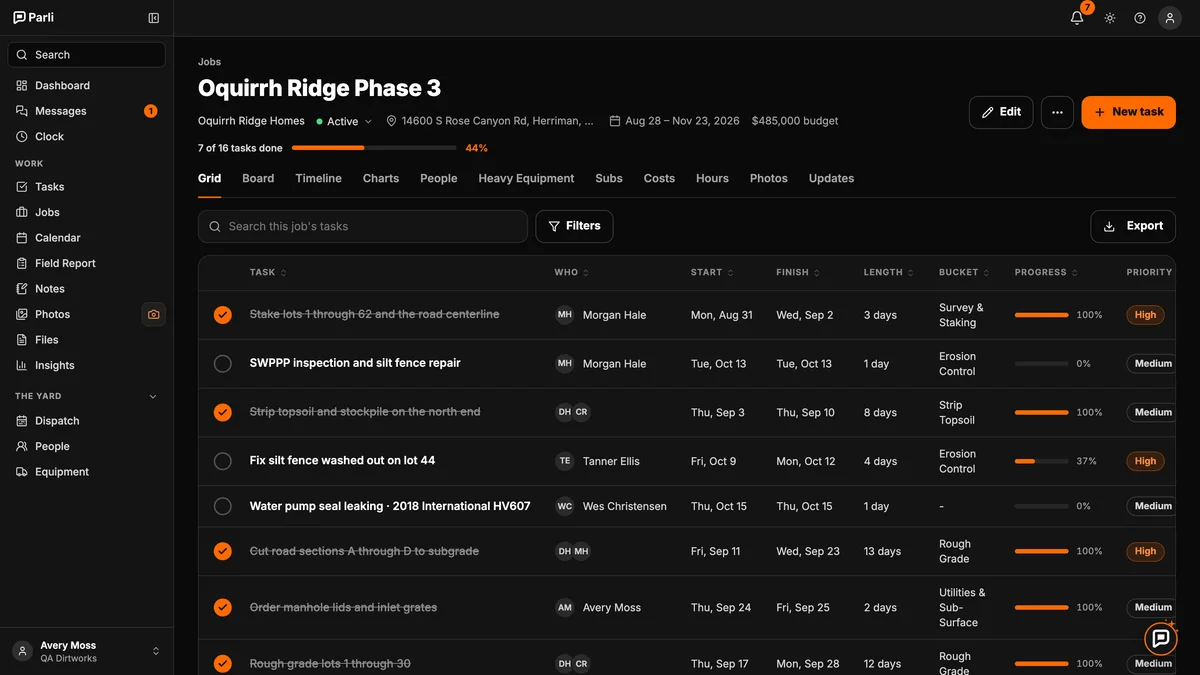
Oquirrh Ridge Phase 3Active
Oquirrh Ridge Homes 44% done In the order the work happens on a site
Each job gets its own page: tasks, crew, machines, subs, costs, hours, photos and updates, with the budget next to what's been spent.

Know where the money went
Costs you add and the crew's hours from the time clock count against the budget, so the job shows what's been spent while it's still going.
Where it went
Example: Oquirrh Ridge Phase 3
On the phone
Swipe, scroll or drag. Tap one to see it full size.
Every job. One screenWhere each job stands, what's overdue, and how far along it is.
Every job gets its own pageTasks, crew, equipment, subs, costs, hours and photos.
Know where the money wentBudget, spent and what's left, with the crew's hours counted.
Know what happened yesterdayField reports and updates land on the job.
Every job, its own page
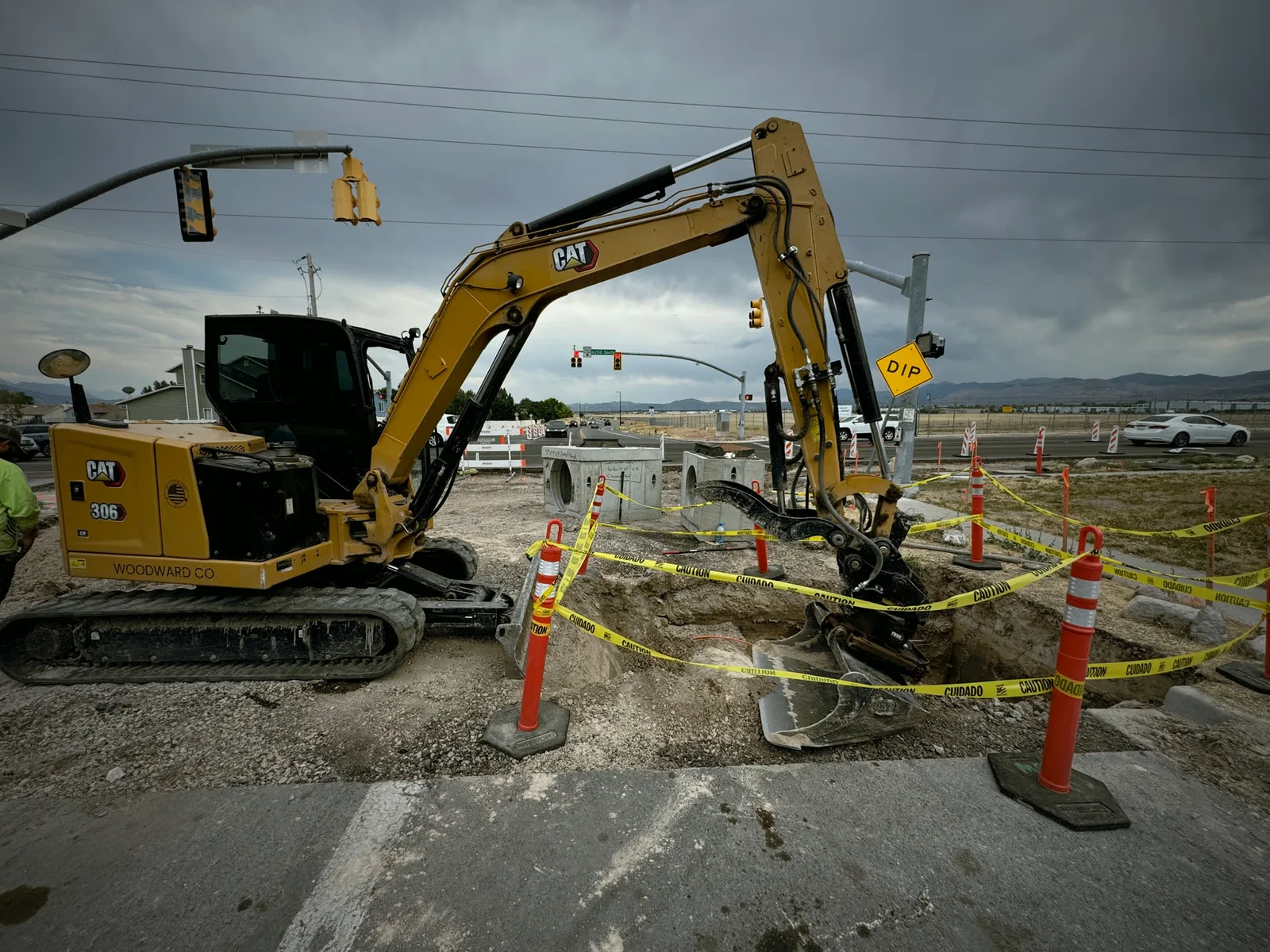
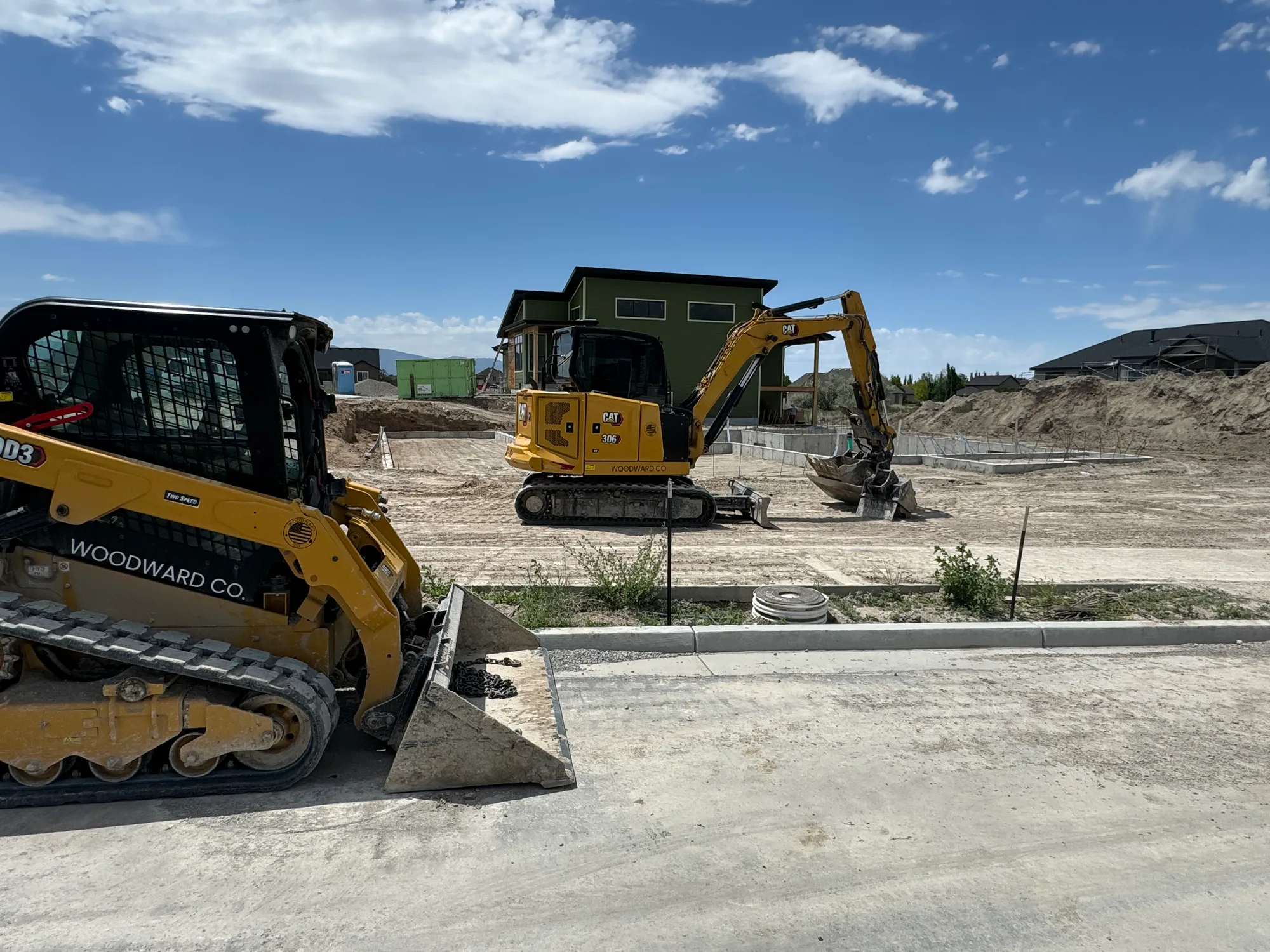
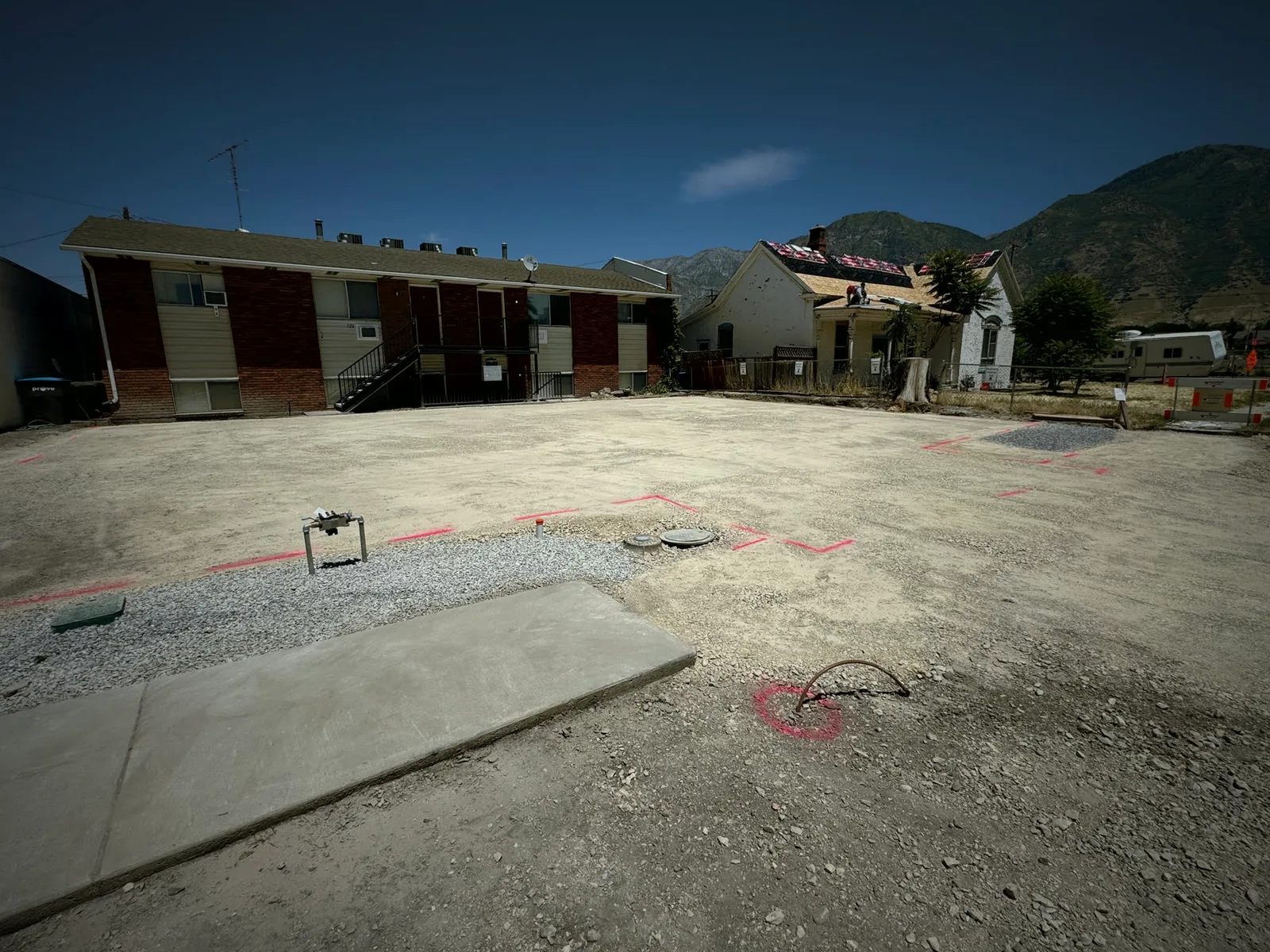
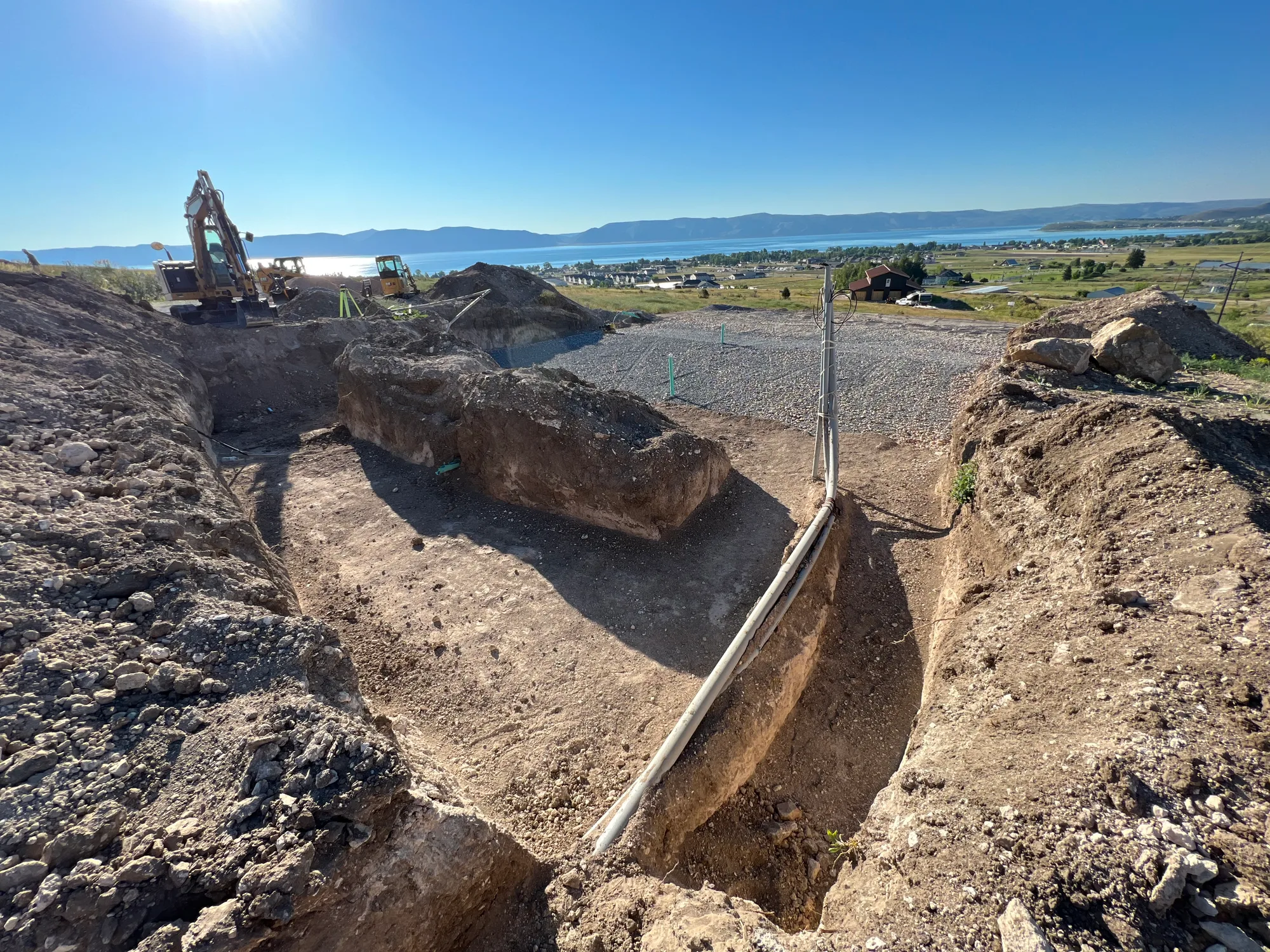
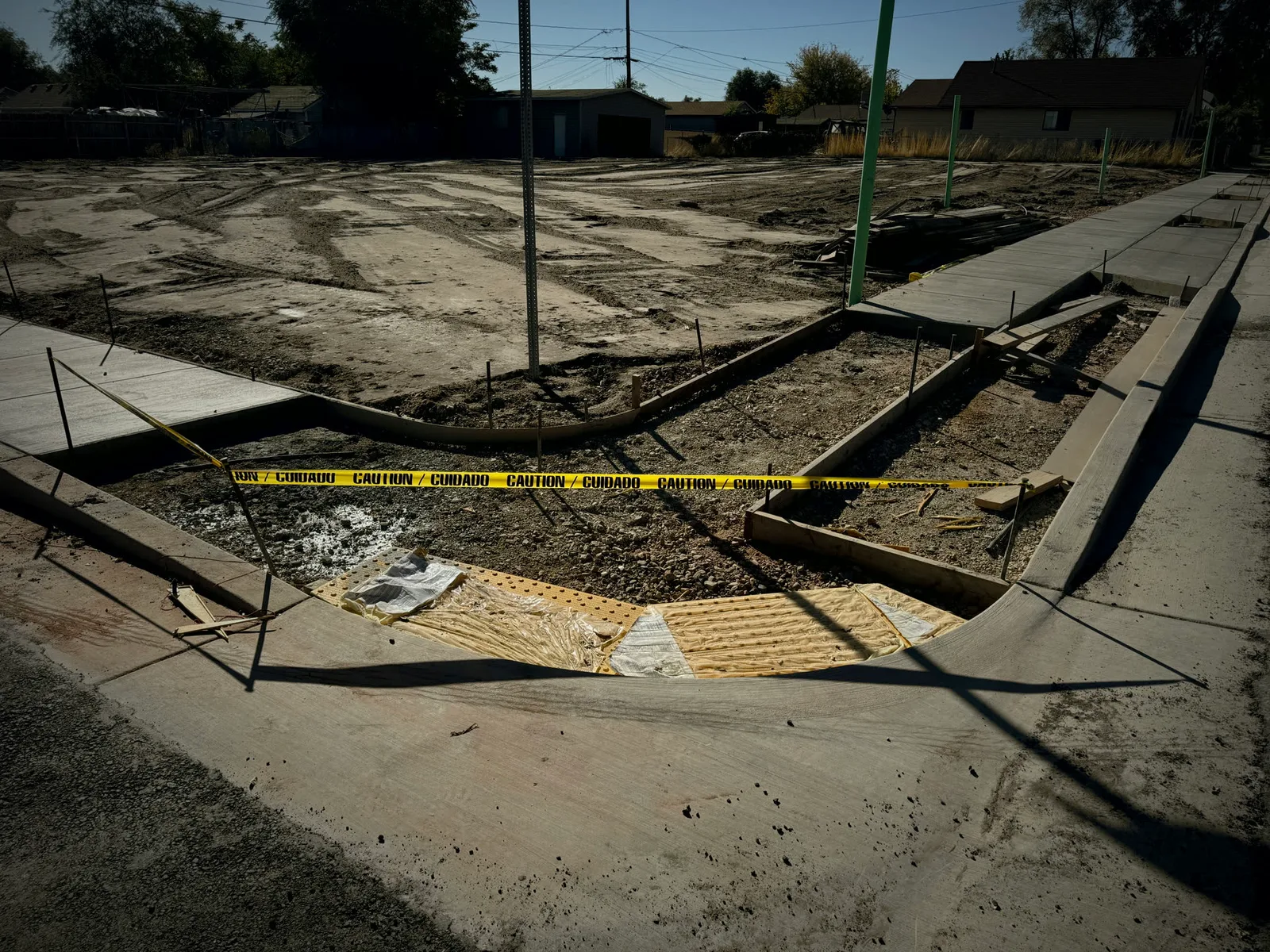
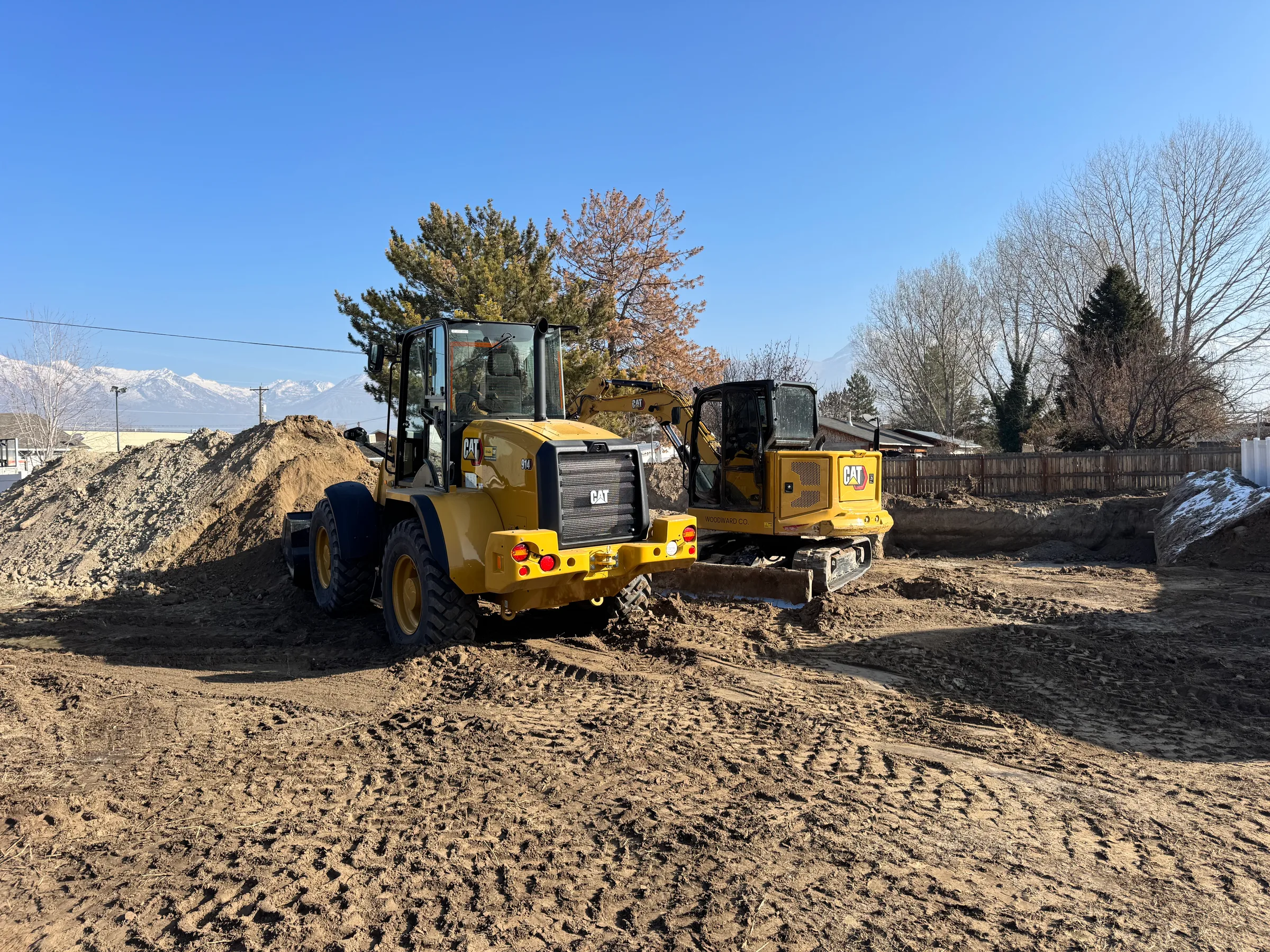
Photos from real jobs, shown under example job names.
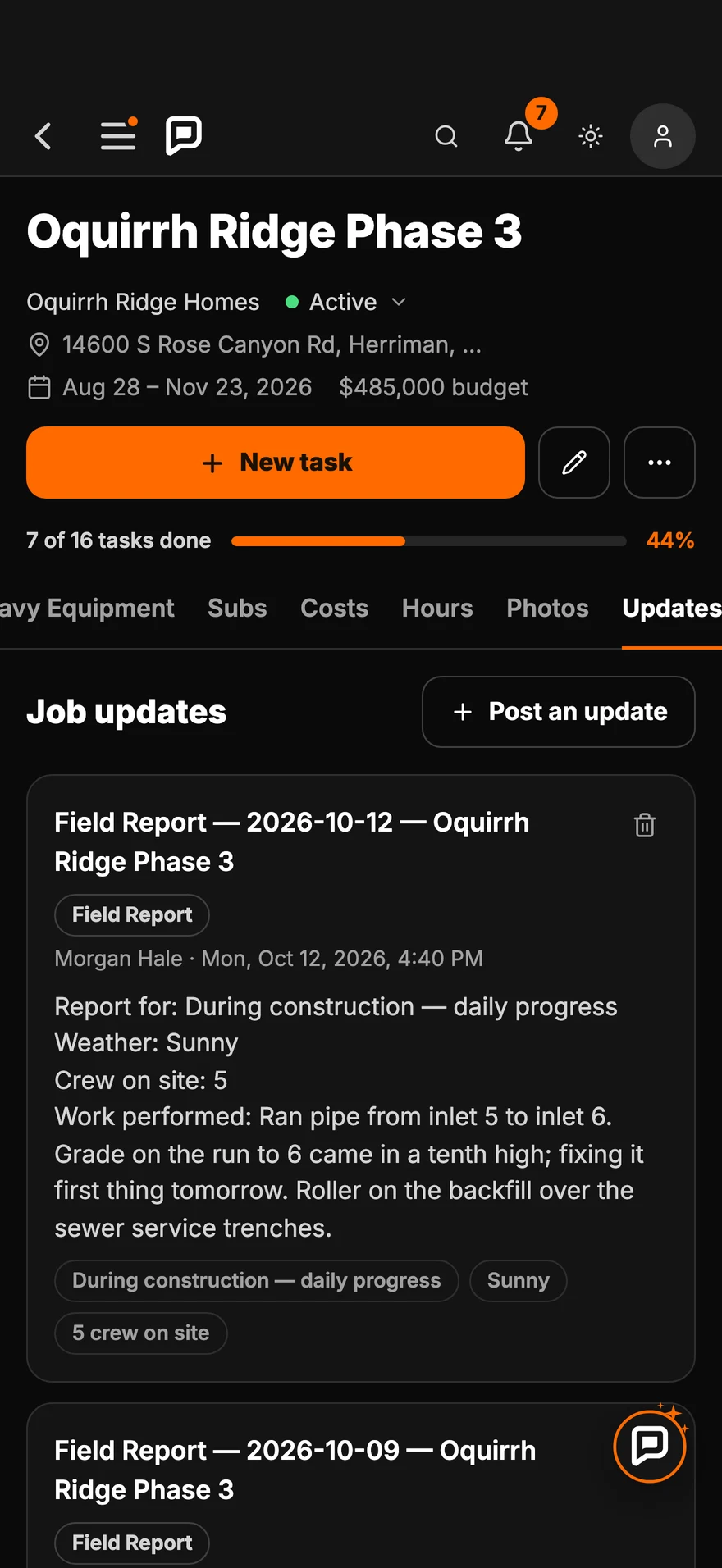
Know what happened yesterday
Ran pipe from inlet 5 to inlet 6. Grade on the pipe to 6 came in a tenth high; fixing it first thing tomorrow. Roller on the backfill over the sewer service trenches.
Posted to the job's updatesEverything included
Status, progress, overdue tasks and start dates for every job, with a search.
Tasks, crew, machines, subs, costs, hours and photos, all under the job they belong to.
The budget, what has been spent and what's left, with a bar for how much is used.
The crew's hours from the time clock count toward the job's costs.
Spending split into materials, labor, equipment and subcontractors.
Field reports and updates land on the job, newest first.
See the job as a grid, a board or a timeline.
Apply a template to a job and its usual tasks are added in one step.
Every photo the crew takes at the job shows up on its page.
Send the builder or homeowner the job's photos as one link. No app for them, and new photos keep landing on it.
Put someone on a job and they get a notification. So does everyone on it when the job goes active, on hold or done.
Type a street, a lot number, a machine or a sub in the search at the top. Jobs, tasks, notes, reports and files that match come up.
Questions
Each job's status, progress, overdue tasks, client and start date, with a search by name, client or address.
Costs you add, plus labor from the crew's time clock hours, add up against the budget. The job shows what has been spent and what's left.
People who manage the work see costs on the jobs they manage. Crew members see the work, not the money.
Yes. Field reports and updates land on the job page, so the next crew starts where the last one left off.
Yes. Apply a template to a job and its usual tasks are added in one step.
On the computer
The job list, a job page, costs and updates at full size. Tap one to open it.
All your jobsStatus, progress, overdue tasks and start dates, with a search.
The job pageEvery task on the job with who is on it, dates, length, progress and priority.
Job costsBudget, spent and what's left, and where it went.
Job updatesField reports and updates, newest first.
Free to start. Bring your jobs, your crew and your budget.
Jobsite and machine photos on this page are from real jobs in Utah. Screens are from the Parli app.