

 Here it is










Don't
explain it.
Show it.
Video call anyone in your company from Parli. The back camera shows the job, a tap points at the spot, and a snapshot files to the job.
Calls are never recorded.
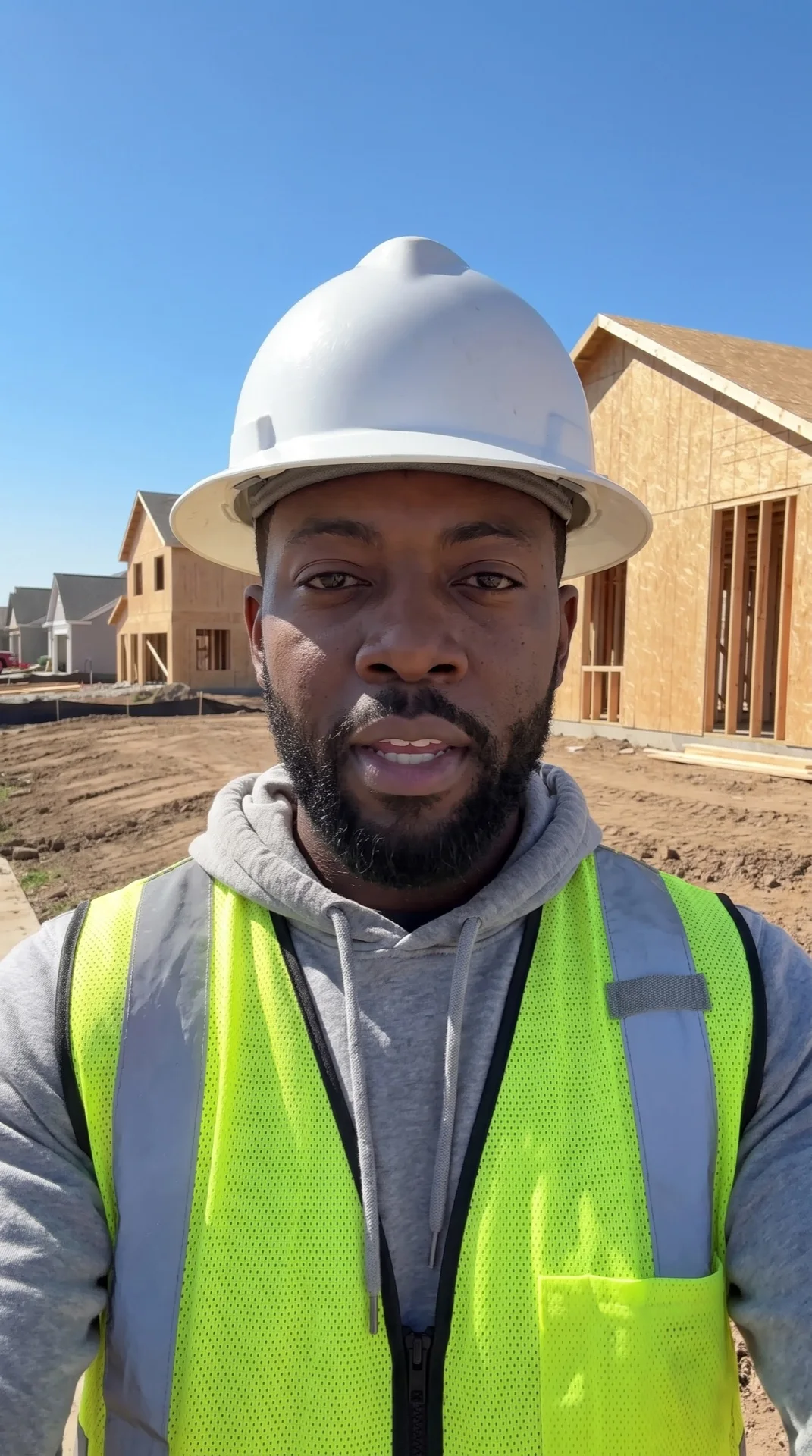
On the call
Three things a call
can do that a text can't.
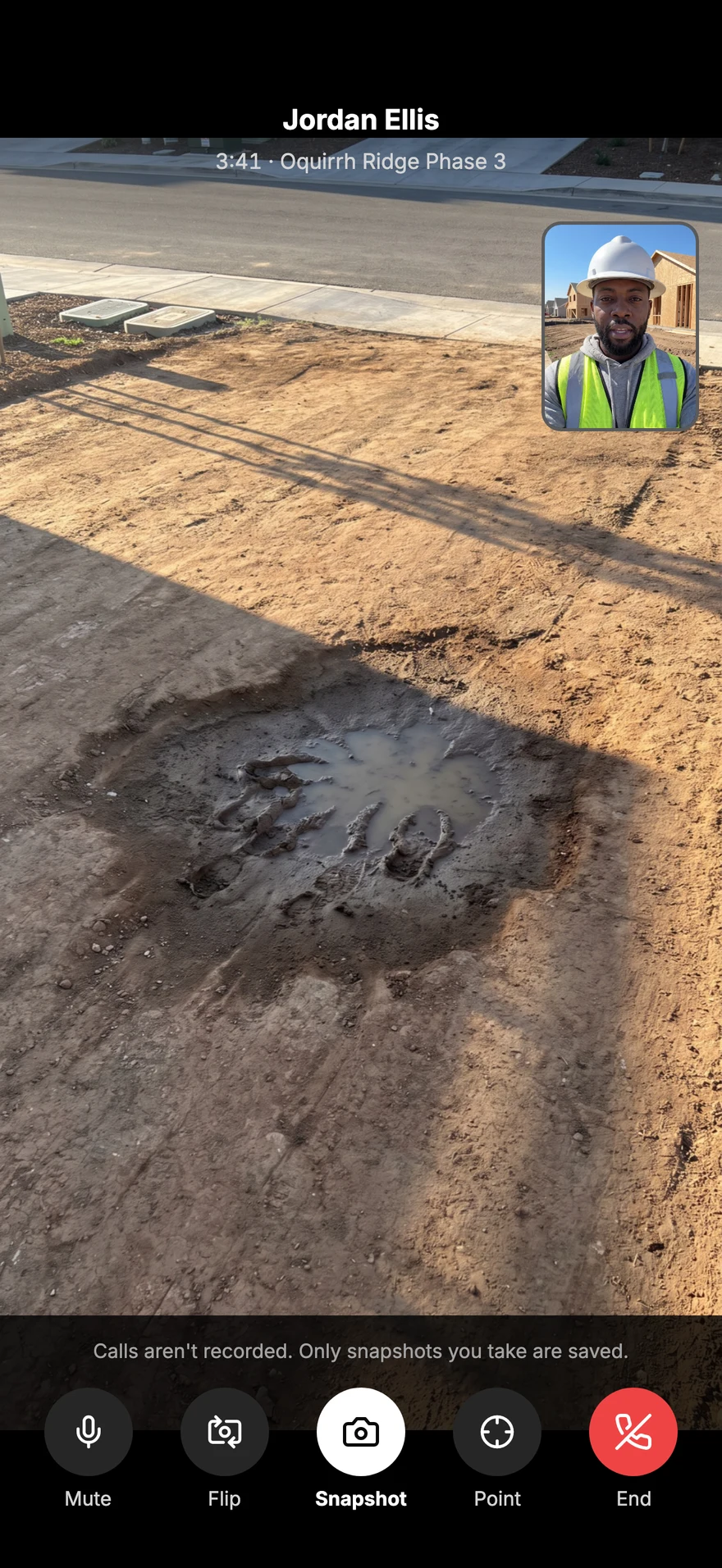
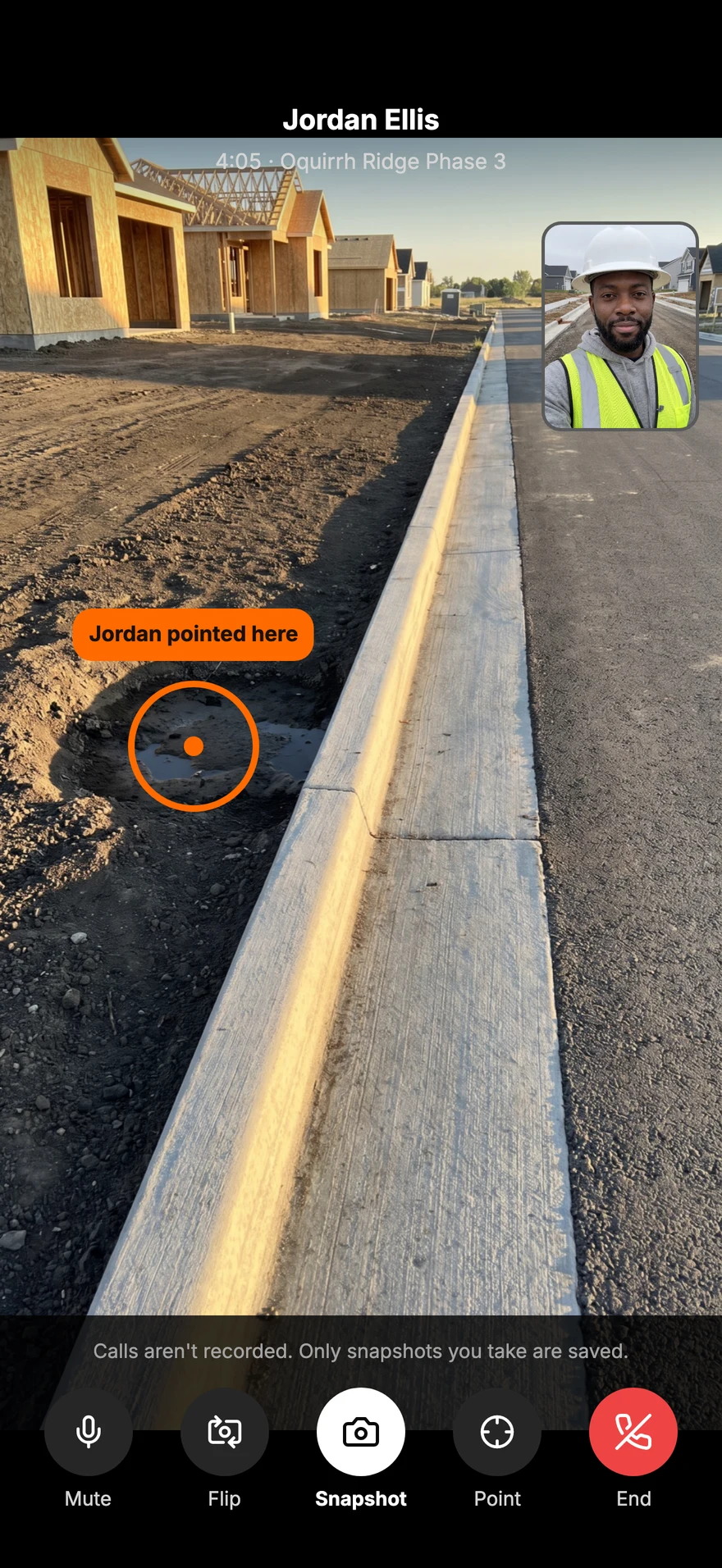
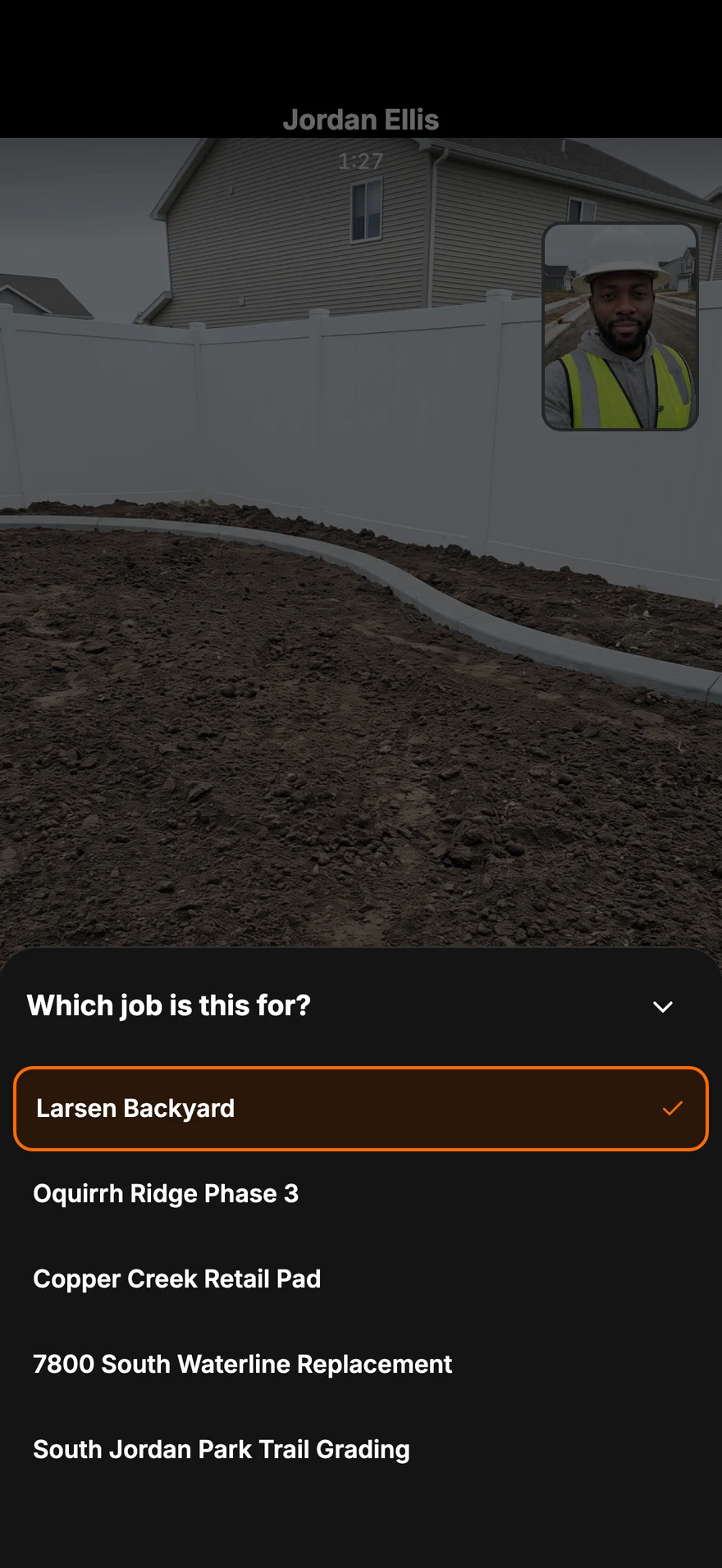
On the phone
Every call
screen.
Swipe, scroll or drag. Tap one to see it full size.
-
Talk face to faceVideo call anyone on the crew. It rings like a real phone call.
-
Don't explain it. Show itAnswer and the back camera is already on the job.
-
Point right at the spotTap their picture to drop a mark both of you see.
-
Snap it mid-callA full-quality photo, filed to the job's photos.
-
It starts in MessagesEvery conversation has a Video call button at the top.
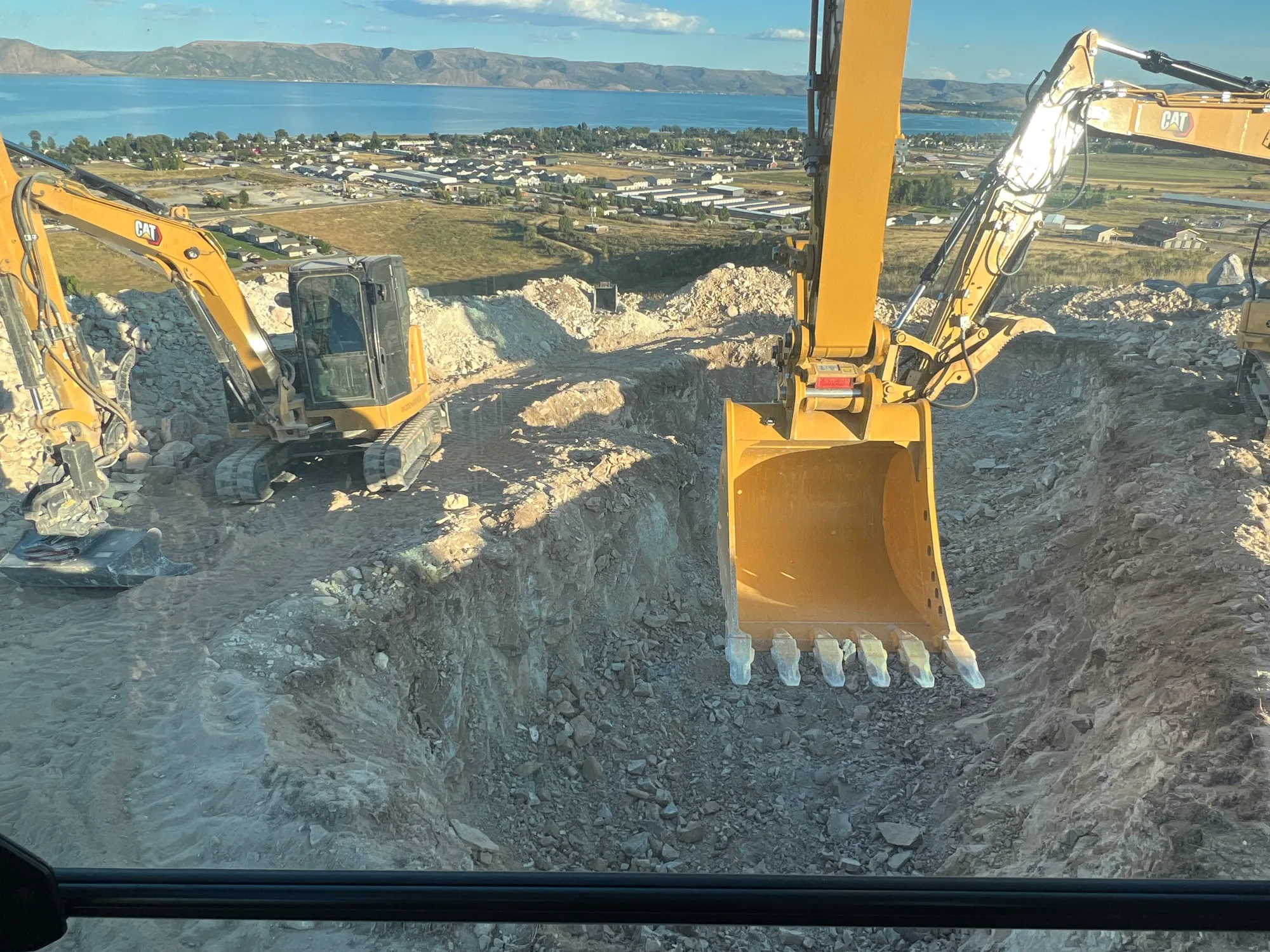
From the cab or the trench
Calls aren't
recorded.
On the computer
Call the crew
from the office.
The same conversations on a computer, with Video call at the top. Tap to open it full size.
-
Call from the computerOpen a conversation in Messages and press Video call at the top.
Everything included
What's in a Parli call
Call from the conversation
A Video call button sits at the top of every conversation in Messages.
Rings like a phone call
An incoming call rings with the caller's name, even when Parli isn't open on the phone.
Back camera ready
Answer and your back camera is already on the job. Tap the corner to see the other person big.
Point at the spot
Tap their picture to drop a mark. You both see exactly where you mean.
Snapshot to the job
Save a full-quality photo from the call straight to the job's photos.
Not recorded
Calls are never recorded. Only the snapshots you choose are kept.
Calls list
Every call in one list, with missed calls in orange and a button to call back.
Gets through on cell data
When a network blocks a direct connection, the call passes through an encrypted relay that keeps nothing.
On the computer too
Call the crew from Messages on a computer, from the same account.
Questions
Common questions
Who can I video call?
Anyone in your company who has Parli, from your Messages conversation with them.
Are video calls recorded?
No. Calls are never recorded. If you save a snapshot during a call, that one photo files to the job.
How does pointing at something work?
Tap the other person's picture where you mean. A mark shows up on both screens, so there's no guessing which pipe or which corner.
Does it work on a jobsite with weak signal?
A video call needs a data connection. When a network blocks a direct connection, the call goes through an encrypted relay so it can still get through.
Can I call from a computer?
Yes. Open the conversation in Messages on a computer and press Video call.
Where do snapshots go?
To the job's photos, at full quality, with who took it and when, the same as any jobsite photo.
Show the job
without the drive.
Free to start. Video calls on iPhone, Android and the computer.
Jobsite and machine photos on this page are from real jobs in Utah. Screens are from the Parli app.