

 Here it is










Snap it.
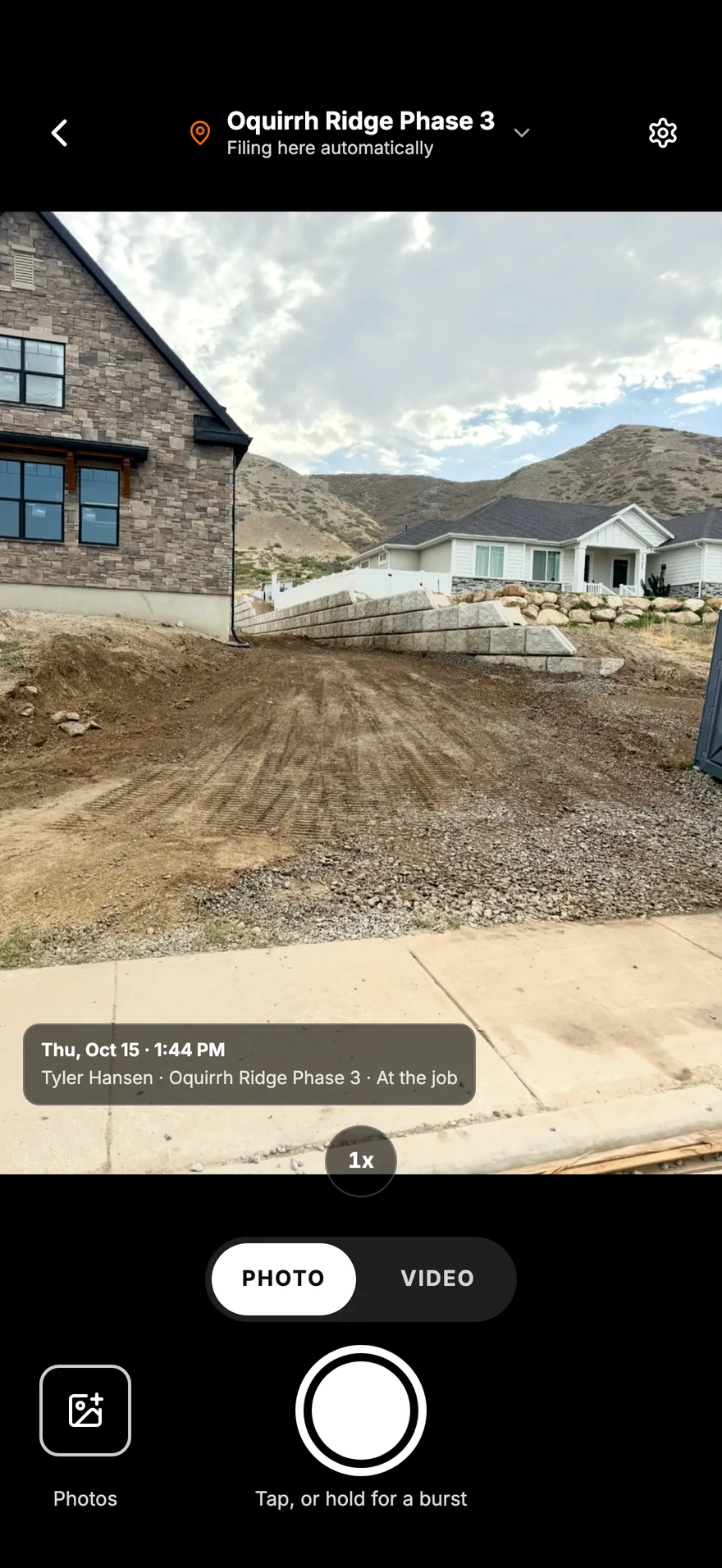
Open the camera and shoot. The job is already picked from where you're standing, so there's nothing to sort later.
In the order the work happens on a site
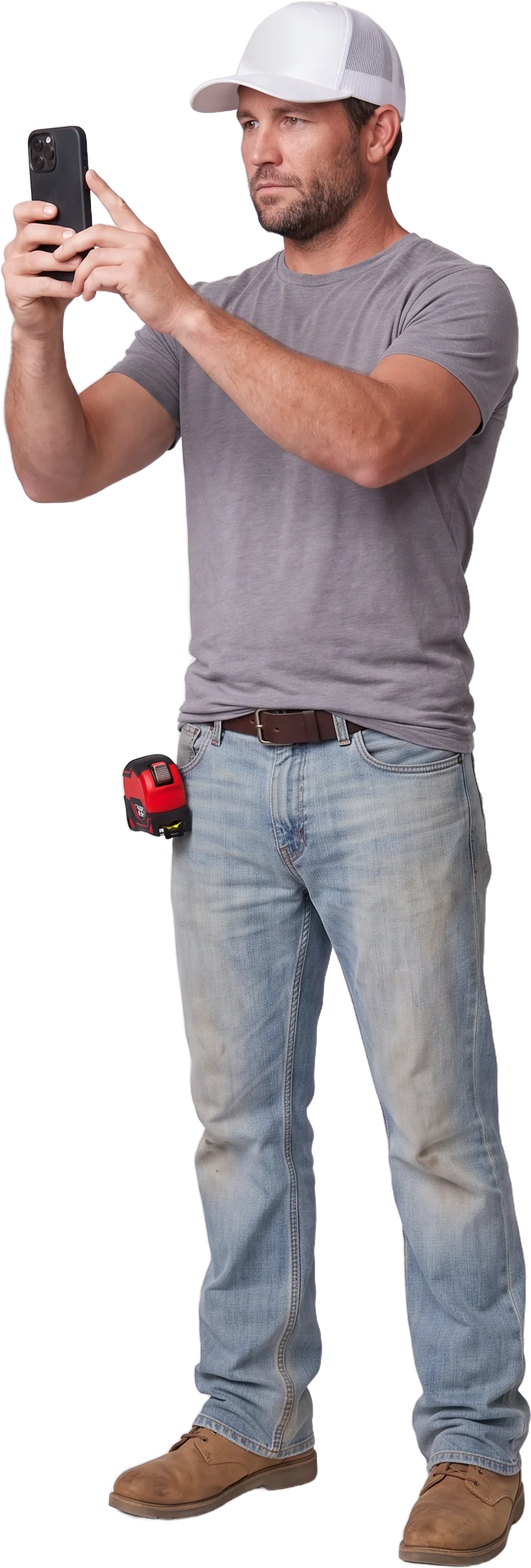
Parli knows which job you're standing on. Every photo gets stamped with who took it, when and where.
This week, every job
Open a job and see what the crew shot, by day, without driving out to look.
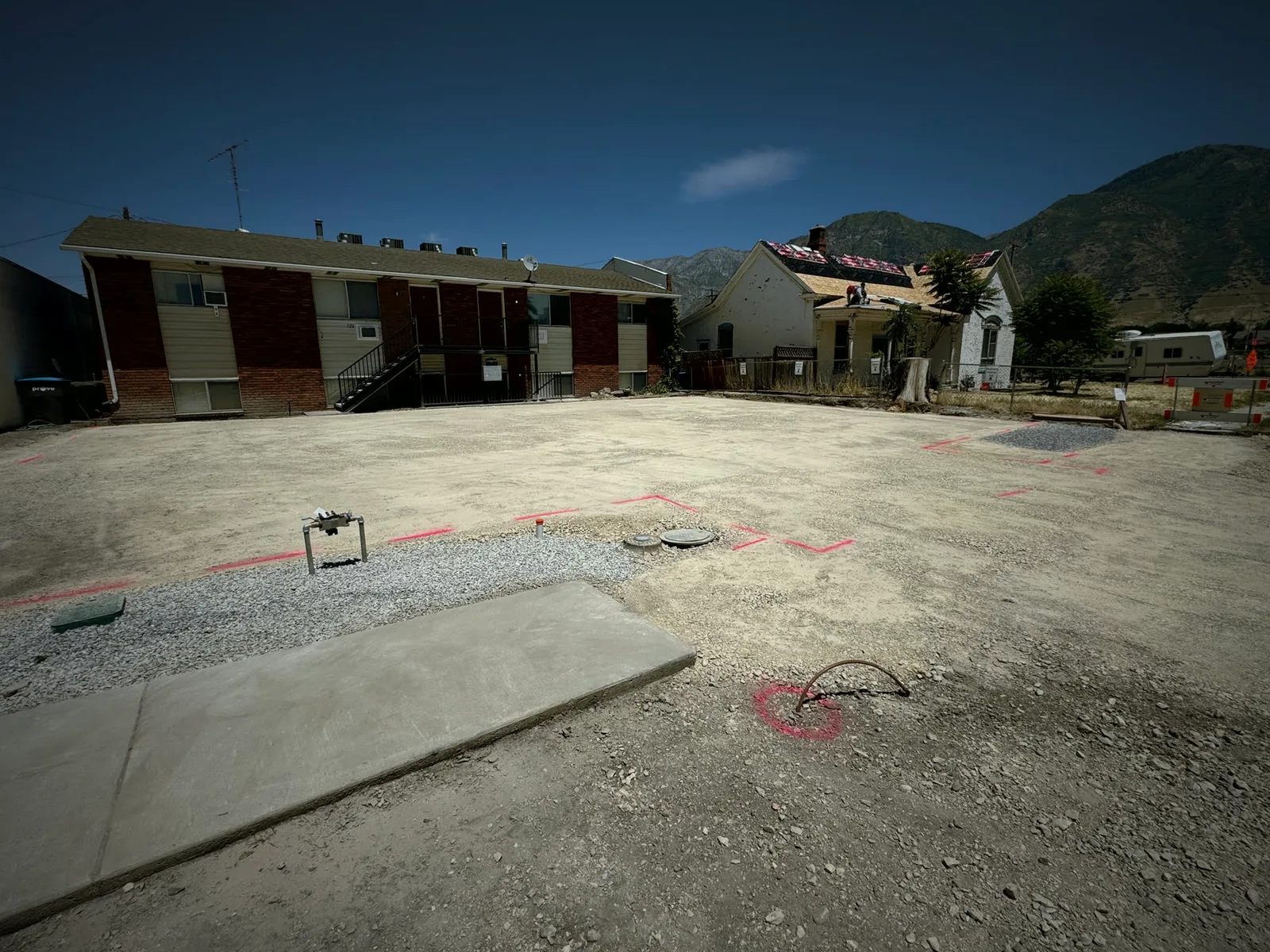
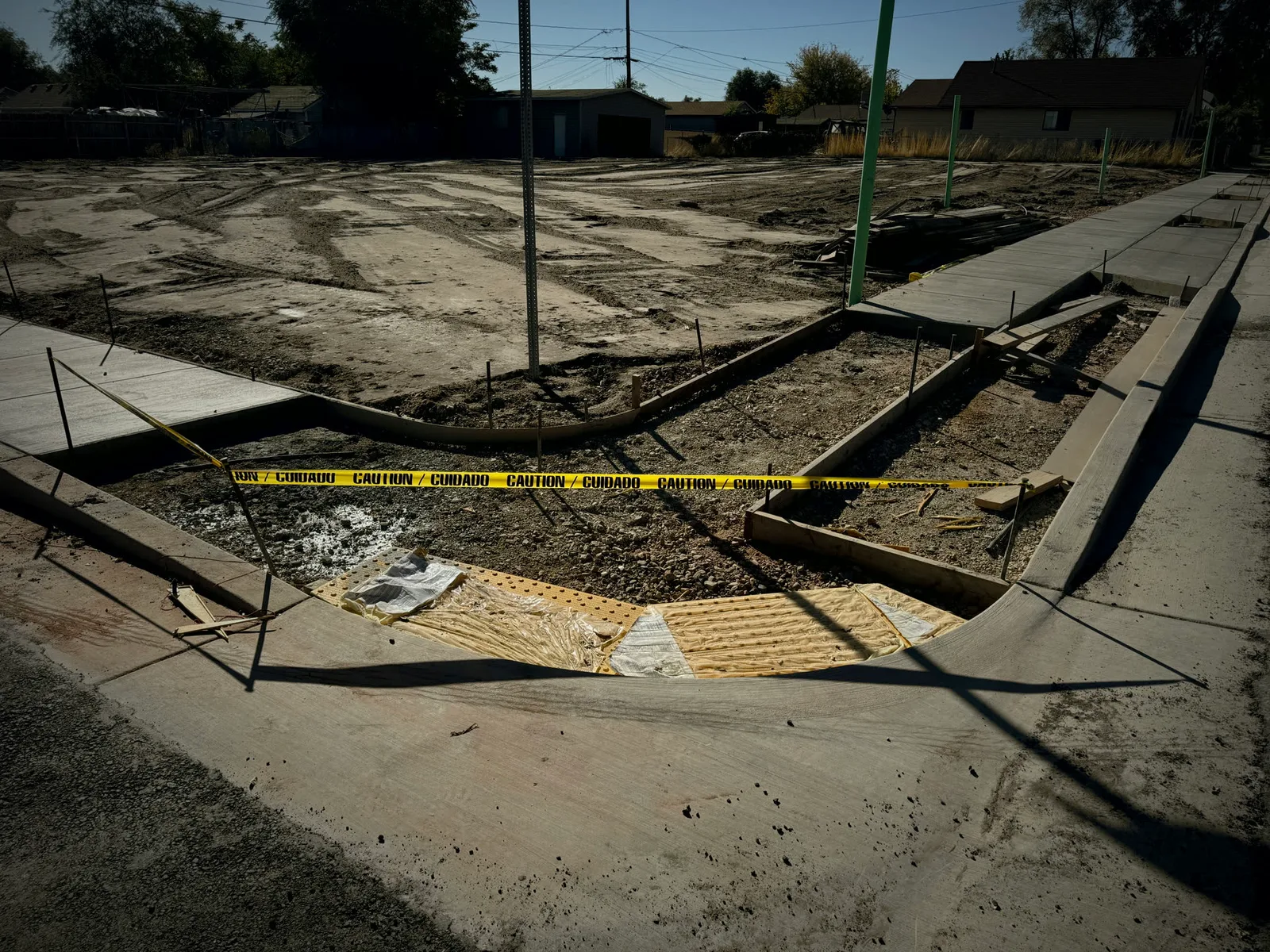
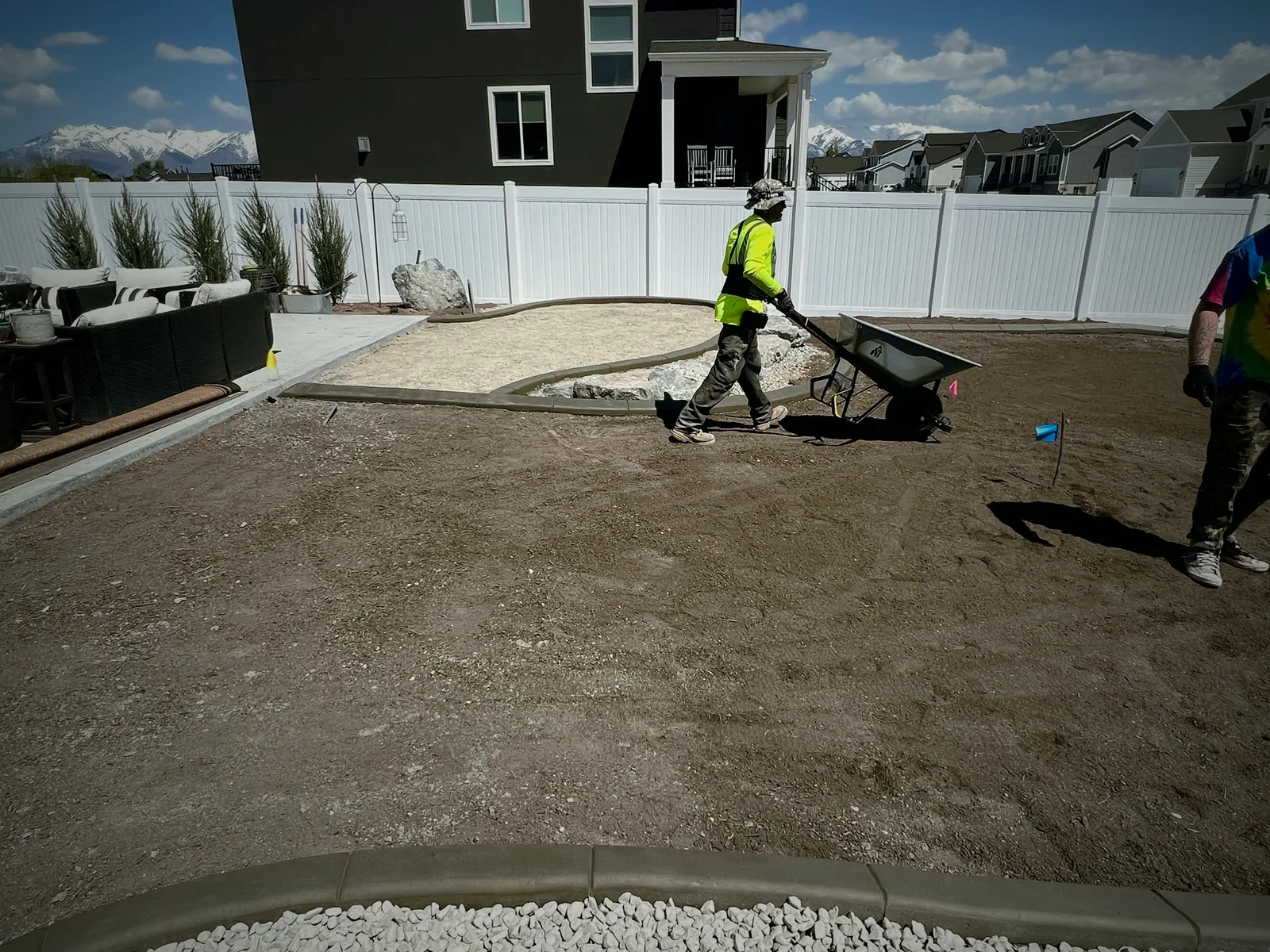
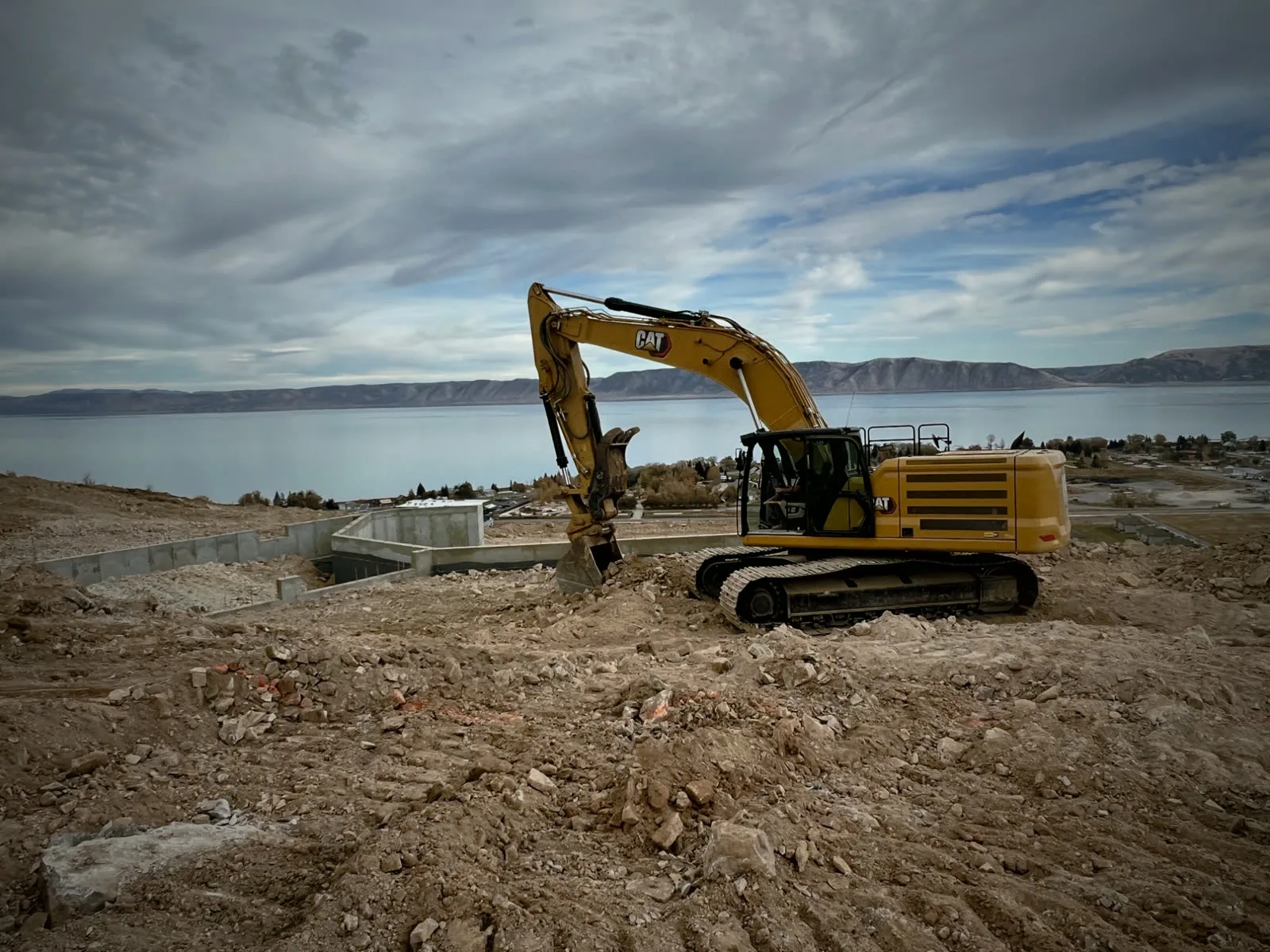
Open the camera and shoot. The job is already picked from where you're standing, so there's nothing to sort later.
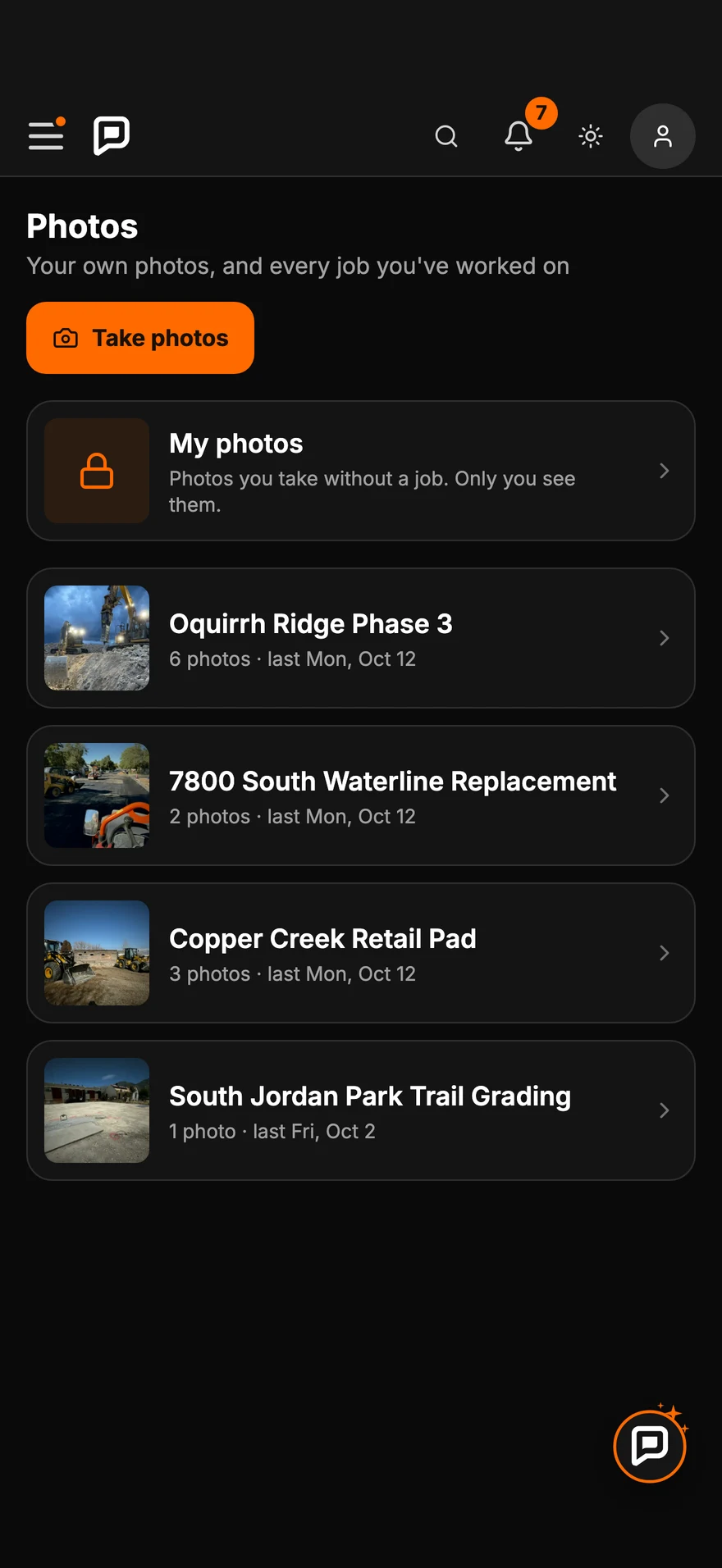
Every photo your crews take lands under its job, newest first. The ones you take just for you stay in My photos.
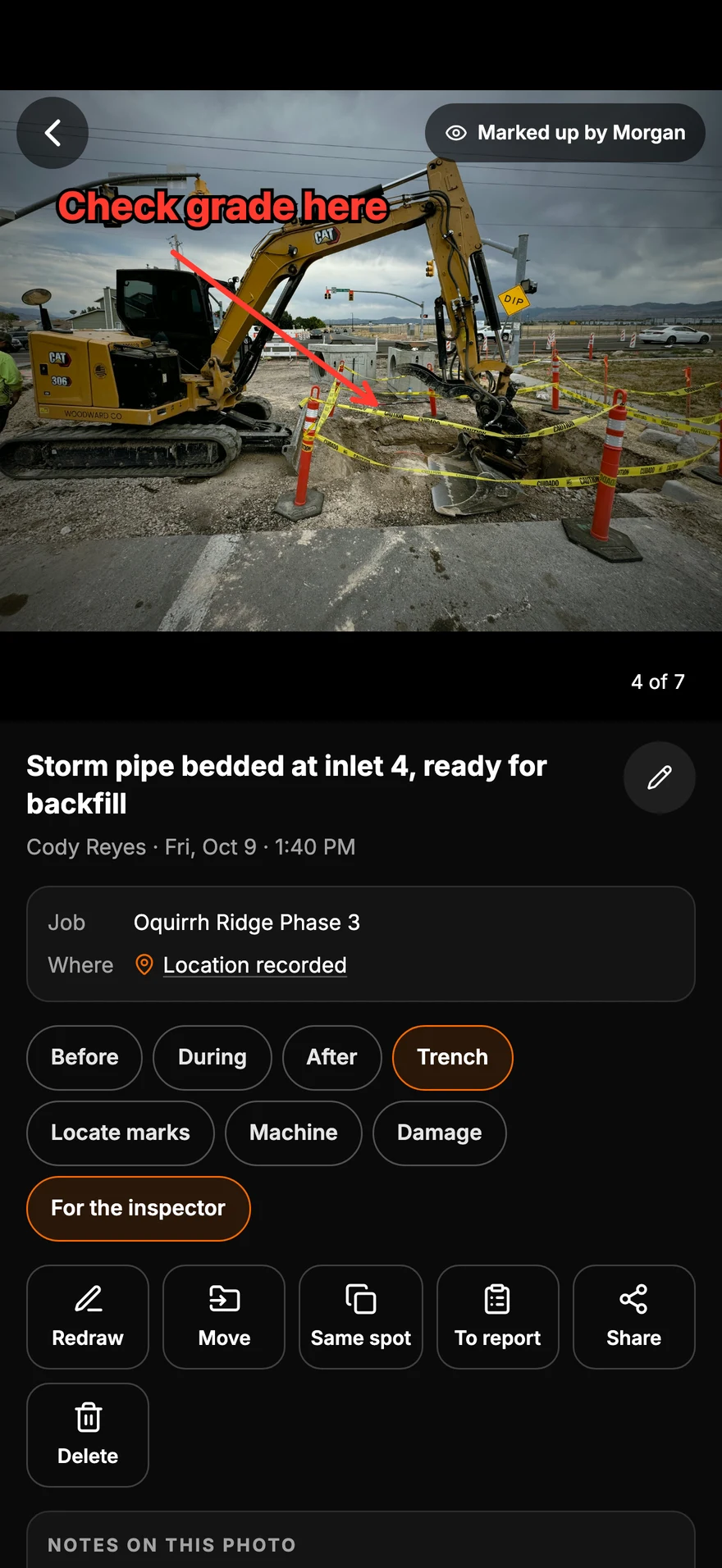
Draw an arrow, write a note, tag it for the inspector. The crew sees exactly what you mean.
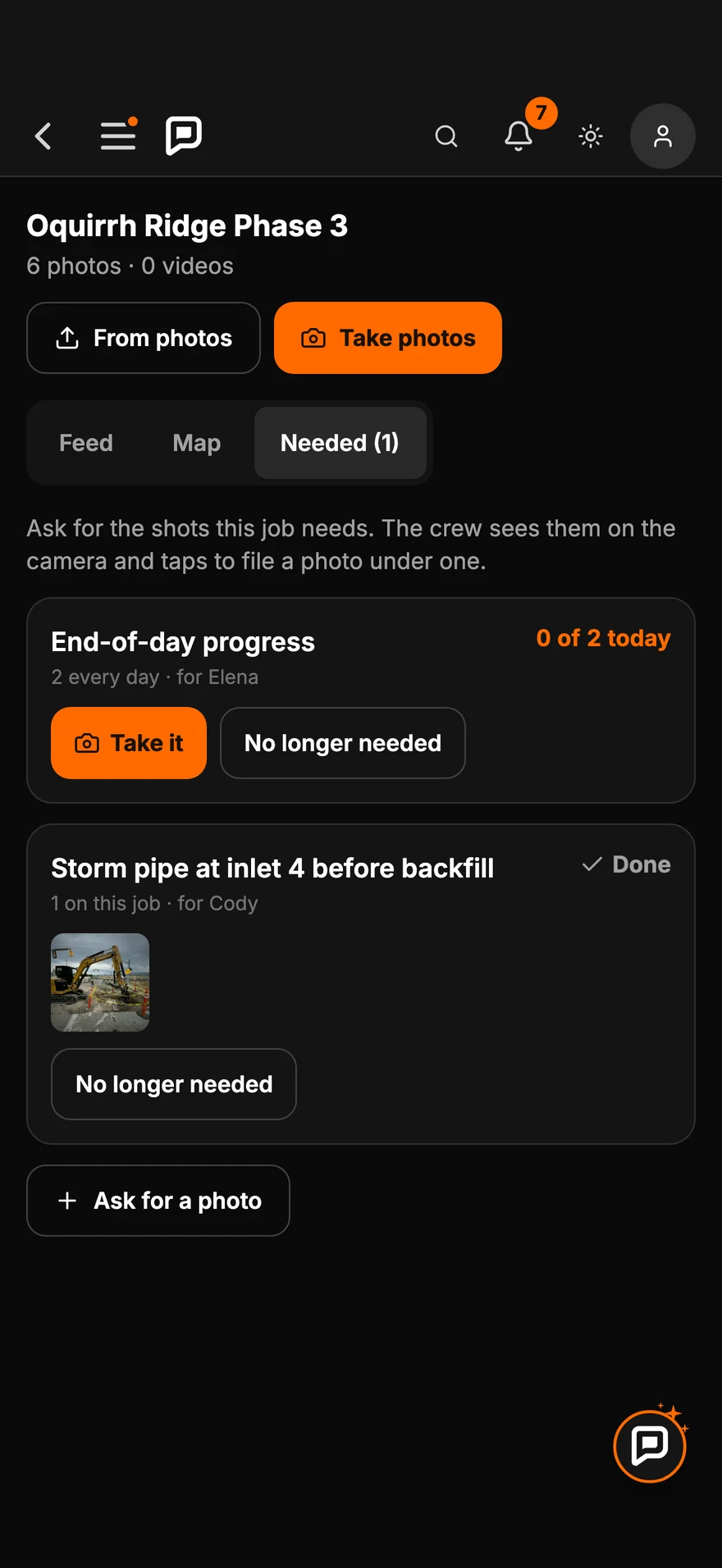
Ask for the photos a job needs. The crew sees the list on their camera and taps Take it.
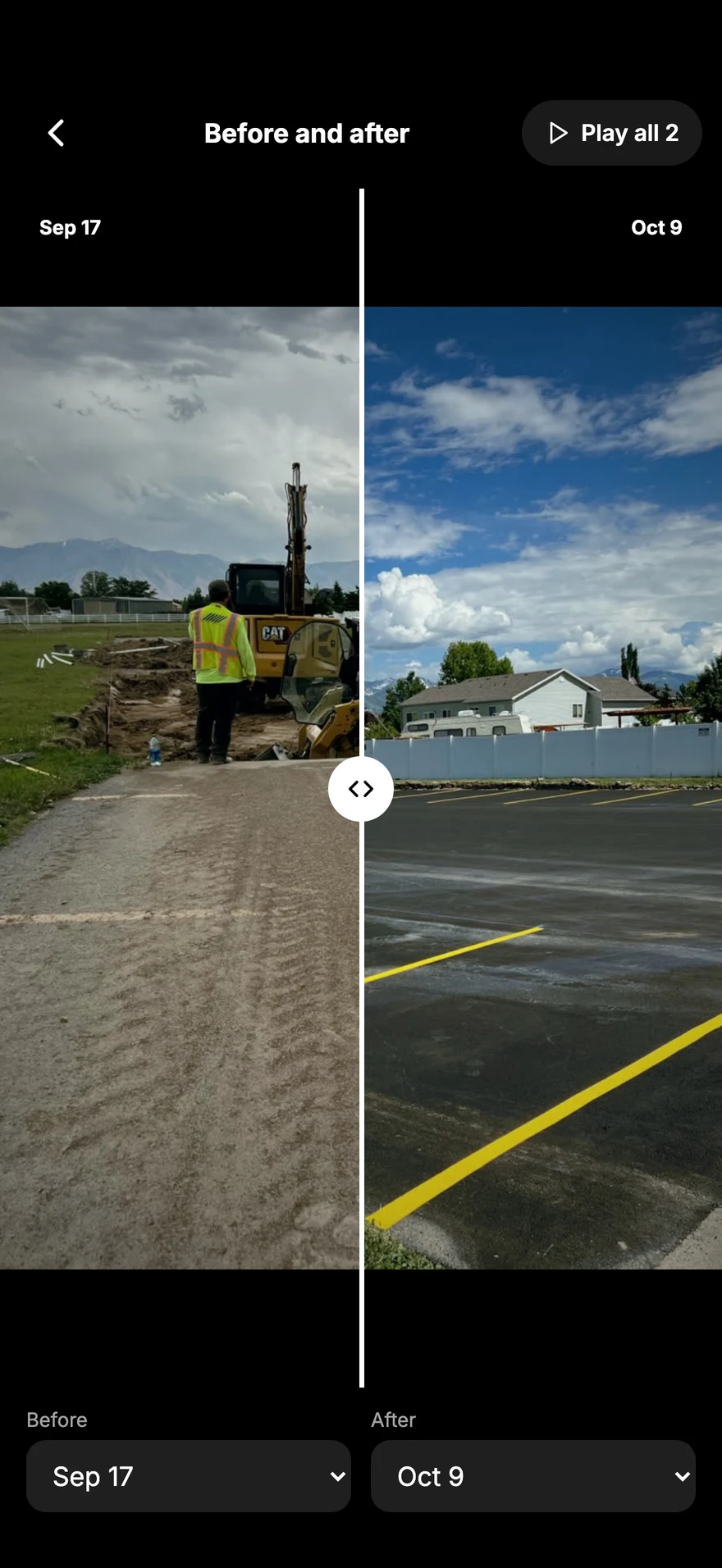
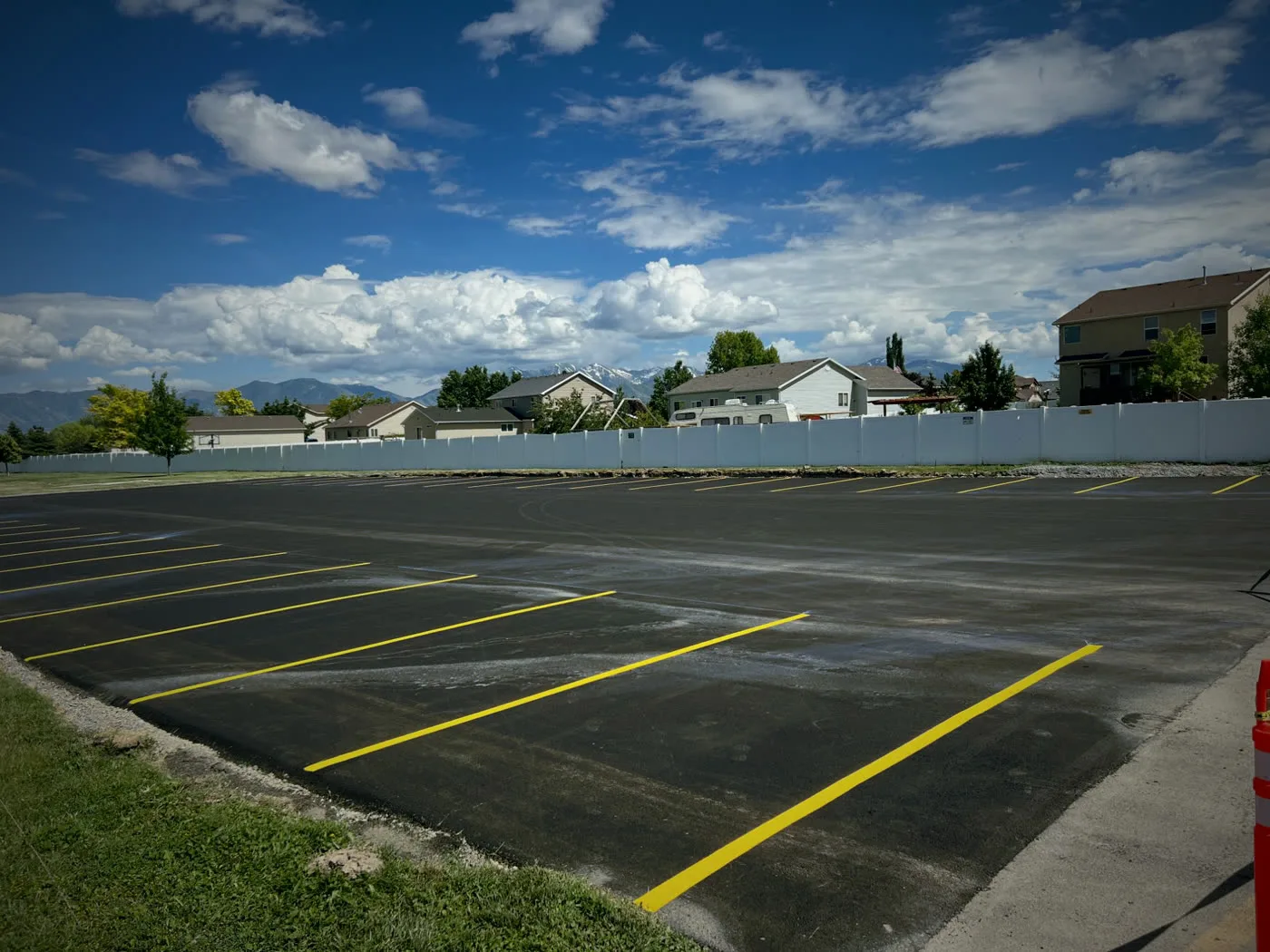
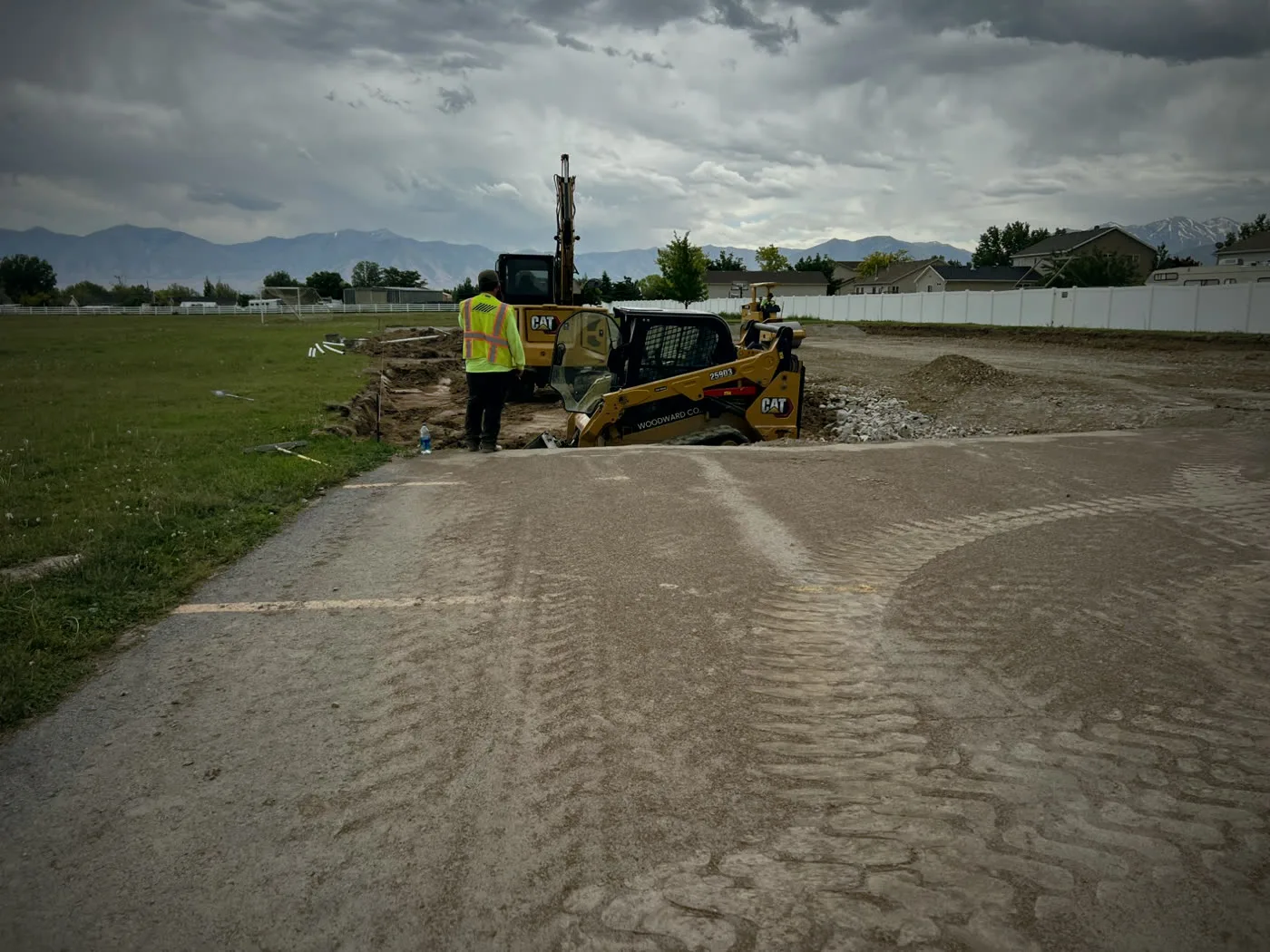
Take the after from the same spot as the before, then slide between them.
Before and after
For the client
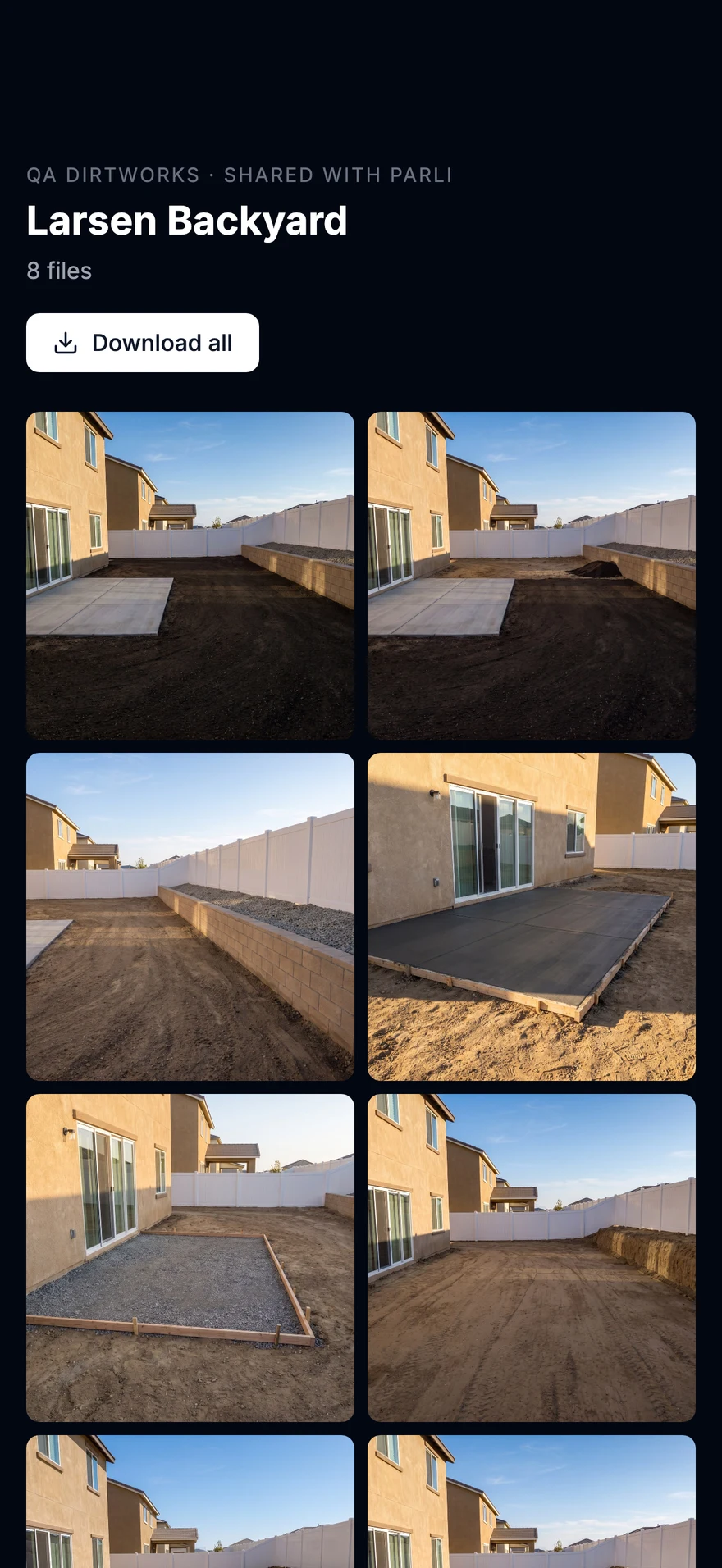
Share the whole job as an album. Photos the crew adds later show up on the same link.
Everything included
Photos land on the job you're at, stamped with who took them, when and where.
Photos taken where the signal drops upload by themselves later.
Before, During, After, Trench, Locate marks and your own tags, set for your company.
Arrows, circles and notes drawn on top. The original photo is always kept.
Ask for the shots a job needs, once or every day. The crew sees them on the camera.
Take the after from the same spot and slide between the two.
Photos you take for yourself stay private in My photos, in your own folders.
Share a job as one link. The client needs no app, and new photos show up on the same link.
Find a photo by caption, tag or person, or see where each one was taken on a map.
Questions
When you open the camera, Parli picks the job you're at and shows it at the top. Tap it to pick a different job before you shoot.
Yes. The camera takes photos and video, and both file to the job the same way.
No. Arrows, circles and notes sit on top of the photo, so the original is always there.
Yes. Share the job as a link. The client opens it in any browser, sees every photo full size and can save them. Photos the crew adds later show up on the same link.
Take photos as usual. They save on the phone and upload by themselves when the signal comes back.
Everyone who can see the job can see its photos. Photos in My photos are private to you.
On the phone
Swipe, scroll or drag. Tap one to see it full size.
Snap it. It's already filedParli knows which job you're standing on.
See every job from the shopEvery photo lands under its job, newest first.
Every photo, filed by jobBy day, with a search that finds the one you need.
Ask for the shotThe crew sees the list on their camera.
Point out the problemDraw an arrow, write a note.
Same spot. See the changeSlide between the before and the after.
Show the client the progressPick the day's photos and tap Share link.
One link. No app neededPhotos added later show up on the same link.
Away from home? See every stepEvery photo from the job in one album.
Then and now, theirs to keepHomeowners save any photo full size.
On the computer
Every screen at full size. Tap one to open it.
A job's photosFeed, map and the photos still needed, with a search across captions, tags and people.
Files, by jobPhotos, field reports and documents in one place for each job.
Free to start. Every photo files itself to the job it was taken on.
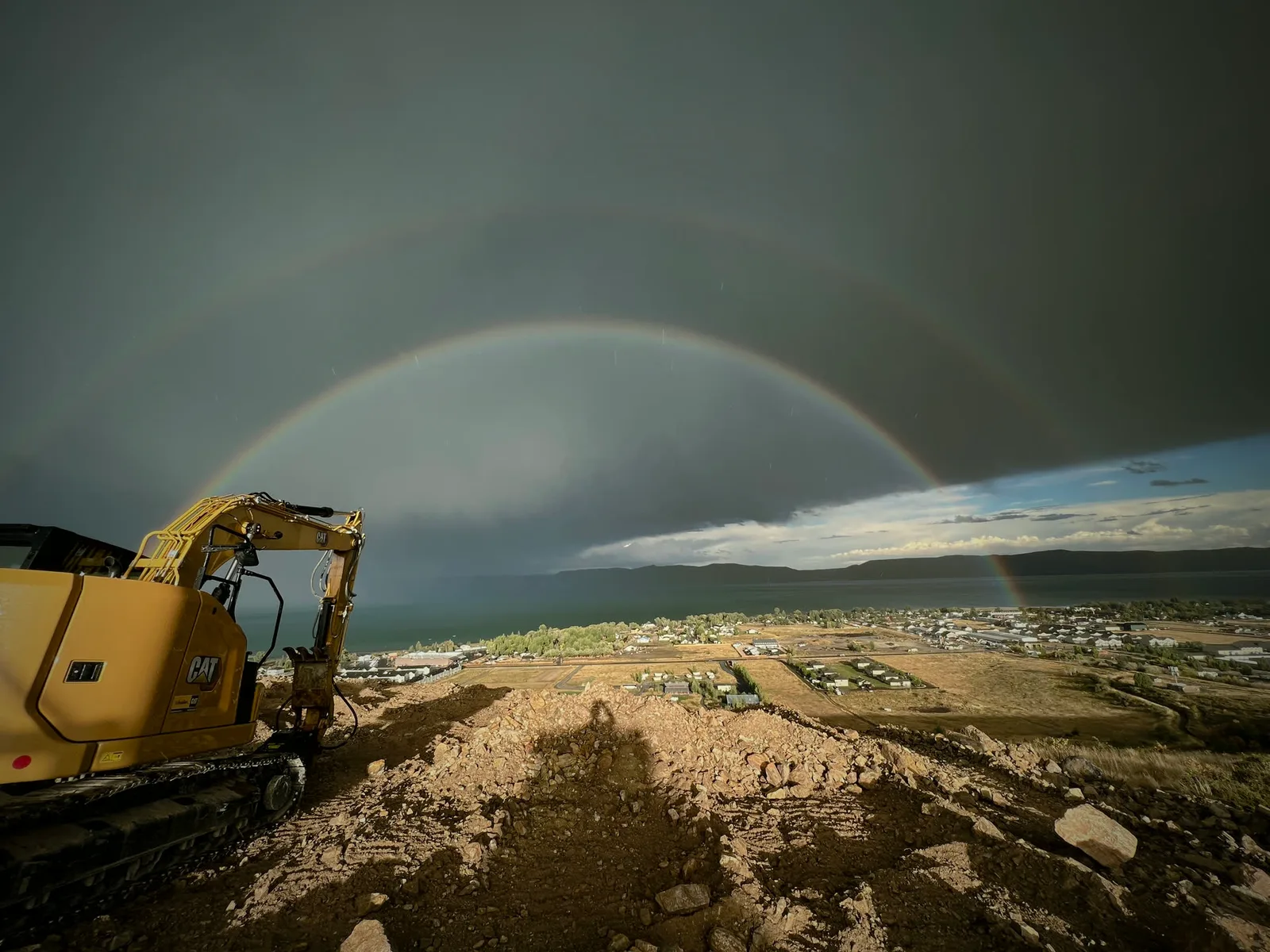
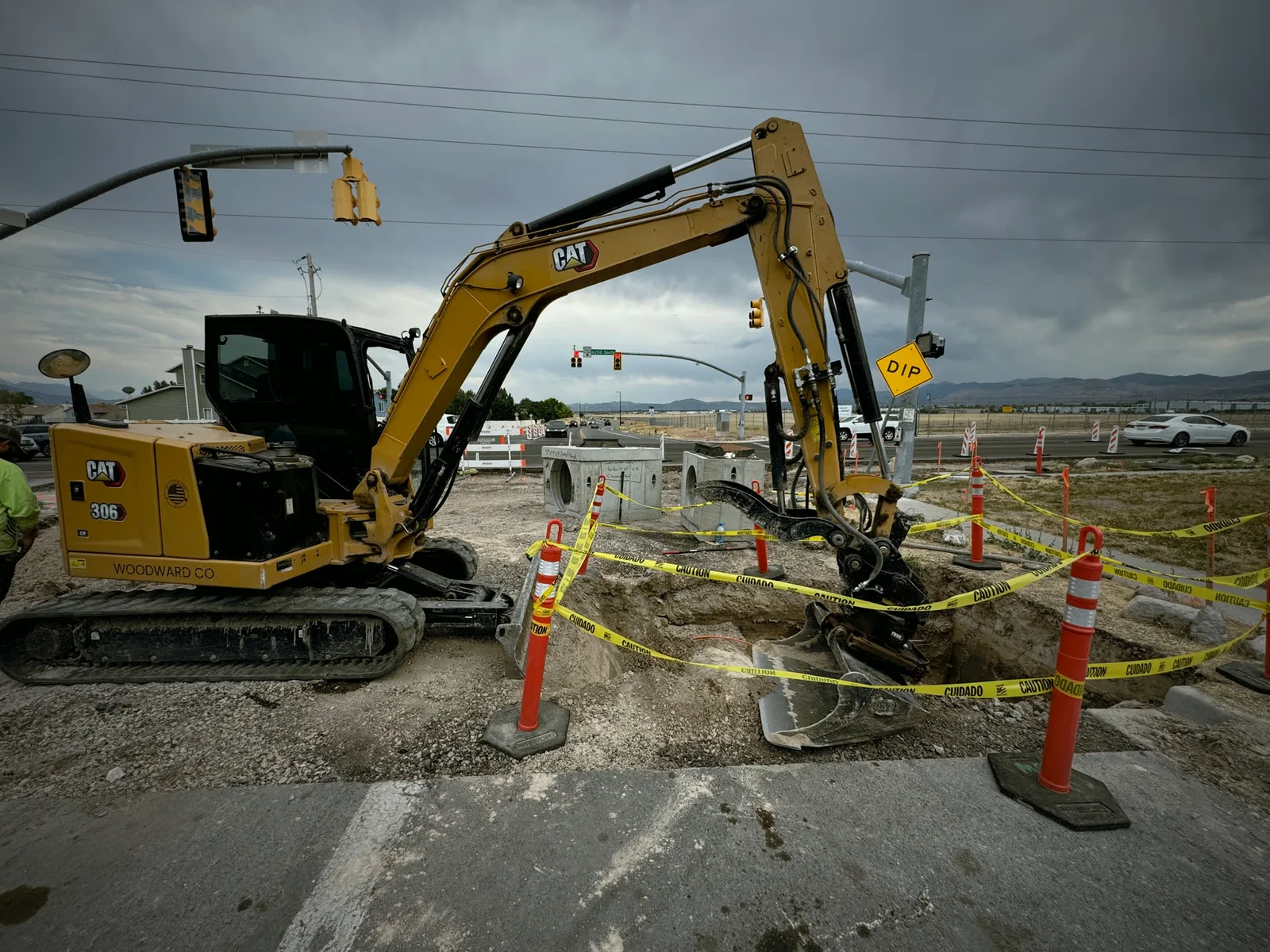
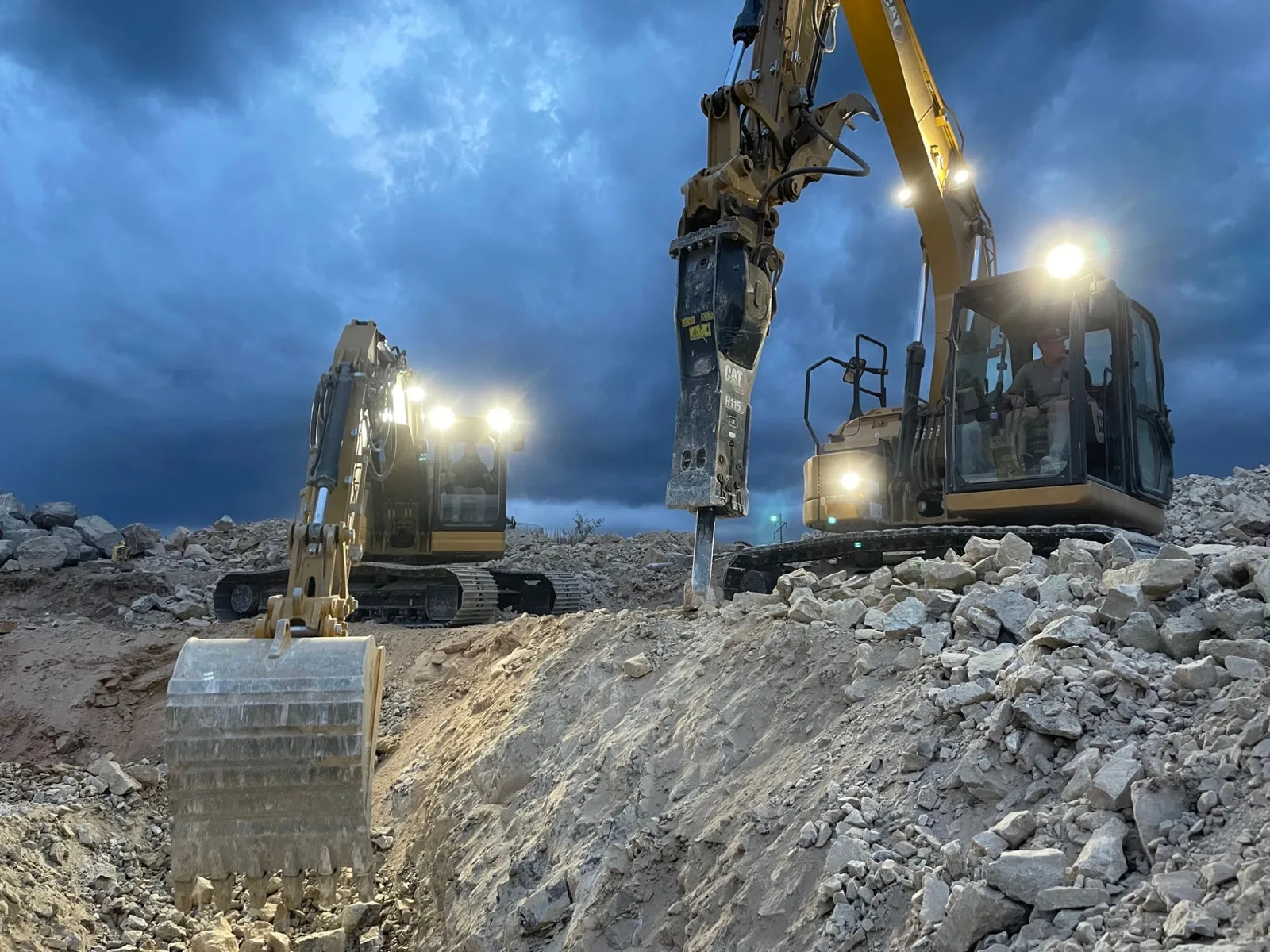
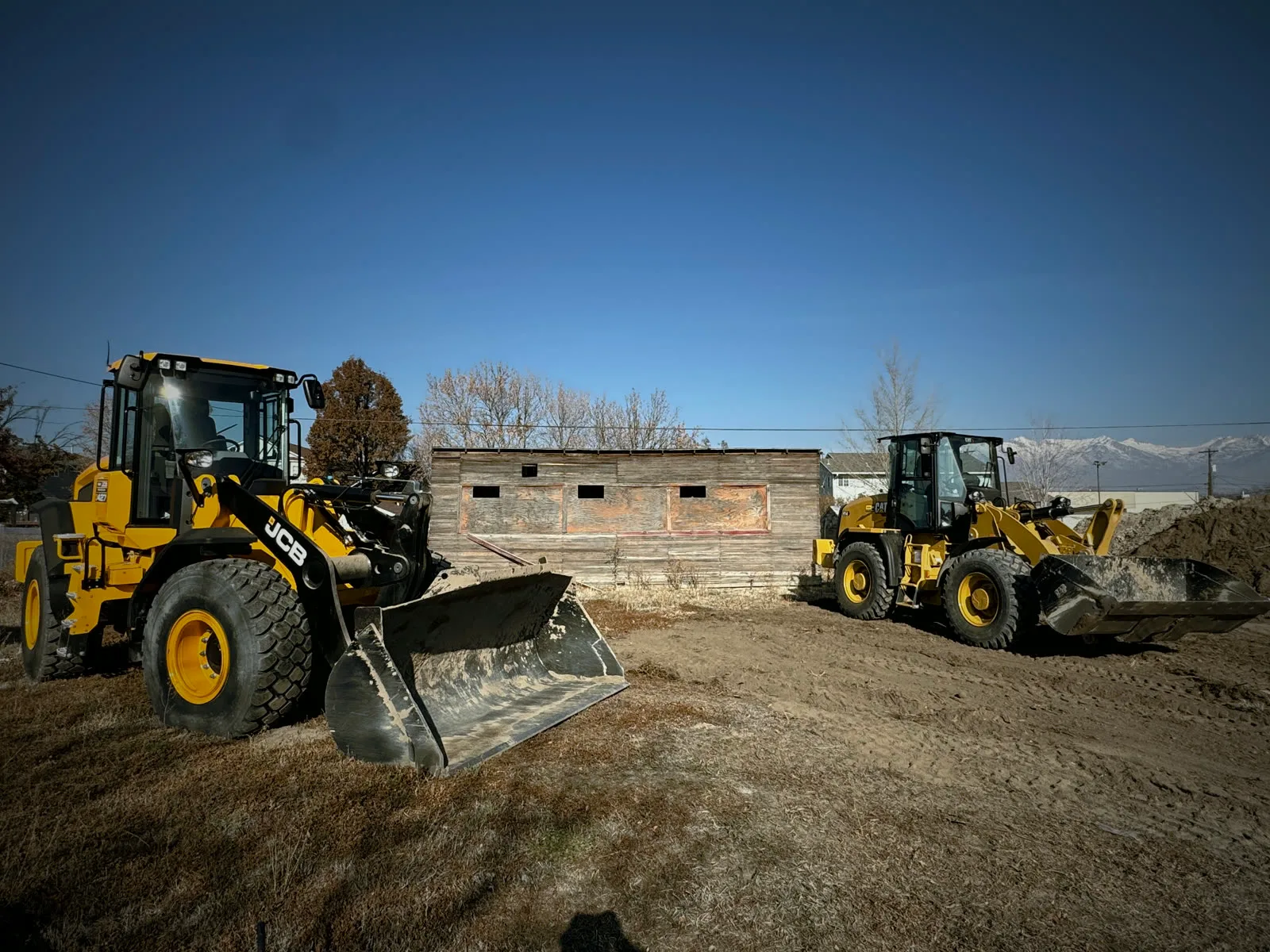
Jobsite and machine photos on this page are from real jobs in Utah. Screens are from the Parli app.