

 Here it is










Landscape crew scheduling software with an album for every yard.
For landscaping contractors with crews spread across lots of yards. Put the crews and machines where they need to be, and send each homeowner one link to their job's photos. No app for them, and new photos keep landing on it.
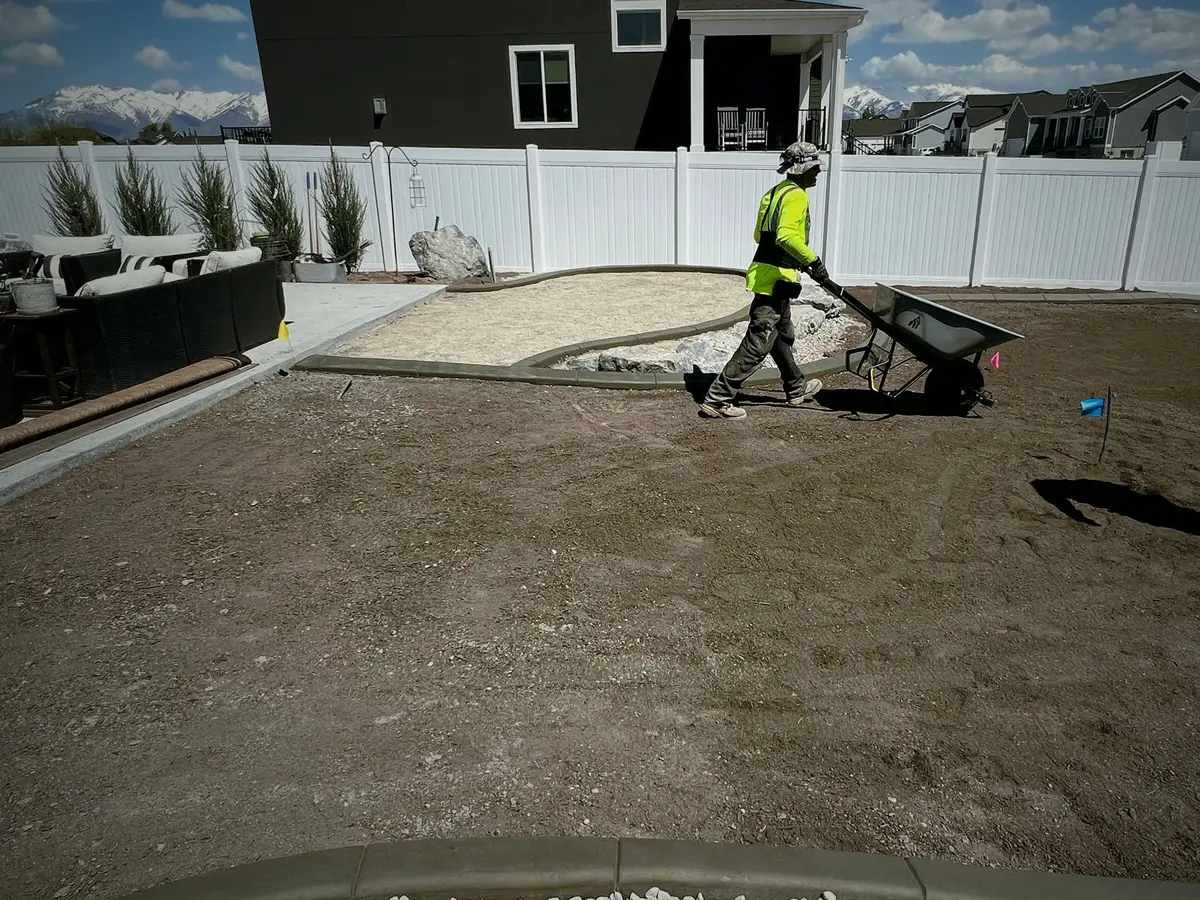
The client album
One backyard, two ways to see it.
The homeowner gets the photos on one link. Your crew gets the same job as tasks: the phase, the checklist, who's on it and the machine. Flip the switch.
What the homeowner sees: three photos of one backyard, August 31 to September 8, 2022.
Shared with Parli
Daybreak Lot 12
3 photos
Download all
-
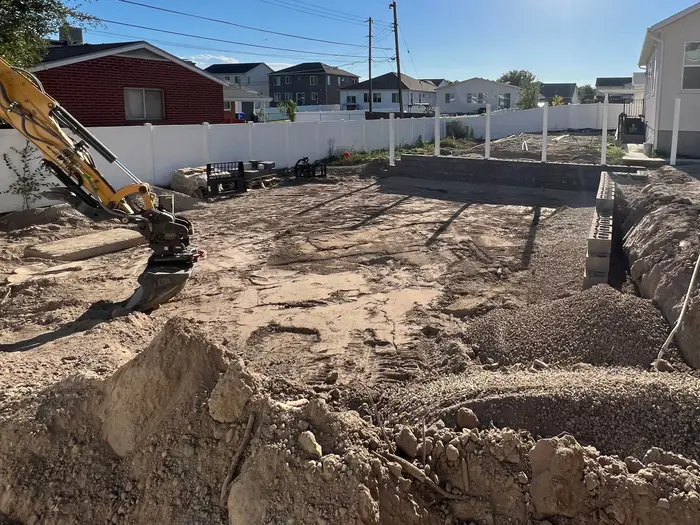
Day one. The backyard is dug out for the new walls. -
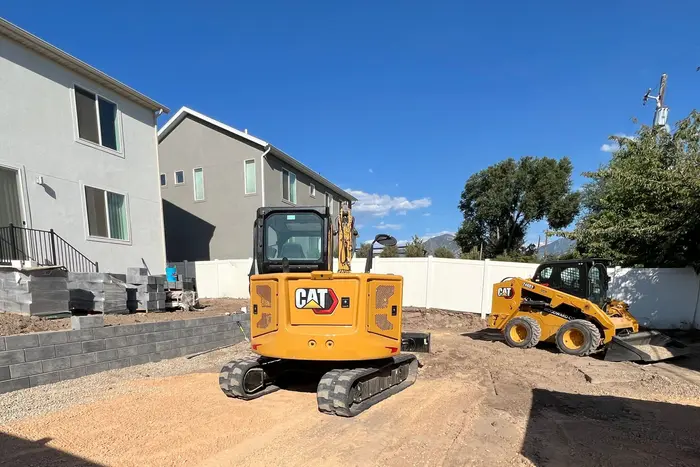
The block wall by the house is up, and the yard is graded. -
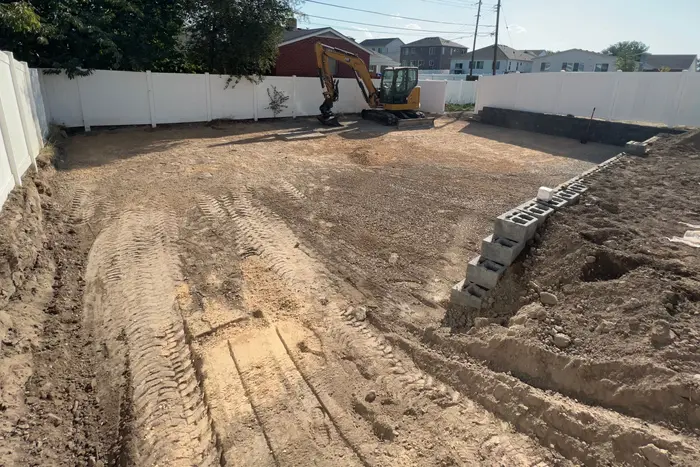
Graded out to the fence. The side wall is going in. - New photos land here
Same link. No app, nothing to sign in to.
Real photos of one backyard job in Utah, with the days they were taken. The tasks, names and notes are examples. On the real link the homeowner sees the photos, opens any one full size and saves it, or downloads them all.
Start from template
The Landscaping phases, already set up.
When you make a job, open Start from template and pick Landscaping under Industry phase columns. The job's board starts with nine phases, from design to warranty. Rename them, recolor them, or delete the ones you don't do.
Already have the job? Board, then By bucket, then Bucket template sets.
Contents
- 01 Design & Approvals The homeowner signs off on the plan
- 02 Site Prep & DemoIn the album Tear out the old lawn
- 03 Grading & DrainageIn the album Slope the yard away from the house
- 04 Irrigation Trench and lay the sprinkler lines
- 05 HardscapeIn the album Stack the block wall
- 06 Soil & Planting Spread topsoil and plant the beds
- 07 Sod & Seed Lay sod in the back
- 08 Cleanup & Walkthrough Walk the yard with the homeowner
- 09 Warranty & Closeout Check the sod after a month
The nine phases are the Landscaping set in Parli, in order. The tasks are examples.
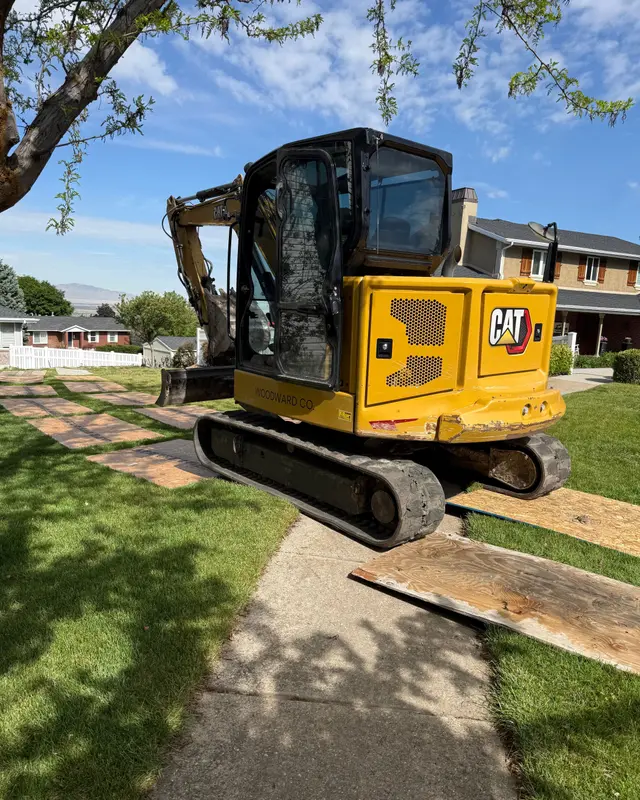
Mind the lawn
Show them the grass was looked after.
Plywood goes down before the machine crosses the lawn. Snap it, and Parli files the photo to the job with who took it and when. Add it to the homeowner's album and it shows up on the same link.
- No signal in the backyard? The camera saves the photo on the phone and sends it later.
- Point something out. Draw an arrow or write a note on a photo for the crew. The clean photo stays beside it.
- Same spot, before and after. Take the after from where you took the before, then slide between them.
Before and after
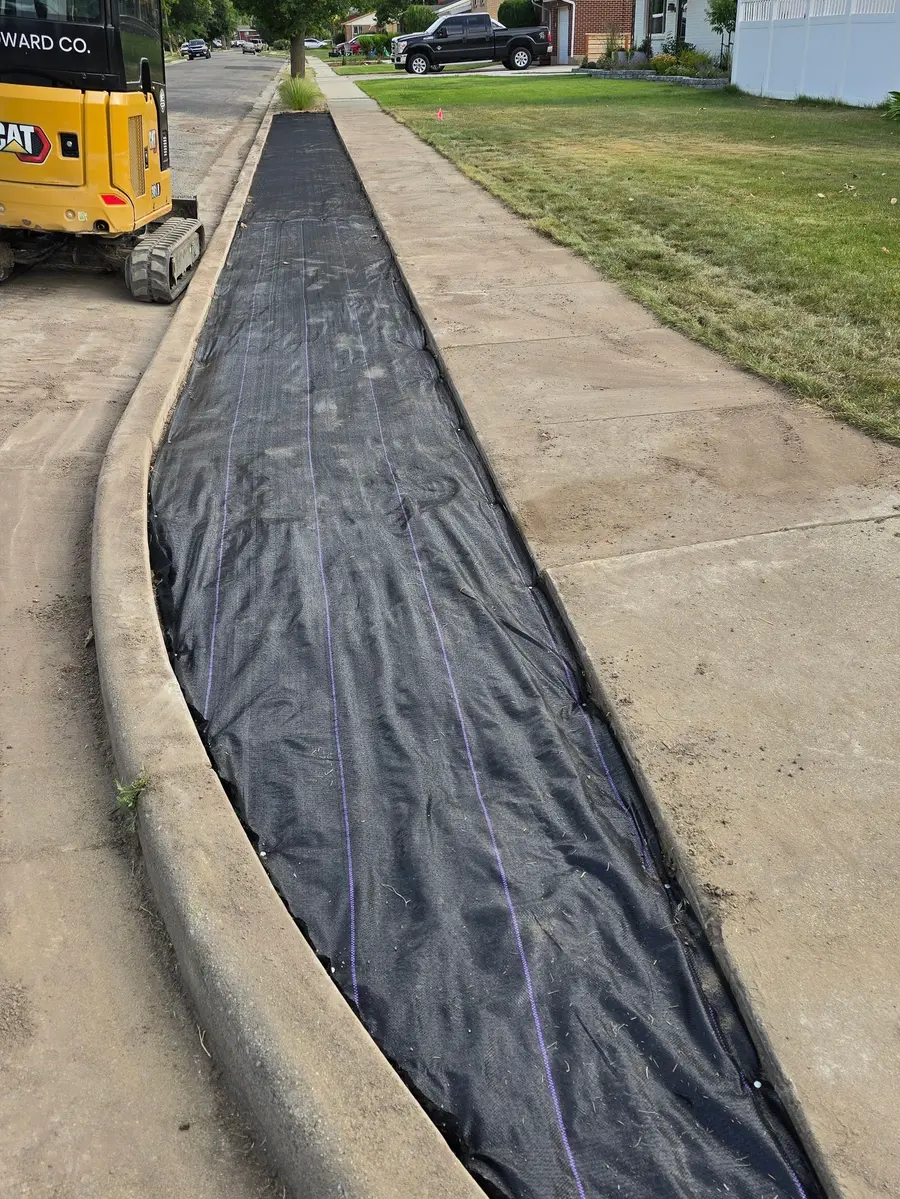
Two days, one park strip.
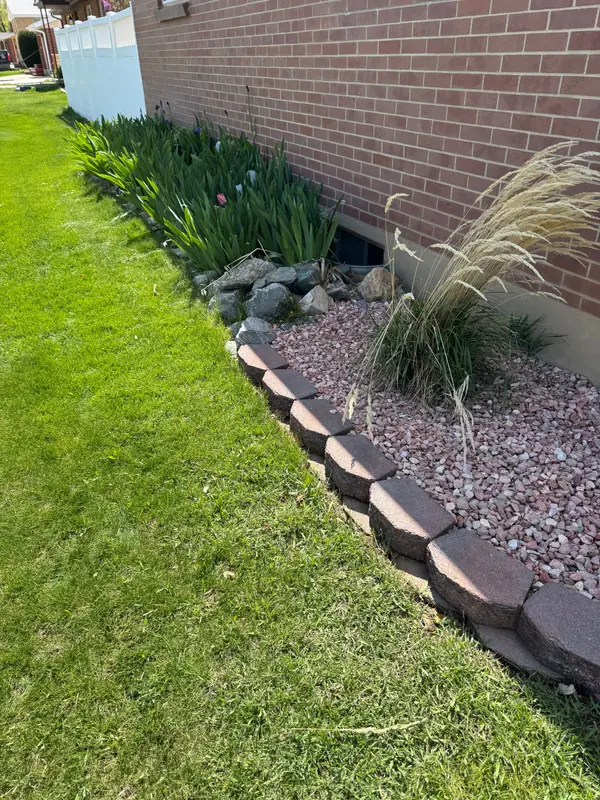
Weed fabric down on Tuesday. River rock and boulders by Thursday. Drag across the same stretch of curb.
In ParliPair a before and an after of the same spot, and Parli shows them with a slider like this one. Both land on the homeowner's album link.
See Photos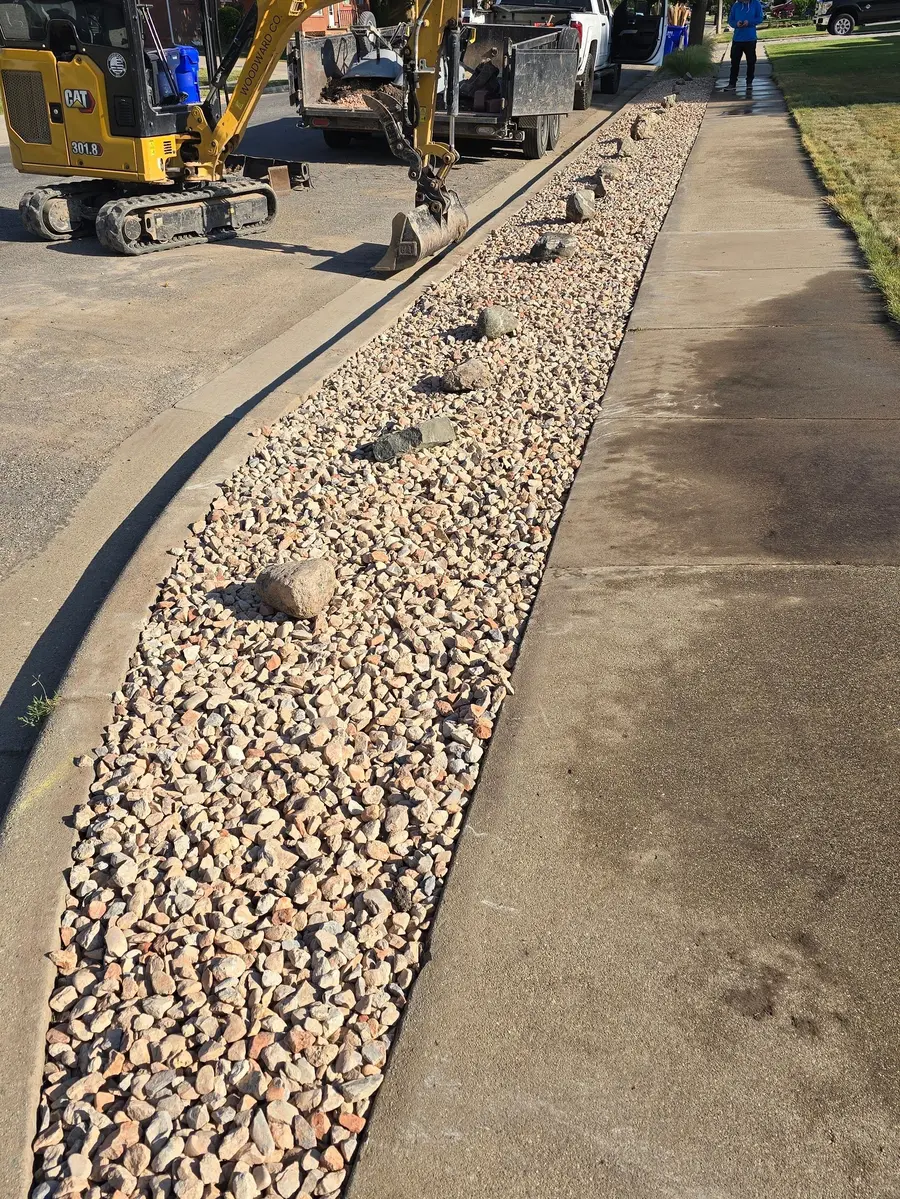
Lots of small jobs
Four yards on Tuesday, and everyone knows where to go.
Larsen Backyard7:00 AM
- LALuis A.
- RDRosa D.
- Skid steer
Daybreak Lot 127:00 AM
- MRMiguel R.
- Mini excavator
Sunset Ridge7:30 AM
- TOTanner O.
- CMCody M. (moved here, not sent yet)
South Jordan Park Trail8:00 AM
- DSDakota S.
1 change since the last send. Cody M. moved from Larsen Backyard. Press Send the schedule and only he hears about it.
On a phone, Dispatch shows one day with the crew grouped by job. Tap a person to move them to another yard. An orange dot marks each change until it's sent.
Nobody is told anything until you press Send the schedule. Then each person gets one alert with only what changed for them. Anyone without the app gets an email.
See DispatchOn the phone
The album, and the work behind it.
The client album, the photo list, Dispatch and a task's checklist. Tap one to see it full size.
-
Show the client the progressPick the day's photos and tap Share link.
-
One link. No app neededPhotos added later show up on the same link.
-
Away from home? See every stepEvery photo from the job in one album.
-
Then and now, theirs to keepHomeowners save any photo full size.
-
Ask for the shotThe crew sees the list on their camera.
-
Same spot. See the changeSlide between the before and the after.
-
Move a crew member in two tapsTap a name, pick the job.
-
Send tomorrow's scheduleEach person gets only what changed for them.
-
Check it off. Everyone sees itChecking off the list moves the progress bar.
On the computer
From the office.
The week board, the task board and a job's photos.
-
The week boardEach person in a row, each job a bar. Orange dots mark what changed since the last send.
-
The task boardNot Started, In Progress, On Hold and Completed, side by side.
-
A job's photosFeed, map and the photos still needed, with a search across captions, tags and people.
Finished yards.
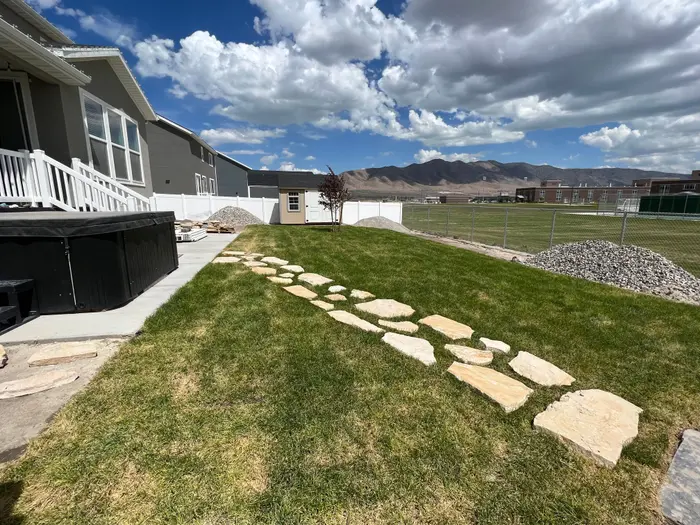
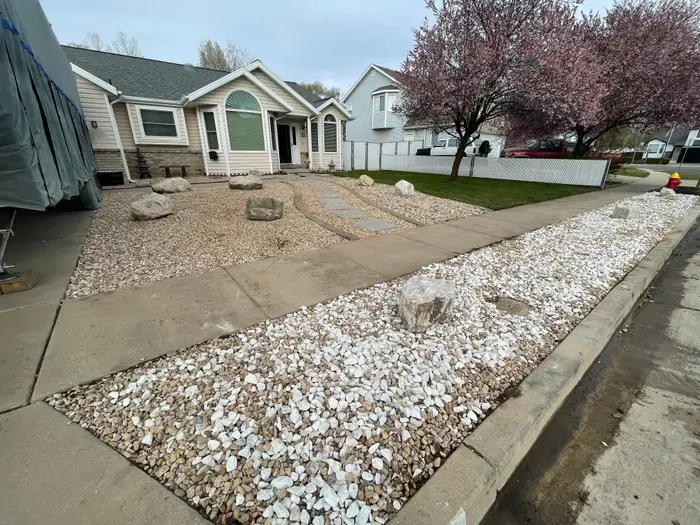
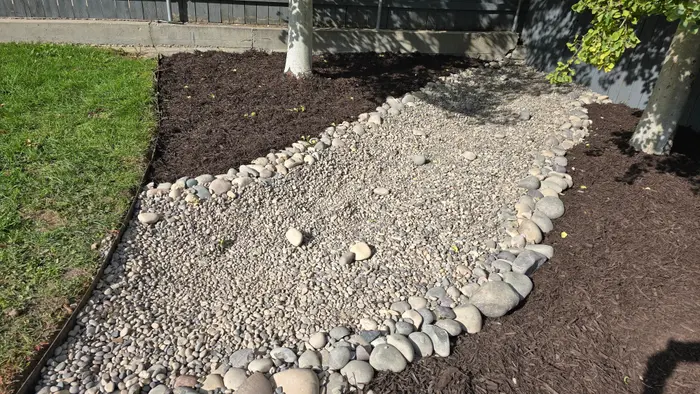
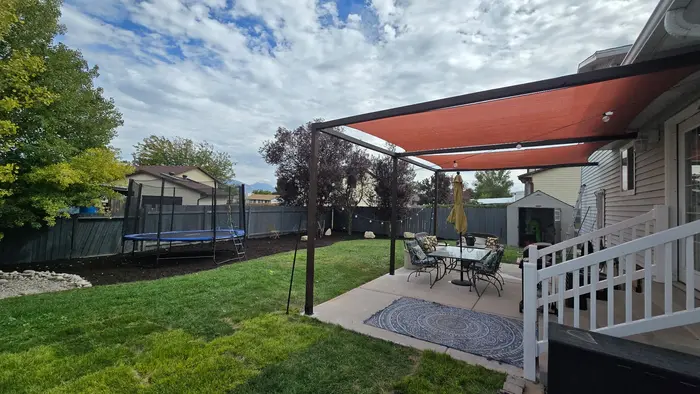
Every photo on this page is from a real job in Utah, not a stock photo.
Questions
Common questions
Can my customers see their job photos?
Yes, on paid plans. Share the job's photos as one link. The homeowner opens it in any browser with no app or account, opens any photo full size and saves it, or downloads them all. Photos added later show up on the same link, and you can turn the link off any time.
Does Parli have a landscaping template?
Yes. Pick Landscaping when you make a job and its board starts with nine phases: Design & Approvals, Site Prep & Demo, Grading & Drainage, Irrigation, Hardscape, Soil & Planting, Sod & Seed, Cleanup & Walkthrough, and Warranty & Closeout. Rename, recolor or delete any of them.
Can I schedule lots of small jobs in a day?
Yes. On a phone, Dispatch shows one day with the crew grouped by job. Tap a person to move them to another yard, then press Send the schedule, and each person gets only what changed for them. How many jobs you can have open at once depends on your plan. The Free plan has one.
Can the crew ask the office something from the yard?
Yes. They can message the office one on one or in the job's thread, send a photo, or start a video call. With no signal, messages and photos wait on the phone and send themselves later.
Can I add seasonal hires?
Yes. On every paid plan there's no limit on the people you schedule, and a person doesn't need a login to be put on a job. The foreman can clock the whole crew in from one phone.
Will the crew get notifications at night?
Message notifications wait during quiet hours, 9 PM to 5 AM. At 6 AM, each person with work due gets one round-up of what's due that day.
Schedule the crews. Share the yard.
Free to start. The client album link comes with paid plans.