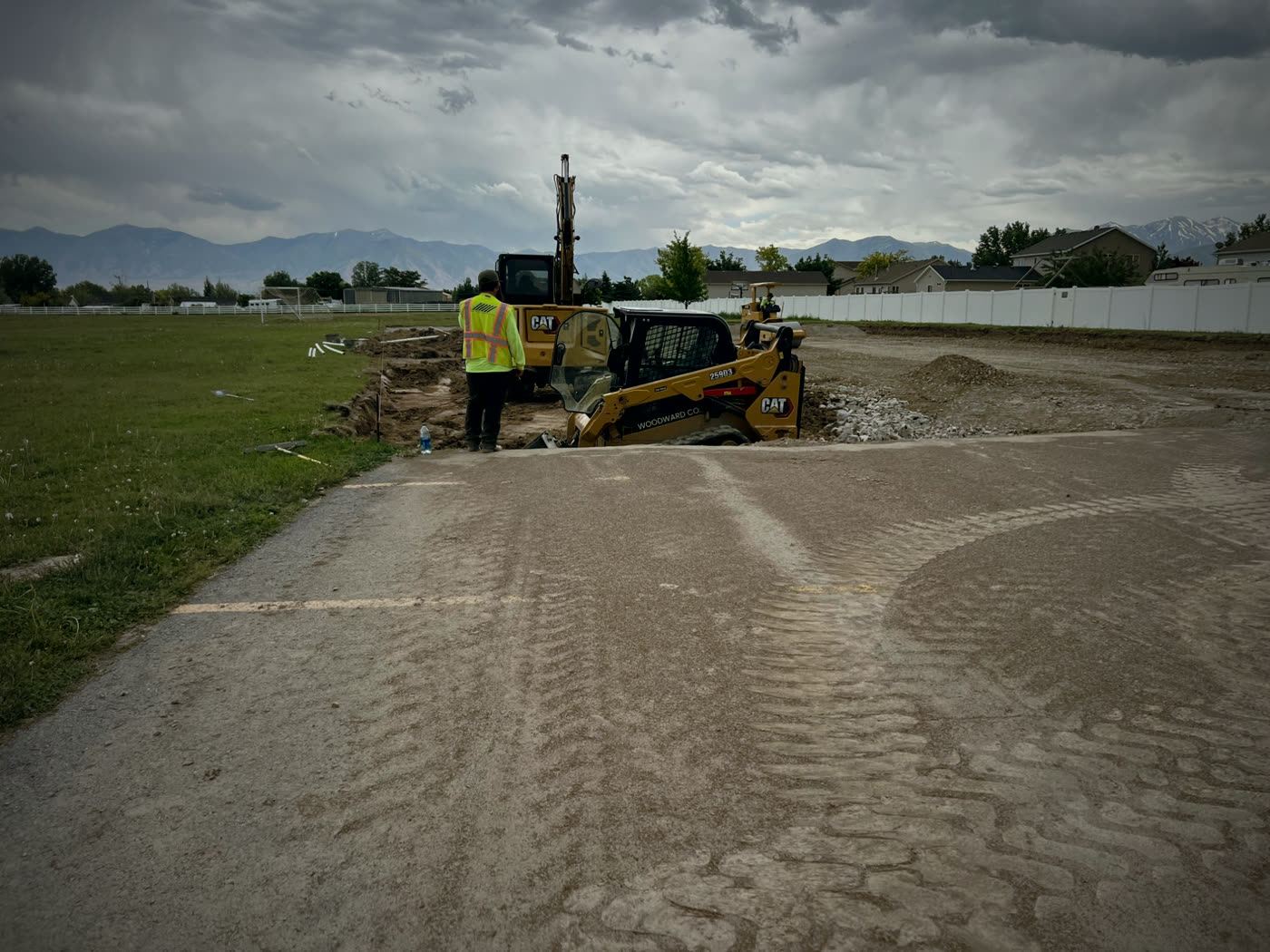
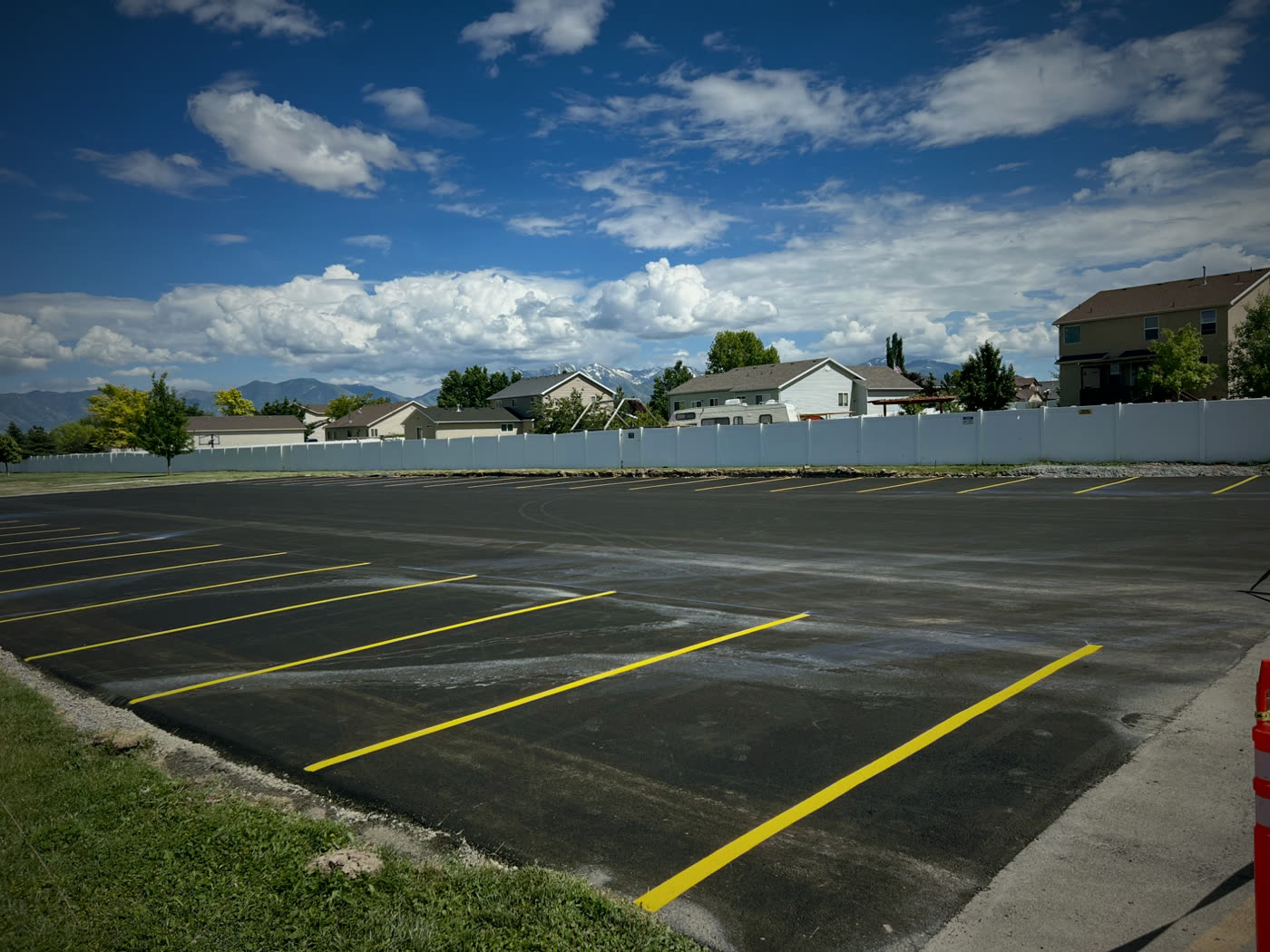
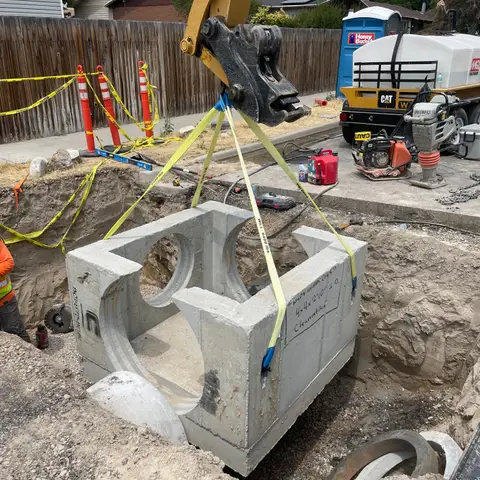
 Here it is
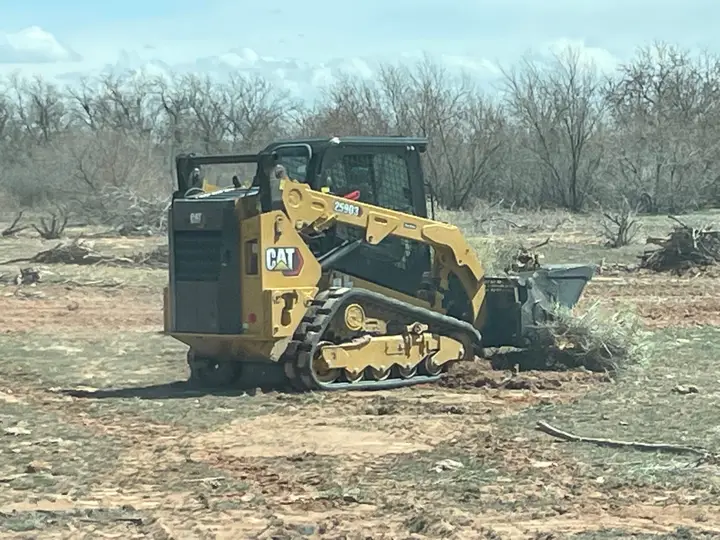
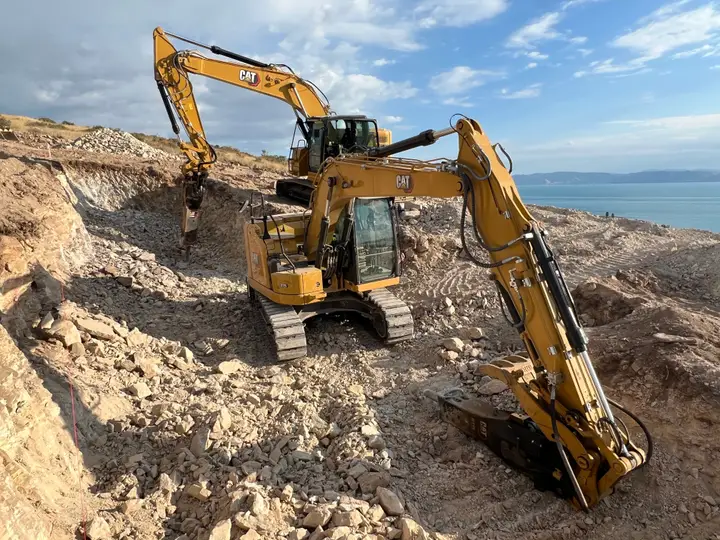
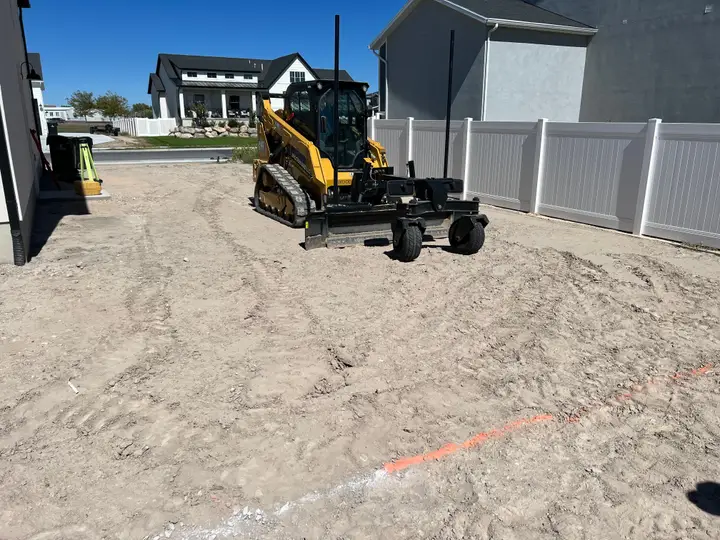
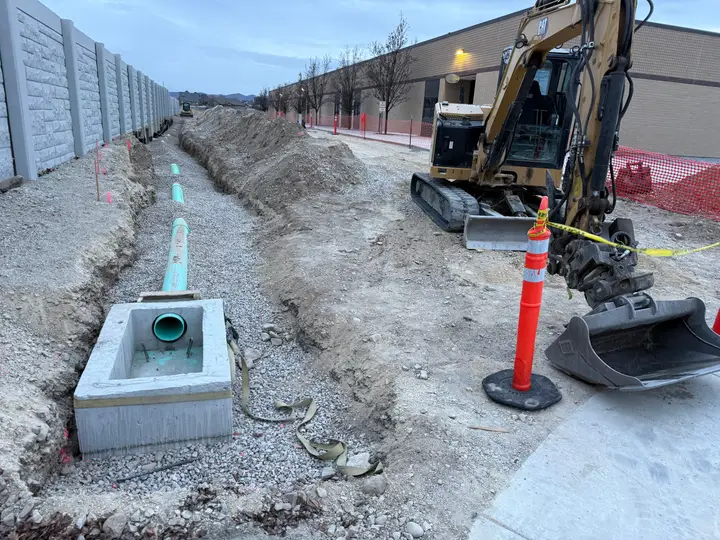
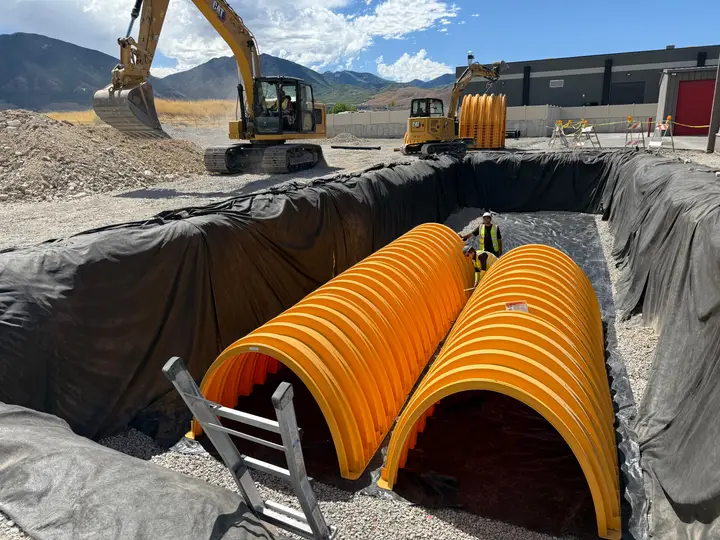
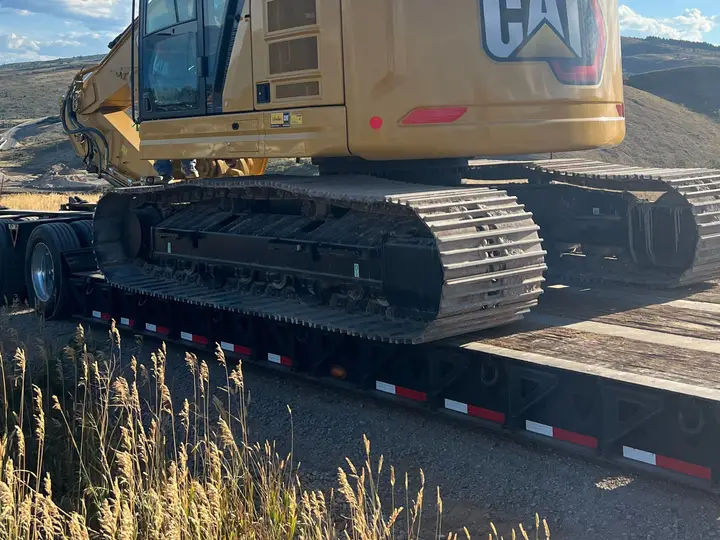
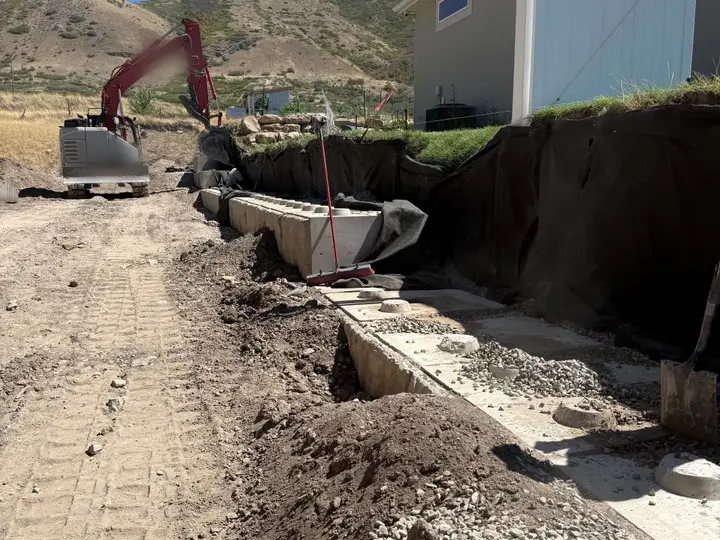
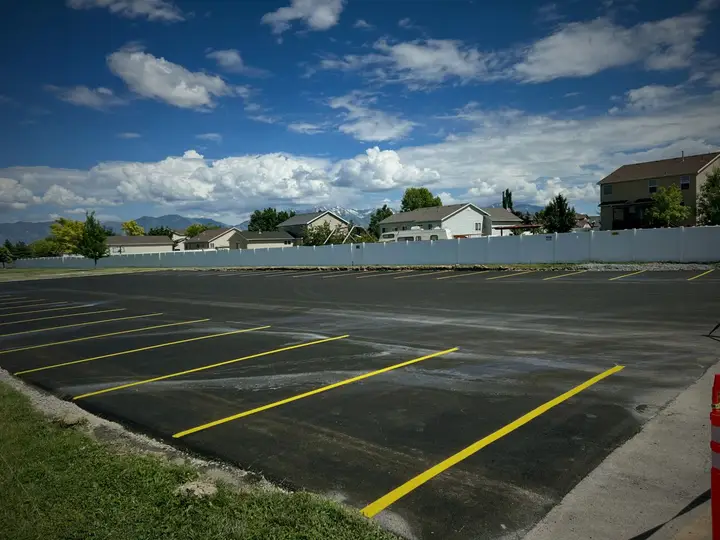
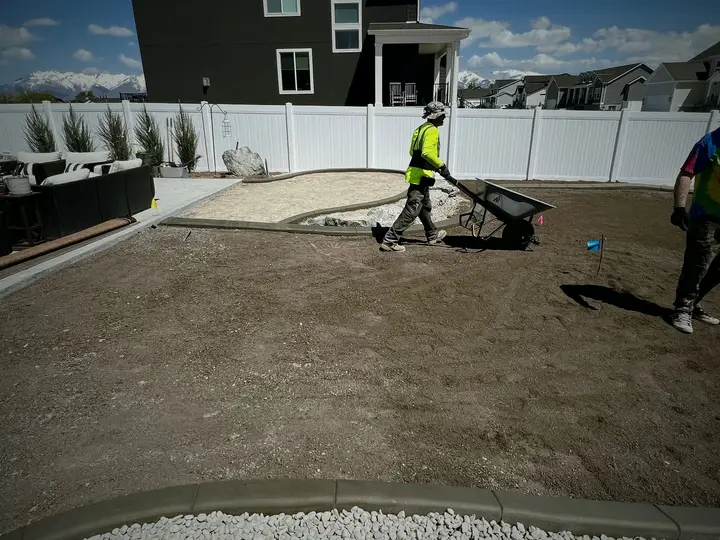
Excavation scheduling that knows where every machine is.
Basements, footings, mass ex and rock. Book the excavator, the operator and the trucks to the dig, and Parli won't promise one machine to two jobs on the same day.
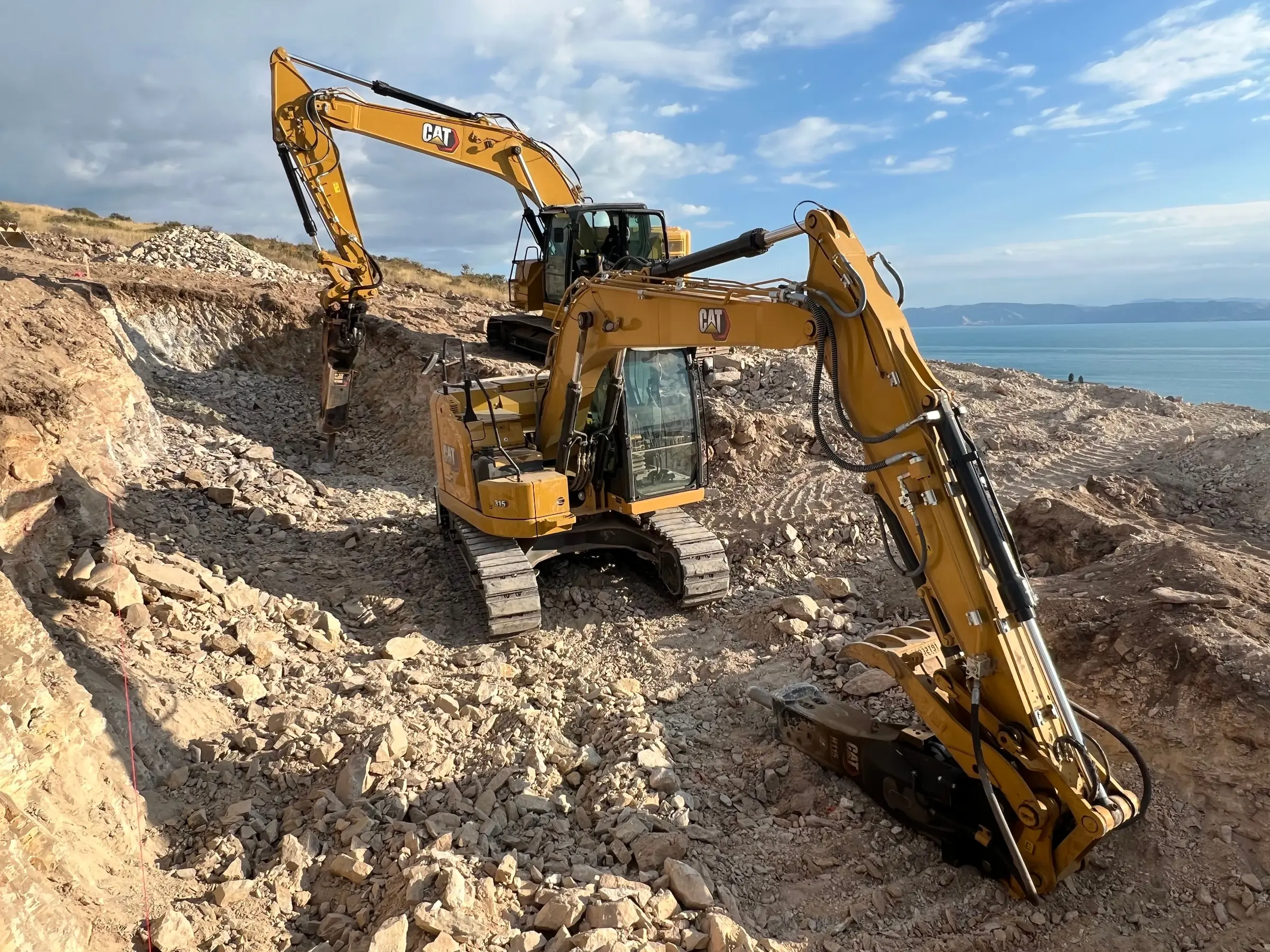
Dig down through a job.
Four layers, four things an excavation company juggles every week.
0–1 ft Topsoil
Set the job up once.
On Corporation+, pick Excavation Contractor when you make a job, and its board starts with the nine phases a dig goes through. Rename them, recolor them, delete the ones you don't do.
The nine phases are the Excavation Contractor set in Parli. The tasks are examples.
1–4 ft Clay
One machine. One job a day.
Book the excavator to the dig for the days you need it. If it's already on another job those days, Parli says so and leaves it where it is. Try it.
- Machines put on a task move with it. Drag the task on the Gantt chart and the booking follows.
- Down for maintenance? It says so everywhere you'd book it.
- Attachments and trailers book the same way, and you can note which machines each attachment fits.
4–8 ft Gravel
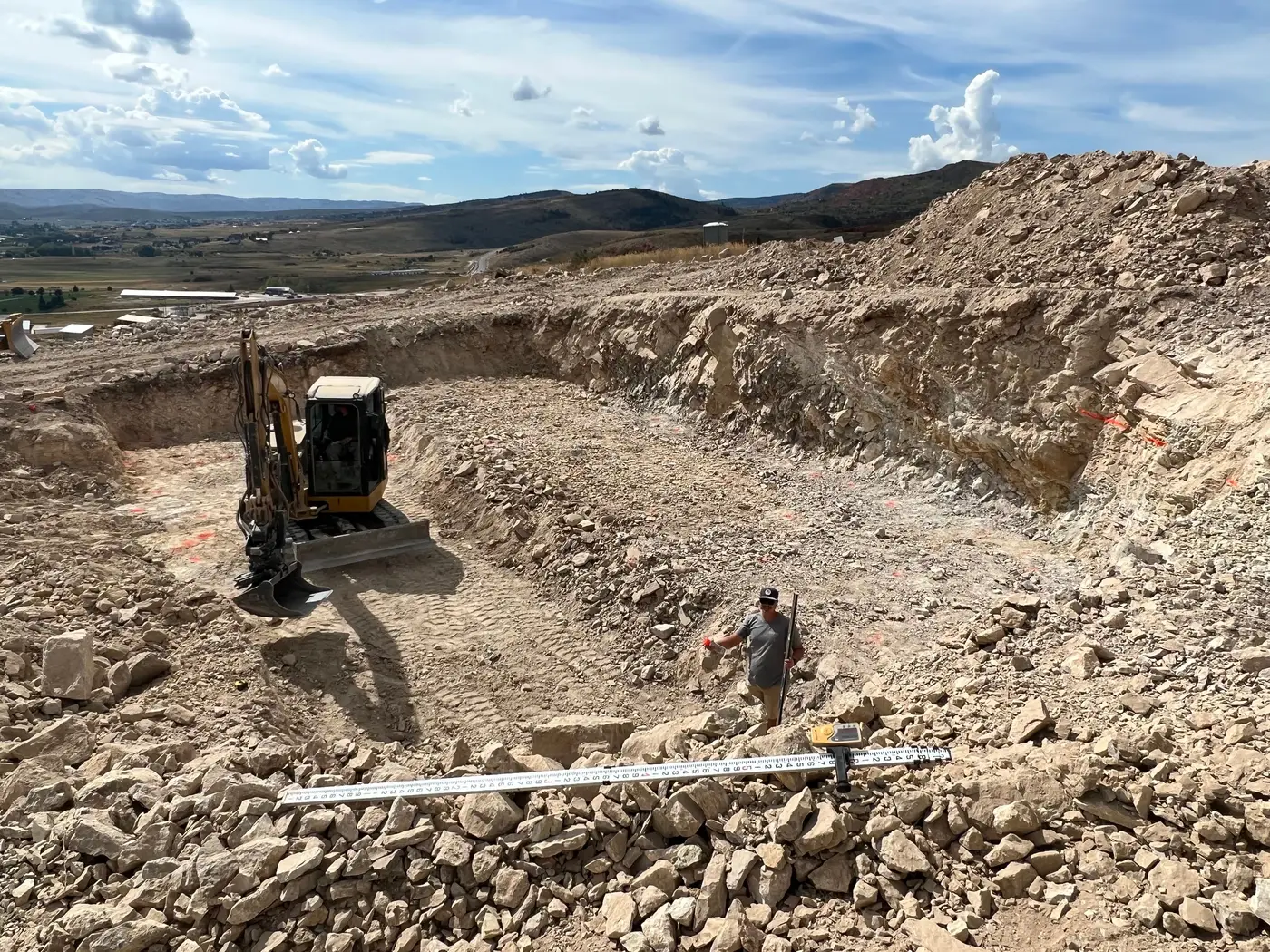
The operator in the seat, on the clock.
Your crew clocks in on their phone at the dig. The job and the machine ride on every punch, so the office sees who's on which machine, where, and since when.
Tomorrow's crews go on Dispatch: tap a name, pick the job, and send each person only what changed for them.
See Time Clock8–12 ft Rock
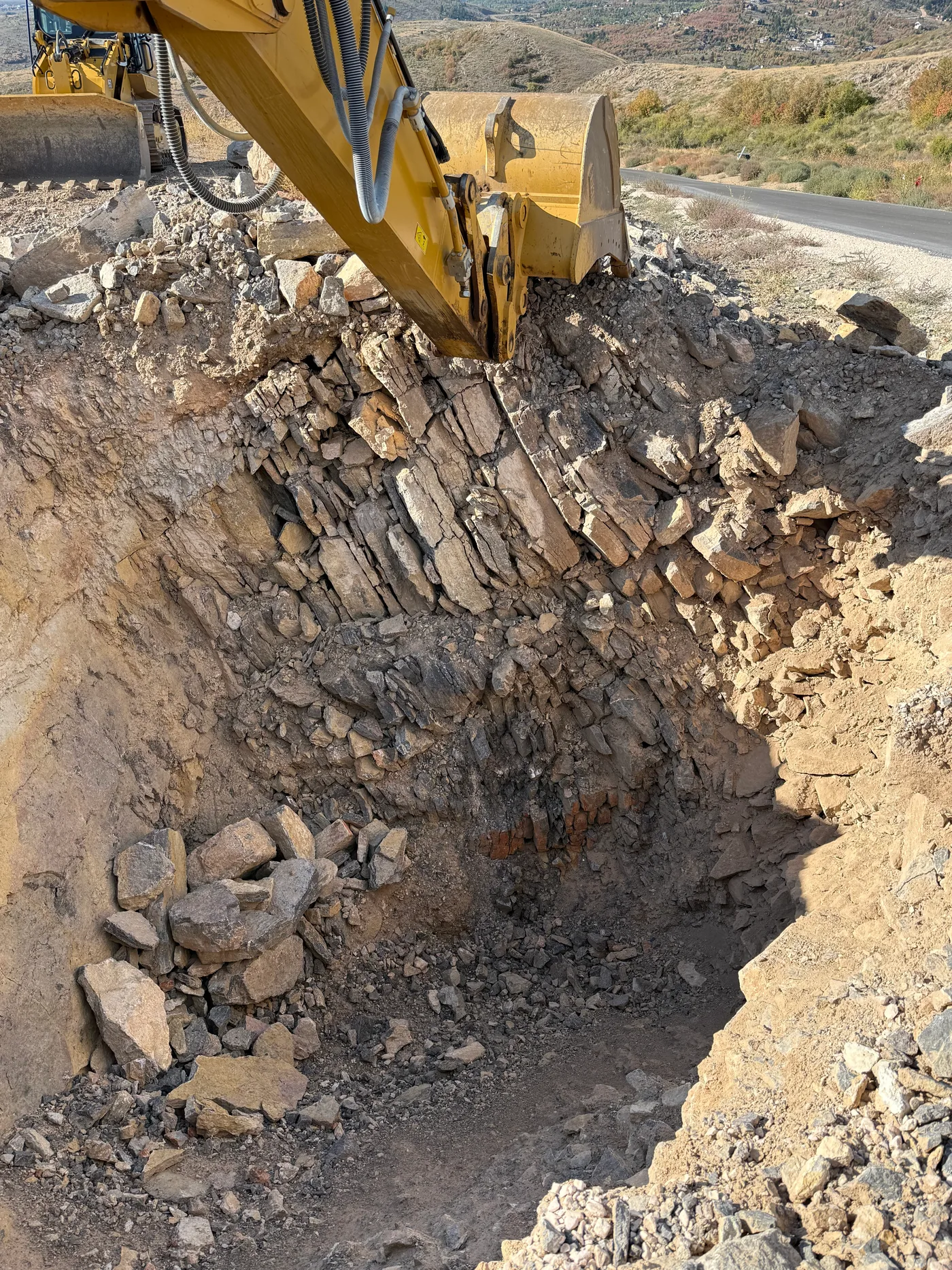
Hit rock? Show the office.
Take the photo, draw on it and send it. It's filed to the job with who took it and when. If they need to see it live, start a video call from the hole.
No signal at the bottom? The photo and the message wait on the phone and send themselves when you're back in range.
See Photos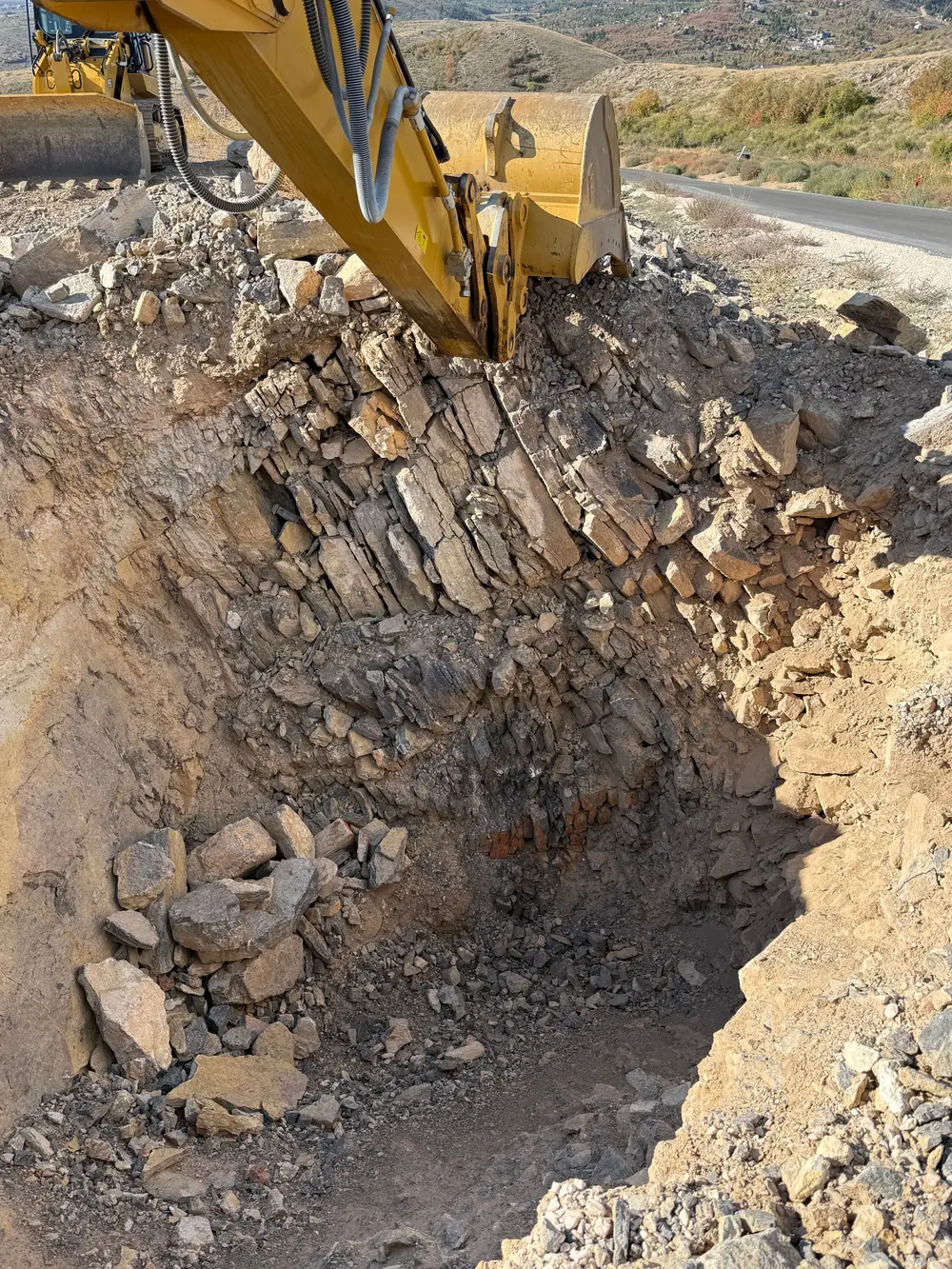 Shale, north wall
Back to the surface
Haul-off, backfill and the paperwork.
The trucking sub
Book them for the haul-off days. Parli emails a link and they tap Yes, we'll be there. No app, no login.
See SubcontractorsThe day, written down
The foreman files a field report from the phone: the weather, how many were on site, the work done and the photos. The draft stays on the phone until it's sent.
See Field ReportOne link for the builder
Send the builder or homeowner the job's photos as one link. They need no app, you pick the photos it shows, and the ones you add later land on it too.
See JobsOn the phone
In the cab, in the hole.
Machines, crews and photos from the job. Tap one to see it full size.
-
Every machine. Where it is.Fifteen machines, the job each is on, and two flagged for service.
-
Who goes where, at a glanceEvery job's crew, machines and start times for the day.
-
Your hours, in your pocketEvery punch with the job, the machine and where you were.
-
Point out the problemDraw an arrow, write a note.
-
Service on the mechanic's listPick who maintains each machine. Scheduled service becomes a task on their list.
On the computer
The week, from the office.
The yard, the week board and the Gantt chart.
-
Every machine, where it isFifteen machines with the job each is on, and a flag when service is due.
-
The ScheduleEvery job and its tasks across four weeks, with a line for today and the Rain day button.
-
A job, day by dayThe Today line and the bars around it.
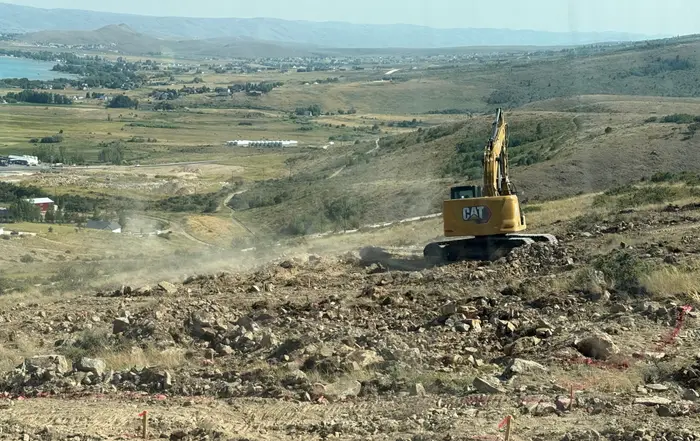
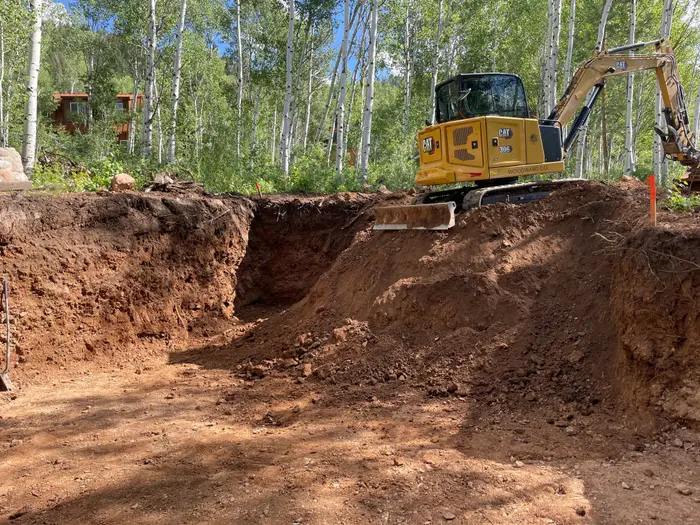
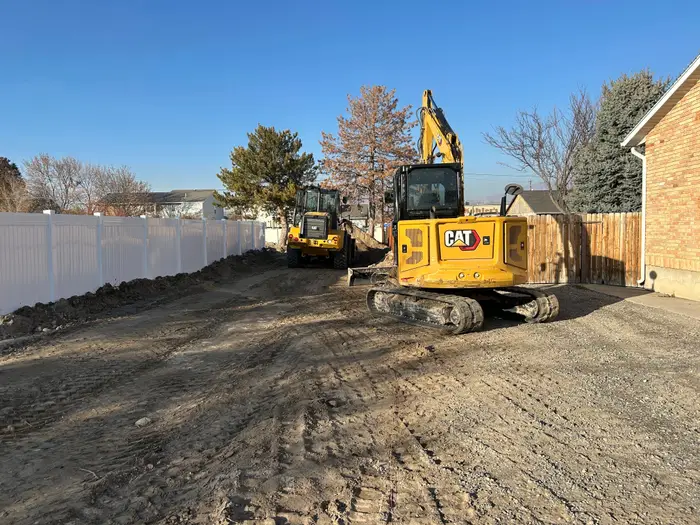
Real digs.
Questions
Common questions
Can Parli keep an excavator from being double-booked?
Yes. A machine, attachment or trailer can't be booked to two jobs on the same days. Parli shows what has it, on which job and which days. If you drag a task on the Gantt chart and one of its machines is busy on the new days, Parli won't make the move.
Does Parli come set up for excavation jobs?
Yes, on Corporation+. Pick Excavation Contractor when you make a job and its board starts with nine phases, from Bidding & Permits to Walkthrough & Closeout. Rename, recolor or delete any of them.
Can my operators use it with no signal?
Yes. Parli opens with what it last loaded. Clock-ins, jobsite photos and messages wait on the phone and send themselves when the phone is back in range.
Can I schedule my trucking sub?
Yes. Book the sub for the haul-off days and Parli emails them a link to confirm. They don't need the app or a login.
Does Parli track engine hours?
No. You can type a meter reading on each machine, but Parli doesn't read hours, fuel or location from the machine. Service intervals are set in days.
Is it free?
Parli is free to start. The Free plan has one active job and one machine, one attachment, one tool and one trailer in the yard. Paid plans have no limit on machines.
Can operators put fuel and parts on the job?
Yes, if you let them spend company money. They take a picture of the receipt and Parli reads it. Once someone checks it, it counts toward the job's costs. Parli still doesn't read hours or fuel from the machine.
Schedule your next dig
on Parli.
Free to start. Paid plans have no limit on machines.