

 Here it is











Text the office.
From the job.
Message anyone in your company right in Parli. Work talk stays out of your personal texts, and a video call is one tap from the same conversation.
Drag the line
Work talk, out of your personal texts.
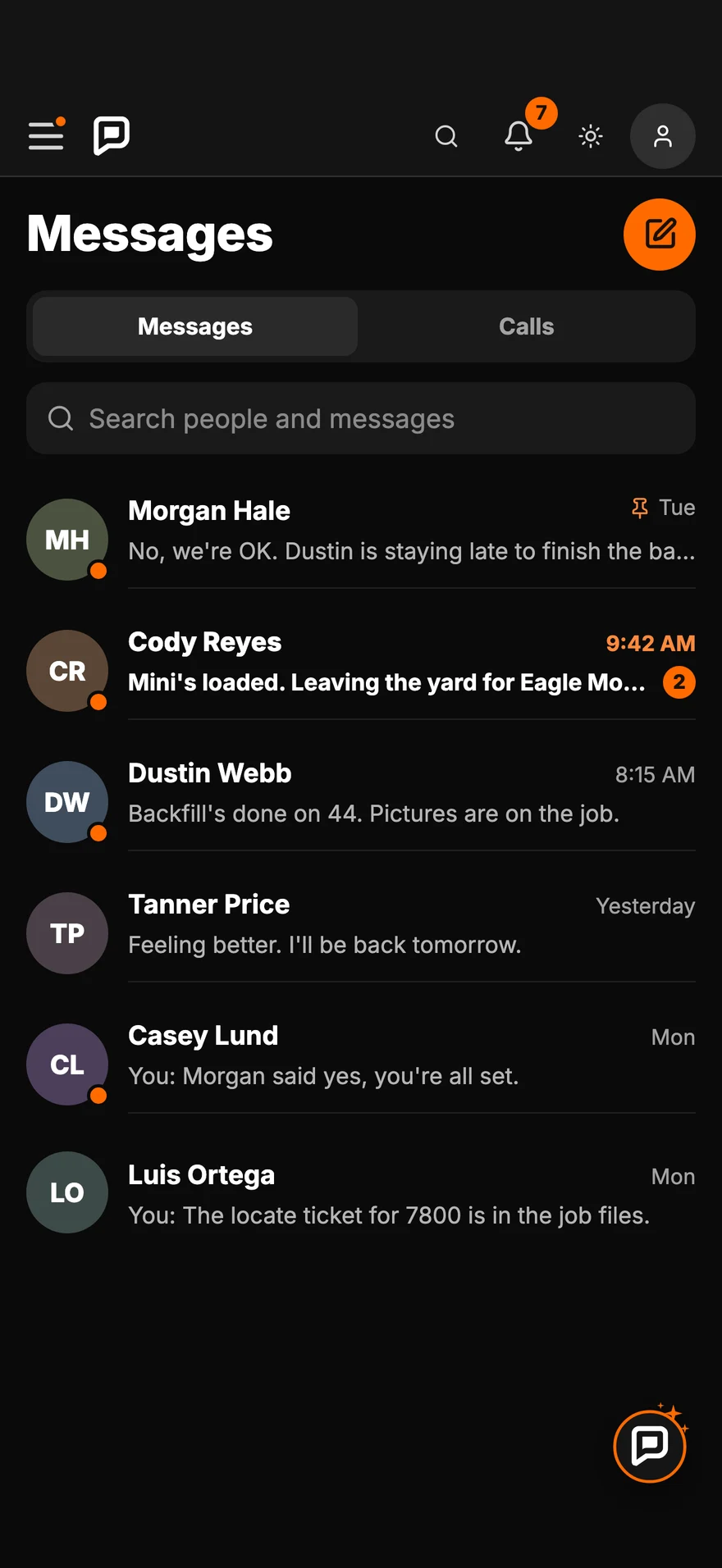
Every crew conversation in one list, next to the jobs, the schedule and the photos it's about.
- ●See who's on the clockThe orange dot means they're working right now.
- #No phone numbers to tradeMessage anyone in your company from their name.
- ↩Unsend, pin and deleteLong-press a message to unsend it. Pin the people you talk to most.
On the phone
Messages
and calls.
Swipe, scroll or drag. Tap one to see it full size.
-
Text the office. From the jobWork talk stays out of your personal texts.
-
Every crew conversation, one listThe orange dot means they're on the clock.
-
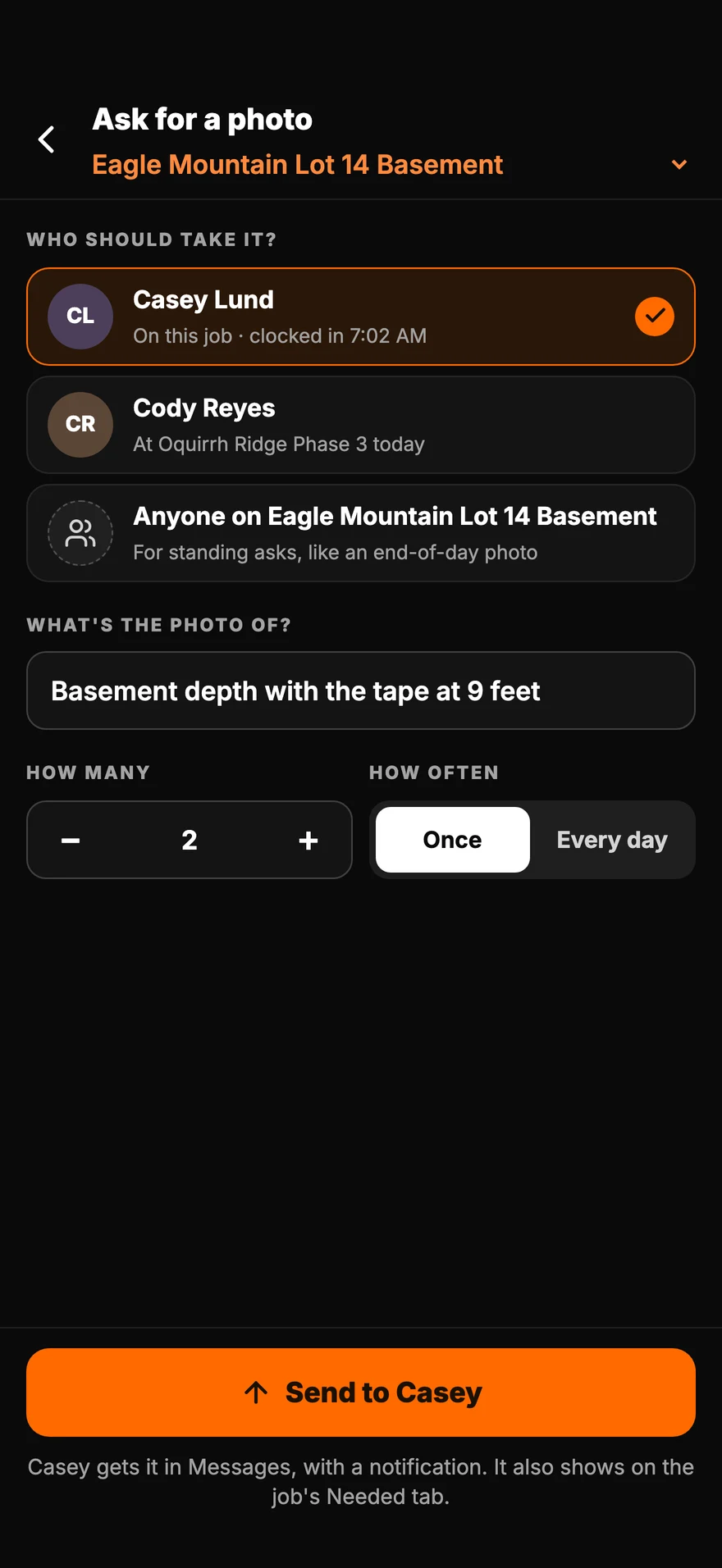
Need a photo? Ask for itIt lands in their Messages.
-
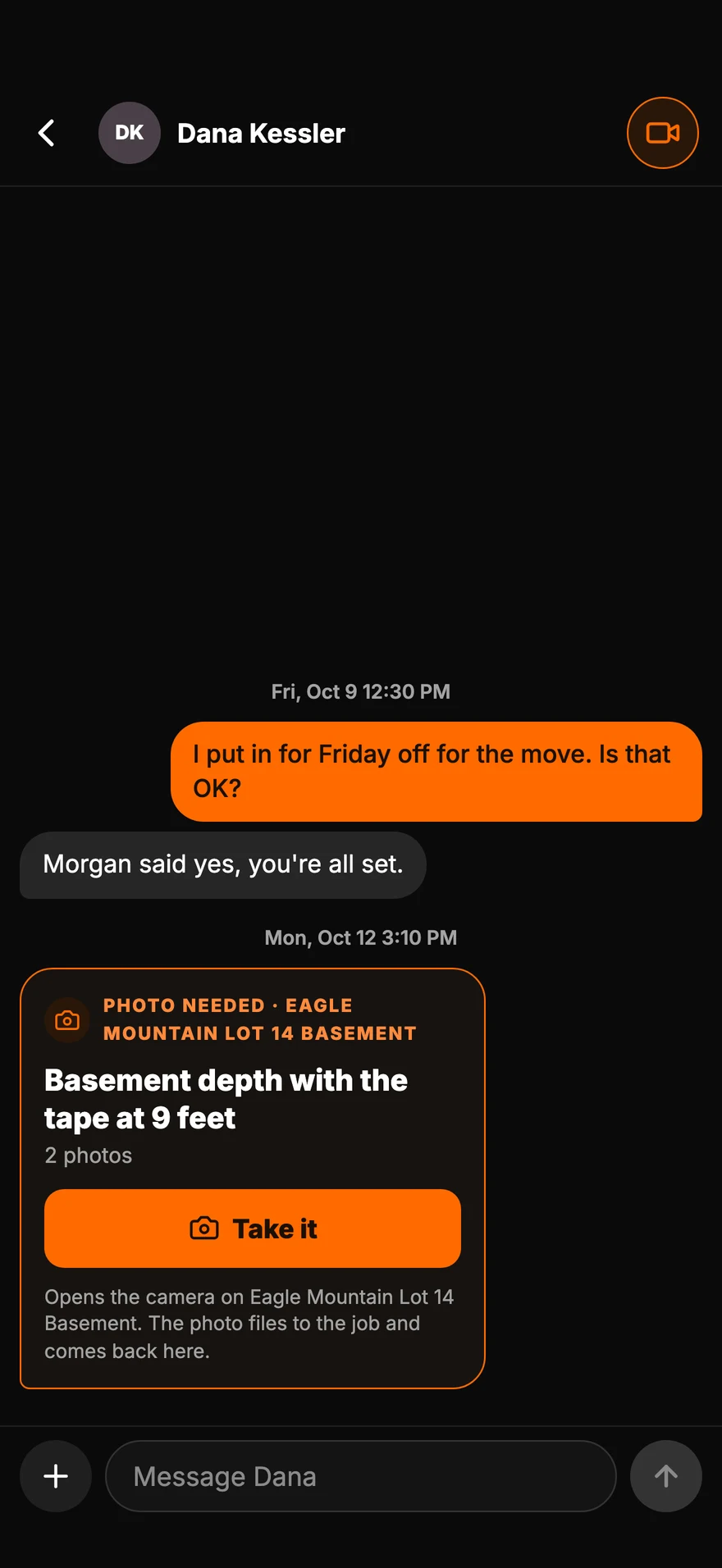
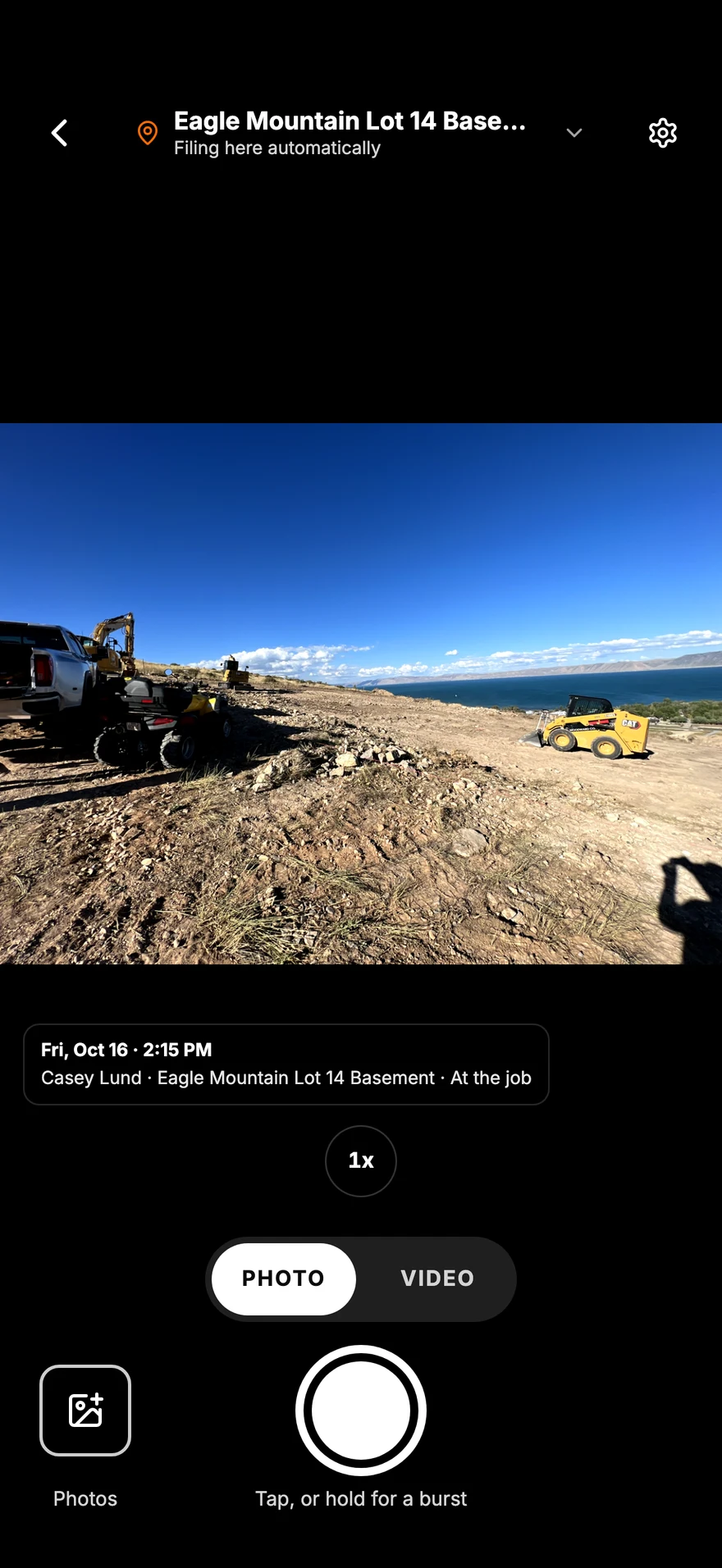
Tap, Take it, DoneThe photo files itself and goes back to whoever asked.
-
Talk face to faceIt rings like a real phone call.
-
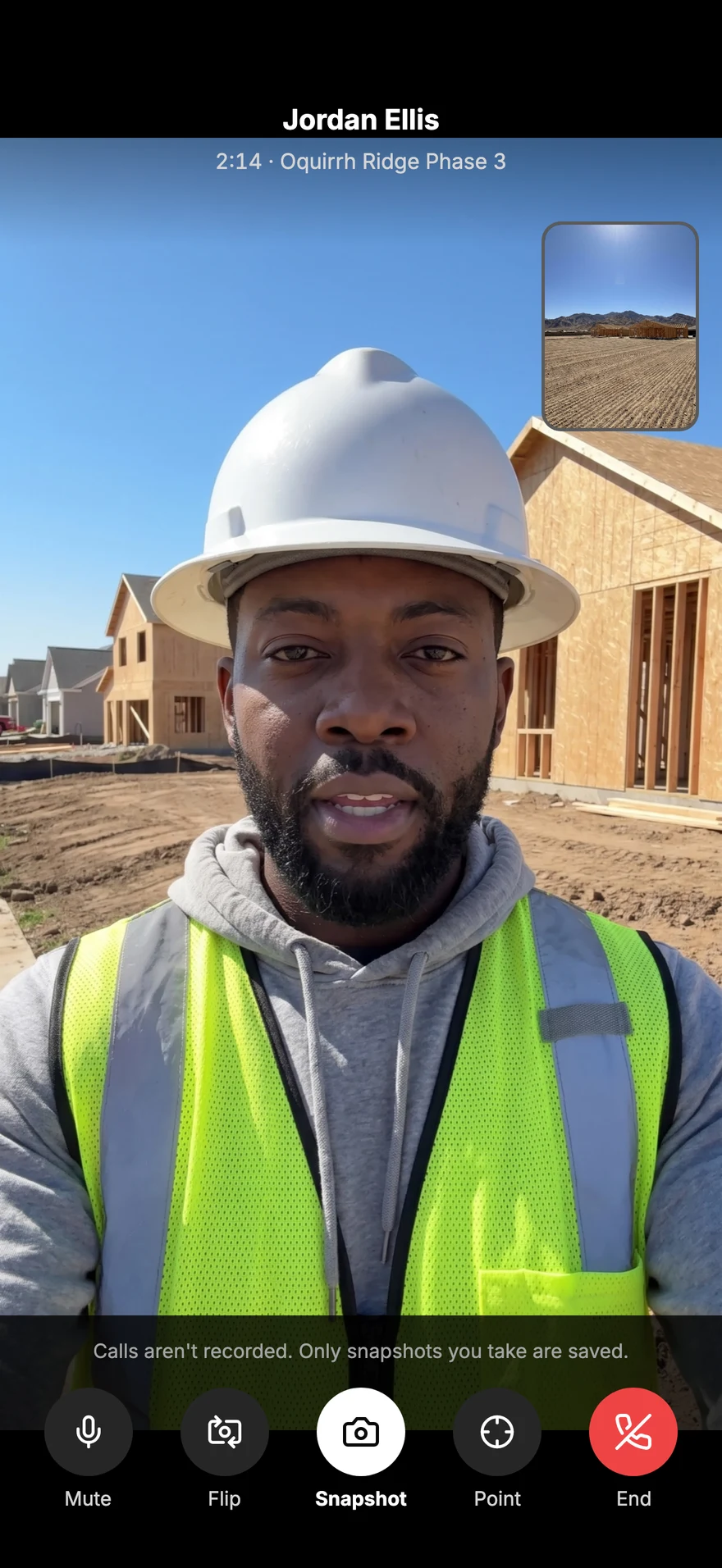
Don't explain it. Show itYour back camera is already on the job.
-
Point right at the spotTap their picture to drop a mark.
-
Snap it mid-callSave a photo from the call to the job's photos.
Ask for a photo
Tap, take it,
done.
01 · The office
02 · The crew
03 · Back to you
Video calls
Don't explain it.
Show it.
Video call anyone on your crew from the conversation. It rings like a real phone call, and the back camera is ready to show the job. Calls aren't recorded.
On the computer
Two panes.
Every conversation.
The list on the left, the conversation on the right. Tap to open it full size.
-
Messages on the computerEvery conversation in the list, the thread beside it, with Ask for a photo and Video call at the top.
Everything included
What's in Messages
Message by name
Message anyone in your company from their name. No phone numbers to trade.
On the clock dot
An orange dot shows who is working right now.
Ask for a photo
Send one person a request card. Take it opens the camera on the right job.
Delivered status
See when your message was delivered.
Unsend and delete
Unsend a message for both of you, or delete it just for you.
Pin
Keep up to nine people you talk to most at the top.
Video calls
Call from the conversation. It rings like a phone call, and calls aren't recorded.
Calls list
Every call in one list, with missed calls in orange and a button to call back.
Works with no signal
Messages written with no signal send once, as soon as the phone is back online.
Questions
Common questions
Do I need my crew's phone numbers?
No. Everyone in your company is in Parli, so you message them by name.
How does asking for a photo work?
Pick the person on that job and say what you need. It lands in their Messages with a notification. They tap Take it, the camera opens on the right job, and the photo comes back to you filed to the job.
Are video calls recorded?
No. Calls aren't recorded. You can save a snapshot during a call, and it files to the job's photos.
Can I unsend a message?
Yes. Long-press a message to unsend it for both of you, or delete it just for you.
Does it work on a computer?
Yes. On a computer, Messages shows your conversations beside the open one, with Ask for a photo and Video call at the top.
Will messages wake the crew up at night?
No. Message notifications wait during quiet hours, so nobody's phone goes off in the middle of the night.
Talk to the crew
where the work is.
Free to start. Messages, photo requests and video calls on iPhone, Android and the computer.
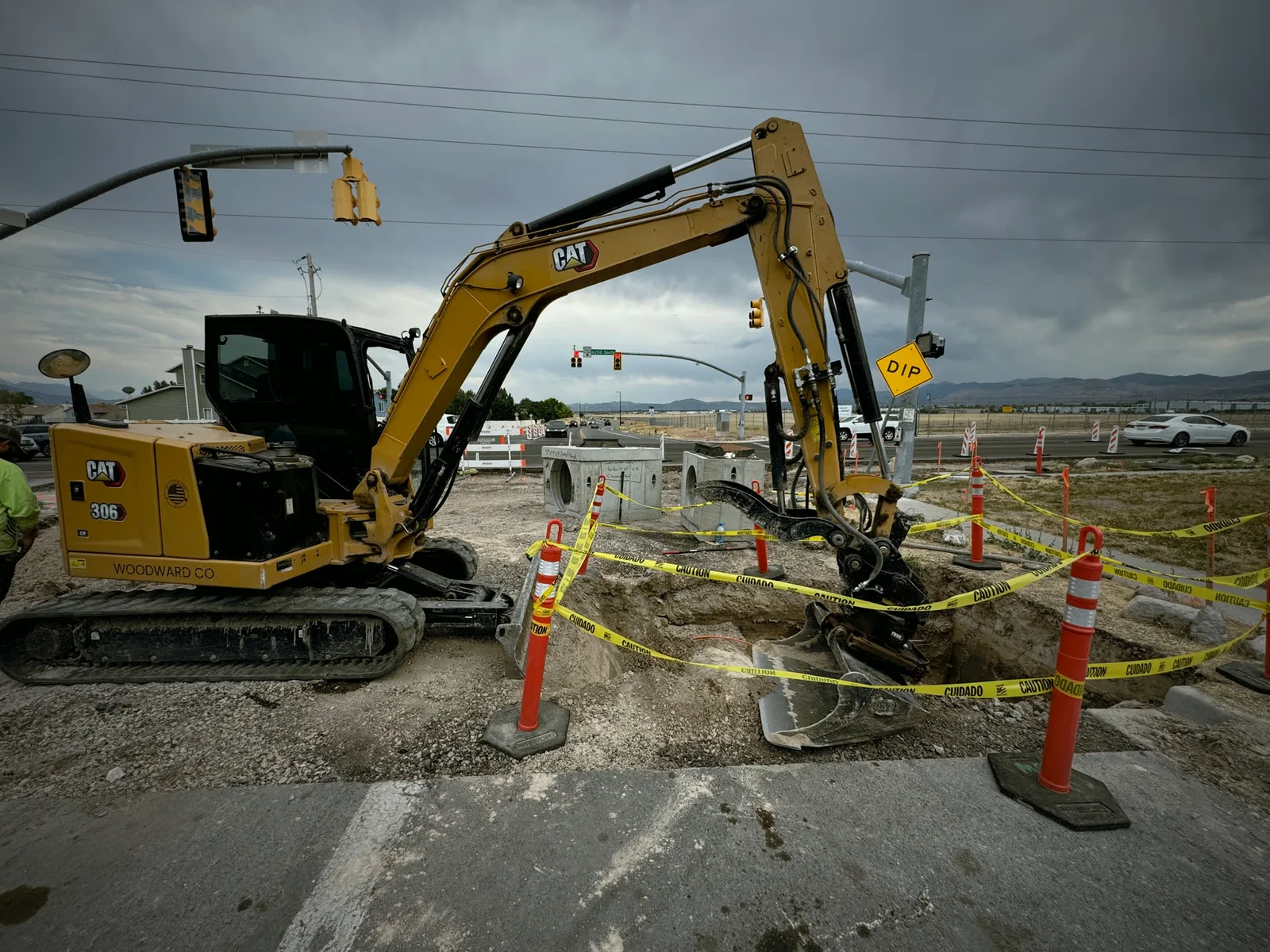
Jobsite and machine photos on this page are from real jobs in Utah. Screens are from the Parli app.