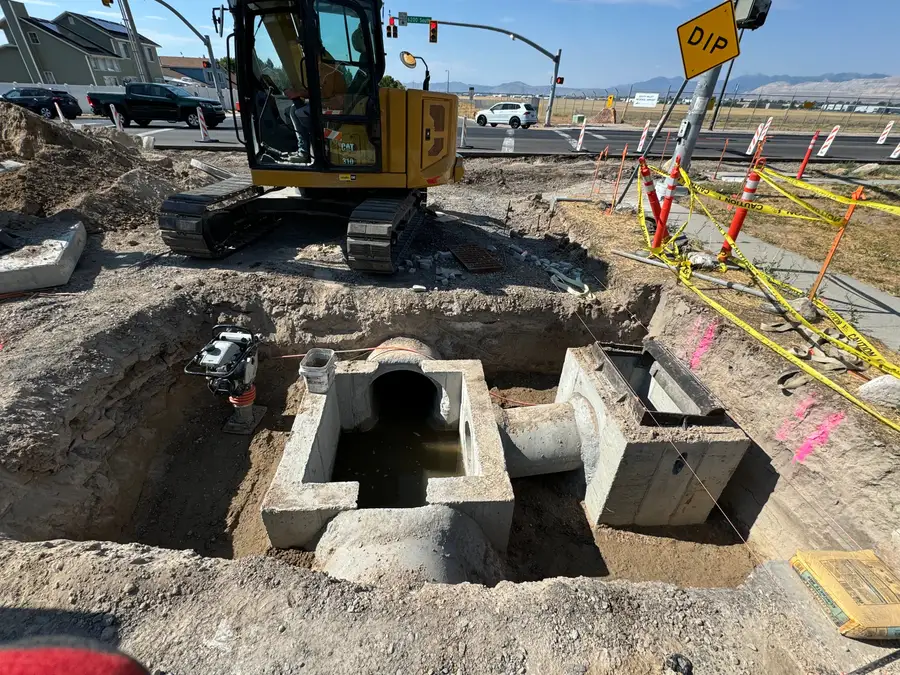
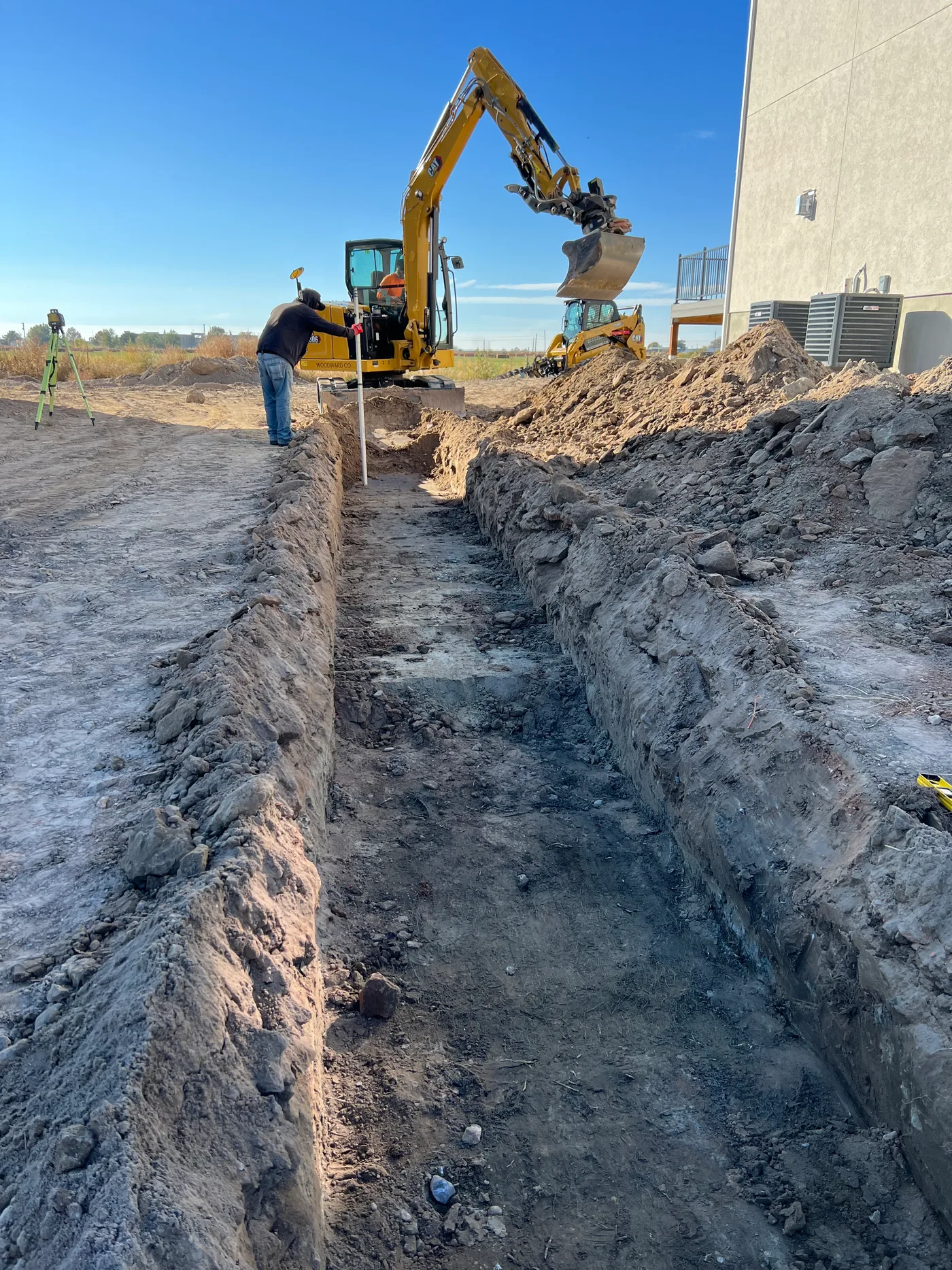
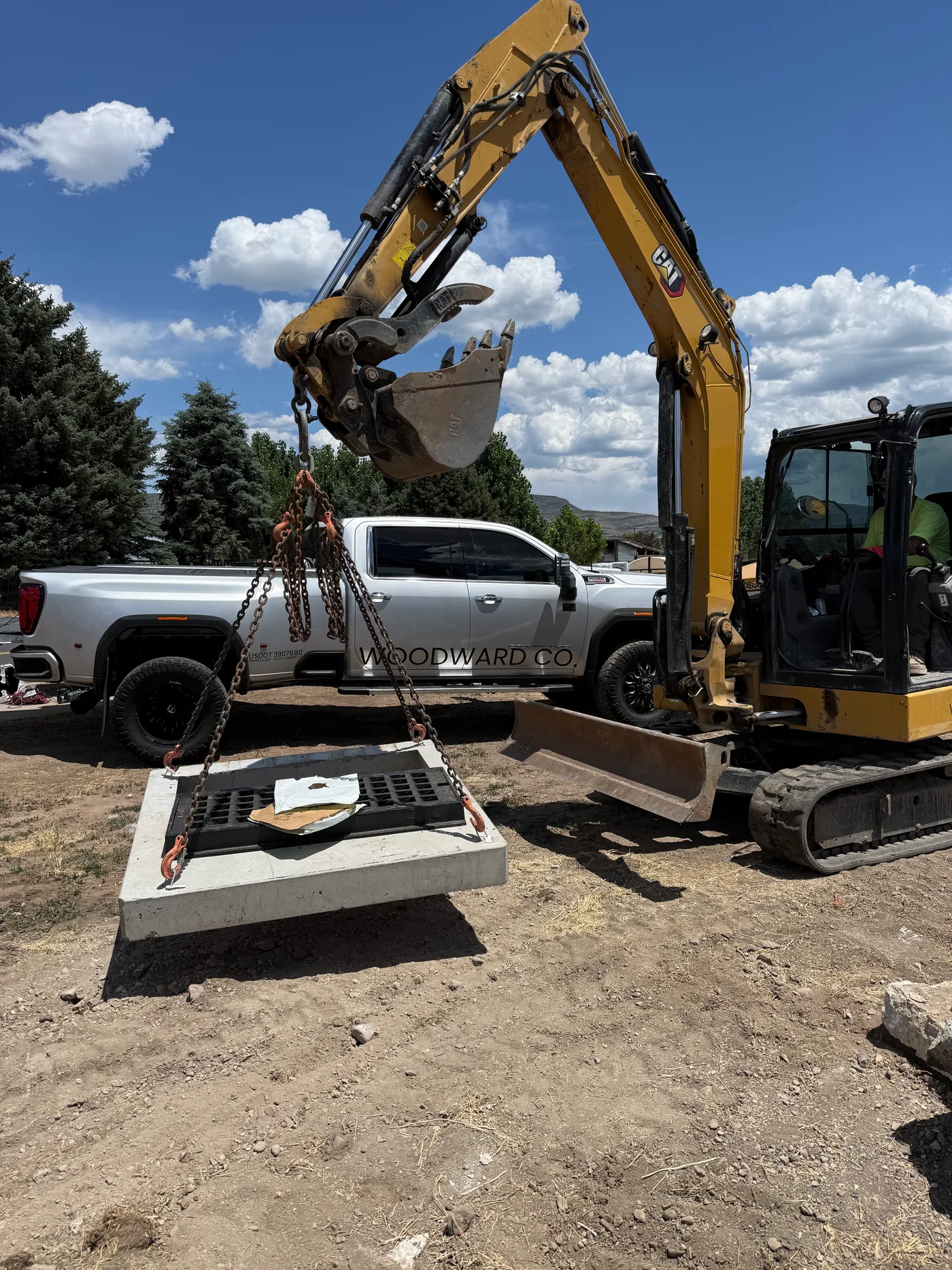
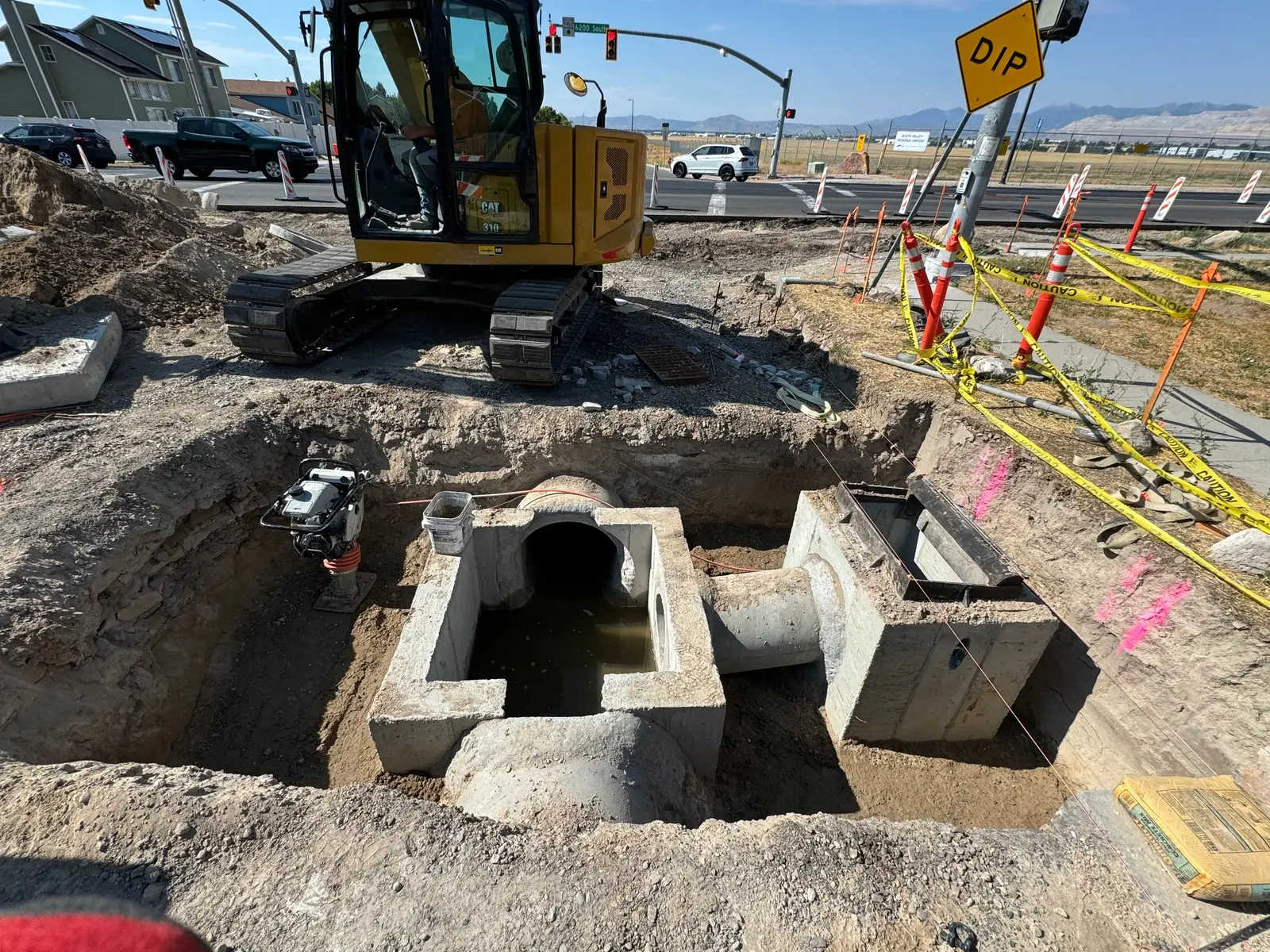
Here it is










Monday, September 21, 2026
- Report for
- Daily progress
- Weather
- Sunny
- Crew on site
- 6
- Filed by
- Luis Ortega
Main sewer line, MH-1 to MH-2. Bedding and pipe.
3 photos
Tuesday, September 22, 2026
- Report for
- Daily progress
- Weather
- Sunny
- Crew on site
- 6
- Filed by
- Luis Ortega
Sewer MH-2 to MH-3, backfilled in lifts.
2 photos
Wednesday, September 23, 2026
- Report for
- Daily progress
- Weather
- Windy
- Crew on site
- 5
- Filed by
- Luis Ortega
Sewer MH-3 to MH-4. Water truck on the haul road all day for dust.
2 photos
Thursday, September 24, 2026
- Report for
- Daily progress
- Weather
- Partly Cloudy
- Crew on site
- 6
- Filed by
- Luis Ortega
Sewer MH-4 to MH-5. Set MH-5.
4 photos
Friday, September 25, 2026
- Report for
- Daily progress
- Weather
- Sunny
- Crew on site
- 6
- Filed by
- Luis Ortega
Sewer MH-5 to MH-6. Main line in.
3 photos
Monday, September 28, 2026
- Report for
- Daily progress
- Weather
- Overcast
- Crew on site
- 5
- Filed by
- Morgan Hale
Rough grade lots 1 through 12.
2 photos
Tuesday, September 29, 2026
- Report for
- Daily progress
- Weather
- Sunny
- Crew on site
- 5
- Filed by
- Morgan Hale
Rough grade lots 13 through 30.
1 photo
Wednesday, September 30, 2026
- Report for
- Daily progress
- Weather
- Sunny
- Crew on site
- 6
- Filed by
- Luis Ortega
Water line stubs, lots 1 through 10.
3 photos
Thursday, October 1, 2026
- Report for
- Inspection & testing
- Weather
- Partly Cloudy
- Crew on site
- 6
- Filed by
- Luis Ortega
Air test on the sewer, MH-1 to MH-6. Passed, and the inspector signed off on all six manholes.
2 photos
Friday, October 2, 2026
- Report for
- Daily progress
- Weather
- Sunny
- Crew on site
- 4
- Filed by
- Luis Ortega
Cleaned up the sewer spoils. Hauled 14 loads to the pile.
1 photo
Monday, October 5, 2026
- Report for
- Daily progress
- Weather
- Sunny
- Crew on site
- 6
- Filed by
- Morgan Hale
Storm drain, inlets 1 and 2.
3 photos
Tuesday, October 6, 2026
- Report for
- Daily progress
- Weather
- Sunny
- Crew on site
- 6
- Filed by
- Morgan Hale
Storm drain, inlets 3 and 4. Concrete sub poured the collars.
4 photos
Wednesday, October 7, 2026
- Report for
- Daily progress
- Weather
- Sunny
- Crew on site
- 5
- Filed by
- Morgan Hale
Inlet 5 set. Bedding and backfill.
Issues or delaysShort one laborer. Tanner out sick.
2 photos
Thursday, October 8, 2026
- Report for
- Safety / incident
- Weather
- Partly Cloudy
- Crew on site
- 6
- Filed by
- Morgan Hale
Tailgate talk on trench boxes and spoil setback before the next section of pipe.
Issues or delaysSpoil pile too close to the trench edge on inlet 6. Moved it back before anyone went in.
1 photo
Friday, October 9, 2026
- Report for
- Daily progress
- Weather
- Windy
- Crew on site
- 5
- Filed by
- Morgan Hale
Inlet 6 set. Checked the silt fence along lot 44.
2 photos
Monday, October 12, 2026
- Report for
- Daily progress
- Weather
- Sunny
- Crew on site
- 5
- Filed by
- Morgan Hale
Storm drain from inlet 6 toward inlet 7.
3 photos
Tuesday, October 13, 2026
- Report for
- Daily progress
- Weather
- Overcast
- Crew on site
- 5
- Filed by
- Morgan Hale
Inlet 7 set. Backfill over lots 31 to 36.
2 photos
Wednesday, October 14, 2026
- Report for
- Weather delay
- Weather
- Rain
- Crew on site
- 5
- Filed by
- Morgan Hale
Pulled off at 11 for lightning. Silt fence down along lot 44.
Issues or delaysLost half a day. Silt fence along the east line needs about 80 feet replaced before the inspector comes back.
2 photos
Thursday, October 15, 2026
- Report for
- Daily progress
- Weather
- Sunny
- Crew on site
- 5
- Filed by
- Morgan Hale
Storm drain from inlet 6 to inlet 7, bedding and backfill in lifts. Rolled the backfill over lots 31 to 36.
3 photos
Friday, October 16, 2026
- Report for
- Daily progress
- Weather
- Partly Cloudy
- Crew on site
- 4
- Filed by
- Luis Ortega
Replaced 80 feet of silt fence along lot 44. Ready for the inspector.
2 photos