

 Here it is










Parking lot prep scheduling, from subgrade to stripes.
Your crew tears out the old lot, digs out the soft spots, brings in base, rolls it and fine grades it. Then the paving sub shows up on the right day. Parli keeps every step, machine and sub visit on one job.
Your side of the lot
Subgrade to stripes, one stall at a time.
Here's a lot from above. Each stall is one step of the prep, in order. Tap a stall to see what happens there and what Parli handles. Mark it done and it gets paved and striped.
Stall 01 · Tear-out
Tear out the old lot.
Break up the old asphalt, dig out what's under it, load it and haul it off. The machines and trailers have to be there those days.
- A machine, attachment or trailer can't be booked to two jobs on the same days.
- Breakers and buckets are attachments, and they book the same way.
Stall 02 · Dig-out
Dig out the soft subgrade.
Dig the soft subgrade out to depth so the base sits on firm ground. Put it on the job as a task, with the crew and the machine on it.
Dig out subgrade, north row
Copper Creek Retail · Tue–Wed
- The mini excavator on the task is booked for the task's days. Move the task and the booking moves with it.
- Miguel and Dakota get a notice for new work, and a 6 AM round-up of what's due.
Stall 03 · Base
Bring in the base.
Haul in road base and spread it in lifts. Spread it with your own crew as a task, and schedule the trucking sub for the haul-in.
- Parli emails the trucking sub to confirm. They tap Yes, we'll be there. No app, no login.
- Hauling it yourself? Put the dump truck on the task like any other machine.
Stall 04 · Roll + proof roll
Compact it and proof roll it.
Roll the base tight, then proof roll it and look for anything that moves. The roller has to be yours those days, not on another job.
What you see if you try to book it Wednesday.
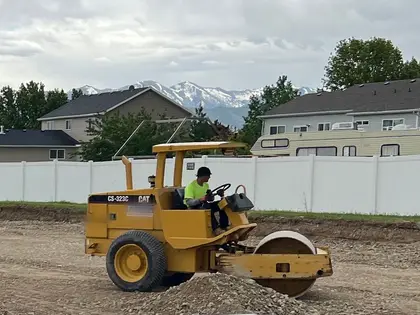
- The photo files itself to the job with who took it and when.
- No signal on the lot? The camera says it's saving on the phone and sends the photo later.
Stall 05 · Fine grade
Fine grade it, ready for asphalt.
Trim the base to grade so the paving sub gets a true, tight surface. Then write the day down before you leave.
- Type
- During construction — daily progress
- Crew on site
- 4 From the clock: 4 clocked in
- Weather
- Sunny
- Work performed
- Fine graded the north and east rows. Ready for paving Monday.
- The foreman files it from the phone, with the day's photos.
- No signal? The draft stays on the phone until it's sent.
Stall 06 · Paving sub
Hand the lot to the paving sub.
Schedule the paving sub's visit on the job. Parli emails them, they confirm, and the visit sits on the job's Gantt chart right under your tasks.
- Can't make Monday? They propose a new time, and the office gets an email to accept or decline.
Stall 07 · Striping
Get the striping sub booked.
Once the asphalt is down, the striping sub lays out the stalls and arrows. Schedule them the same way, and let the reminders do the asking.
- Job
- Copper Creek Retail
- When
- Tue, 7:00 AM
- Scope
- Stripe the stalls and arrows
- First ask
- 2 days before
- Second ask
- 1 day before
- Reminders go out 1, 2, 3, 7 or 14 days before. Two is the default, with an optional second ask.
- Each sub has a private schedule link with their visits.
Stall 08 · Owner's album
Show the owner the finished lot.
The owner or the property manager wants to see it come together. Send them the job's photos as one link.
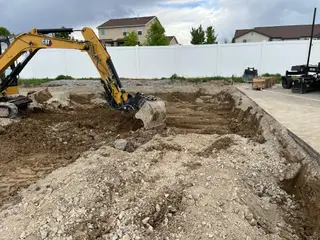
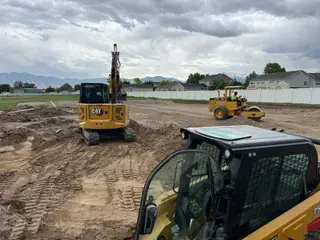
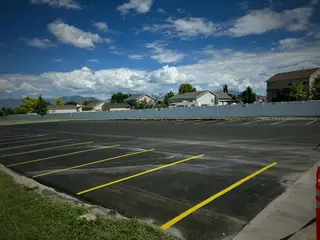
- They need no app. New photos land on the same link, and they can save them full size.
- Shared albums are on paid plans.
Your setup
Set up your phases your way.
Phase columns you name
Parli doesn't come with a paving set. Open the job's Board, choose By bucket, tap Add bucket and name your phases the way your crew says them. Rename, recolor or delete them any time.
- Tear-out3 tasks
- Subgrade2 tasks
- Base2 tasks
- Roll & proof roll2 tasks
- Fine grade1 task
- Paving sub1 task
- Striping1 task
Close to a grading job? Start from the Grading & Site Prep set, which already has Compaction & Proof Roll and Fine Grade, and add the rest.
The machines you own
Put your yard in Parli with the types it already knows, then book them to the lot.
MachinesSkid SteerMini ExcavatorCompact Track LoaderRollerDump TruckWater Truck
TrailersDumpEnd DumpBelly Dump
ToolsCompactionSurvey & LayoutTraffic Control
Own a paver or a milling machine? Paver and Milling Machine are built-in types too.
The Free plan has one machine, one attachment, one tool and one trailer. Paid plans have no limit.
See Equipment SchedulingReal lot work.
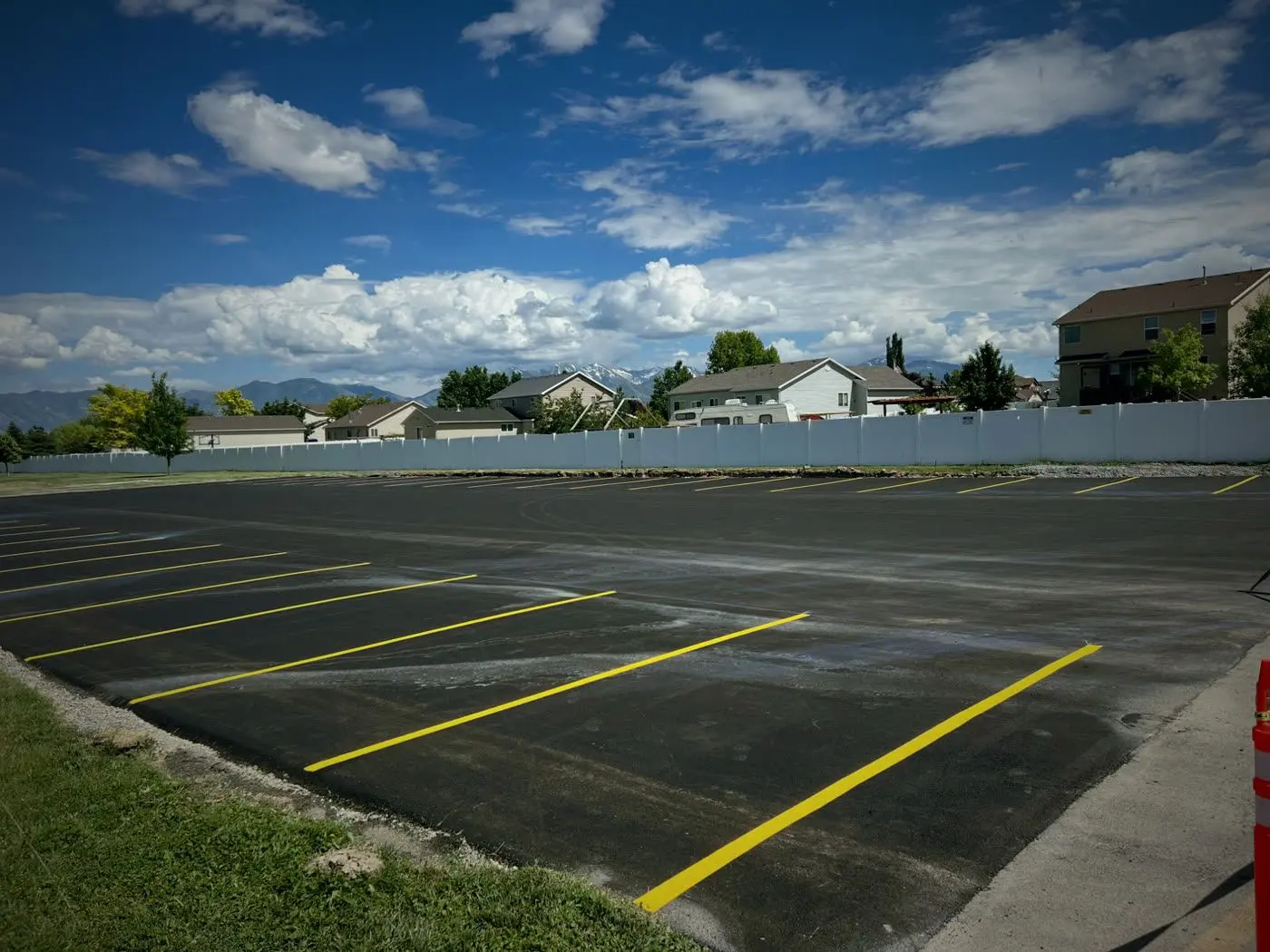
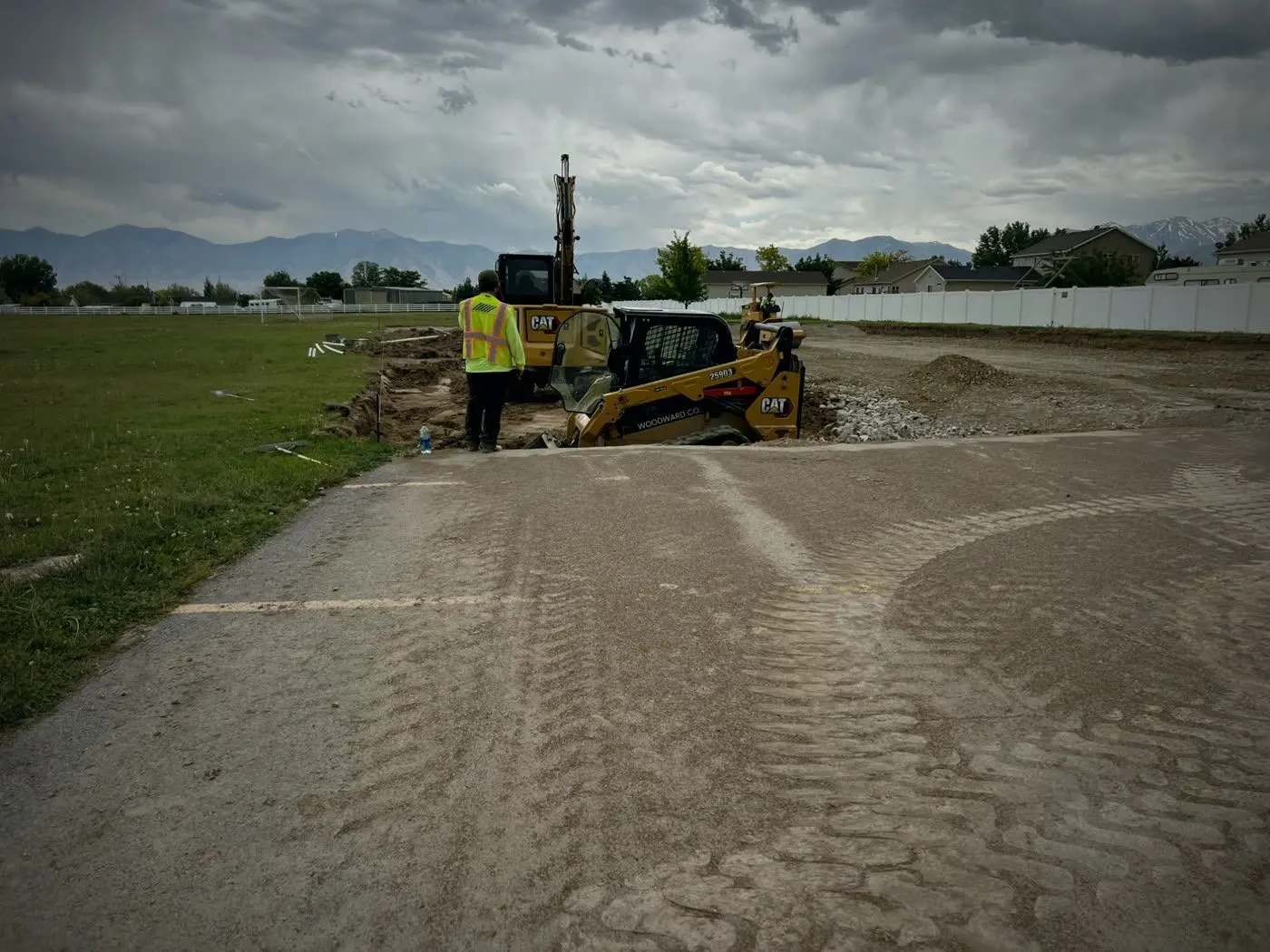
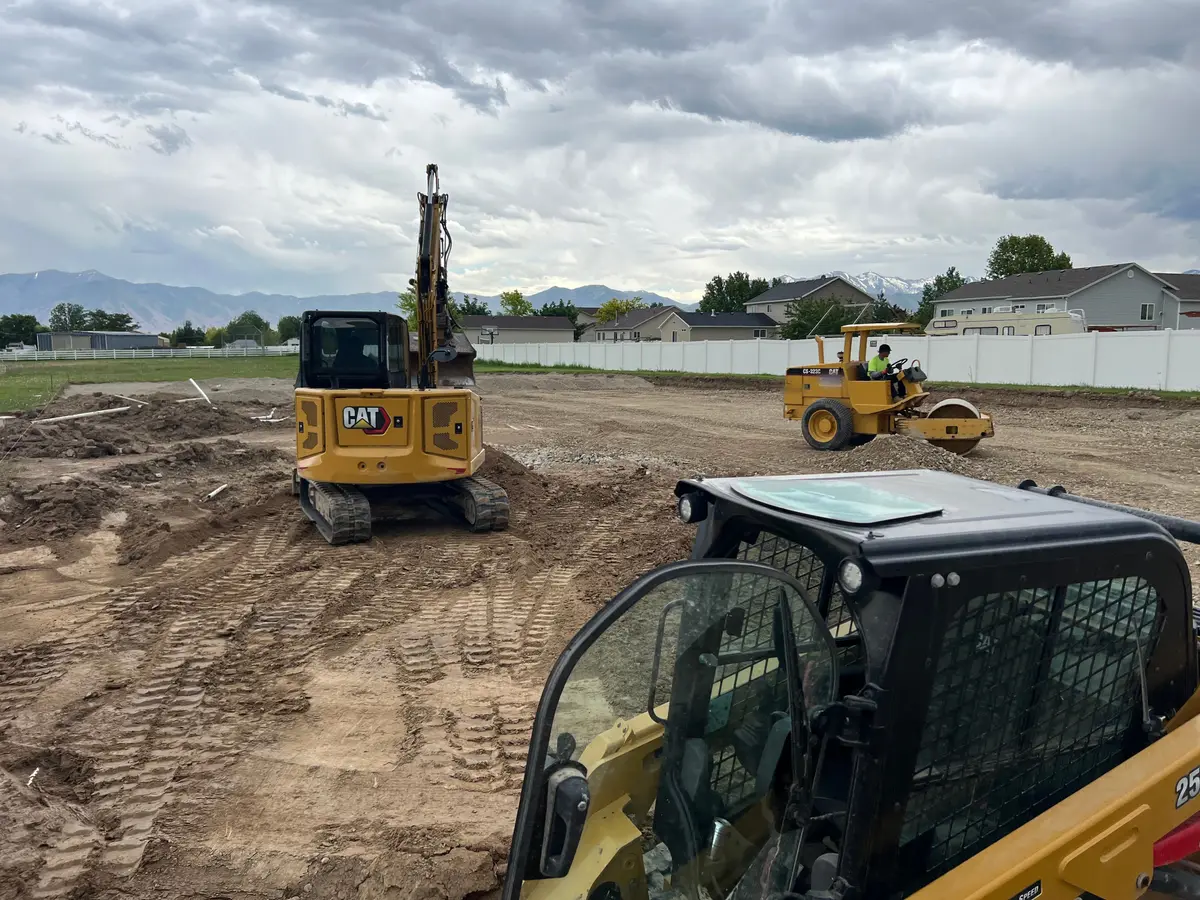
Real jobs in Utah, shot on the crew's phones. No stock photos.
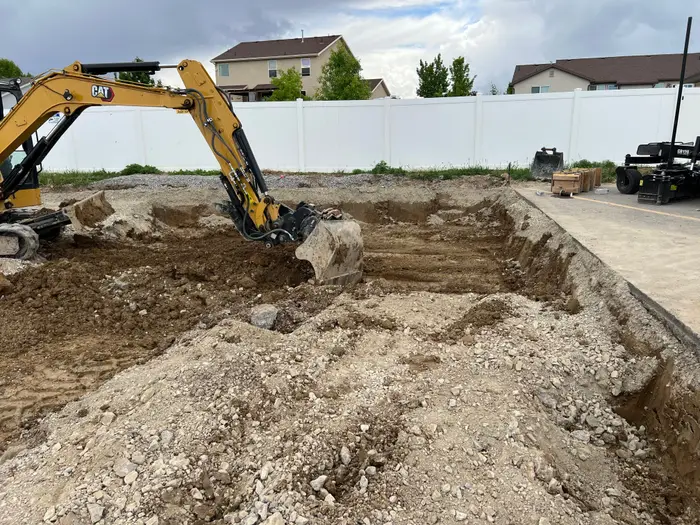
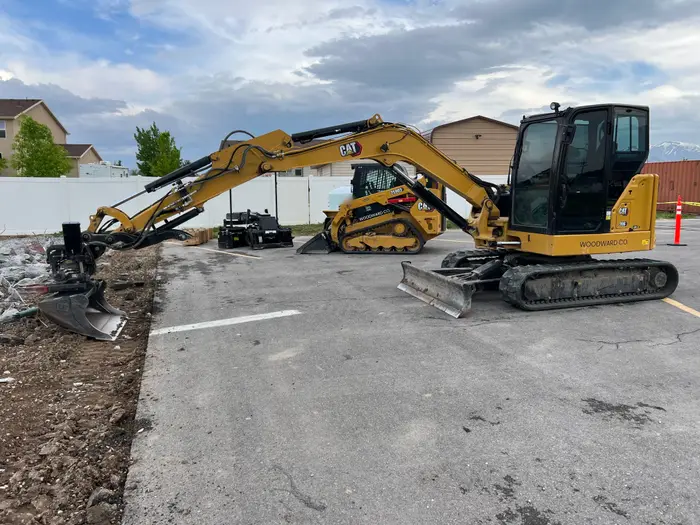
On the phone
From the lot.
Sub visits, the Gantt chart, the yard and the owner's photos. Tap one to see it full size.
-
Know who's coming and who confirmedTraffic control, trucking and concrete confirmed. The surveyor not yet.
-
The whole job, start to finishA job's whole schedule by month, with today marked.
-
Every machine. Where it is.Fifteen machines, the job each is on, and two flagged for service.
-
Put the right crew on itParli shows who's already booked for those dates.
-
Show the client the progressPick the day's photos and tap Share link.
-
One link. No app neededPhotos added later show up on the same link.
On the computer
From the office.
Who's coming and who confirmed, the chart with crew and machines, and the yard.
-
Who's coming and who confirmedEvery visit with its job, days, start time and answer.
-
Crew and machines on the chartThe people and machines booked to the job, below the tasks.
-
Every machine, where it isFifteen machines with the job each is on, and two flagged Service overdue.
Questions
Common questions
Can I schedule the paving sub and have them confirm?
Yes. Schedule their visit on the job with the day, the start time and the work. Parli emails them, and they tap Yes, we'll be there. They don't need the app or a login, and the visit shows on the job's Gantt chart under your tasks.
What if the paving sub can't make the day?
They tap Propose a different time and pick a new one. The office gets an email to accept or decline it. Parli emails subs; it never texts them.
Can I book the roller and dump trailers without double-booking?
Yes. A machine, attachment or trailer can't be booked to two jobs on the same days. If it's already out, Parli shows which job has it and lets you pick dates after that.
Can the owner see the lot come together?
Yes, on paid plans. Share the job’s photos as one link. The owner needs no app, new photos land on the same link, and they can save them full size.
Does Parli come with a paving phase set?
No. Add your own phase columns on the job’s Board (choose By bucket, then Add bucket), or start from the Grading & Site Prep set and add the rest. Rename, recolor or delete any column.
Does Parli track asphalt tons or materials?
No. Parli schedules your crew, your machines and your subs, and keeps the photos and daily reports. It doesn’t track tonnage, mix designs or material orders.
Prep your next lot
on Parli.
Free to start. Paid plans have no limit on machines.