

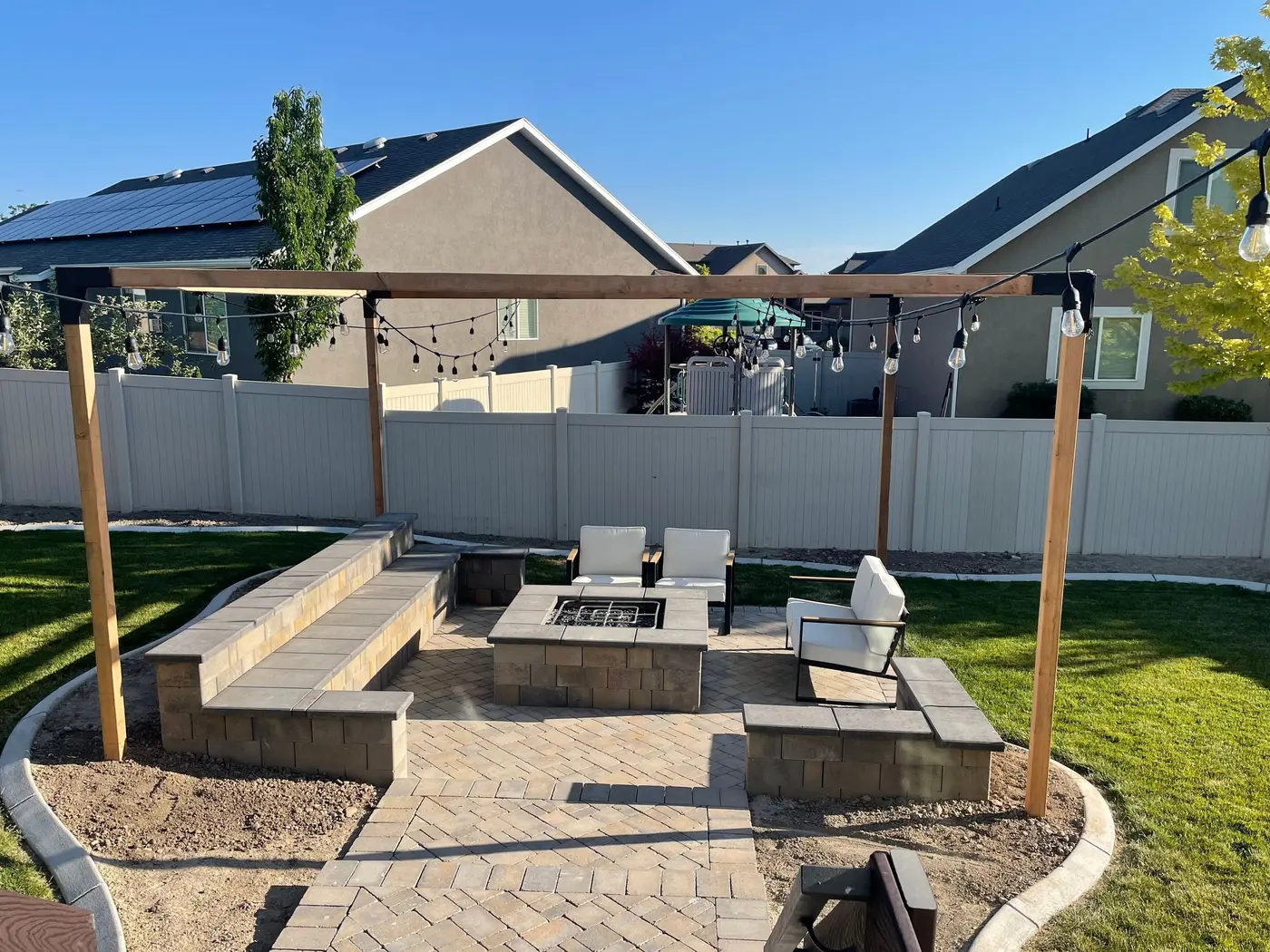
 Here it is










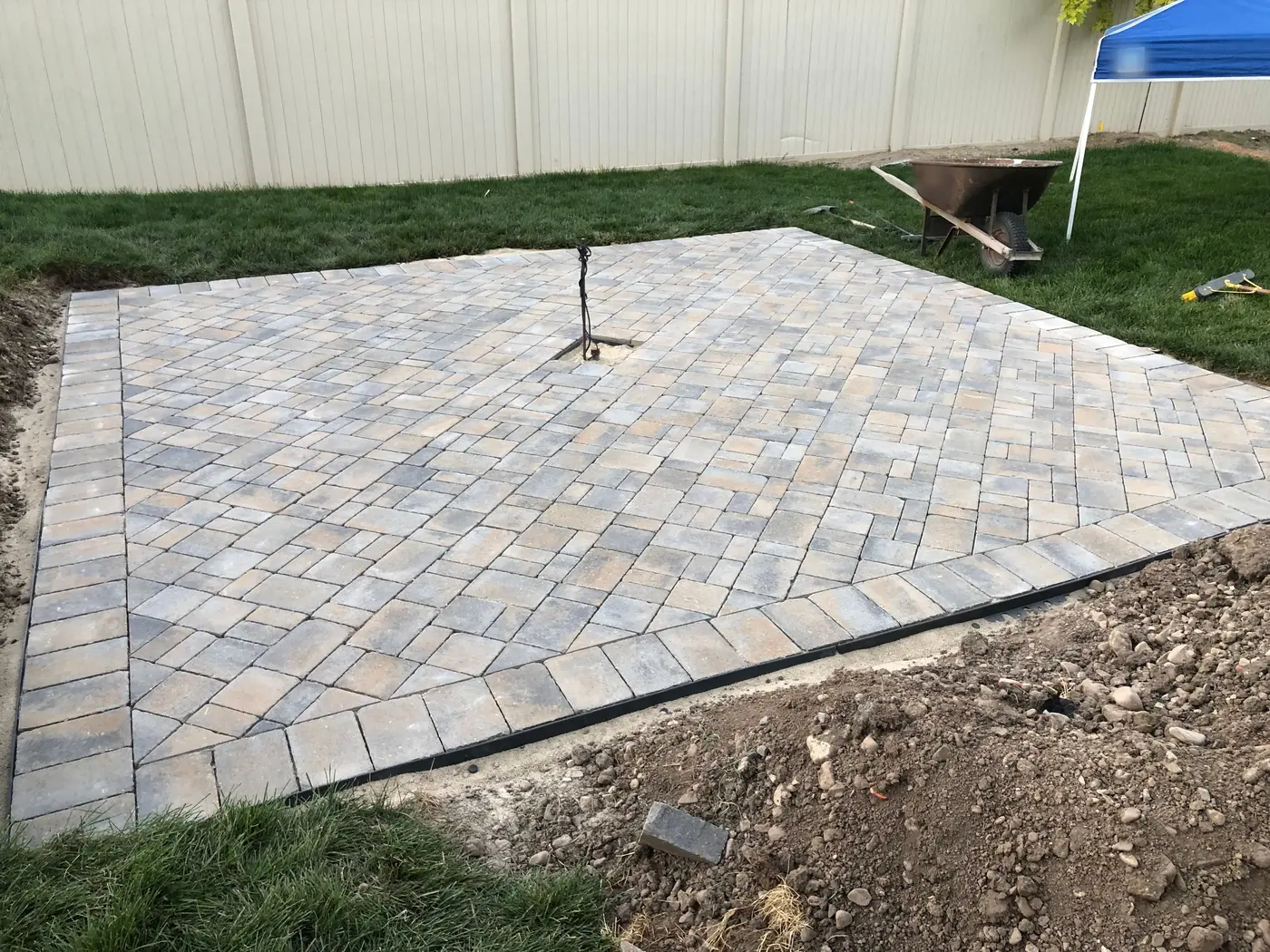 Day 2
Day 2 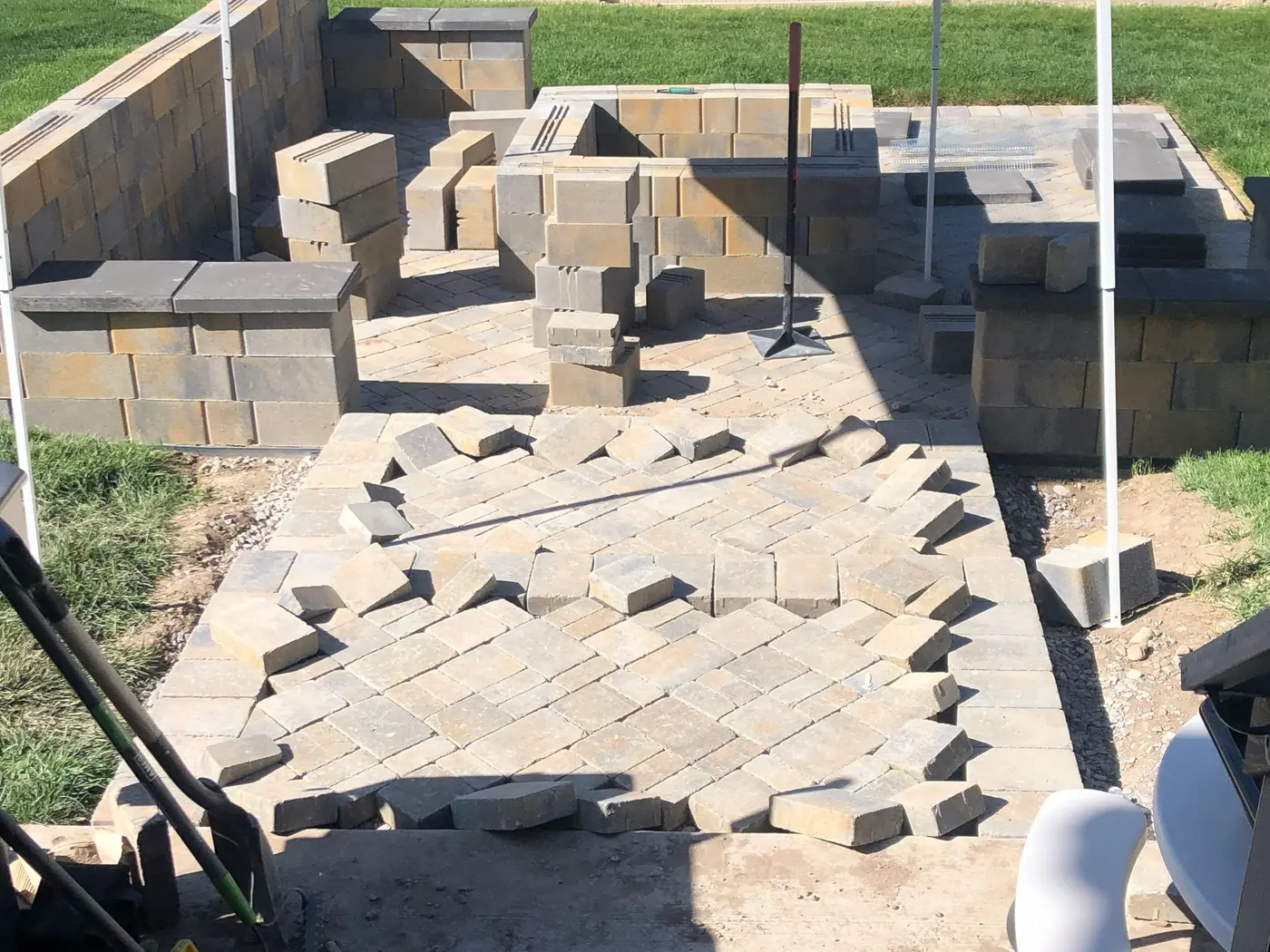
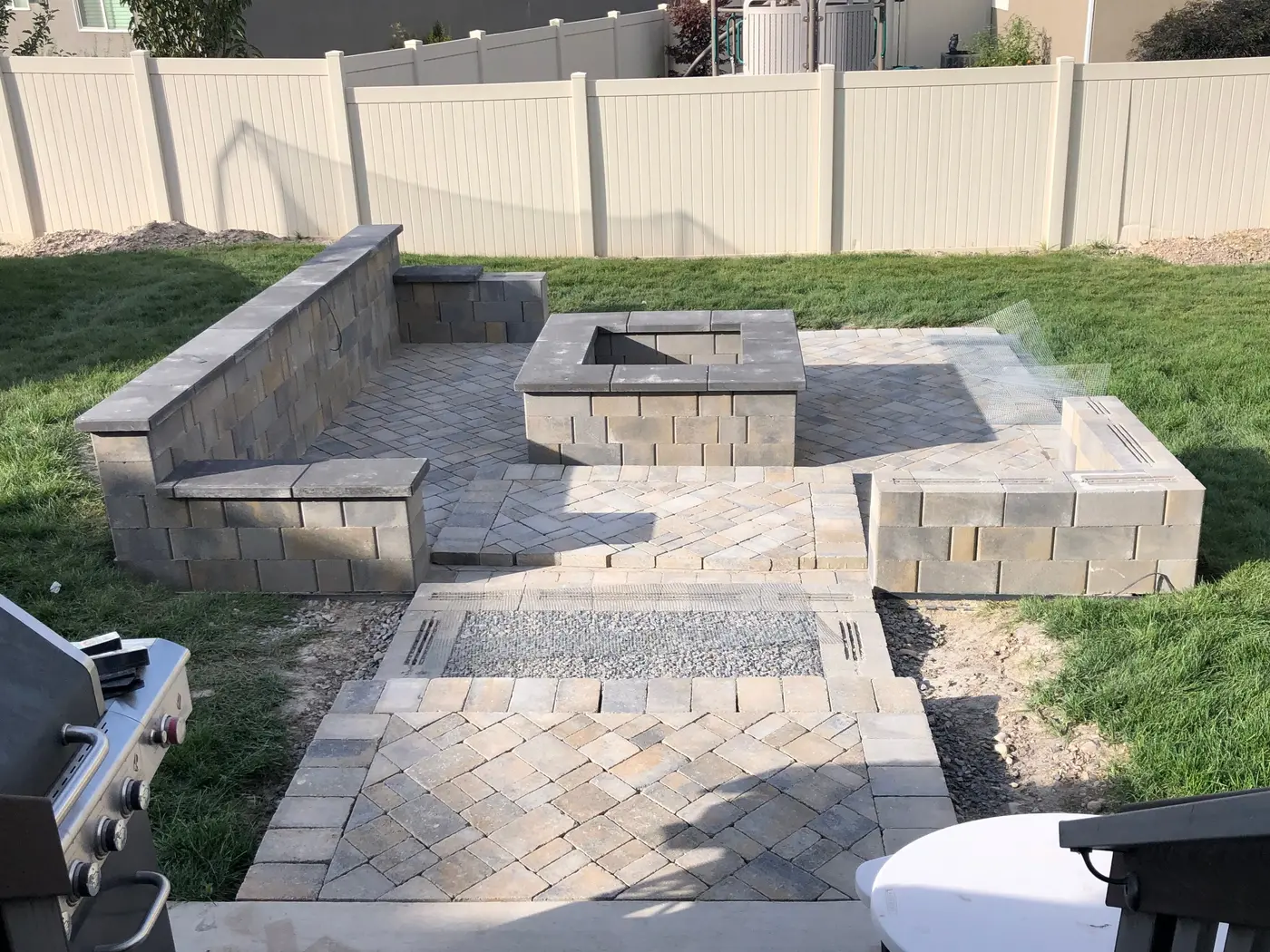
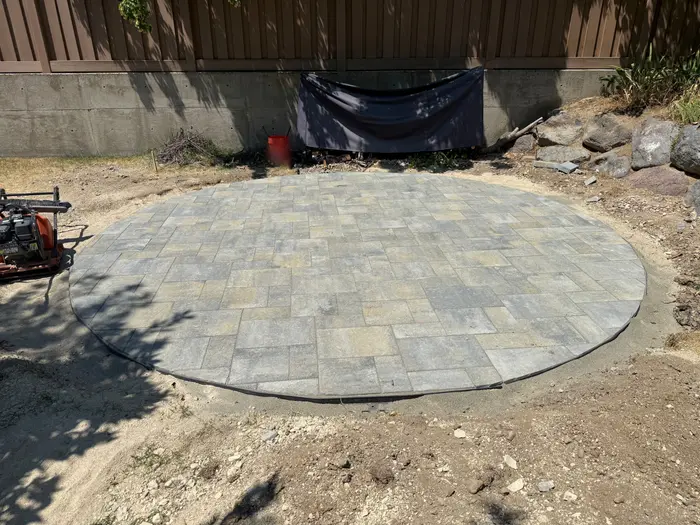
Pavers set. Gas line stubbed in the middle.
In ParliAsk the crew for a photo of the gas stub before the fire pit covers it. It lands on the job with who took it and when.
In the order the work happens on a site
Driveways, walks, patios, curb and gutter. Check off the forms, get the pump sub's yes, send the finishers their start time and see the crew clock in, all on the job in Parli.
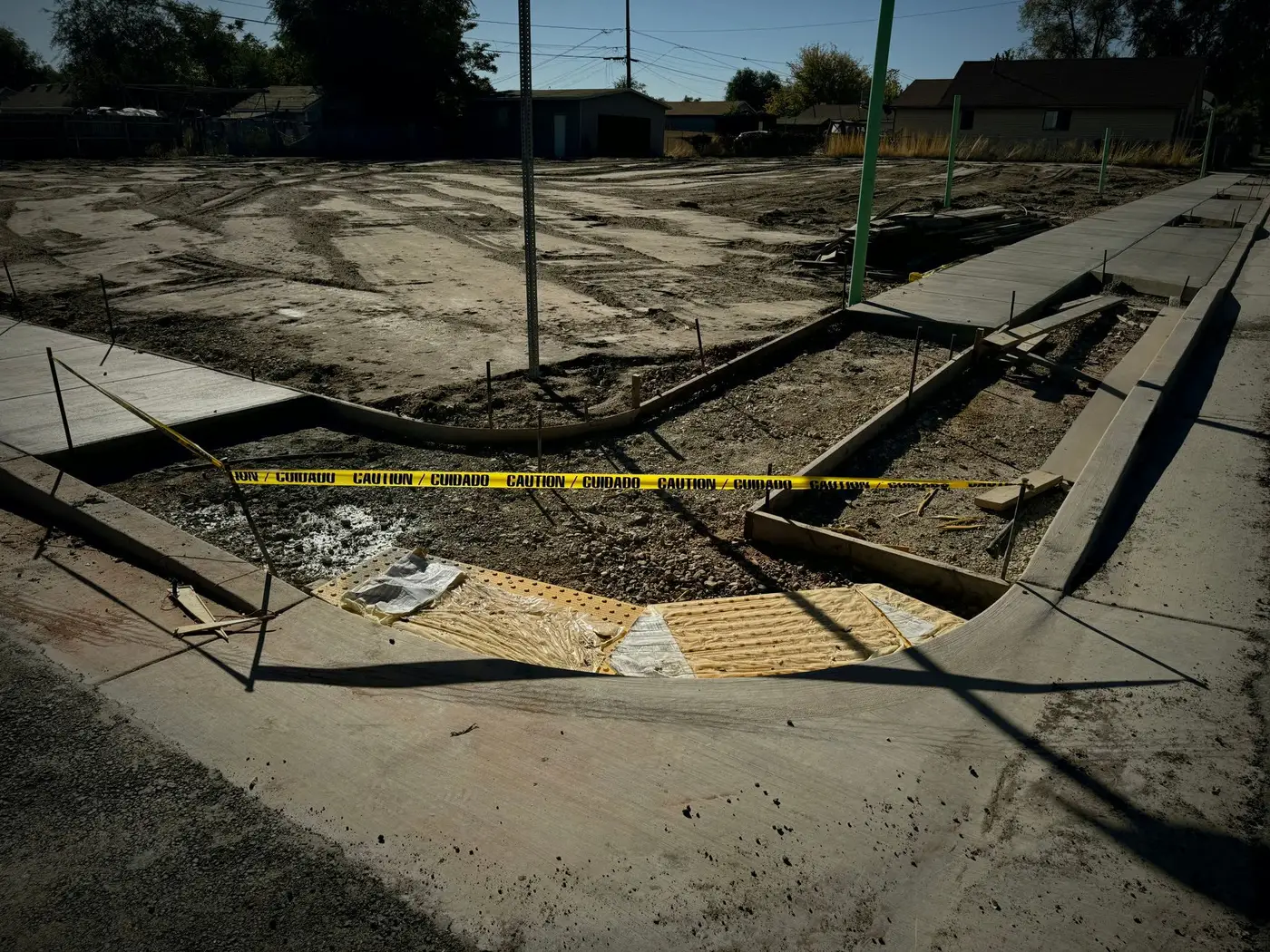 Forms set Base in
 Pour day
Seven things have to be ready before the truck shows up. Each line below is a real thing in Parli, and each one turns from waiting to ready. Pick a time to see where things stood, or mark them ready yourself.
Copper Creek RetailCurb, gutter and walk
Thursday, 6:00 AM pour
1 of 7 ready
Ready to pour
Forms set and checkedTask checklist
On the checklist for the task Form curb and walk.
Checked off by Luis A. · Mon 4:10 PM
Rebar and mesh inTask checklist
The next line on the same checklist.
Checked off by Luis A. · Wed 9:15 AM
Form inspection passedTask
City form inspection, its own task, Wed 1:30 PM.
Marked done by Luis A. · Wed 1:50 PM
Forms photo filedPhotos
Asked for: Forms and stakes, before the pour.
 Filed to the job by Luis A. · Wed 2:05 PM
Pump truck confirmedSub email
Ramos Concrete, pump truck, Thursday 6:00 AM. Parli emails them a reminder two days before.
Ramos Concrete tapped Yes, we'll be there · Tue 6:12 PM
Finishers have their start timeDispatch
Rosa D. and Tanner O. are on for Thursday. Nobody is told until someone presses Send.
Sent Wed 3:40 PM. Rosa and Tanner were told: Copper Creek Retail at 5:30 AM Thursday.
Crew on the clockTime clock
Their start time is 5:30 AM Thursday.
Luis A. clocked in the crew at 5:30 AM. Five on the clock.
Waiting on 6.
The countdown is only for this page. Every line on it is something Parli does.
The job
Pick Hardscape / Concrete Flatwork when you make a job, and its board starts with the nine phases a pour goes through. Rename them, recolor them, or delete the ones you don't do. The pour sits in the middle, where it belongs.
The nine phases are the Hardscape / Concrete Flatwork set in Parli. The tasks are examples.
One real patio
A paver patio and fire pit in Utah, day by day. Slide through it and see what each stage looks like in Parli.
Day 2 Pavers set. Gas line stubbed in the middle.
In ParliAsk the crew for a photo of the gas stub before the fire pit covers it. It lands on the job with who took it and when.
Parli doesn't know the forecast. You do. When the weather turns, it takes three moves.
1Move the pour
Drag the pour a day on the job's Gantt chart. The joints, the cure and stripping forms are linked after it, so they move too.
2Tell the finishers
What Rosa D. is told
Your schedule changed
Thursday: not scheduled anymore (was Copper Creek Retail) · Friday: Copper Creek Retail at 5:30 AM
Move them on Dispatch, then press Send. Each person gets one alert with only what changed for them.
3Put it on record
File a field report from the phone. Pick the type and the weather, and the day is on record for the owner and the office.
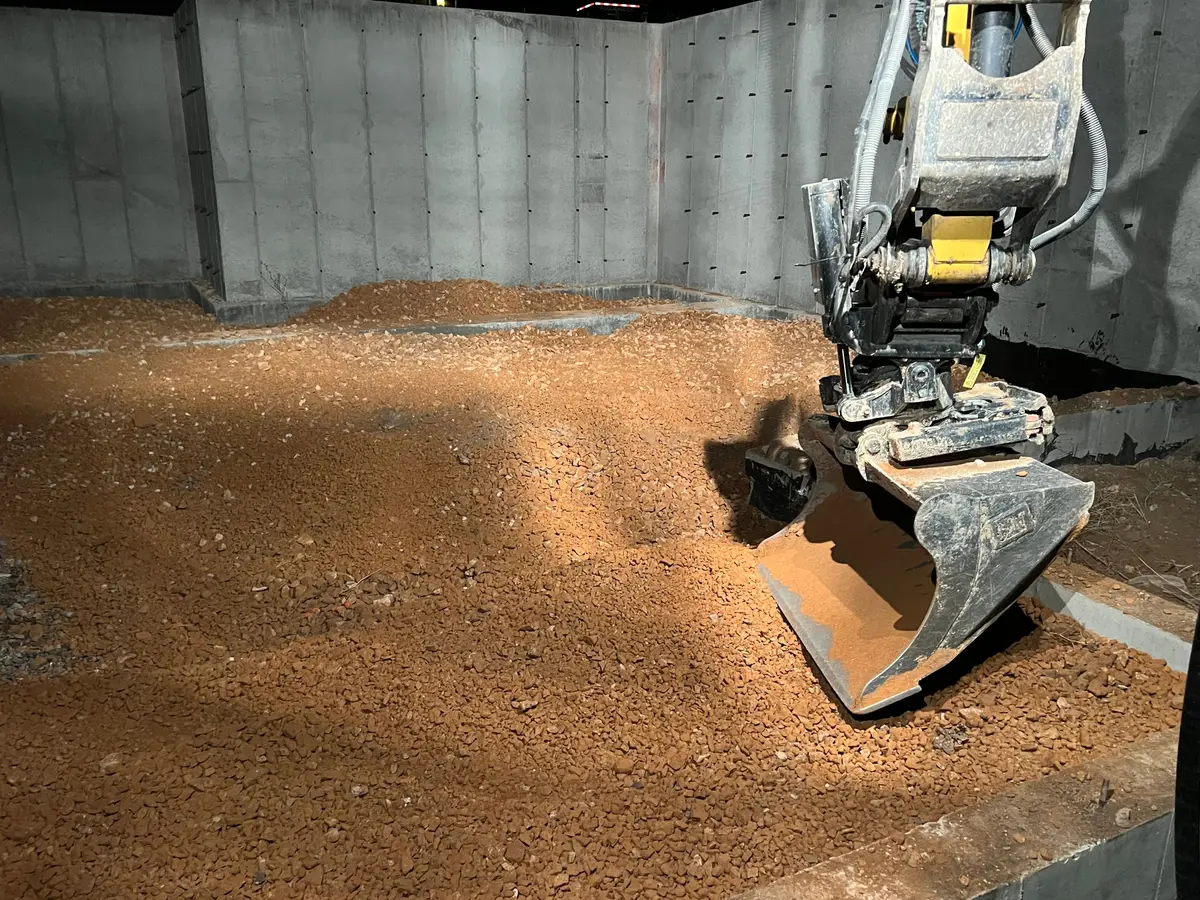
Once the concrete is down, the base and the rebar are gone for good. Ask for the photos the job needs, and the crew sees them on the camera. Each photo is filed to the job with who took it and when.
No signal inside the foundation? The camera says it's saving on the phone and sends the photos later.
When it's done, send the owner the job's photos as one link. They need no app, new photos land on the same link, and they can save them full size.
See PhotosReal hardscape jobs in Utah, shown the way Parli files them: the job, who took it and when. The job names and crew are examples.
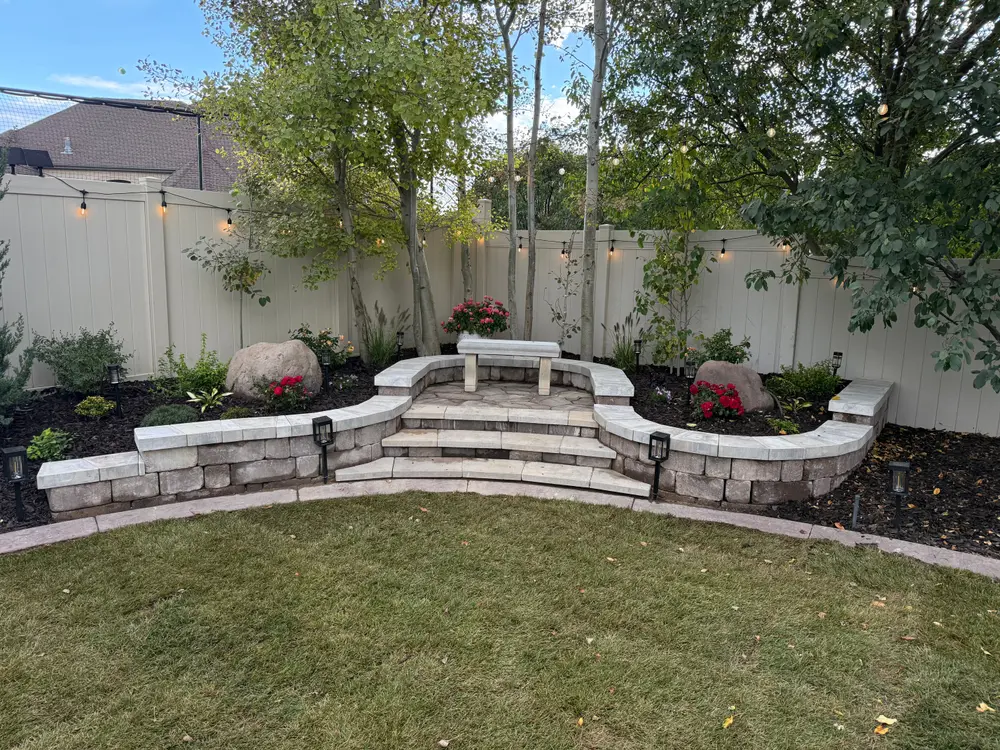
Larsen BackyardDakota S. · Fri 3:48 PM
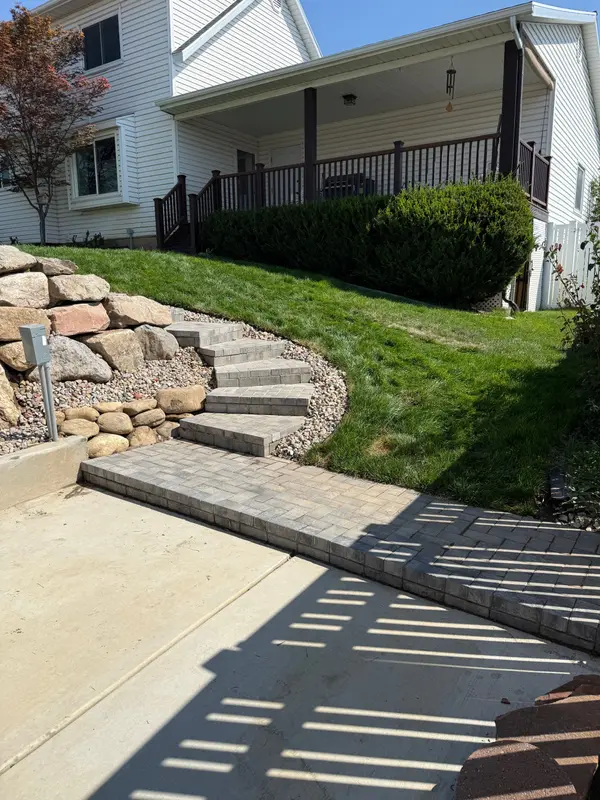
Sunset Ridge Lot 7Miguel R. · Tue 11:05 AM
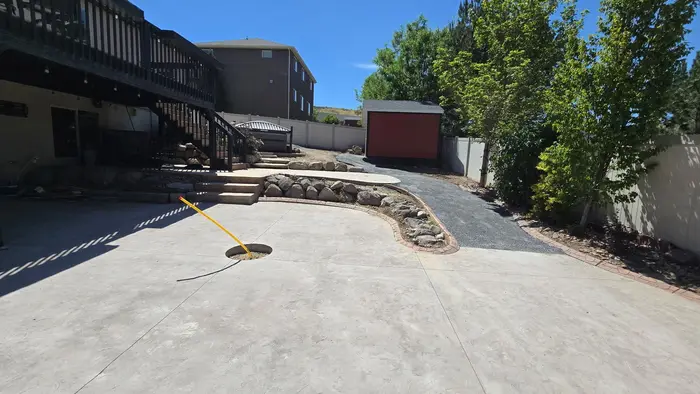
Oquirrh ViewCody M. · Wed 2:20 PM
Daybreak Lot 12Rosa D. · Mon 5:31 PM
On the phone
Checklists, sub confirmations, the send and the clock-in. Tap one to see it full size.
Check it off. Everyone sees itChecking off the list moves the progress bar.
Know who's coming and who confirmedTraffic control, trucking and concrete confirmed. The surveyor not yet.
Send tomorrow's scheduleEach person gets only what changed for them.
Clock in the whole crewThe foreman checks off who's there and clocks them in at once.
Ask for the shotThe crew sees the list on their camera.
Rain coming? Push it two daysDrag a bar and its new dates show as it moves.
On the computer
One task with everything on it, who confirmed, the send and the Gantt chart.
One task, everything on itProgress, the people and machines on it, the dates, the address, and a service warning when a machine is due.
Who's coming and who confirmedEvery visit with its job, days, start time and answer.
Send the scheduleA preview of exactly what each person will be told before anything goes out.
A job, day by dayThe Today line, the bars around it and the arrows between linked tasks.
Questions
Yes. When you make a job, pick Hardscape / Concrete Flatwork under Industry phase columns and its board starts with nine phases, from Estimate & Approvals to Final Walkthrough. Rename, recolor or delete any of them. An existing job can add the set from its Board.
Yes. Put a checklist on the forms task (forms set, rebar and mesh) and check items off from the phone. Make the inspection its own task, ask the crew for the photos you want before the pour, and see which subs have confirmed.
Yes. Add the pump company as a sub and book their visit. Parli emails them, and they tap Yes, we'll be there or propose a different time, with no app or login. Put your finishers on Dispatch and press Send: each person gets only what changed for them, with their start time if you use start times.
Parli doesn't forecast the weather. When it rains, move the pour on the job's Gantt chart, and the tasks linked after it move too. Then move the crew on Dispatch and press Send. The Gantt chart is on paid plans.
No. Parli doesn't order concrete, figure yardage, time the cure or keep batch tickets. It schedules the crew, the machines, the subs and the tasks around the pour.
Yes. Concrete Mixer and Skid Steer are built-in equipment types, and Concrete Mixer Bowl is a built-in attachment. A machine can't be booked to two jobs on the same days. The Free plan holds one machine, one attachment, one tool and one trailer; paid plans have no limit.
Free to start, with one active job. Paid plans add the Gantt chart.