

 Here it is










Your day,
lined up.
Every task your crew is on, with the job and the due date. Checklists move the progress bar, and a reminder pops up at the job.

Check it off. Everyone sees it.
The bar moves
as the list does.
- Call in locates
- Trench inlets 1 to 4
- Set pipe and bed with gravel
- Trench inlets 5 to 8
- Backfill and compact
Checking off the list moves the progress bar, so the office knows where it stands without a call.
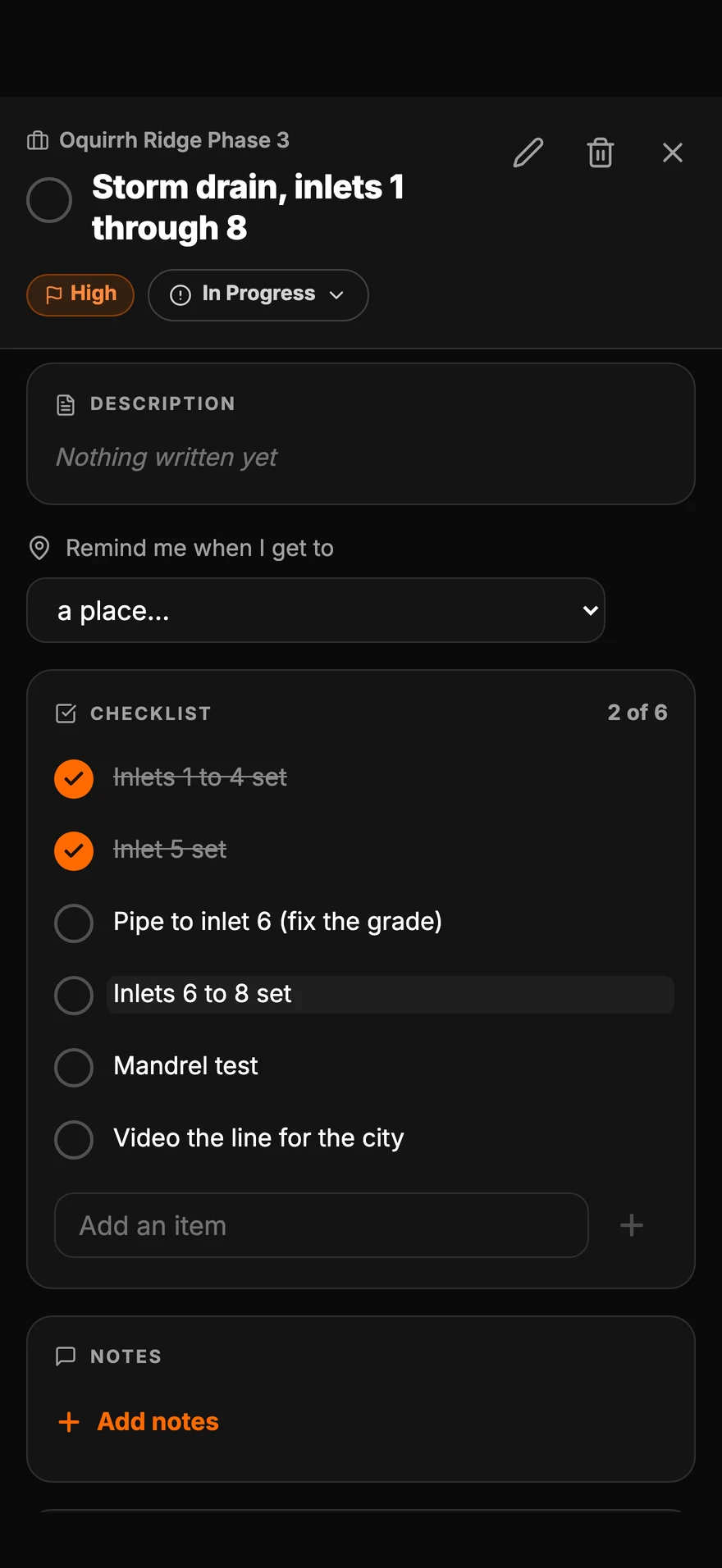
Pull up. Parli reminds you.
The reminder
waits at the job.
Set a task to remind you at the job. When you get there with Parli open, the reminder pops up. Parli doesn't follow you in the background.
On the phone
The crew's
side of it.
Swipe, scroll or drag. Tap one to see it full size.
-
Your day, lined upEvery task you're on, with the job and the due date.
-
Check it off. Everyone sees itChecking off the list moves the progress bar.
-
Pull up. Parli reminds youSet a task to remind you at the job.
-
Put the right crew on itParli shows who's already booked for those dates.
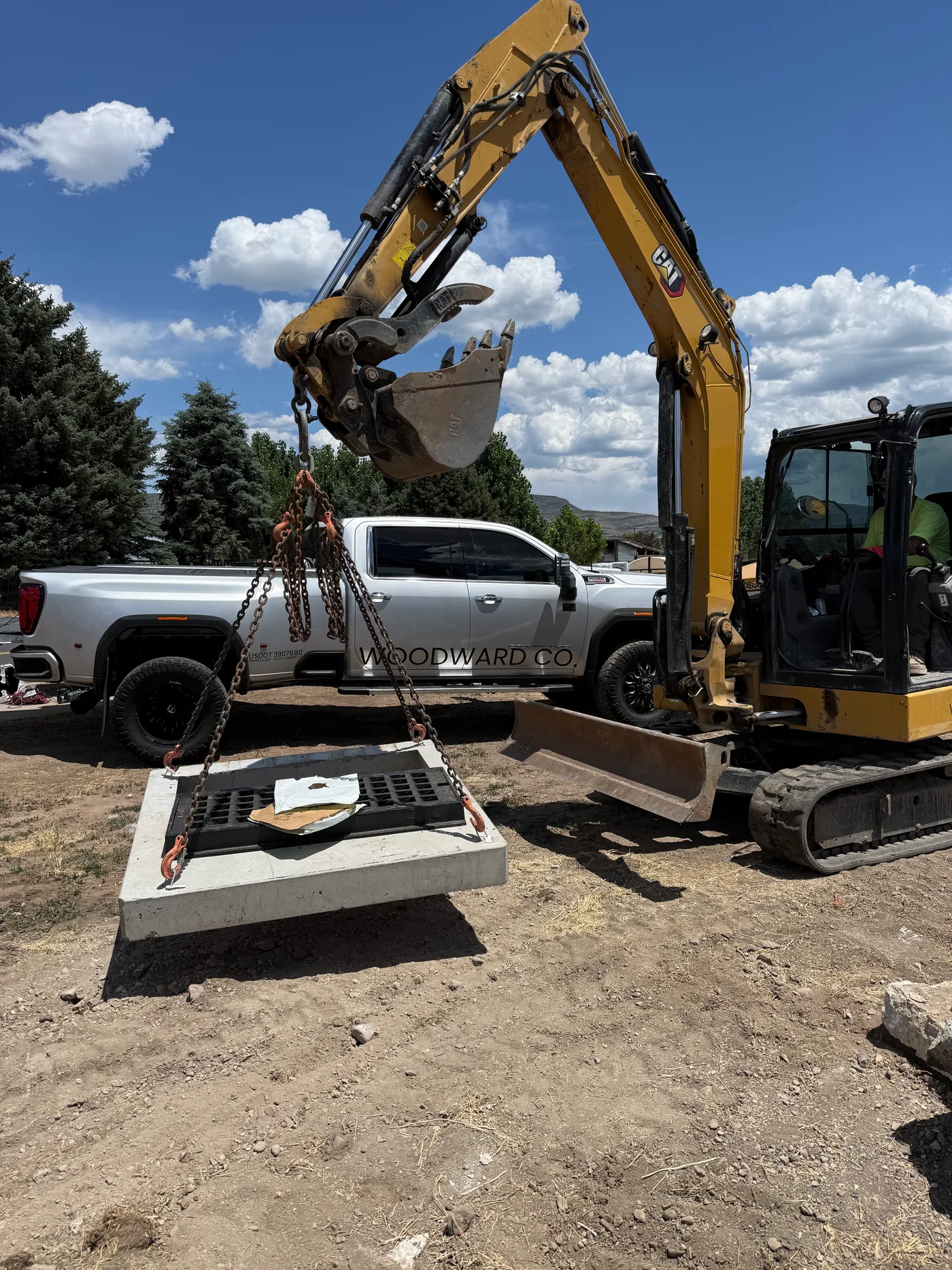
Put the right crew on it
People and machines,
on the same task.
- Who's freeParli suggests crew and machines for those dates and shows who's already booked.
- Machines book themselvesPut a machine on the task and it's booked on the schedule for those dates.
- Service warningsIf a machine on the task is due for service, the task says so before anyone shows up.
- The right alertWhoever you put on the task gets an alert, and tapping it opens the task.
Everything included
What's in Tasks
Your day, lined up
Every task you're on, with the job and the due date. Tap the circle when it's done.
Checklists
Checking off the list moves the progress bar. You can slide it yourself too.
Reminders at the job
Set a task to remind you at the job. When you get there with Parli open, it reminds you.
Crew and machines
Put people and machines on a task. Parli shows who is already booked on those dates.
Machines book themselves
A machine on a task is booked on the schedule for those dates.
Service warnings
If a machine on the task is due for service, the task says so.
Priority and dates
Start, due and estimated hours, with High, Medium and Low priority.
List or board
See tasks as a list by due date, or as a board from Not Started to Completed.
The right alert
Whoever is put on a task gets an alert, and tapping it opens the task.
On the computer
Every task,
at full size.
The list, an open task and the board. Tap one to open it.
-
My tasksEvery task by due date, with the job, the people on it and the priority.
-
One task, everything on itProgress, the people and machines on it, the dates, the address, and a service warning when a machine is due.
-
The task boardNot Started, In Progress, On Hold and Completed, side by side.
Questions
Common questions
Can my crew see only their own tasks?
Each person sees the tasks they are on under My tasks. People who manage the work can see all tasks.
How does the progress bar work?
Checking off items on the checklist moves it. You can also slide it yourself when the work does not fit a list.
How do location reminders work?
Set a task to remind you at the job. When you get to that job with Parli open, a reminder pops up for that task. Parli does not track your location in the background.
Can I put a machine on a task?
Yes. Add the machine and it is booked on the schedule for those dates. If it is due for service, the task shows a warning.
Does the crew get notified?
Yes. Putting someone on a task sends them an alert, and tapping it opens the task. Nobody is alerted about their own changes.
Put the day
on their phones.
Free to start. Tasks on iPhone, Android and the computer.
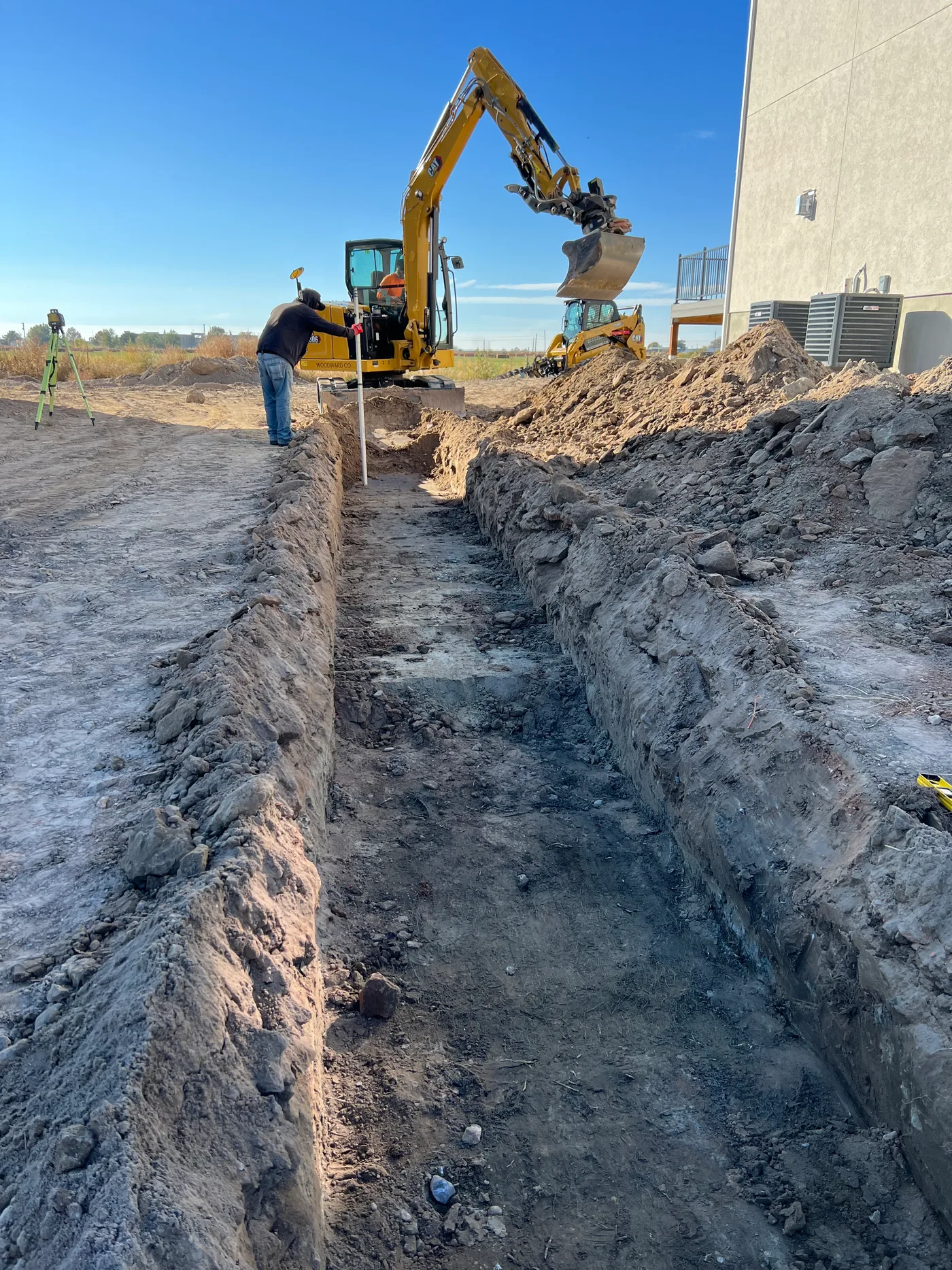
Jobsite and machine photos on this page are from real jobs in Utah. Screens are from the Parli app.