

 Here it is










Know your day before you leave.
Parli opens to your day. The office sees who's out and what's late. The crew sees their job, their start time and what to bring.
Good morning, BrettGood morning, MorganGood morning, CodyThursday, October 15
Clock in the crew from here
Clock in when you get there
Tanner is out sick and two things need cover. The 2021 CAT 336 is booked on two jobs Monday.
- Fix silt fence washed out on lot 44Oquirrh Ridge Phase 3 · was due Mon, Oct 12
- Stream alteration permit from the countyLark Canyon Driveway · was due Fri, Oct 9
- Transmission shifting hard in third2017 CAT 730 · was due Fri, Oct 9
- Over-excavate grids D through FCopper Creek Retail · due today
- Density tests every liftCopper Creek Retail · with the tester at 1:00 PM
2018 CAT D5 · DZ-202 · at the yard
The morning note
Your morning, in one note.
A few lines at the top of the office dashboard: who's out, what's late and what's double-booked. When something changes, it writes itself again.
Tanner is out sick today, and he was on the Oquirrh Ridge pipe crew with two things that need cover. The silt fence on lot 44 is still down from the storm; get it fixed before the inspector comes back Friday. The 2021 CAT 336 is booked on two jobs Monday.
- 8 overdue
- 1 double-booked
- 4 due today
- 6 ready to start
- 1 crew out
- 2 machines out
On the phone
Four mornings,
four dashboards.
Swipe, scroll or drag. Tap one to see it full size.
-
Know your day before you leaveThe job, the start time and what to grab, before the truck leaves.
-
Who's out, what's lateClock in the crew, see who needs cover and what is overdue.
-
Your morning, in one noteWho's out, the silt fence on lot 44 and a double-booked machine, in plain words.
-
Your dashboard, your wayCrew free, machines down, tomorrow's crews and the subs this week.
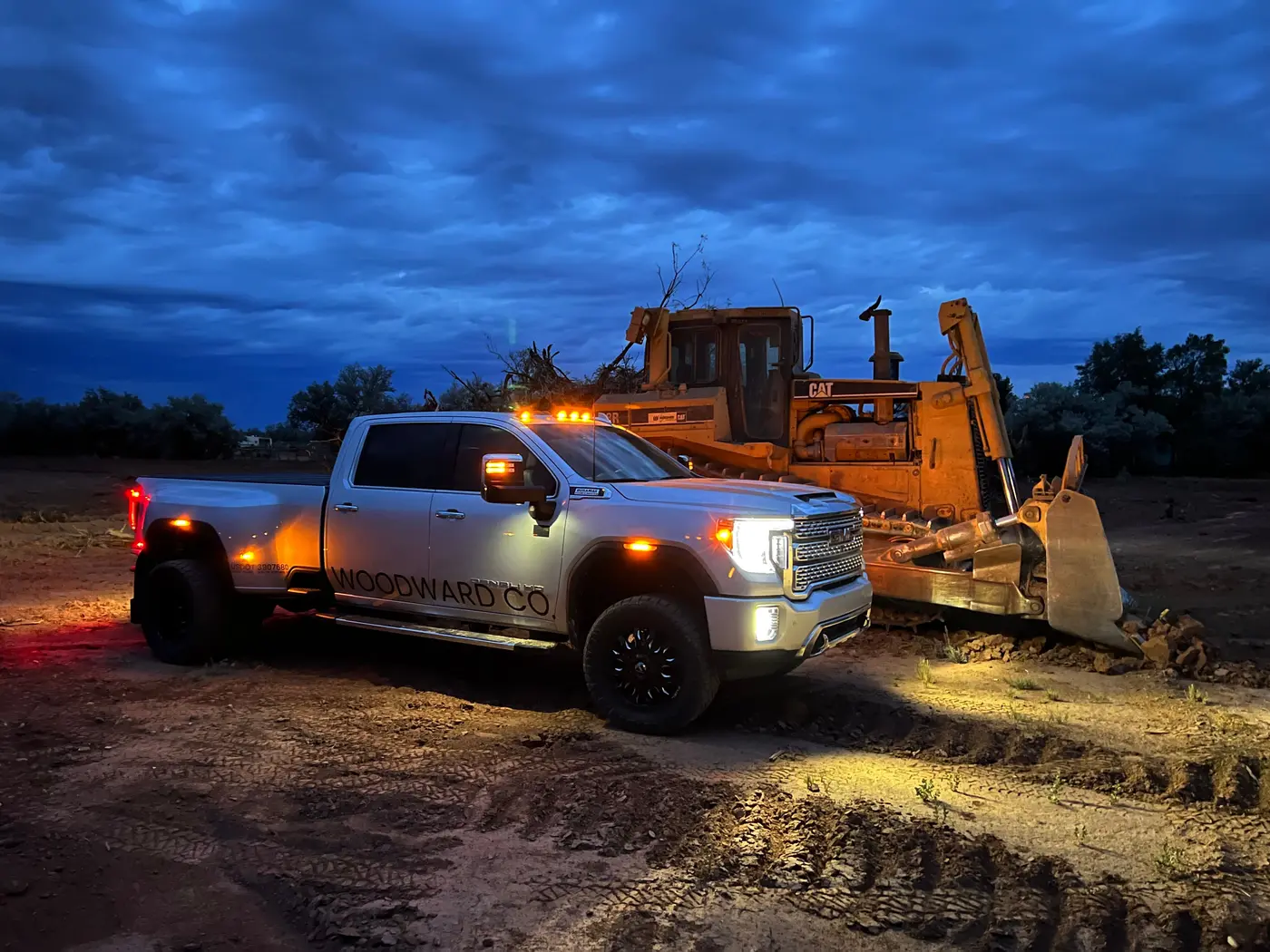
Before the first truck leaves
It's current before you are.
New tasks, bookings, field reports and photos show up on the dashboard as they happen, no refresh. And at 6 AM, a round-up of what's due and what's late lands on each phone.
Customize
Your dashboard, your way.
On Corporation+ and Enterprise, move the cards where you want them, on the computer and on the phone. Try it: move a card, then switch to the phone.
- My tasks7
- Tasks done18 of 59
- Active jobs5
- Who's outTanner Ellis
- Overdue8 tasks
- Service due2021 CAT 336
Everything included
What's on the dashboard
Opens to your day
The first screen after you sign in: the time clock, your tasks and what needs you today.
A morning note
A few lines at the top on who's out, what's late and what's double-booked, with the counts underneath.
Who's out today
Who is out and what they were on, with a link to find cover.
Overdue and coming up
Late tasks and the next deadlines, each one a tap from the task.
Numbers that matter
My tasks, tasks done, active jobs and jobs finished this year.
Machines due for service
Equipment maintenance on the office dashboard, so service gets scheduled.
The crew's own day
Crew members open to today: the job, the start time, their tasks and who they work with this week.
What to bring
The machines and tools on today's work, under "Grab before you roll out."
Updates on its own
New tasks, bookings, field reports and photos show up without a refresh.
Arrange it
On Corporation+ and Enterprise, add, remove, reorder and resize the cards.
A phone layout too
Give the phone its own order and hide cards you only want on the computer.
More cards to pick from
Crew available, machines down, subs this week, tomorrow's crews and machines, reports in today and more.
On the computer
The office side
of the morning.
The owner's dashboard and a foreman's, at full size. Tap one to open it.
-
The office dashboardThe time clock, the morning note, who's out and what's overdue.
-
A foreman's morningClock in the crew, the morning note and the day's deadlines.
Questions
Common questions
What does the crew see on their dashboard?
Crew members open to their own day: the time clock, today's job and start time, their tasks, what to bring and who they're working with this week. They don't see the company's numbers.
What's the morning note?
A few lines at the top of the office dashboard about who's out, what's late and what's double-booked, with counts underneath. It writes itself again when something changes.
Can I change what is on my dashboard?
On Corporation+ and Enterprise, yes. Click Customize on a computer to add, remove, reorder and resize cards, and set a separate order for your phone. Other plans get the standard layout for each role.
Does it update on its own?
Most of it. Tasks, jobs, bookings, maintenance, sub visits, field reports and photos refresh as they change. The time clock card refreshes every minute.
Is it different on a phone?
The phone shows the cards in one column, in an order made for a phone. Tablets use the computer layout.
Who sees the company dashboard?
Owners, admins and foremen see the company dashboard. Crew logins see the crew dashboard.
Open Parli
to your day.
Free to start. Custom layouts come with Corporation+ and Enterprise.
Jobsite and machine photos on this page are from real jobs in Utah. Screens are from the Parli app.