

 Here it is










Retaining wall contractor scheduling software, course by course.
Block, boulder and precast walls. Put the drawings, the layout, the machines, the drain work, a photo of every lift and the inspection on one job. Then send the homeowner one link.
The Retaining Walls phases
Build the job the way you build the wall.
Pick Retaining Walls when you make a job, and its board starts with eight phases in order. Here each one is a course, footing first and the cap last.
Eight phases, eight courses.
-
Course 01
Design & Engineering
The engineer's drawings, on the job.
Put the wall drawings in the job's files. The crew pulls them up on the phone at the wall, and search finds them by name.
Daybreak Lot 12Files
- PDFWall plan and elevation2.4 MB
- PDFWall sections and details1.1 MB
- PDFDrain detail0.6 MB
-
Course 02
Layout & Excavation
Layout and the dig, as tasks.
Stake the wall line and dig to the base. Each one is a task with a date and the crew on it, and whoever you put on it gets an alert that opens the task.
- Stake the wall lineDue Mon, Oct 19TO
- Dig to the baseDue Tue, Oct 20MR
-
Course 03
Footing / Base Course
The excavator and the compactor, booked.
Book the mini excavator for the base days. If it's already on another job, Parli says it's somewhere else and shows what has it. Tools go out by count, so you can see how many plate compactors are left.
Set the base courseWed, Oct 21 – Fri, Oct 23
- 2022 CAT 306Mini excavatorBooked
- Plate compactorCompaction1 of 2 available
- Laser levelSurvey & Layout2 of 3 available
-
Course 04
Drainage & Backfill
Drain pipe and fabric, checked off.
Put the drain work on the task as a checklist. Checking off the fabric, the pipe and the drain rock moves the progress bar, so the office can see how far along it is without a phone call.
Drain and backfill50%
- Filter fabric laid
- Drain pipe set
- Drain rock behind the wall
- Photo of the pipe before backfill
-
Course 05
Wall Construction
A photo at every lift.
Ask for a shot of each lift. The crew sees the list on the camera, and every photo files itself to the job with who took it and when. No signal in the backyard? It saves on the phone and sends later.
Photos this job still needs1 left
 Lift 1Miguel R. · 8:10 AMTaken
 Lift 2, fabric and drain rockMiguel R. · 9:42 AMTaken
- Lift 3Asked for every dayNeeded
No signal. Saved on the phone, sends when it's back.
-
Course 06
Cap & Finish
The day, written down.
The foreman files a field report from the phone: the weather, how many were on site, the work done and the photos. The draft stays on the phone until it's sent.
Field reportDaybreak Lot 12
- Type
- During construction — daily progress
- Crew on site
- 4 From the clock: 4 clocked in
- Weather
- Sunny
- Work performed
- Caps set and glued on the upper wall. Topsoil spread behind it.
-
Course 07
Inspection
The inspection, on the calendar.
Put the inspection on the job as a task, and whoever is on it gets it in the 6 AM round-up that morning. If the engineer sends someone, book them like a sub. Parli emails them to confirm or pick another time. No app, no login.
Due today: Wall inspectionDaybreak Lot 12 · 6:00 AMWhat the engineer's office seesBy email
Still good for Thu, Oct 29?
Yes, we'll be therePropose a different timeConfirmed for Thu, Oct 29
-
Course 08
Cleanup & Closeout
One link for the homeowner.
Share the job's photos as one link. The homeowner needs no app, sees the wall go up from the first course to the cap, and can save any photo full size. Photos you add later land on the same link.
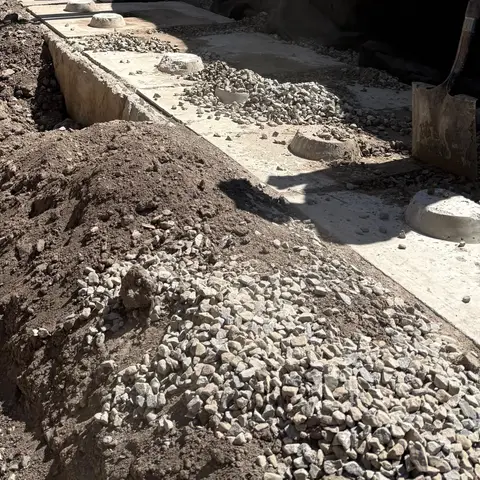
Daybreak Lot 12Shared album
Opens in any browser. No app, no login. Save any photo full size.
Where to find it. Making a job: Start from template → Industry phase columns → Retaining Walls. A job you already have: Board → By bucket → Bucket template sets. Every phase is a normal column you can rename, recolor or delete.
Boulder walls
Setting boulders? Book the thumb with the machine.
Attachments book like machines: one job at a time. If the thumb is already out, Parli shows what has it and on which days. You can also note which machines each attachment fits.
- A machine put on a task is booked for the task's dates, and moves with the task on the Gantt chart.
- Down for maintenance? The yard won't book it.
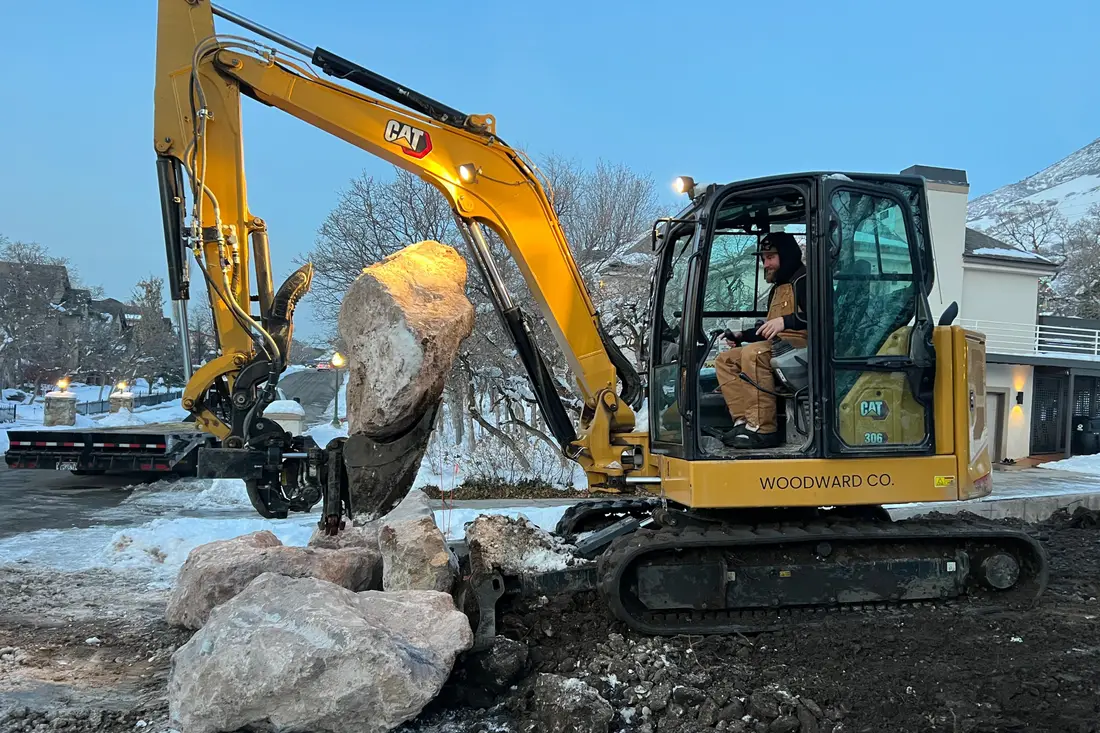
One boulder wall in a new subdivisionUtah. April 2022.
On the phone
At the wall.
Photo requests, checklists, tools by count and the homeowner's link. Tap one to see it full size.
-
Ask for the shotThe crew sees the list on their camera.
-
Snap it. It's already filedParli knows which job you're standing on.
-
Check it off. Everyone sees itChecking off the list moves the progress bar.
-
Know what's in the yardTools by count, like 1 of 2 trench boxes available.
-
File the day from the jobPick the job and the weather, with the crew count from the clock.
-
One link. No app neededPhotos added later show up on the same link.
On the computer
From the office.
The task, the tools, the photos, the subs and the job's files.
-
One task, everything on itProgress, the people and machines on it, the dates, the address, and a service warning when a machine is due.
-
Tools by countTrench boxes, lasers, pumps and light towers, with how many are free.
-
A job's photosFeed, map and the photos still needed, with a search across captions, tags and people.
-
Who's coming and who confirmedEvery visit with its job, days, start time and answer.
-
Inside a jobThe jobsite photos from the basement dig, with who took them.
One backyard wall, nine days.
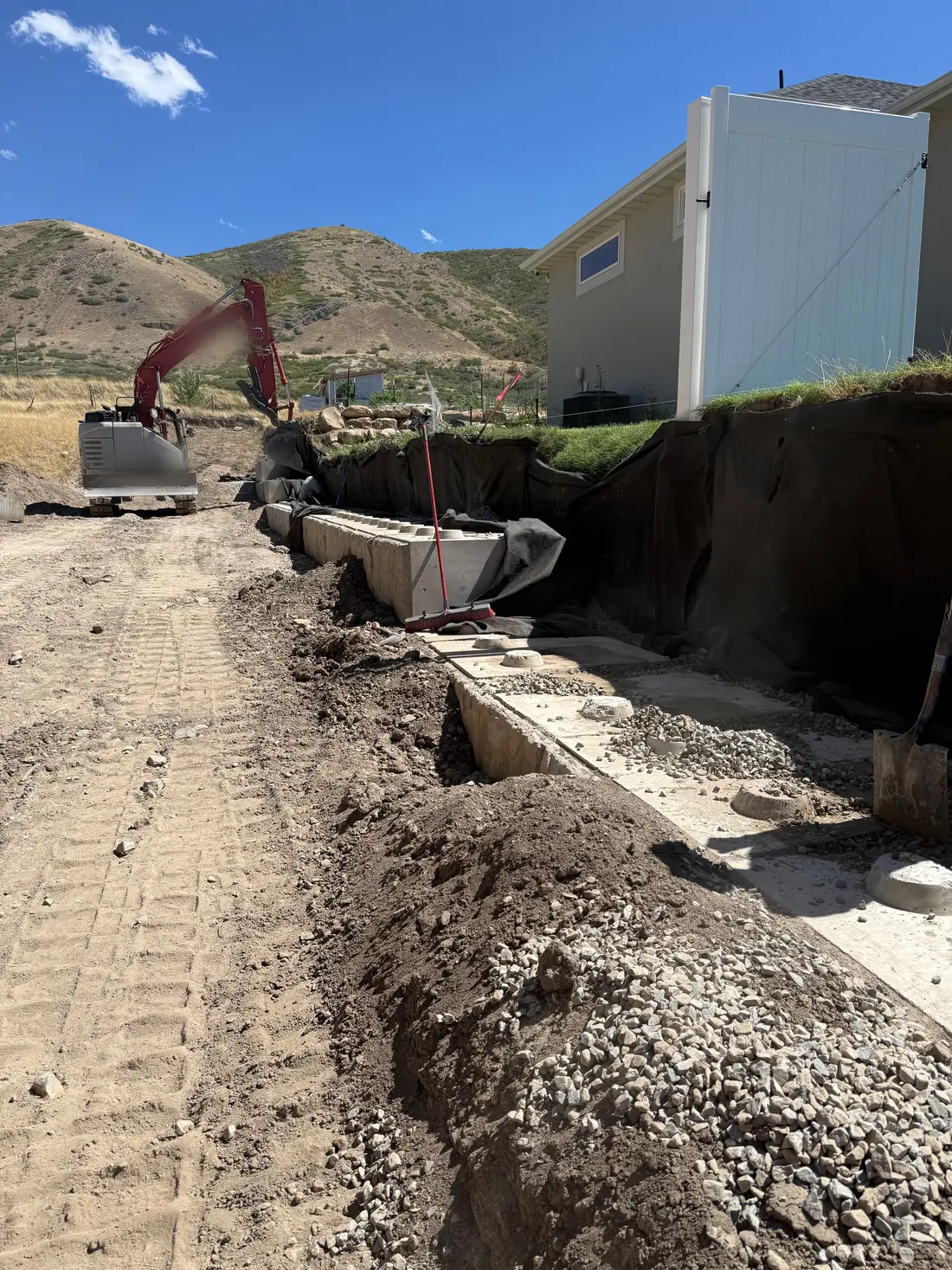
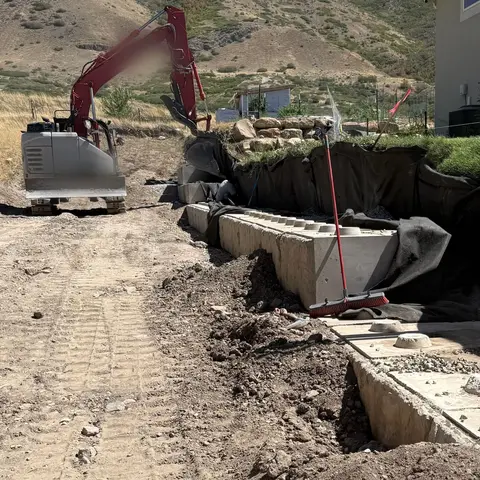
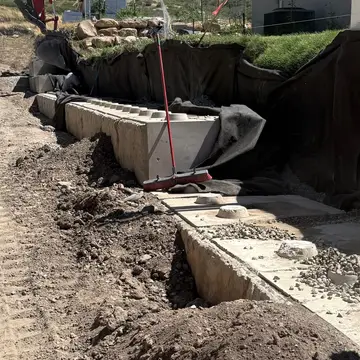
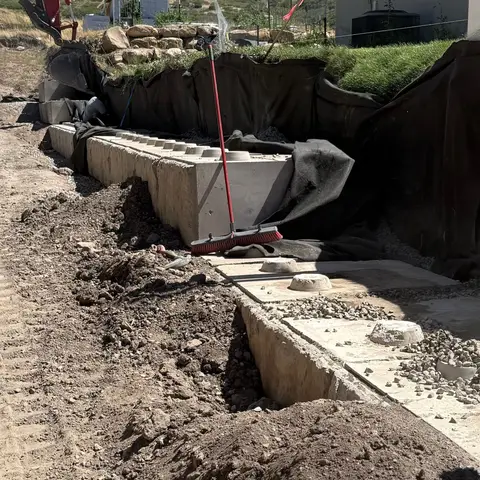
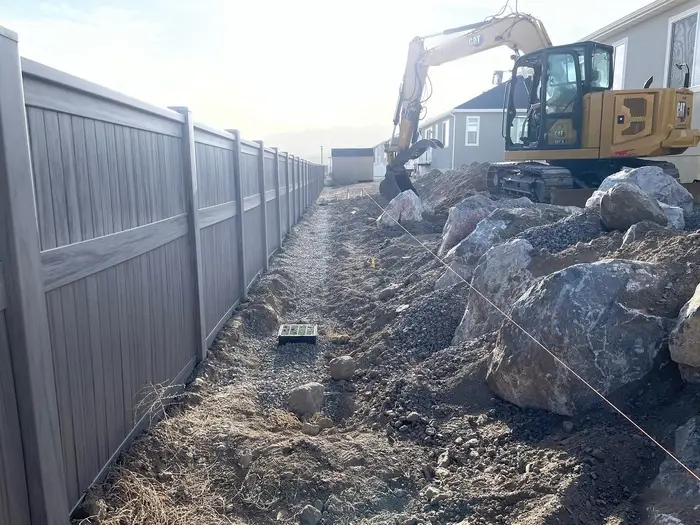
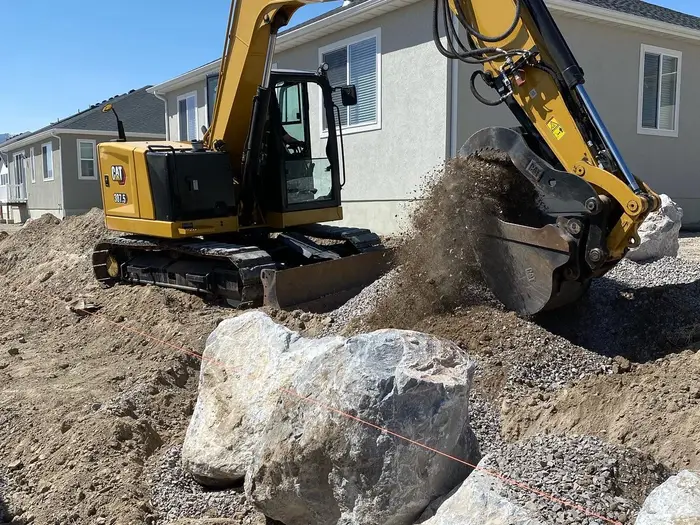
Three photos from one real block wall job in Utah. On Parli, photos like these file themselves to the job by day with who took them, and the homeowner sees every one on the same link.
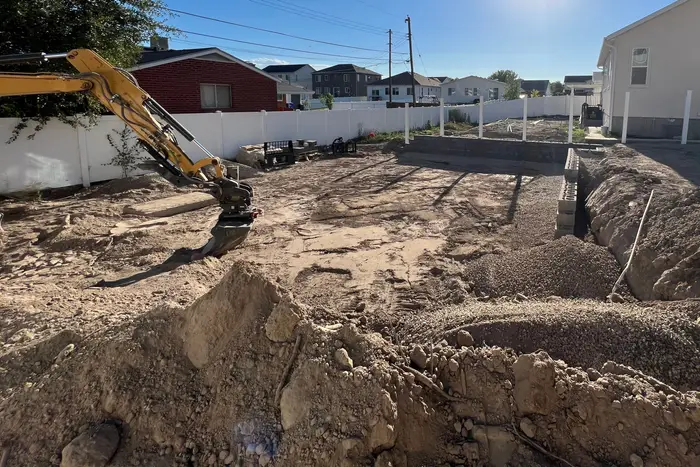
August 31, 2022Dug out, first blocks along the trench 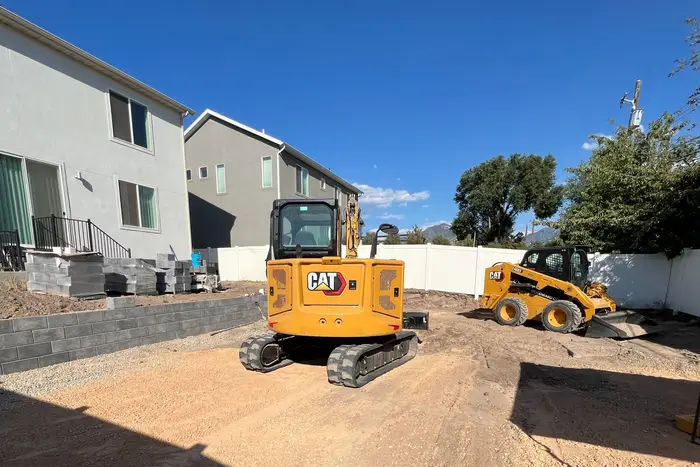
September 6, 2022The block wall up, pallets by the house 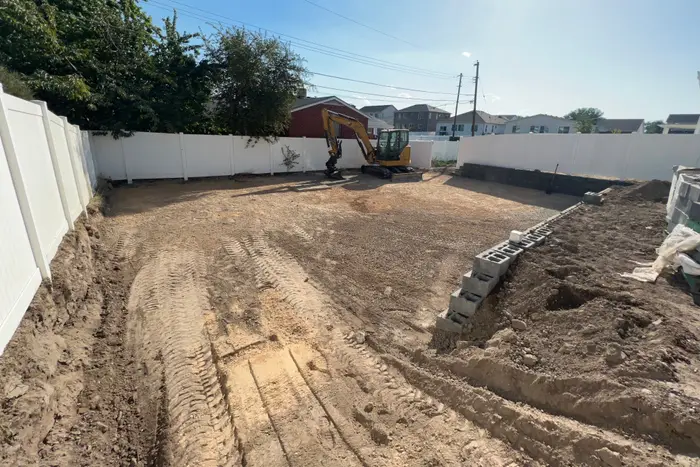
September 8, 2022Graded, the side wall going in
Questions
Common questions
Does Parli have a retaining wall template?
Yes. When you make a job, pick Retaining Walls under Industry phase columns, and its board starts with eight phases, from Design & Engineering to Cleanup & Closeout. Already have the job? Add them from Board → By bucket → Bucket template sets. Rename, recolor or delete any of them.
Can I keep photo proof of each lift and the drain pipe before backfill?
Yes. Ask for the shots the job needs, once or every day, and the crew sees the list on the camera. Each photo files itself to the job with who took it and when. You can draw an arrow or write a note on a photo, and the original is always kept.
Can the homeowner see the wall going up?
Yes. Share the job's photos as one link. The homeowner opens it in any browser with no app, sees every photo full size and can save them. Photos the crew adds later show up on the same link.
Can I schedule the engineer or the inspector?
Yes. Put the inspection on the job as a task with a date. If someone from outside comes out, add them as a sub and book the visit. Parli emails them to confirm or propose a different time, with a reminder 2 days before by default. They don't need the app or a login.
Does Parli calculate blocks or materials?
No. Parli doesn't figure block counts, materials or wall designs. Keep the engineer's drawings and your material list in the job's files, and use Parli to schedule the crew, the machines and the inspection.
Is it free?
Parli is free to start. The Free plan has one active job and one machine, one attachment, one tool and one trailer in the yard. Paid plans have no limit on machines.
Schedule your next wall on Parli.
Free to start. Paid plans have no limit on machines.