

 Here it is










Move one task. The rest follow.
Every job on a Gantt chart. Link the tasks that wait on each other, then drag one when the weather turns. Every task linked after it moves too.
- Water line, lots 31 through 46 Oct 8 – Oct 15
- Storm drain, inlets 1 through 8 Oct 12 – Oct 16
- Backfill the storm trench in lifts Oct 19 – Oct 21
- Fine grade roads A and B Oct 22 – Oct 25
- Curb and gutter, roads A and B Oct 28 – Oct 30
Drag a bar, or use the button. Every task linked after it moves too. The water line isn't linked, so it stays put.
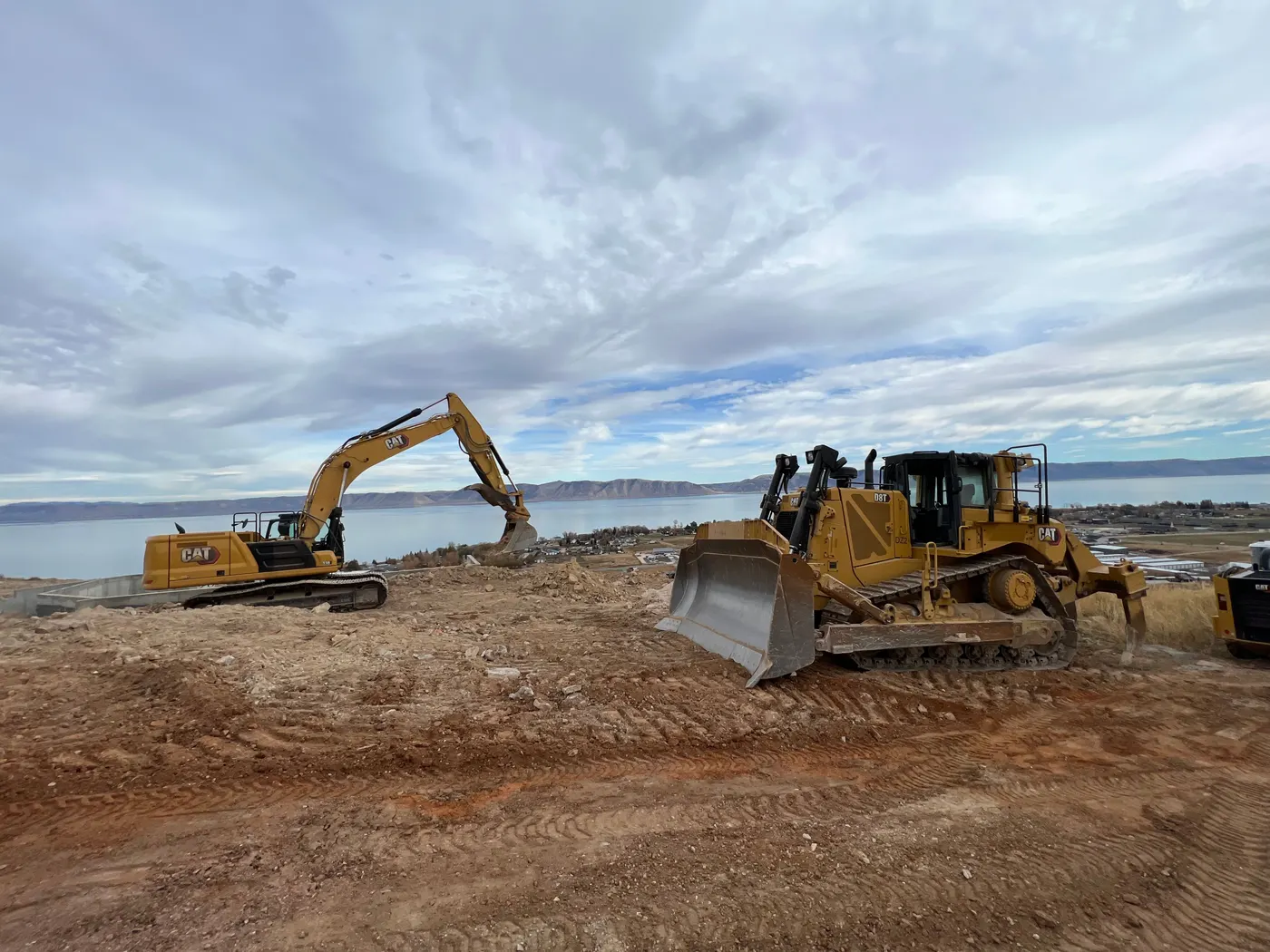
When the sky turns
Rain coming?
Push it two days.
- Link what waitsBackfill can't start until the pipe is in. In the task, pick the task it waits on and any days in between. The chart draws the arrow.
- Drag one barSlide the storm drain two days. Every task linked after it moves too, all the way down the chain.
- The machines come alongMachines on a task are rebooked for its new dates. If one is on another job those days, Parli won't make the move.
On the phone
The chart
goes to the job.
Swipe, scroll or drag. Tap one to see it full size.
-
The whole job, start to finishA job's whole schedule by month, with today marked.
-
Rain coming? Push it two daysDrag a bar and its new dates show as it moves.
-
Move one task. The rest follow.Arrows show which tasks wait on which.
-
Keep the big dates in sightMilestones on their own row, with how far along each one is.
Milestones
Keep the big dates
in sight.
Mark the dates that matter to the builder and the inspector. They sit on their own row at the top of the chart, each with a status and how far along it is.
- Done Sewer acceptedPassed the air test, all six manholes signed off.
- 70% Storm drain completeInlets 1 through 8 set and backfilled.
- 0% Ready for curb and gutterRoads A and B fine graded for the concrete sub.
Everything included
What's in the Gantt chart
Days, weeks or months
Zoom from single days out to the whole job. Tap the chart to zoom back in on a spot.
Drag to reschedule
At the Days zoom, slide a bar to move a task. Both dates move by whole days.
Linked tasks
Pick the task it waits on: finish to start, start to start, finish to finish or start to finish.
Lag days
Add days between linked tasks, like curing time before the next step.
The chain moves with it
Move a task and every task linked after it moves too, earlier or later. The job end date stretches if it has to.
Machines follow the task
Equipment, attachments, tools and trailers on a task are rebooked for its new dates.
No double-booked machines
If a machine on the task is on another job those days, Parli won't make the move.
Milestones
Diamonds on their own row, each with a target date, a status and how far along it is.
Subs and bookings on the chart
Subcontractor visits and the crew and machines booked to the job show below the tasks.
A Today line
The Today button jumps to this week and draws a line down the chart.
Search and filters
Find a task by name, or filter by status and priority.
On the phone too
The same chart on iPhone and Android, dragging included.
On the computer
The whole job
on one screen.
Days and weeks, a bar mid-drag, and the crew and machines on the same chart. Tap one to open it.
-
A job, day by dayThe Today line, the bars around it and the arrows between linked tasks.
-
Mid-dragThe storm drain sliding three days later, its new dates on the bar.
-
The whole job by weekZoomed out to weeks, with the milestones along the top.
-
Crew and machines on the chartThe people and machines booked to the job, below the tasks.
Questions
Common questions
Can I drag tasks on the Gantt chart?
Yes. At the Days zoom, drag a bar to move the task. Both dates move by whole days, and every task linked after it moves too. It works on a phone as well as a computer.
How do linked tasks work?
In a task, add the task it waits on and pick how the two connect, most often finish to start. Add lag days if there should be a gap. When the first task moves, Parli places the linked tasks again by that rule.
Do weekends count?
Task lengths and lag count calendar days, weekends included. Weekends are shaded on the chart so you can see them.
Does the chart show the crew and equipment?
Yes. Below the tasks, the chart shows the crew and machines booked to the job and any subcontractor visits. Machines put on a task move with it when the task moves.
Is there one chart for all my jobs?
The Gantt chart is per job. To see every job at once, use the Calendar for tasks or Dispatch for who goes where.
Which plans include the Gantt chart?
Every paid plan. The Free plan has tasks, the calendar and field reports, but not the Gantt chart.
Put the whole job
on one chart.
Free to start. The Gantt chart comes with every paid plan.
Jobsite and machine photos on this page are from real jobs in Utah. Screens are from the Parli app.