












Every file, sorted by job.
Every job gets its own folder. Plans, permits, jobsite photos and field report photos land in it, ready to open on a phone in the field.
-
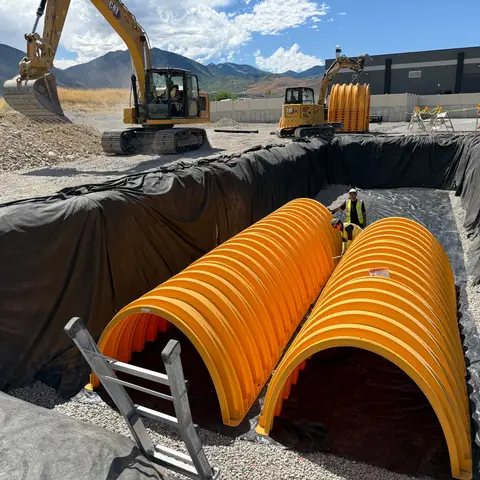 Stormwater chambers in the lined pit.jpg Jobsite photo
 -
 Setting the storm box.jpg Jobsite photo
 - Plan set, Phase 3.pdf Document
- SWPPP permit.pdf Document
-
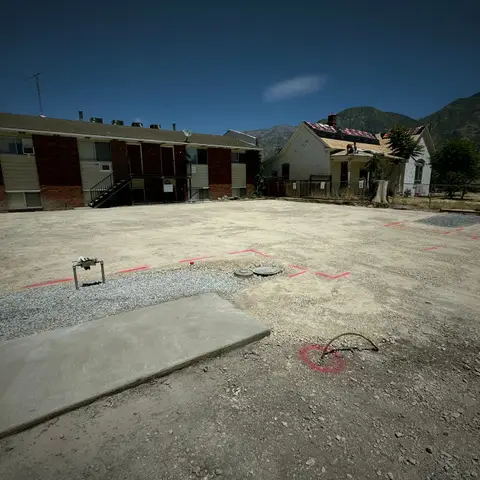 Graded lots 31 to 36.jpg Field report
 - Inlet 6 grade sheet.pdf Task attachment
-
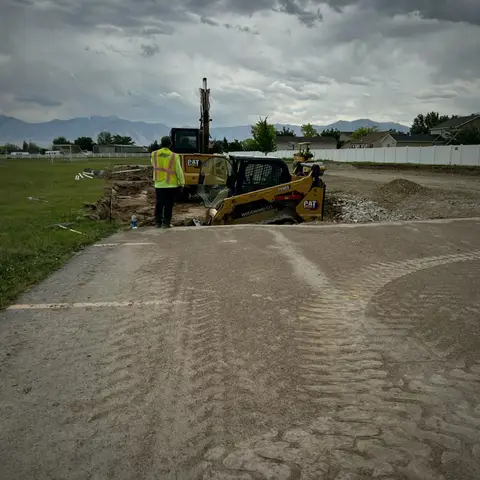 Lot before grading.jpg Jobsite photo
 -
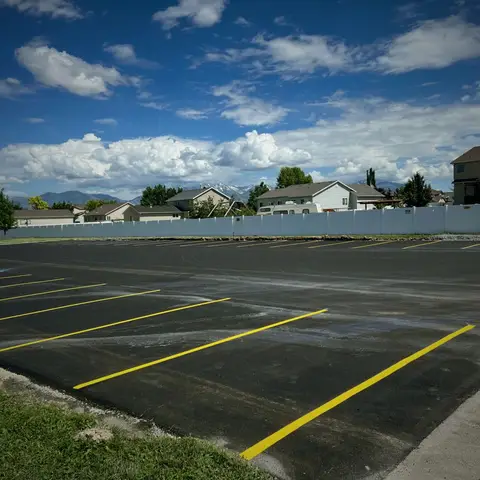 Lot after paving.jpg Jobsite photo
 - Geotech report.pdf Document
- Excavation permit.pdf Document
-
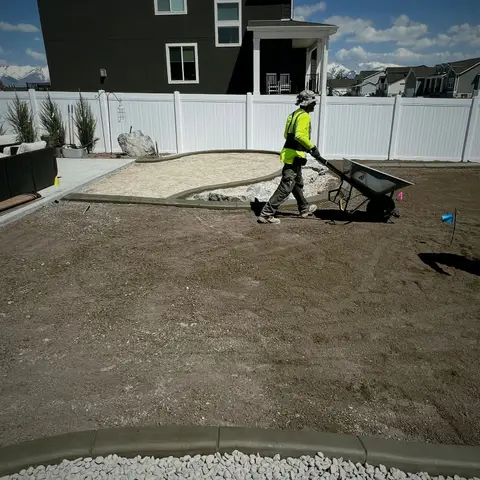 Topsoil spread along the back wall.jpg Jobsite photo
 -
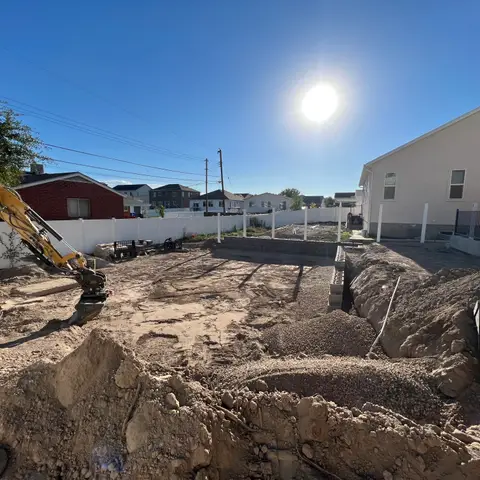 Retaining wall dig started.jpg Field report
No PDFs in this folder yet.
Filed for you
You don't file it. It files itself.
Photos from the job camera, photos from field reports and files attached to tasks all land in the job's folder by themselves. Jobsite and report photos can't be deleted from Files, so nothing goes missing by accident.
- Jobsite photos and videoFrom the camera, with who took them and when
- Field report photosFrom each day's report
- Task attachmentsFrom the task they're on
- Plans and permitsYou upload them once
On the phone
The job's files,
on the job.
Swipe, scroll or drag. Tap one to see it full size.
-
Every file, sorted by jobFolders by job with photo covers and file counts.
-
Open the job. The photos are there.The day's photos, who took them and when.
-
Save the shots worth showingPhotos in the Keepers collection, ready to share.
-
Plans and permits in your pocketThe foundation plan, the excavation permit, the traffic control plan and the geotech report.
★★★★ Larsen Backyard · KeepersLive collection · anyone with the link can view
app.parli.io/sharedalbum?t=…
Everything included
What's in Files
A folder for every job
Made for you when the job is. Files with no job go to Unfiled.
Photos and video
Jobsite photos and video land in the job's folder with who took them and when.
Field report photos
Photos from field reports show up there too.
Task attachments
Files attached to tasks are in the job's folder.
Plans and permits
Upload PDFs and any other documents to the job.
Open it on the phone
Photos and PDFs open right in Parli. Other files download.
Collections
Tag files into collections, starting with a Keepers star.
Three ways to browse
Folders, photos or every file, with filters by type, source and collection.
Find it by name
Search files by name.
Share a link
Send a set of files, or a live collection that grows, to anyone. Turn the link off any time.
Storage meter
See how much space you've used, with a heads-up at 80% and 95%.
Room to grow
Small Business+ and Corporation+ can add 250 GB storage packs.
On the computer
Files at
full size.
Folders by job, inside a job, and every file at once. Tap one to open it.
-
Folders by jobA cover photo, a file count and the size for every job.
-
Inside a jobThe jobsite photos from the basement dig, with who took them.
-
Every fileAll files at once, filtered by type, source and collection.
Questions
Common questions
Do photos from the job show up in Files on their own?
Yes. Jobsite photos and video, field report photos and task attachments land in the job's folder by themselves. Jobsite and report photos can't be deleted from Files, so nothing goes missing by accident.
Can I share files with someone outside the company?
Yes, on paid plans. Managers can share a set of files or a live collection as a link that opens in any browser, and turn it off later.
Who can open Files?
Owners, admins and managers. Crew logins don't have the Files page.
Can I open plans on my phone?
Yes. PDFs and photos open inside Parli. Other file types download.
How much storage do I get?
It depends on your plan, and a meter shows how much you have used. Small Business+ and Corporation+ can add 250 GB packs.
Can I make my own folders?
Folders follow your jobs. To group files your own way, tag them into collections, like Keepers.
Every plan and permit
in your pocket.
Free to start, with storage that grows with your plan.
Jobsite and machine photos on this page are from real jobs in Utah. Screens are from the Parli app.