 Here it is
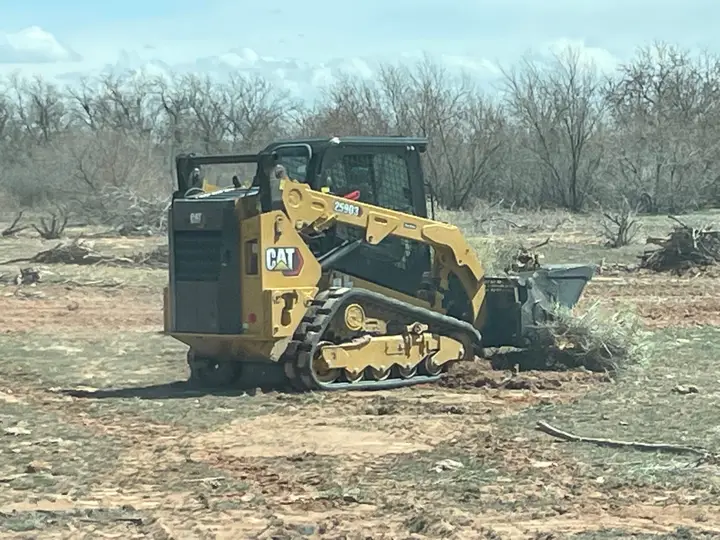
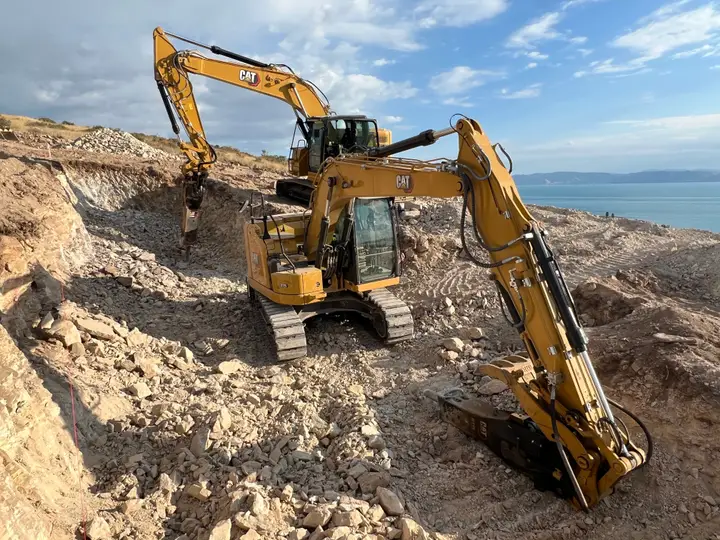
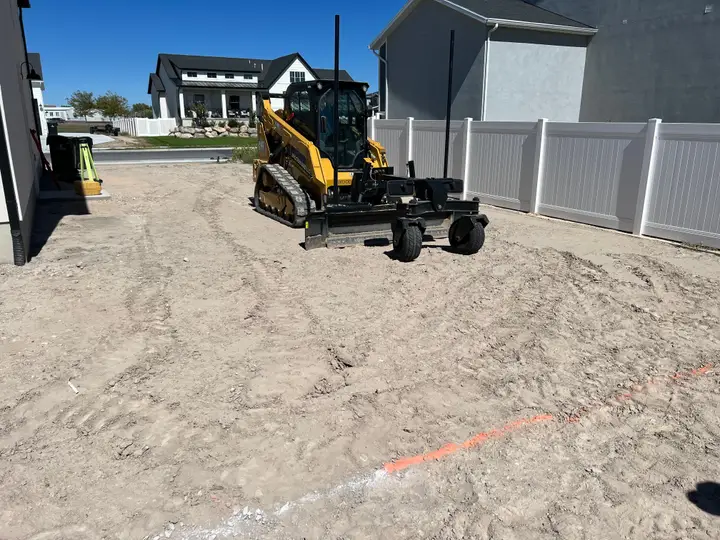
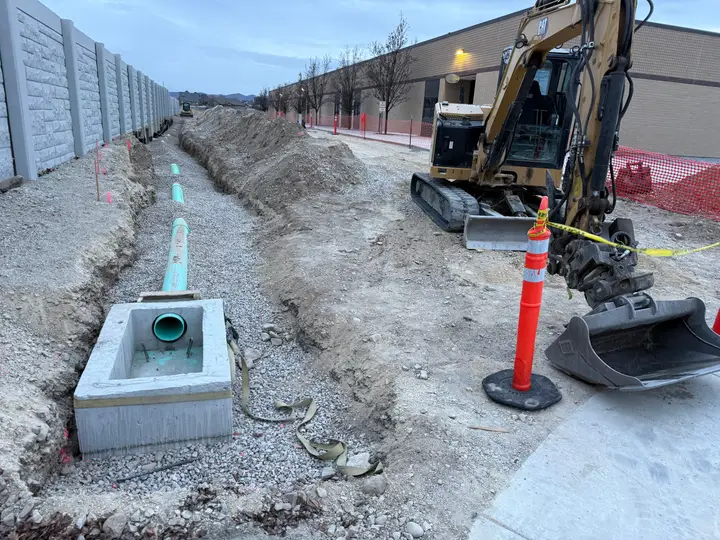


Field crew scheduling software.
For dirt work and construction crews. Who goes where tomorrow, sent to each phone.
Crew logins free on paid plans. From $49 a month. No card.
From the office to every phone.
- 1
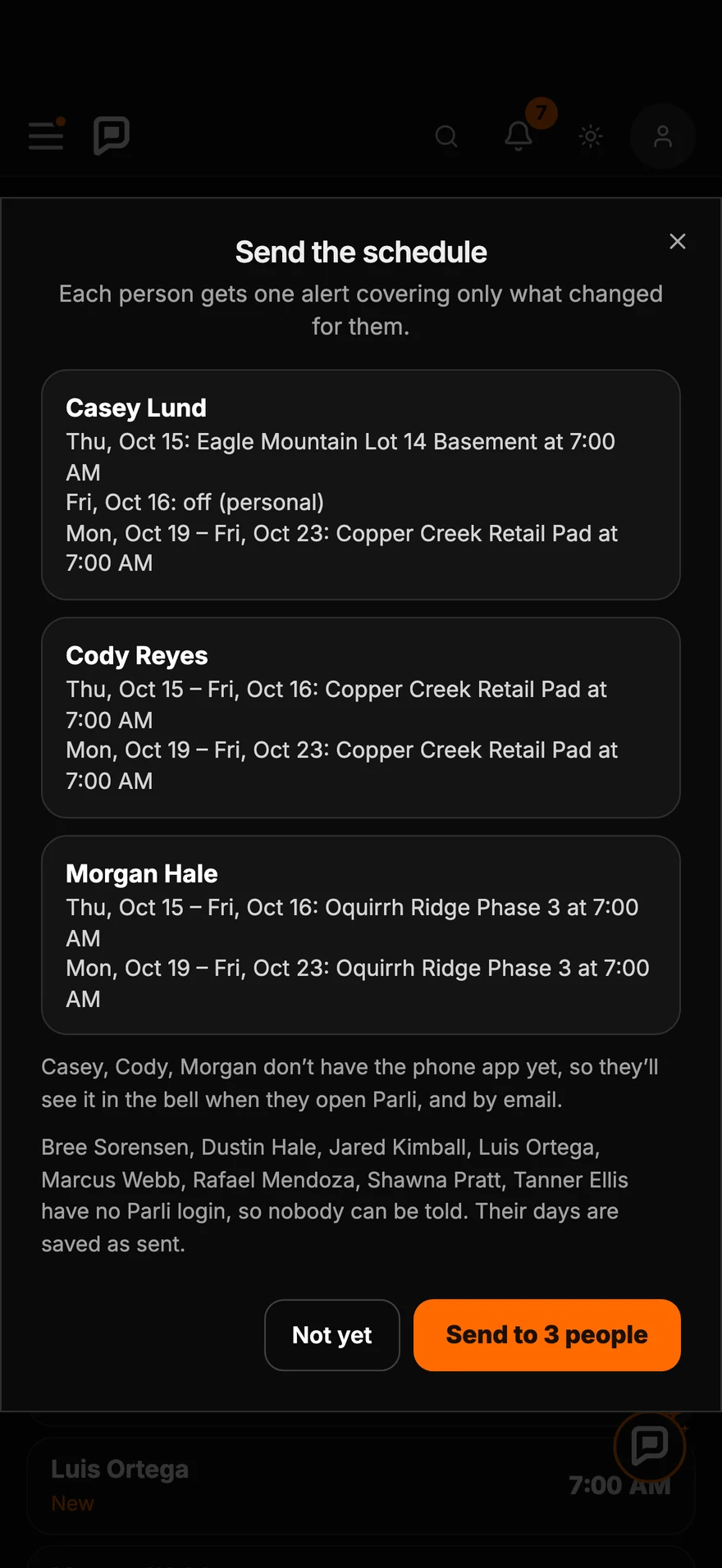
Build tomorrow
Construction dispatch on one board. Each person in a row, each job a bar.
- 2
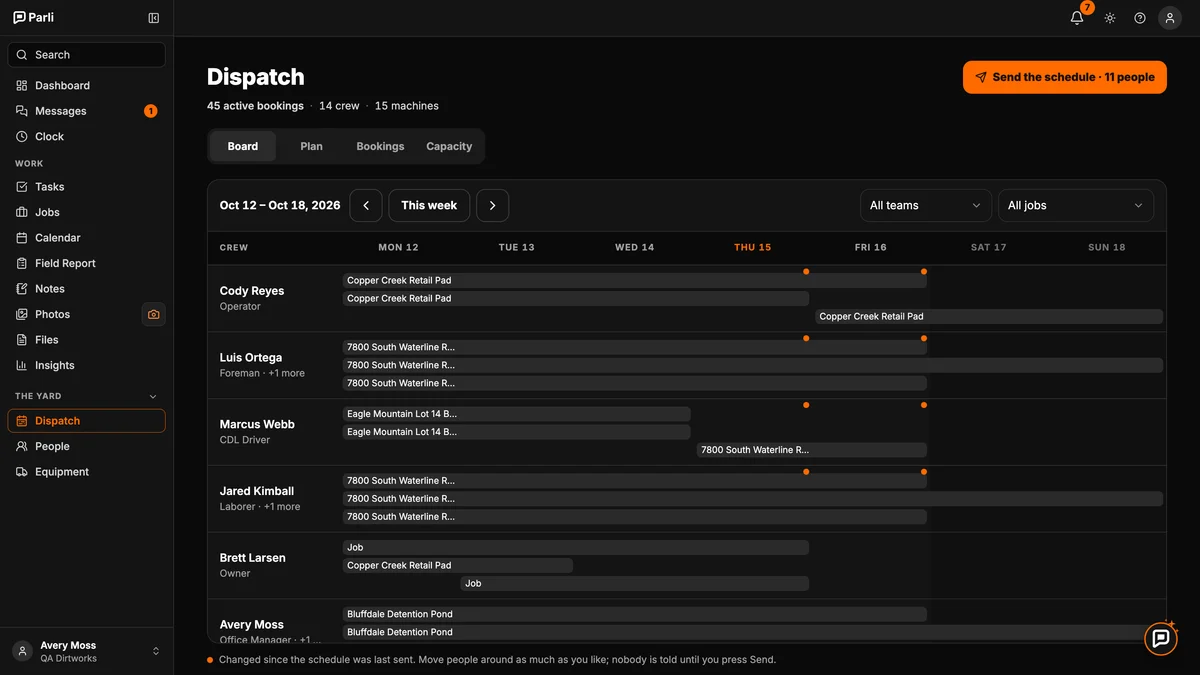
Move people
Tap a name and pick the job. Or drag and drop a whole job on the Schedule.
- 3
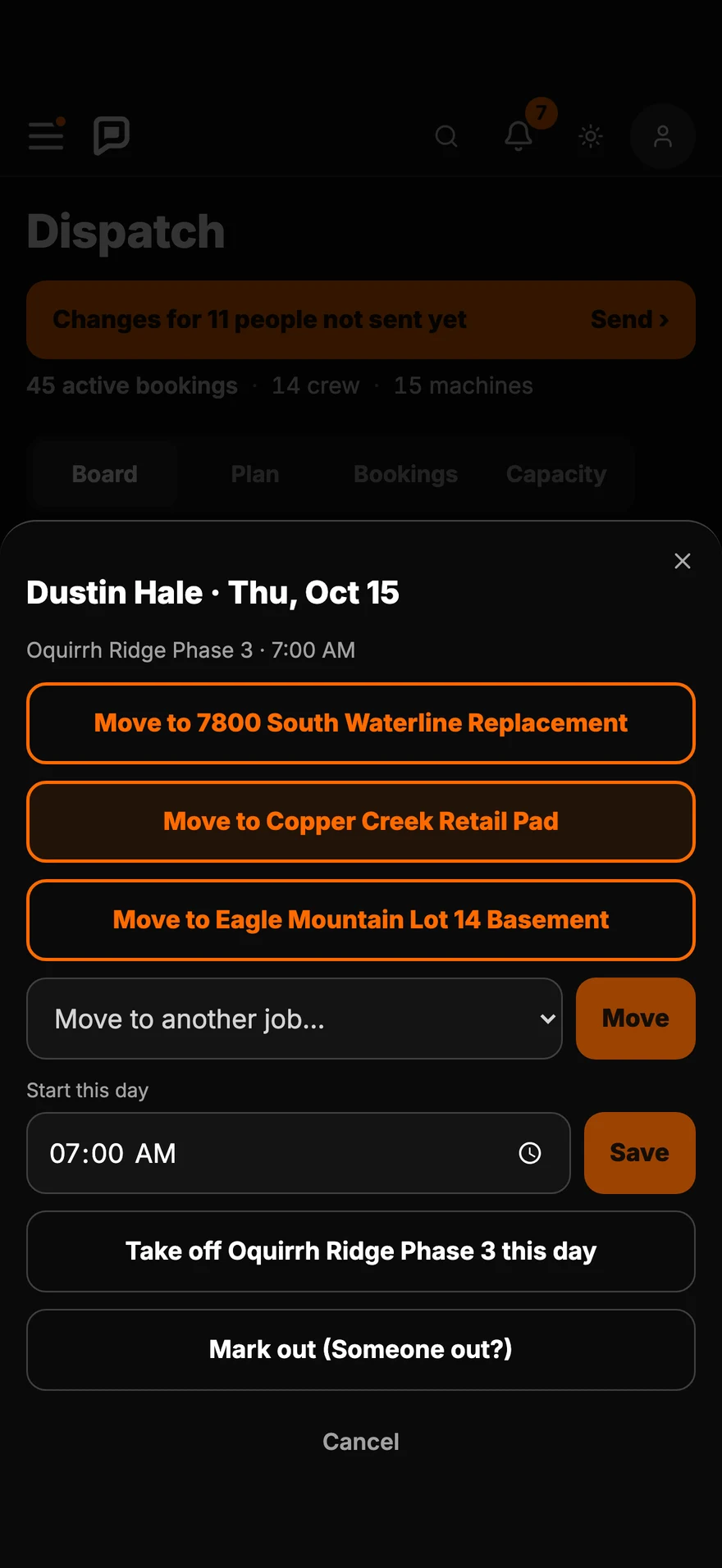
See it before it goes
Parli shows what each person will be told. One tap sends it.
- 4
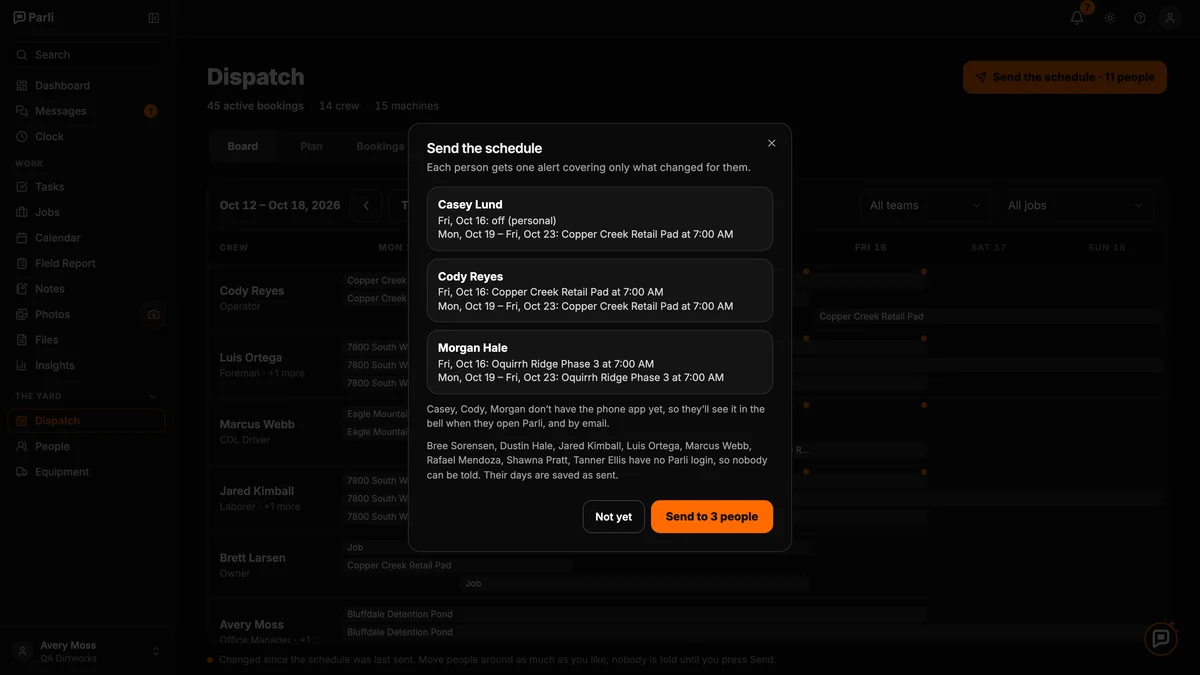
Each person knows where to go
One alert on their phone, with only what changed for them.

Planning the whole job? Construction scheduling software.
How each person finds out.
- Office and foremen
See every job, person and machine. Move anyone.
- Crew
One alert on the phone. They see their own jobs and tasks.
- No app
The same changes by email.
- Subs
An email with the job and the dates. They tap Yes. No login.
Crew schedule in Excel vs. Parli.
| What | Excel | Parli |
|---|---|---|
| Telling the crew | Call or text each person | One tap. Each person gets only what changed |
| What changed | You keep track | An orange dot on every change since the last send |
| Someone calls in sick | Find somebody yourself | Parli suggests who is free, starting with the crew on that job |
| One person, two jobs | You catch it or you don’t | Parli asks before booking someone twice |
| Machines | Another tab | Booked with the crew, on the same board |
What it costs.
Small Business+ is $49 a month. Corporation+ is $99 a month. Crew logins are free and unlimited on both.
See every planCrew questions.
How do I tell my crew where to go?
Press Send the schedule. Each person gets one alert with only what changed for them.
Does anyone hear about a change before I send it?
No. Nobody is told until you press Send the schedule.
What if someone doesn’t have the app?
They get an email.
Can my crew change the schedule?
No. The office and foremen set it. Crew see their own jobs and tasks.
Can I drag and drop?
Yes. Drag a task or a whole job on the Schedule.